Newsletter Subscribe
Enter your email address below and subscribe to our newsletter


Technology for seniors has come a long way — and today’s best tools are designed to make life easier, not more complicated. Whether you’re looking for devices that help you stay safe at home, apps that keep you connected with family, or AI tools that handle everyday tasks, this guide covers the best options and where to start.
No jargon, no pressure.
Senior Tech Cafe is a comprehensive resource on technology for seniors, covering essential safety devices, AI tools, easy-to-use smartphones, and step-by-step guides for older adults — with specific sections on devices for seniors living alone and free technology learning resources.
Artificial intelligence sounds like science fiction, but the useful parts are already sitting in your living room. Here’s what actually earns its keep.
None of it requires a new gadget… most of it is already in a phone or speaker you own.
For a closer look at one you may already have, see how Alexa helps seniors at home.

Living alone doesn’t mean being out of reach. A few well-chosen devices help keep close family in the loop.
Safety you barely notice, independence you keep.
Staying in touch is the whole point for many of us. The good news: the easiest devices to use are also the best for keeping family close.
Video calling turns a phone call into a visit. FaceTime on an iPad, or a video call on an Echo Show, lets you see faces instead of only hearing voices.

Set it up once with a family member’s help, and Sunday calls become the easy part of the week.
Not sure where to begin? Pick the goal that sounds most like you, then follow that path.
Start with the devices and habits that watch your back.
Focus on the tools that keep family close.
Build confidence at your own pace.
You’ll also find a wealth of guides at AARP’s personal technology center.
The most important safety technologies for seniors at home are a medical alert device or smartwatch with fall detection, a voice assistant like Alexa for hands-free help, and a simple mobile phone for emergencies. A two-way video monitor is also useful for seniors living alone.
Voice assistants like Amazon Alexa and Google Home are among the easiest — you just speak naturally. Simplified smartphones like the Doro or Jitterbug have large buttons and basic interfaces. Tablets (especially iPads) are also widely considered senior-friendly due to their large screens.
AI tools help seniors with medication reminders, answering questions by voice, writing messages, managing subscriptions, and even detecting scam calls. Most AI assistants are built into devices seniors already own — no separate purchase needed.
For seniors living alone, the highest-priority technologies are a medical alert device or fall-detection smartwatch, a voice assistant for hands-free help, and a two-way video monitor so family members can check in easily without the senior needing to answer a call.
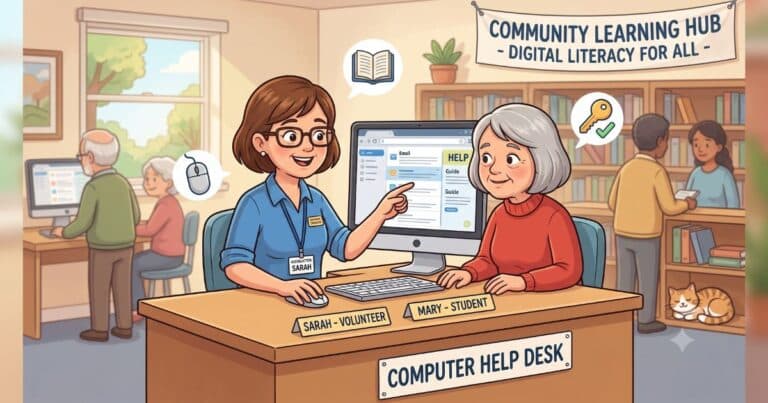
Free computer classes for seniors are available at most public libraries, through AARP, and on sites like GCFGlobal.org. Senior Tech Cafe also provides step-by-step guides on every major technology topic, written specifically for older adults.