Newsletter Subscribe
Enter your email address below and subscribe to our newsletter

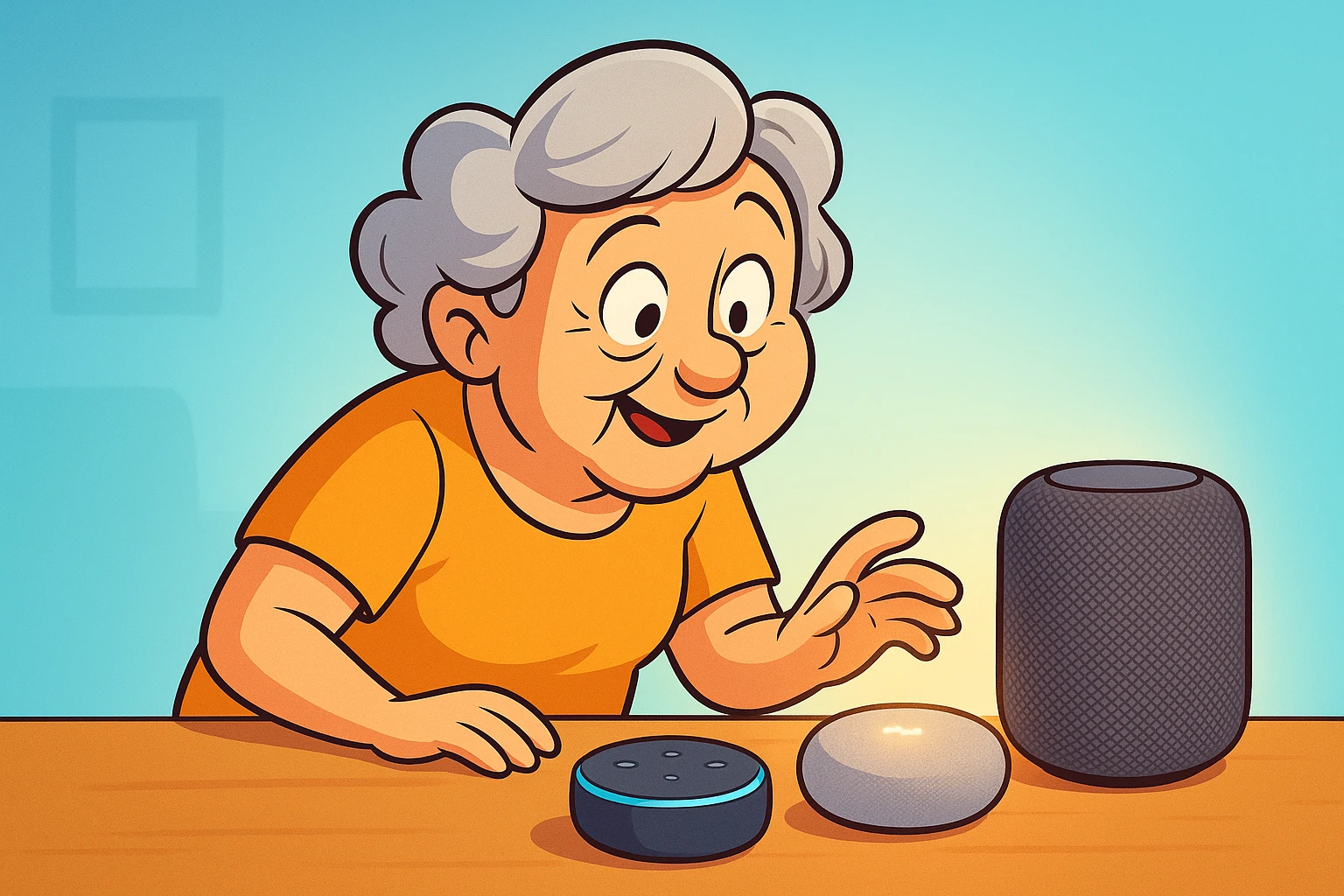
Compare Alexa Siri and Google to find the best voice assistant for your home with easy integration and helpful features to simplify everyday tasks.
Have you ever found yourself in the middle of a recipe, hands covered in flour, needing to know how many ounces are in a cup? You could try to wash and dry your hands, find your phone, unlock it with a doughy finger, and Google it. Or, you could just shout into the void of your kitchen and get an answer instantly.
Welcome to the world of voice assistants, the closest thing we have to a friendly, live-in butler who doesn’t judge you for wearing pajamas all day.
If the thought of inviting a “smart speaker” into your home makes you more nervous than a long-tailed cat in a room full of rocking chairs, you’re not alone. The whole idea can feel a bit like science fiction. But here’s the secret: these devices are designed to be simple. You don’t type, you don’t swipe—you just talk. They’re less like a complicated computer and more like a helpful grandchild who actually listens.
We’re going to break down the big three—Amazon’s Alexa, Google’s Assistant, and Apple’s Siri—and help you figure out which one, if any, is the right new friend for your home.
Think of choosing a voice assistant like picking a new sidekick. Each one has a different personality and special skills. There’s the super-connector who knows everyone, the brainiac who has an answer for everything, and the loyal companion who sticks with its own family.
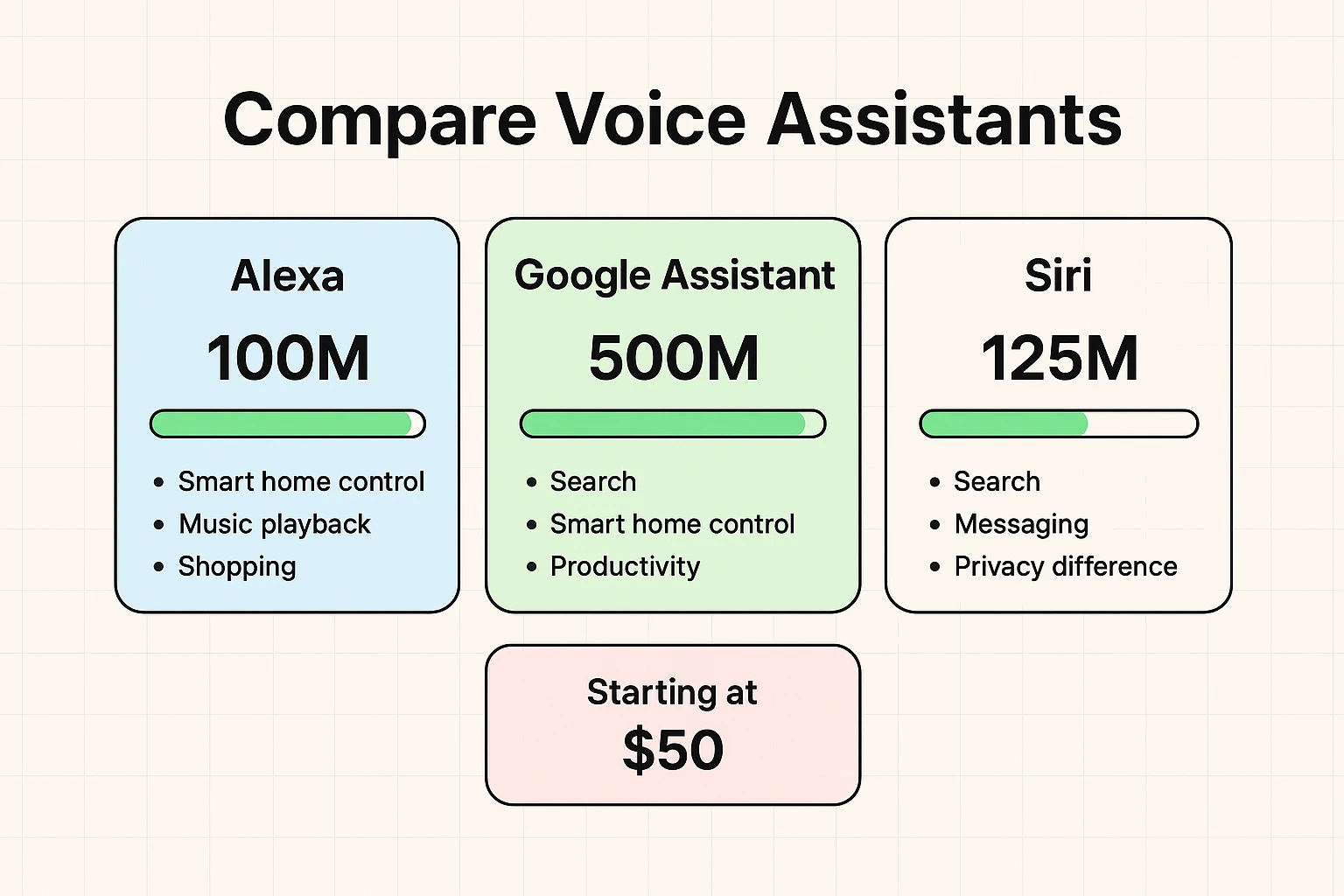
Alexa, who lives in Amazon’s Echo speakers, is the most popular kid in the smart home school. If you want a device that can talk to nearly any other gadget you can think of, Alexa is your best bet. According to research from CNET and SafeWise, Alexa is compatible with over 100,000 smart home devices. That’s more than double its closest competitor.
Google Assistant, found in Google’s Nest speakers, is the brain of the operation. Since it’s powered by Google’s massive search engine, it’s the undisputed champion at answering random questions. It excels at natural, back-and-forth conversation and integrates flawlessly if you already use Google for your email, calendar, or maps.
Siri, who you’ll find in Apple’s HomePod speakers, is a bit of a homebody. It works brilliantly with other Apple products like your iPhone, iPad, and Mac. If your house is already filled with Apple gear, Siri will fit right in. However, it’s not as friendly with devices from other companies.
Before you worry about turning your house into a futuristic spaceship, let’s start with the basics. The real magic of these devices is how they handle the small, everyday tasks that can be a minor nuisance.
You can ask them to:
It’s about making life a little easier, one spoken command at a time. No tiny buttons, no confusing menus.
Now, let’s talk about one of the most powerful features for many of our readers: managing health. Remembering to take multiple medications on a strict schedule can be a challenge. A voice assistant can act as a friendly, persistent, and hands-free reminder.
Setting it up is as simple as saying, “Hey Google, remind me to take my heart medication every day at 9 AM and 9 PM.” The device will then chime and announce the reminder at the exact time, every single time. It brings a level of consistency and peace of mind that can be a game-changer for maintaining independence at home.
While these assistants are fantastic for simple reminders, some people may need more advanced features. For a deeper look into this topic, you might want to explore a dedicated medication timer and specialized apps that offer more detailed tracking.
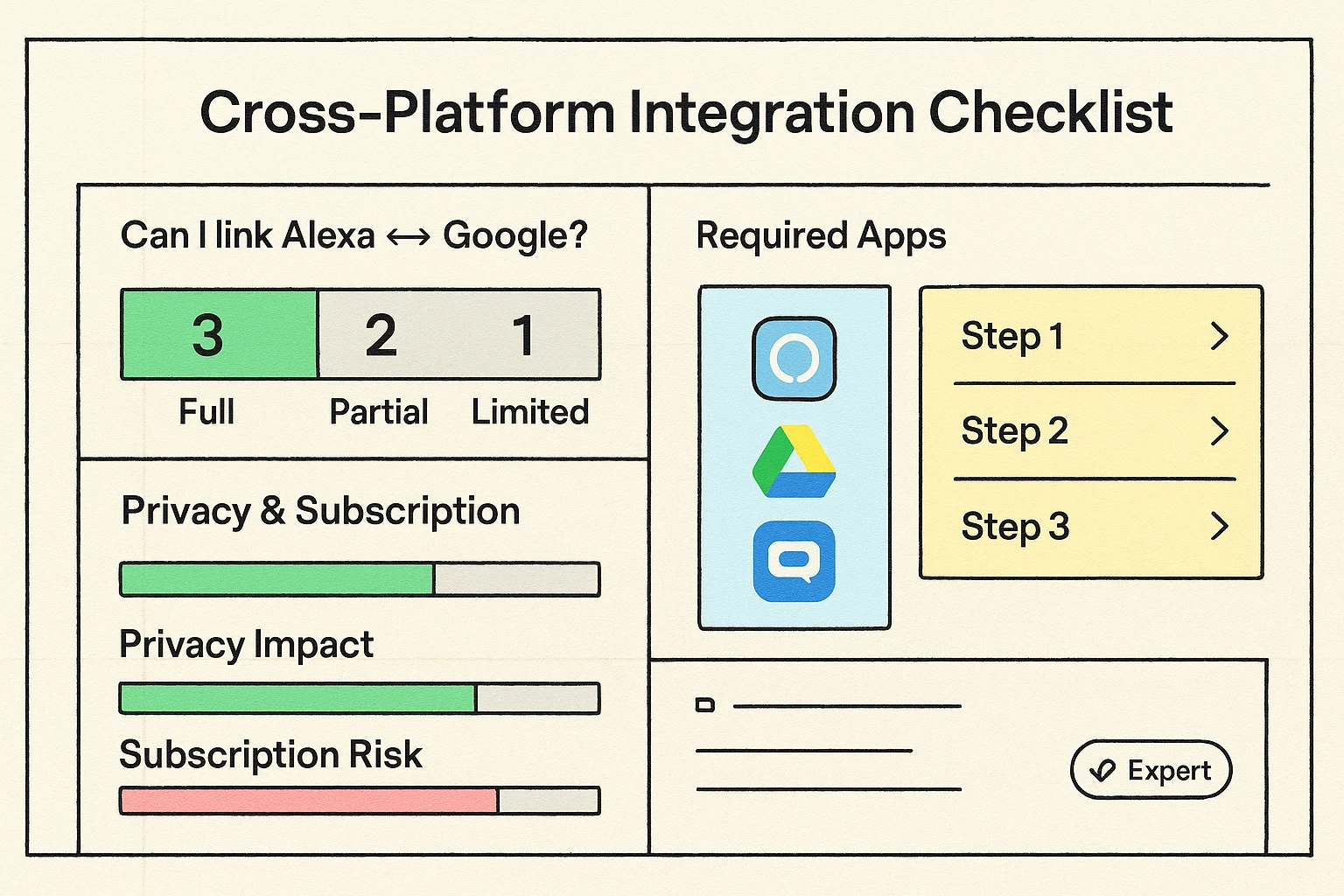
What if you have an Amazon Echo speaker but your new smart thermostat only wants to talk to Google? This is a common headache. It’s like trying to plug a lamp from Europe into an American outlet.
The good news is, you can often make them work together, even if they’re rivals. For example, you can enable a “skill” in the Alexa app that allows it to control some Google-friendly devices. It sometimes takes an extra step, but it’s usually possible to create a happy, blended-family smart home.
Let’s get this out of the way: yes, these devices are technically “always listening.” But they’re not listening to your conversations. They’re listening for one specific “wake word”—like “Alexa,” “Hey Google,” or “Siri.”
Think of it like a dog that’s asleep until it hears its name. It’s not processing everything else happening in the room. Once it hears that word, it wakes up and records your command to figure out what you need. You can view, listen to, and delete these recordings in the device’s app.
It’s a trade-off, no doubt about it. You’re trading a little bit of data for a whole lot of convenience. But you are in control of your history and can mute the microphone anytime you want complete privacy.
There’s no single “best” choice—only the best choice for you.
For the most part, no. You buy the device, and the assistant’s services are free. However, be aware that Amazon is testing a subscription version called “Alexa+” for more advanced AI features, so this could change in the future.
Yes! They are remarkably good at understanding different accents and speech patterns. Plus, you can train them to recognize multiple users, so it will know your voice versus your spouse’s and can give you personalized calendar updates.
No worries. When the power comes back on, the device will simply restart and reconnect to your Wi-Fi automatically.
Honestly, the hardest part is getting it out of the box. The setup is guided by an app on your smartphone and mostly involves connecting it to your Wi-Fi and giving it a name. It’s designed for everyone, not just tech wizards.
Choosing a voice assistant doesn’t have to be overwhelming. Start by thinking about what you already use. Are you a big Amazon shopper? An iPhone devotee? A Google Maps expert? Let that guide you.
And remember, you don’t have to automate your entire home overnight. Start with one speaker in the kitchen. Use it to set timers, play music, and add to your grocery list. See how it feels. You might just find that having a helpful voice around the house is one piece of modern technology that actually makes life simpler.