Newsletter Subscribe
Enter your email address below and subscribe to our newsletter

By Chris Clark, founder of Senior Tech Cafe
You’ve probably heard two stories about AI. In one, it’s coming for your bank account, your privacy and possibly your toaster. In the other, it’s a genius that will cure diseases, write symphonies and finally get your printer to work.
Neither one helps much when you’re sitting at the kitchen table, coffee going cold, wondering whether any of this is worth your time.
In real life, AI for seniors looks a lot less like science fiction. It’s getting help writing the toast for your granddaughter’s wedding. It’s snapping a photo of whatever is chewing your roses and getting its name (and its criminal record). It’s finally getting Grandpa’s war stories down on paper while the people who remember them are still around to check the details.
Some days I think AI is the most amazing tool I’ve ever used. Other days I think it should be called AS, for Artificial Stupidity, because it can get some things very wrong and sound completely sure of itself while doing it.
Both are true. This guide shows you where AI is worth your time, where it falls on its face, and how to tell which kind of day you’re having. It’s free to start, it works in plain English, and it never sighs when you ask the same question a third time.
The most practical AI tools for seniors are free and probably already within reach. A chatbot like ChatGPT can write, explain and plan for you. The live captions and read-aloud features built into most phones help with hearing and seeing. Photo and scanning apps sort your pictures and turn paper piles into files you can search. Start with whatever you’re curious about, keep private details out of it, and double-check anything about health or money.
Free download: ChatGPT for Seniors
Our free ChatGPT for Seniors report is the most-read AI guide on this site. It’s written in plain English for people who have never typed a word into a chatbot, and you can read it online or download it to keep.
This page is the front door to everything we’ve written about AI. Nobody reads a guide like this top to bottom (if you do, we salute you), so jump to whatever you’re curious about and start there.
If you’ve never used AI, start with ChatGPT. You type (or say) a question the way you’d ask a person, and it answers the same way, with no secret codes or computer-speak. It’s a bit like texting a friend who has read most of the library and has nothing else to do all day. The catch is those Artificial Stupidity days, so it pays to know a little about how it works before you trust it with anything important.
This is where AI earns its keep. It can draft the email to the cable company you’ve been rehearsing in the shower for a week, boil 40 unread messages down to the few that matter, and explain that insurance letter in words a human might actually use. None of it will make the evening news, but you’ll notice the time you get back.
Some of the most useful AI is already on your phone, sitting in a settings menu you’ve never had a reason to open. Live captions can type out what people say on a call, so you’ll know whether your grandson said he aced his math test or raced a moth nest. Your phone can also read text out loud, and translation apps can turn a Roman waiter’s rapid-fire Italian into English before your coffee gets cold.
AI can help you keep track of pills, get ready for a telehealth visit, and make sense of what the doctor said afterward. It is not your doctor, no matter how confident it sounds at 3 a.m. It sometimes hands out health advice that sounds official and is flat-out wrong, which is a bad combination when you’re already worried. Use it to show up with better questions, then take those questions to a real person with a medical license.
AI companions are chatbots and gadgets built to chat with you, remember how your day went and check in again tomorrow. Unlike the cat, they’ll actually listen to the whole story about the leaky faucet. They also keep everything you tell them, and it’s stored by the company that makes them, so it’s worth knowing what you’re signing up for before you pour your heart out.
AI can compare prices across a dozen stores, keep tabs on your budget, and plan a trip around your knees instead of the other way around. It can also be used on you. The same technology that finds you a deal is what stores use to work out exactly which gardening gloves you’ll buy at 11 p.m., so it’s worth reading both sides.
This is the fun section. AI can dream up a quilt pattern when your inspiration has gone on vacation, turn a shoebox of faded photos into something worth framing, and help you write down the family stories everyone keeps asking about. Think of it as a brainstorming buddy with endless patience who never once asks, “Are you sure about that color?”
Now for the not-so-fun flip side. The same tools that turn an old snapshot into art can also make a fake photo that fools almost anybody. Scammers use AI to copy a grandchild’s voice from a short recording, fake videos of famous investors, and write phishing emails without a single typo. The good news is that a few simple habits go a long way, and you can practice spotting fakes on our quizzes before the stakes are real.
Our Online Safety for Seniors guide covers the AI scams in more depth:
Our newsletter features real people doing surprising things with technology. These are this year’s stories where AI played a starring role, for better and occasionally for weirder.
Yes. ChatGPT has a free plan, and you don’t need to pay anything to try it. In the U.S., the free plan and the $8-a-month Go plan can show ads, which started in February 2026. ChatGPT Plus costs $20 a month and has no ads. Most people should use the free plan for a few weeks before paying for anything.
AI is safe enough for everyday jobs like writing an email or planning a trip, as long as you treat it like a chatty stranger. Leave out your Social Security number, bank details, passwords and medical record numbers. In ChatGPT, a Temporary Chat won’t be saved to your chat history. Check any fact that matters before acting on it.
Many public libraries and senior centers now run free beginner classes on AI and ChatGPT, so call yours first. Senior Planet from AARP also offers free online tech classes you can join from home. Our Computer Classes for Seniors guide lists free, online and in-person options in one place.
No. ChatGPT works in the web browser on the computer you already have, at chatgpt.com, and there’s a free app for iPhone and Android. Live captions and read-aloud features are built into most phones made in the last few years. Check your phone’s Accessibility settings before you buy a gadget that promises the same thing.
Talking is easier than typing. In the ChatGPT app, tap the microphone and ask your question out loud, the same way you’d ask a friend. A good first try is something low-stakes: “Give me three easy dinner ideas using chicken and rice.” If the answer misses, just tell it what you’d change.
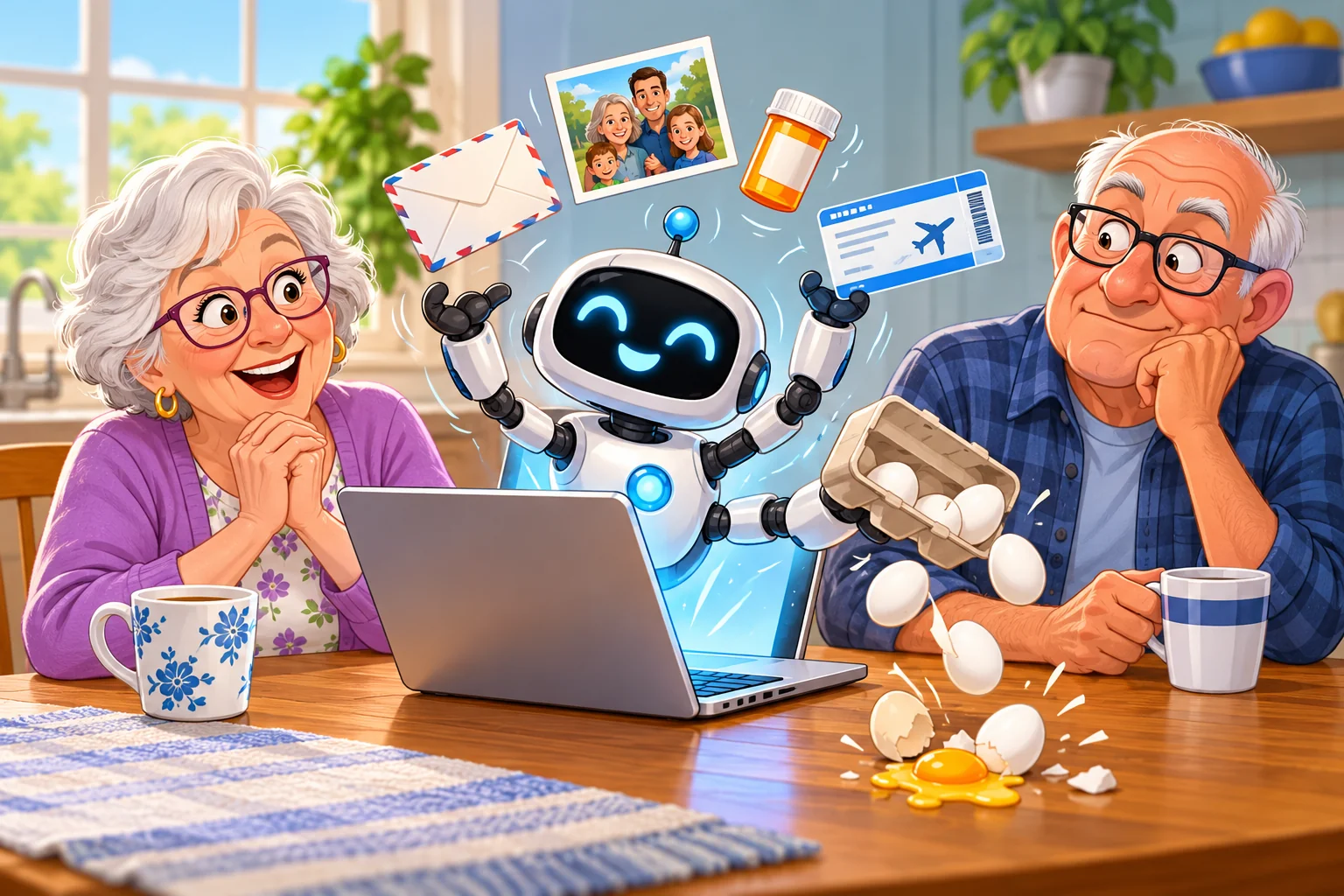
Pick one thing from this page that caught your eye and try it this week. Ask ChatGPT for a dinner idea, turn on captions for your next video call, or snap a photo of that spot on your tomato leaves. If it helps, great. If it hands you a recipe that calls for 14 eggs, you’ve learned something about AI too.
If you’d like a guide in your hand while you try it, our free ChatGPT for Seniors report walks you through the basics in plain English. Read it online or download it, whichever you prefer.