

By Chris Clark, founder of Senior Tech Cafe
The best reminder app for most people is the one already on their phone: Reminders on an iPhone, or Google Tasks on an Android phone, which Gemini fills in when you say “Hey Google, remind me…” Both work by voice, both repeat as often as you like, and neither costs extra.
Have you ever had a conversation with yourself that goes like this? “Okay, I need my wallet, my keys and my phone.” You pat your pockets. Wallet, check. Phone, check. Keys… keys… where in the name of sensible shoes are the keys? You check the hook by the door, the kitchen counter, yesterday’s pants. Ten minutes later, you find them in the refrigerator next to the half-eaten tub of cottage cheese.
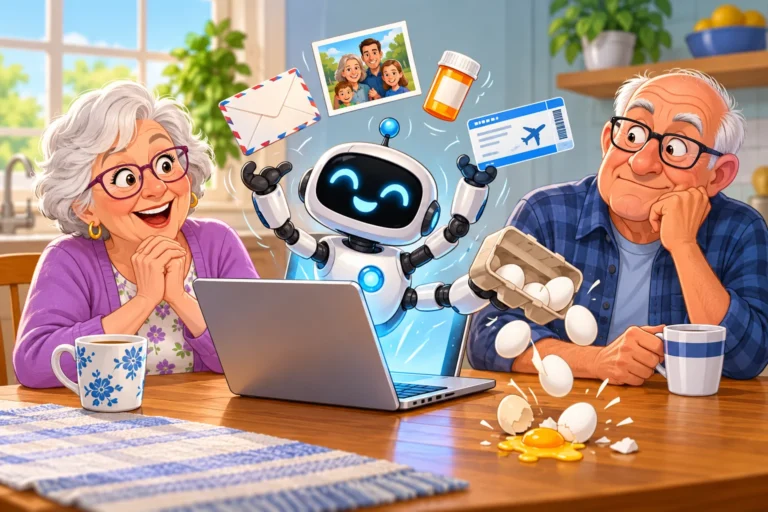
Our brains are like busy filing cabinets, and sometimes the file labeled “Location of Car Keys” gets shoved behind “That Song from 1973 I Can’t Stop Humming.” That’s where a phone that remembers for you earns its place.
We’re not talking about an alarm clock that screeches at 7 a.m. We’re talking about reminders you set by talking, that repeat on their own, and that can even go off when you walk through your front door.
“Artificial intelligence” sounds like something from a sci-fi movie about robots taking over the world. In reality, it’s much less dramatic.
A regular alarm is like a wind-up toy. You set it for 8 a.m., and at 8 a.m. it makes a noise. That’s it. It doesn’t know why you need to wake up, and it’ll happily go off on a holiday when you’d rather sleep in.
An AI reminder is more like a helpful neighbor. It understands plain English. Say “Remind me to take my heart medication every day at 9 a.m.” and it sets a daily reminder, no menus required. On newer iPhones it can even suggest reminders from text you’re reading, like the shopping list in a recipe or the to-dos in an email.
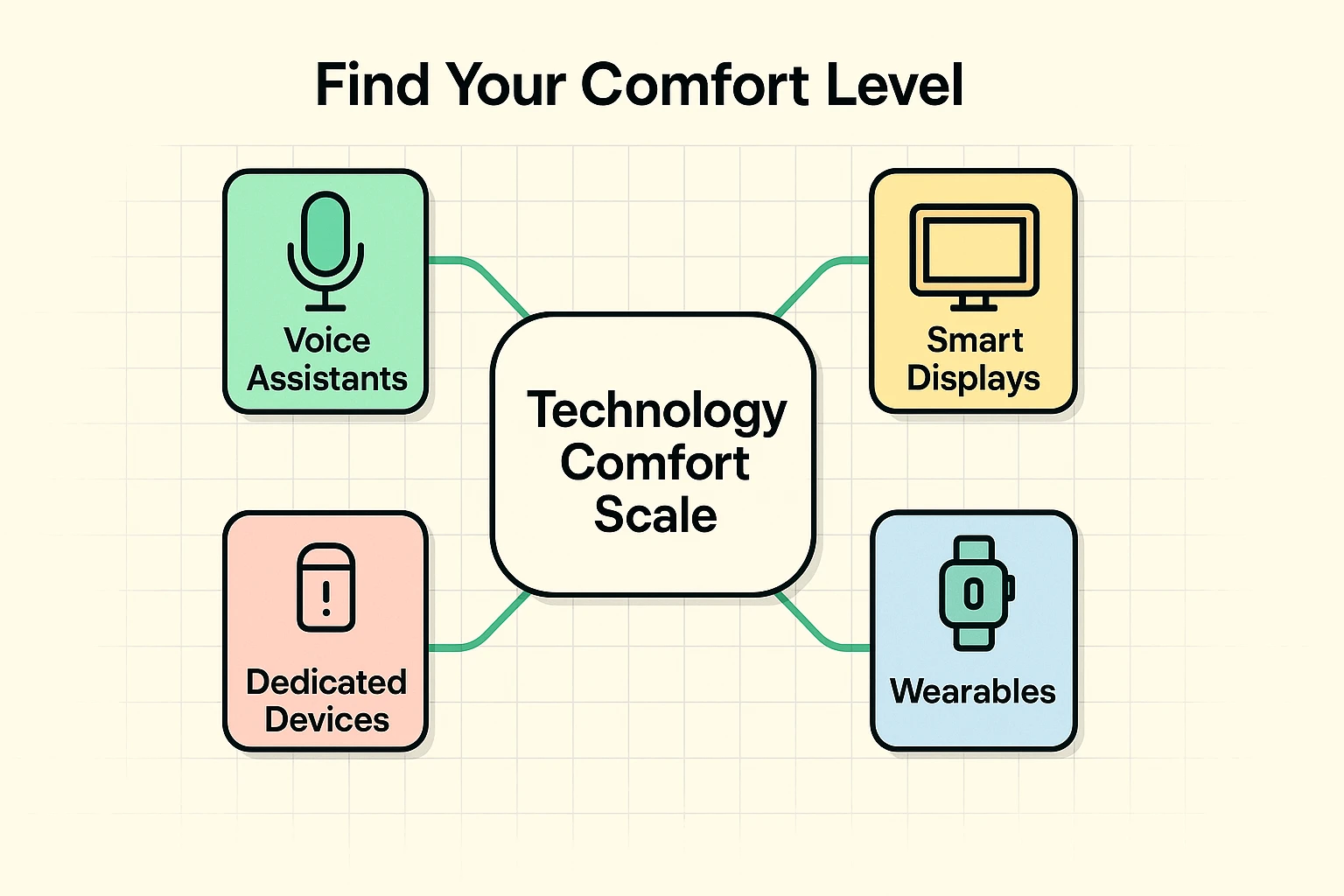
Not everyone wants a talking robot in the living room, and that’s fine. The trick is matching the tool to your comfort level:
You wouldn’t learn to drive in a rocket ship. Same principle here.

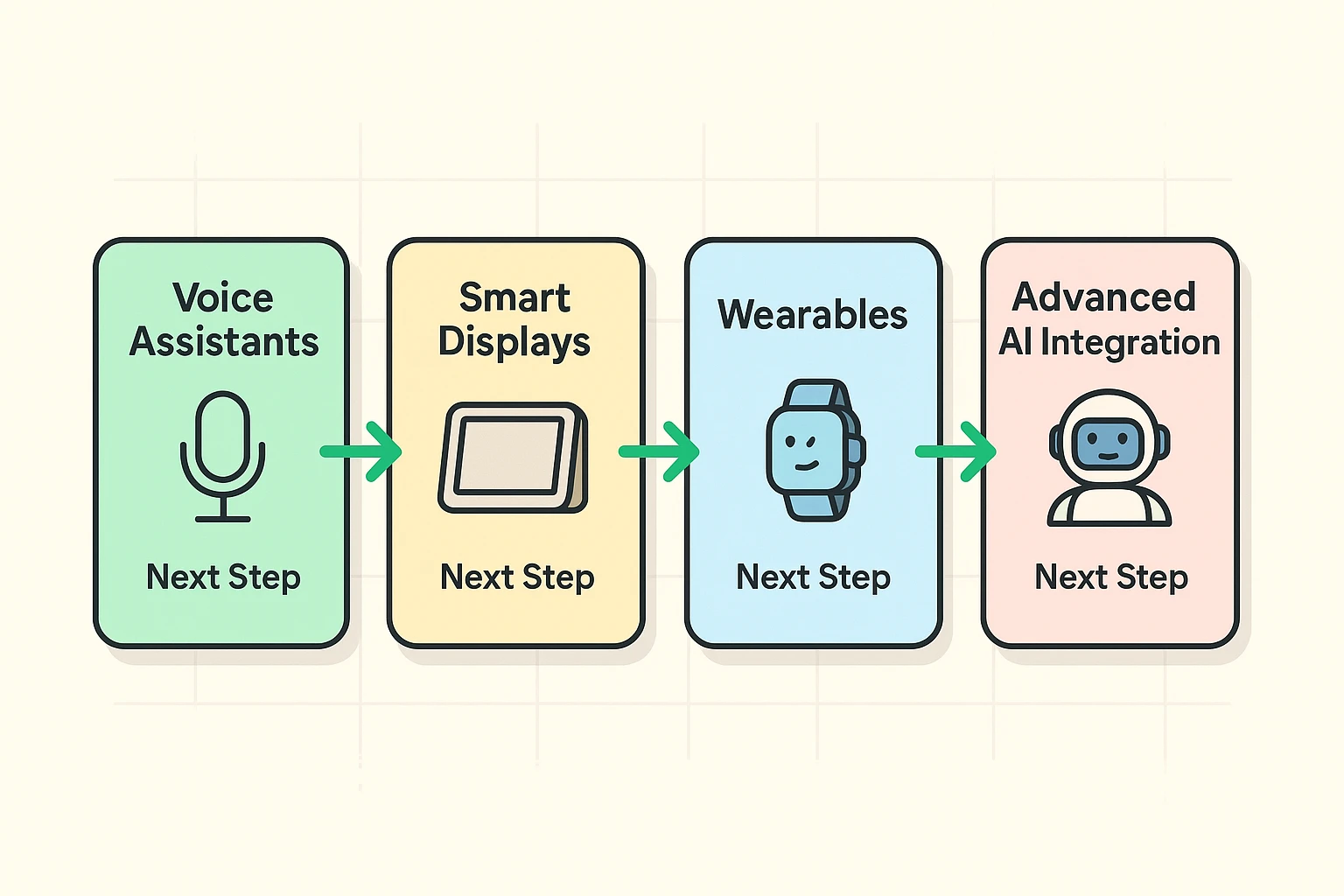
The best way to get started is to take it one step at a time. Let’s walk through the levels, from the basics you probably already own to the more advanced options.
If you have a smartphone, you’ve already got a voice assistant waiting for orders. There’s nothing to download.
Then try these:
On an iPhone, open the reminder in the Reminders app for a few extras worth knowing. Turn on Urgent and it’ll ring like an alarm instead of a polite buzz. Early Reminder gives you a heads-up beforehand. And When Messaging pops the reminder up the next time you text a particular person, which is perfect for “ask Jim if he still has my casserole dish.”
For pills, a reminder is a good start, and dedicated medication reminder apps go further.
If you’re getting comfortable, a smart display like an Amazon Echo Show is a good next step. It’s a voice assistant with a screen, sitting where you’ll see it.
Say “Alexa, remind me to stretch every afternoon at 3.” and Alexa announces it out loud on that device when the time comes. If you’re out of the room, the missed reminder shows up on the screen, so you’ll see it when you walk past. Ask “What are my reminders?” to hear the day’s list. For anyone comparing medication reminder devices, a smart display is worth a look.
Once you’re comfortable with the basics, you can unlock the real magic of AI. This is where your devices start anticipating your needs, almost like they can read your mind.
This is the fix for the keys-in-the-refrigerator problem. On an iPhone, a reminder can go off when you arrive somewhere or leave, or even when you get into your car.
For this to work, Reminders needs your precise location. Go to Settings, then Privacy & Security, then Location Services, tap Reminders, choose While Using the App, and turn on Precise Location.
No more smacking your forehead in the cereal aisle because the list is still on the counter.
Android users, one honest caveat: Google’s own apps no longer create location-based reminders. Google dropped them when it moved Keep reminders into Google Tasks, so on Android, stick to reminders set for a time.
Phones and smart speakers wait for you to ask. A few devices are built to start the conversation themselves.
ElliQ, from a company called Intuition Robotics, is a tabletop companion robot designed for older adults. It gives medication reminders, suggests activities, makes small talk and makes it easy to video call family. It’s sold as a membership with a monthly charge, so check the full cost before you sign up.
The most useful memory aids for seniors are simple: reminders that speak up at the right moment, a tag on the things you lose most, and a calendar the family can see. You walk into the kitchen with a clear mission, open the refrigerator, stare deeply into the abyss of condiments, and realize you have no idea why you’re there. Nobody needs a robot for that. A few small habits do the trick:
You’ll also see plenty of ads for AI brain-training games. Whether they’re worth the money is a fair question, and we tackle it in are AI brain games a scam or a smart investment.
AI for seniors with memory loss works best as a set of gentle prompts a family member helps set up, not as a fix. Repeating reminders with clear wording, a reminder that goes off on arriving home, a tag on the keys and wallet, and a shared calendar cover most of the daily slips.
Two cautions. These tools help with daily life; they don’t diagnose or treat anything. If memory slips are getting more frequent, or someone you love is repeating questions or getting lost, talk to their doctor. And anything that listens or watches deserves a privacy check: use the microphone mute button on smart speakers when you want quiet, close or cover cameras you’re not using, and say no to “share data to improve our services” during setup.
A calendar waits for you to look at it. A reminder speaks up: it buzzes, chimes or announces itself at the time you chose, and on an iPhone it can even go off when you arrive home. You can also set one by voice in a few seconds, which beats tapping through a tiny calendar screen.
It listens for its wake word, like “Hey Siri,” “Hey Google” or “Alexa,” and doesn’t act until it hears it. Privacy is still a fair concern. Most smart speakers have a microphone mute button, and the companies let you review and delete your voice history in their apps. Use the mute button whenever you’d like a break.
Speak at a normal pace, a little closer to the phone, and keep the request simple: what, when, and how often. If it still mishears, type the reminder instead. Every reminder app lets you type, and on newer iPhones you can type a plain description like “Call the pharmacy every Monday at 10” and it fills in the details.
Start with what they already own. Repeating voice reminders on their phone or smart speaker, a tracking tag on their keys, and a shared calendar you can add appointments to cover most daily slips. Set them up together, so they choose the wording. If memory problems are getting worse, talk with their doctor before buying gadgets.
Usually not. Voice reminders with Siri, Gemini or Alexa work on most smartphones and smart speakers from recent years. A few newer extras, like typing a plain description and letting the phone fill in the details, need an iPhone 15 Pro or newer. Start with what you have and upgrade only if something you want is missing.
You don’t need to become a tech whiz. Pick one small, annoying thing you tend to forget and let your phone handle it.
Tonight, before bed, pick up your phone and say, “Hey Siri” or “Hey Google,” then “remind me to take my vitamin tomorrow morning.” When it goes off, you’ve taken the first step. From there, a reminder that goes off when you get home, a tag on your keys, or an AI personal assistant that keeps your calendar straight are all fair game. If you travel, here’s how AI helps with keeping travel documents and medications straight on a trip.
The technology handles the boring, repetitive stuff, so your brain can focus on what matters: enjoying your day, seeing the people you love, and maybe, just maybe, remembering that song from 1973. For more, see our guide to AI for seniors.