Newsletter Subscribe
Enter your email address below and subscribe to our newsletter

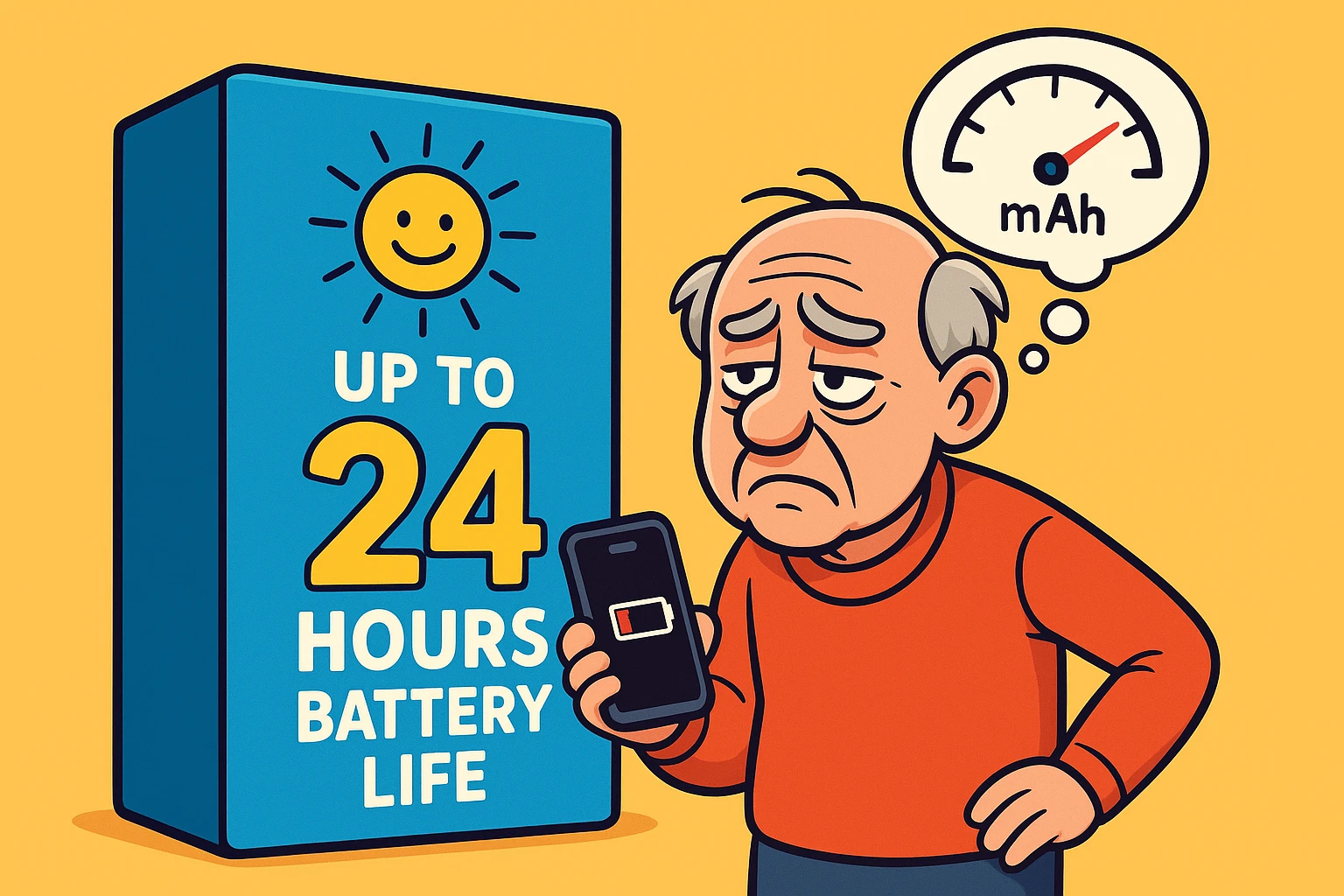
Have you ever stood in an electronics store, staring at a smartphone box that promises “Up to 24 Hours of Battery Life,” and felt a surge of hope? You imagine a life of freedom, untethered from the wall outlet, happily texting your grandkids and looking up pie recipes from dawn until dusk.
Then, you buy the phone. And three weeks later, you find yourself frantically searching for a charging cable at 2:00 PM because your “all-day” battery is gasping for air.
If this sounds familiar, you aren’t crazy, and your phone isn’t necessarily broken. You’ve just fallen victim to one of the tech industry’s favorite magic tricks. Buying a phone based on the “hours of use” printed on the box is a lot like buying a car because the salesman swore it gets 100 miles to the gallon—only to realize later that statistic only applies if the car is rolling downhill. In neutral. With a stiff tailwind.
The good news? You don’t need an electrical engineering degree to outsmart the marketing hype. You just need to learn one simple concept that manufacturers bury in the fine print.
When you shop for a car, you don’t just ask, “How long can I drive this?” You ask, “How big is the gas tank?” A bigger tank usually means you can go further before you have to stop.
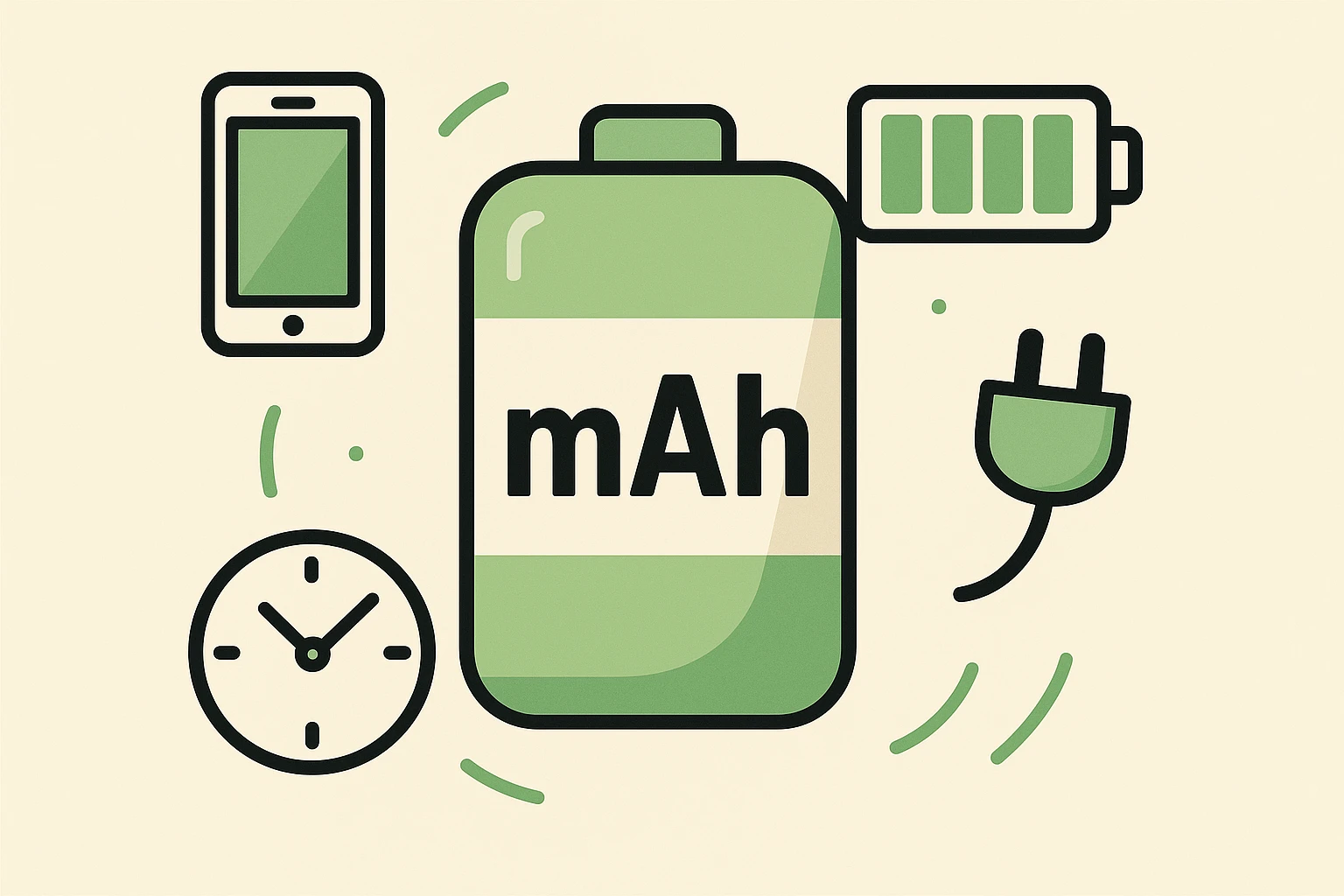
In the world of smartphones, we have a measurement for the size of the gas tank. It’s called mAh (milliampere-hour).
Now, don’t let the acronym scare you off. You can immediately forget what the letters stand for. Just remember this: mAh is the size of your phone’s gas tank.
If you are comparing two phones, and Phone A has 3,000 mAh while Phone B has 5,000 mAh, Phone B has a significantly larger tank. It creates the potential for much longer battery life, regardless of what the marketing slogan on the front of the box claims.
So, if the gas tank size (mAh) is the truth, why do companies slap “Up to 20 Hours of Video Playback” on the box?
Because “20 Hours” sounds a lot sexier than “4,352 mAh.” But here is the catch: those hours are tested in a laboratory environment that looks nothing like your actual life.
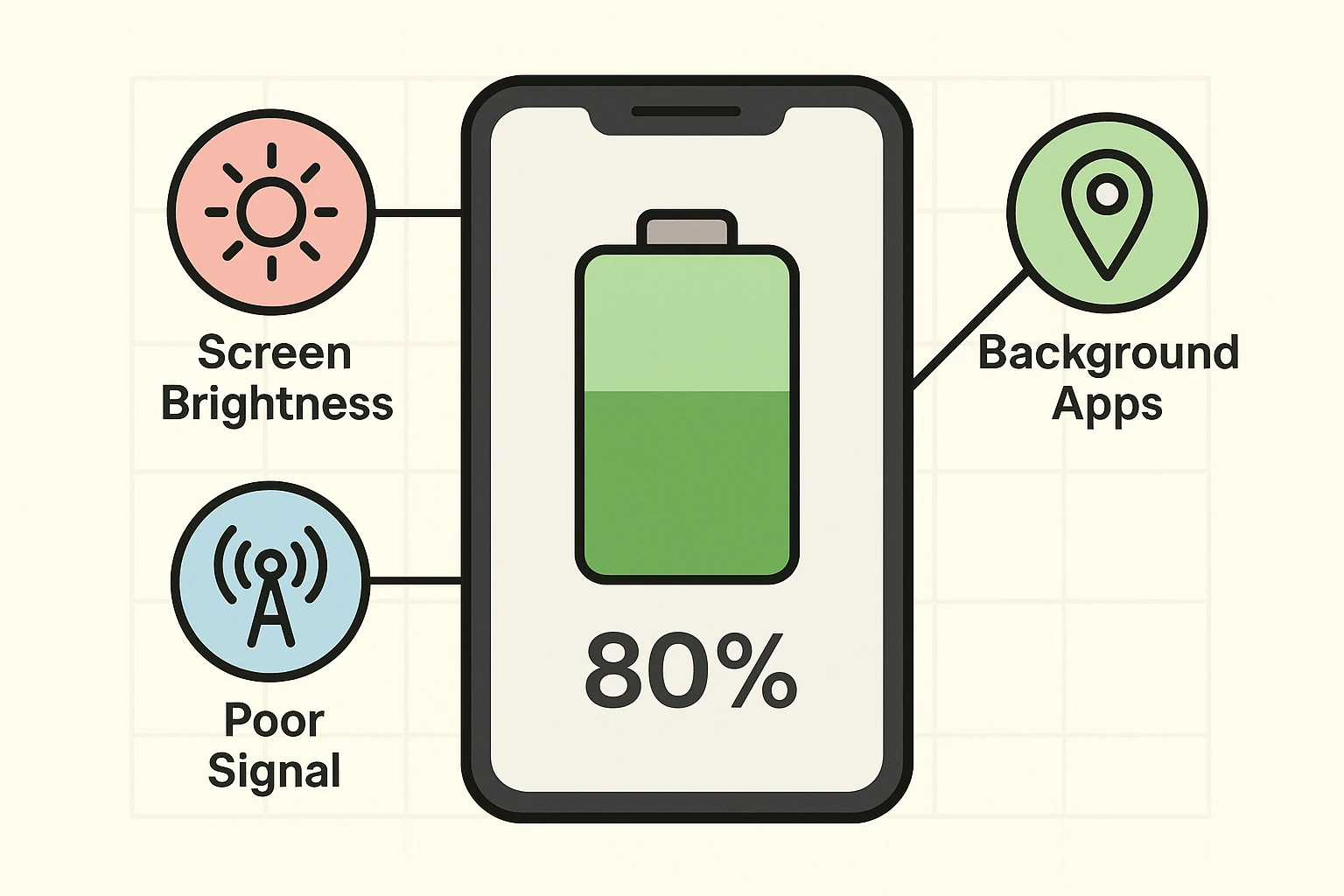
When manufacturers test battery life, they often dim the screen brightness way down. They turn off background apps. They ensure the phone has a perfect, strong Wi-Fi signal so it doesn’t have to work hard to stay connected. They basically treat the phone like a sleeping baby—quiet, still, and doing almost nothing.
But you? You live in the real world. You take your phone outside where the sun forces you to turn the screen brightness up to 100%. You drive through areas with spotty reception. You accidentally leave the GPS running after finding the grocery store.
The “hours” on the box are a theoretical maximum. It’s the difference between highway driving and city driving in rush hour traffic. The manufacturer is advertising the highway miles; you are living in the city traffic.

If your “gas tank” is leaking faster than you expected, it’s usually because of how “hard” you are driving the car. Different activities burn fuel at different rates. Understanding this can help you figure out why your phone lasts all day on Tuesday but dies by lunch on Wednesday.
Here are the three biggest battery drains for seniors:
The screen is the single biggest drain on your battery. Think of it like driving with your high beams on. If you keep your screen at 100% brightness all the time—especially indoors where you don’t need it—you are burning fuel at an alarming rate.
This is a hidden culprit. When your phone has a weak cellular signal (one bar or less), it panics. It starts “shouting” electronically to find a tower, boosting its power output significantly. A phone sitting in a pocket in a basement with bad reception will die much faster than a phone sitting on a table with a strong signal. It’s like driving your car straight up a steep hill; the engine has to work twice as hard to go the same distance.
Reading an email uses very little power. But watching a video, making a FaceTime call, or using Google Maps for navigation? That is the equivalent of flooring the gas pedal. These activities require the screen to be on, the data to be flowing, and the processor to work overtime.
Now that you know the secret, you don’t have to rely on the salesperson’s promises. When you are looking for your next phone, follow these steps to make sure you’re getting a battery that can keep up with you.
Step 1: Ignore the “Hours” HypeIf the sticker says “All Day Battery,” treat it as a friendly suggestion, not a fact. Gloss over it.
Step 2: Hunt for the mAhLook at the technical specifications sheet (usually on the back of the box or the “Specs” tab online). Find the number next to Battery Capacity.
Step 3: Check the “MPG” ReviewsBefore you buy, search online for “Real world battery test” for the specific phone model. You want to read reviews from actual humans who say things like, “I took it off the charger at 8 AM and it still had 20% left at bedtime.” That is data you can trust.
No! That is an old myth from the days of nickel-cadmium batteries. Modern smartphone batteries actually hate being completely dead. They prefer to stay between 20% and 80%. Feel free to “top it off” whenever you like.
You might have apps running in the background. Check your settings to see which apps are using the most power. Also, if you are in an area with a terrible signal, your phone is exhausting itself trying to stay connected.
Generally, no. Modern phones are smart enough to manage the flow of electricity safely. However, heat is the enemy of batteries. If your phone feels hot to the touch while charging, take it out of its case or move it to a cooler spot.
Technology should improve your life, not tether you to a wall outlet. By ignoring the marketing fluff and checking the size of the “gas tank” (mAh), you can choose a device that’s ready for the long haul.
So go ahead—take that video call, look up those recipes, and beat your high score on Solitaire. With a 5,000 mAh tank, you’ve got plenty of gas in the engine.