Newsletter Subscribe
Enter your email address below and subscribe to our newsletter

Do you have a “Safe Place” in your house? You know the one. It’s that special drawer or box where you put things you absolutely cannot lose—like the deed to your house, your passport, or that mysterious small key that came with your luggage in 1998. You put them there so they would be safe. And now, quite naturally, you have absolutely no idea where that Safe Place is.
If you can’t find a physical key in your own hallway, imagine what happens to your digital keys when you aren’t around to point them out. We spend our lives creating a massive digital footprint—thousands of photos of the grandkids, email accounts, online banking, and that subscription to a knitting forum you forgot to cancel.
When we shuffle off this mortal coil, all that stuff stays in the “Cloud” (which, let’s be honest, is just a fancy word for “a giant computer in a warehouse in Virginia”). If you haven’t left a map, your loved ones are going to be stuck playing a very frustrating, high-stakes game of digital hide-and-seek.
This brings us to the big question: How do you pass this stuff on? Do you need a fancy paid service, or can you just write your passwords on the back of a napkin? Let’s break down the difference between the free DIY route and the paid digital vaults, so you can decide how much “peace of mind” is actually worth paying for.
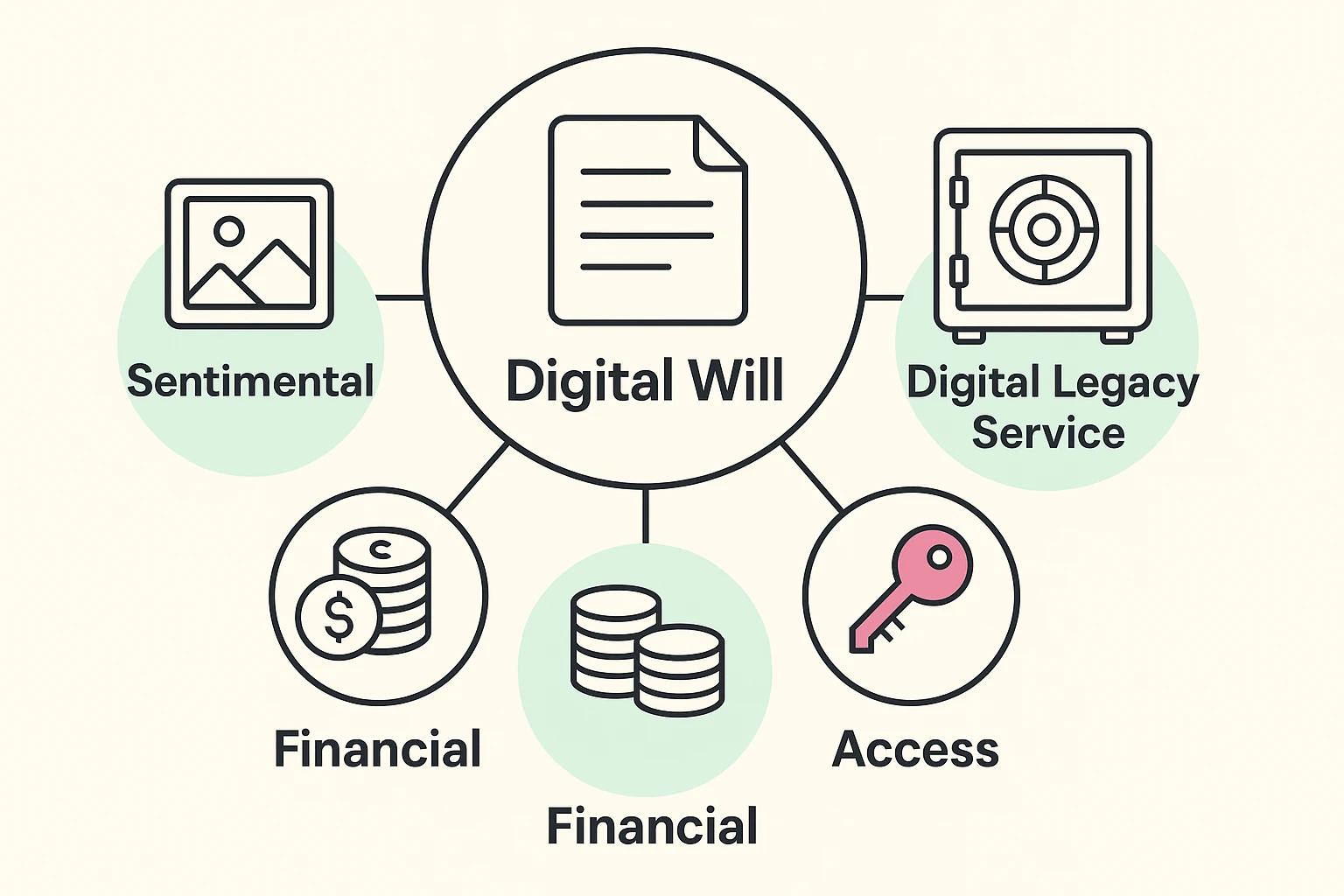
Before we open our wallets, we need to sort our digital junk drawer. Not everything online is created equal. Most people think “Digital Legacy” just means their bank account, but it’s actually three different buckets.
First, you have Financial Assets. These are the accounts with actual money in them (banks, PayPal, crypto if you’re adventurous). Then, you have Sentimental Assets. These are the things that have zero cash value but are priceless to your family—photos, emails, and the half-finished novel on your laptop.
Finally, there are Access Assets. These are the keys to the castle—the email account that allows you to reset every other password, or the PIN code to your phone. If your executor can’t get into your email, they usually can’t get into anything else.
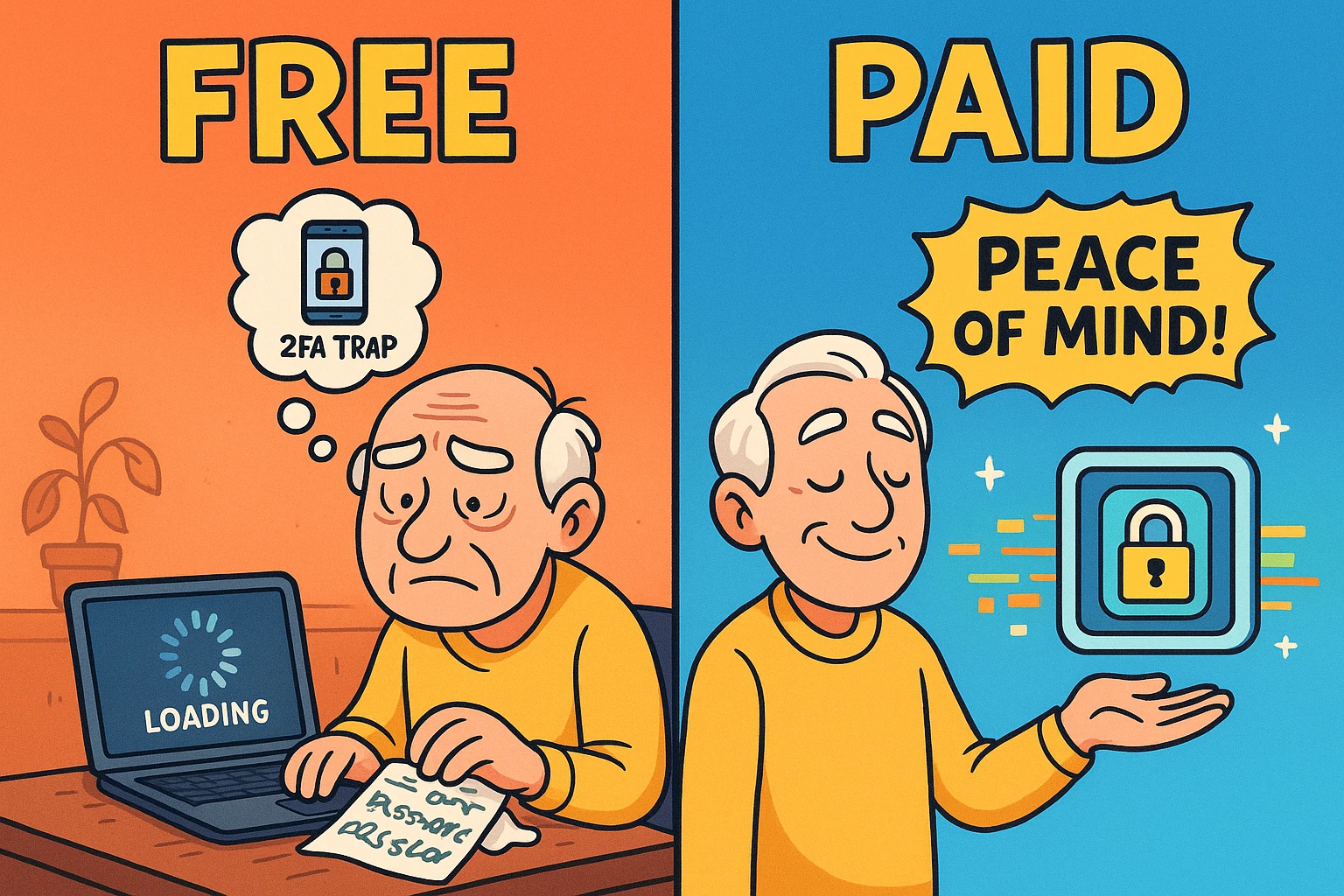
For the frugal among us (and who doesn’t love free?), there are options that cost zero dollars. These largely rely on tools already built into the services you use, or good old-fashioned manual labor.
Apple, Google, and Facebook (Meta) finally realized that their users don’t live forever. They built “Legacy Contact” features directly into their settings.
The Pros: It’s free. It’s official. It works seamlessly with the software.The Cons: It’s fragmented. You have to set this up separately for every single service. Also, if you switch from iPhone to Android and forget to update your settings, your Legacy Contact might be left holding a digital key to a door that doesn’t exist anymore.
This is exactly what it sounds like. You open Excel (or grab a notebook), list every website, username, and password, and stash it somewhere safe.
The Risk: This is a “snapshot in time.” The moment you change your Netflix password and forget to update the spreadsheet, the document becomes useless. Furthermore, putting a list of passwords in a traditional Will is a terrible idea. Why? Probate is public.
Take a lesson from high-profile estate cases (like the complexities surrounding the Epstein estate documents). When a Will goes to probate, it becomes a public record. Anyone can read it. You do not want your bank login credentials becoming public reading material at the courthouse.
Paid services (like GoodTrust, Trustworthy, or similar platforms) act like a secure, digital safety deposit box. You pay a monthly or annual fee (usually between $40 to $100+ a year) to store your documents, passwords, and final wishes in an encrypted environment.
The National Council on Aging (NCOA) and other advocacy groups often highlight that paid services offer guidance. They don’t just store data; they walk you through what to store. They prompt you: “Hey, do you have a life insurance policy? Upload it here.” It removes the mental load of trying to remember everything yourself.
Here is the single most important thing that most people—and even some lawyers—forget. It is the reason why simply leaving a password isn’t enough.
It’s called Two-Factor Authentication (2FA).
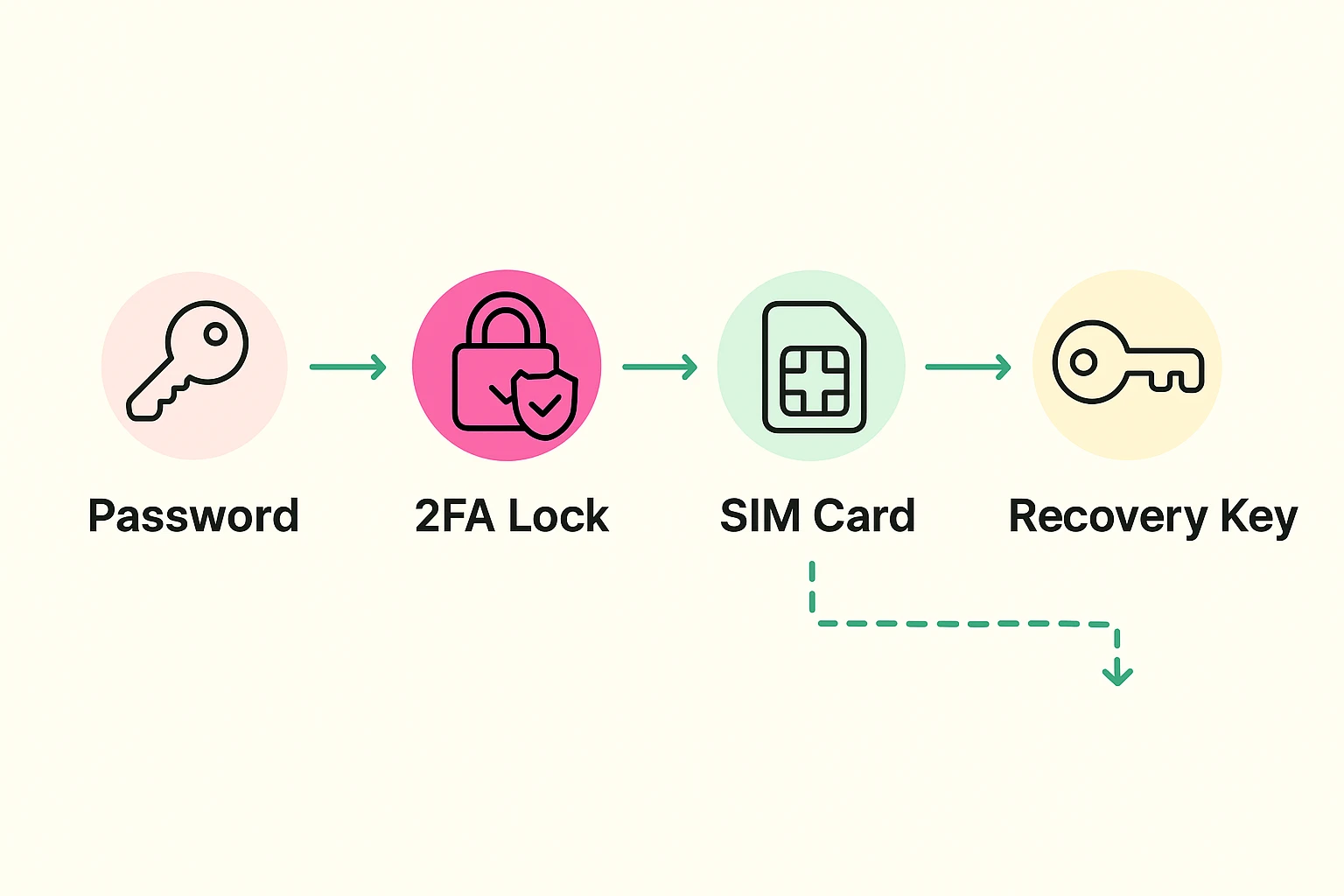
Let’s say you leave your daughter your username and password for your bank. She logs in from her computer. The bank sees a new device and says, “Hold on! We sent a 6-digit code to the phone number on file to prove it’s you.”
The code goes to your phone. The phone that is locked in your pocket, protected by a passcode that you didn’t write down. Your daughter has the password, but she can’t get the code. She is locked out.
Good digital legacy services encourage you to store “Recovery Keys” or “Backup Codes.” These are special long codes that bypass the need for a text message. A paid vault will specifically ask you to generate these codes and store them safely. A DIY spreadsheet usually fails here because most people don’t realize they need to save these codes until it’s too late.
Before you assume a website solves everything, we have to talk about the law. Technology moves fast; the law moves at the speed of a sloth moving through peanut butter.
In many jurisdictions (like Florida or the UK), a “Digital Will” created online might not be legally binding if it wasn’t printed, signed by you, and witnessed by two people who aren’t related to you.
The “Instruction” vs. “Authority” Distinction:
You usually need both. The paid services (like Trust & Will or GoodTrust) are getting better at integrating these, often providing legal forms that you can print and sign to ensure your digital plan stands up in court.
So, do you need to pay? Here is the verdict based on your “Digital Complexity.”
Stick to the Free/DIY Route if:
Consider a Paid Service if:
Paid services use “Zero-Knowledge Architecture.” This is tech-speak meaning even the employees at the company cannot see your passwords. Only you (and your designated beneficiary with the key) can decrypt the data. It is significantly safer than a sticky note on your monitor.
No. Never do this. Wills become public record after you die. If you put passwords in your Will, you are essentially publishing your login details for any identity thief to find.
This is a valid concern. reputable services allow you to export your data at any time. We recommend doing a “Data Export” once a year and keeping a local backup, just in case.
Not automatically. In most states, you need to explicitly grant “Digital Fiduciary” powers in your legal estate planning documents. Without this clause, standard privacy laws might actually prevent your executor from accessing your email legally.
Don’t let the “Perfect” be the enemy of the “Good.” The worst plan is no plan at all. Start small. Today, log into your primary email account (Google or Apple) and set up your Legacy Contact. It takes five minutes, costs nothing, and ensures that the photos of your banana bread triumphs (and your grandkids) don’t disappear into the digital void.