Newsletter Subscribe
Enter your email address below and subscribe to our newsletter

Picture this: You have just settled into your favorite recliner with a steaming cup of tea, ready to video chat with the grandkids or stream that British mystery series everyone is talking about. You tap the screen. You wait. And then… it appears. The spinning wheel of doom. The digital hourglass that mocks your free time.
You stare at the little black box with the blinking lights in the corner of the room—your router. It stares back, blinking innocently, as if to say, “I don’t know why the internet is broken; I’m just a box.”
Most of us treat our Wi-Fi routers like the water heater or the basement sump pump: we ignore them completely until they fail catastrophically, usually at the worst possible moment. But here is the truth: your router is the hardest working employee in your house. It is a digital traffic cop directing data to your phone, your laptop, your smart TV, and maybe even your refrigerator (though why your milk needs internet access is a mystery for another day).
Just like you wouldn’t expect to run a marathon without training, you can’t expect your router to handle high-definition streaming and Zoom calls without a little upkeep. It needs a fitness regimen. It needs a workout.
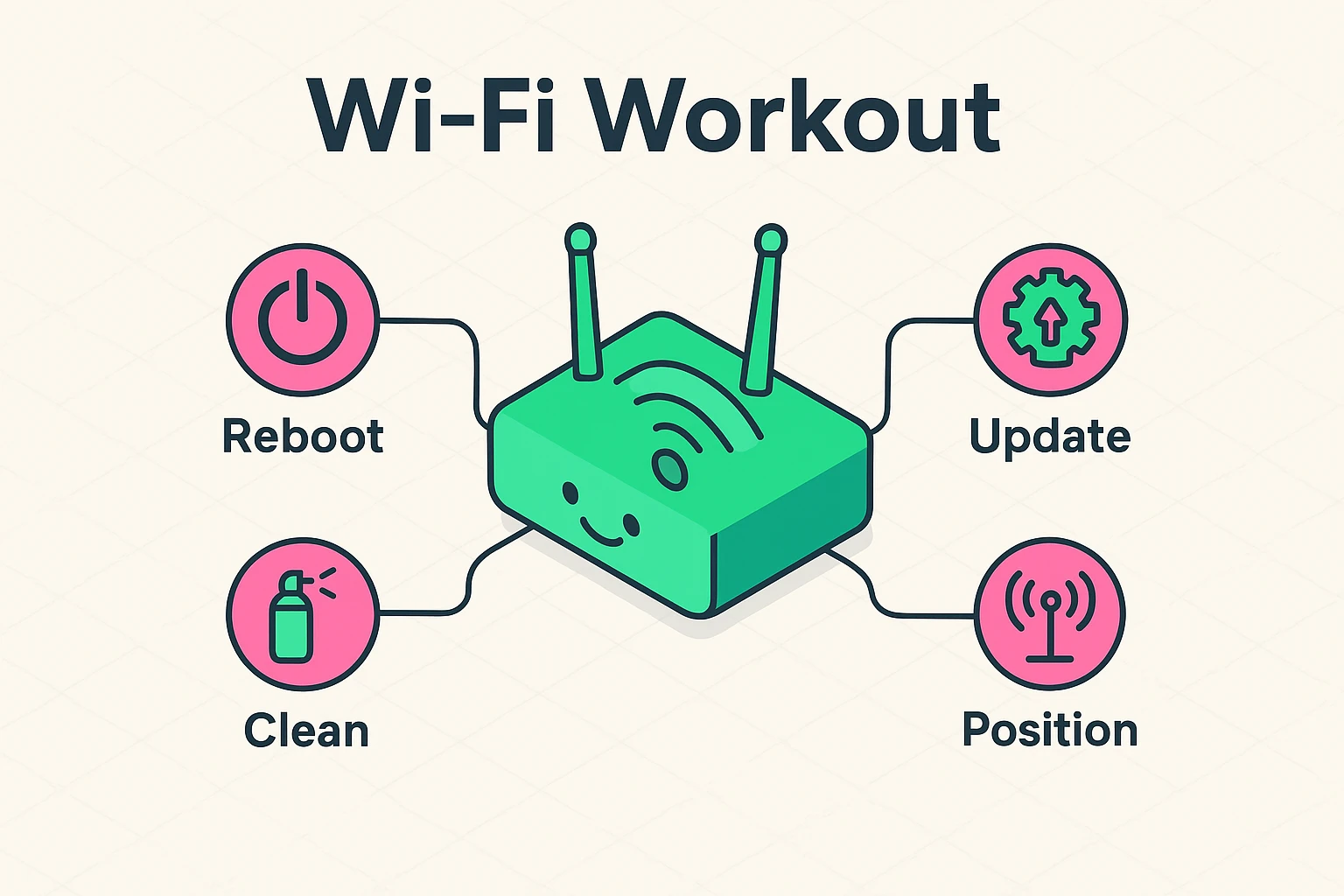
Before we get to the exercises, let’s clear up a misconception. Your router isn’t just a fancy wire splitter. It is a computer. It has a processor (a brain), memory (RAM), and an operating system, just like your laptop or smartphone.
And just like your own brain after trying to memorize the names of all the characters in Game of Thrones, your router’s brain gets tired. It gets clogged up with temporary data, logs, and “digital leftovers” from days of browsing. When this happens, it slows down. This is where our workout plan begins.
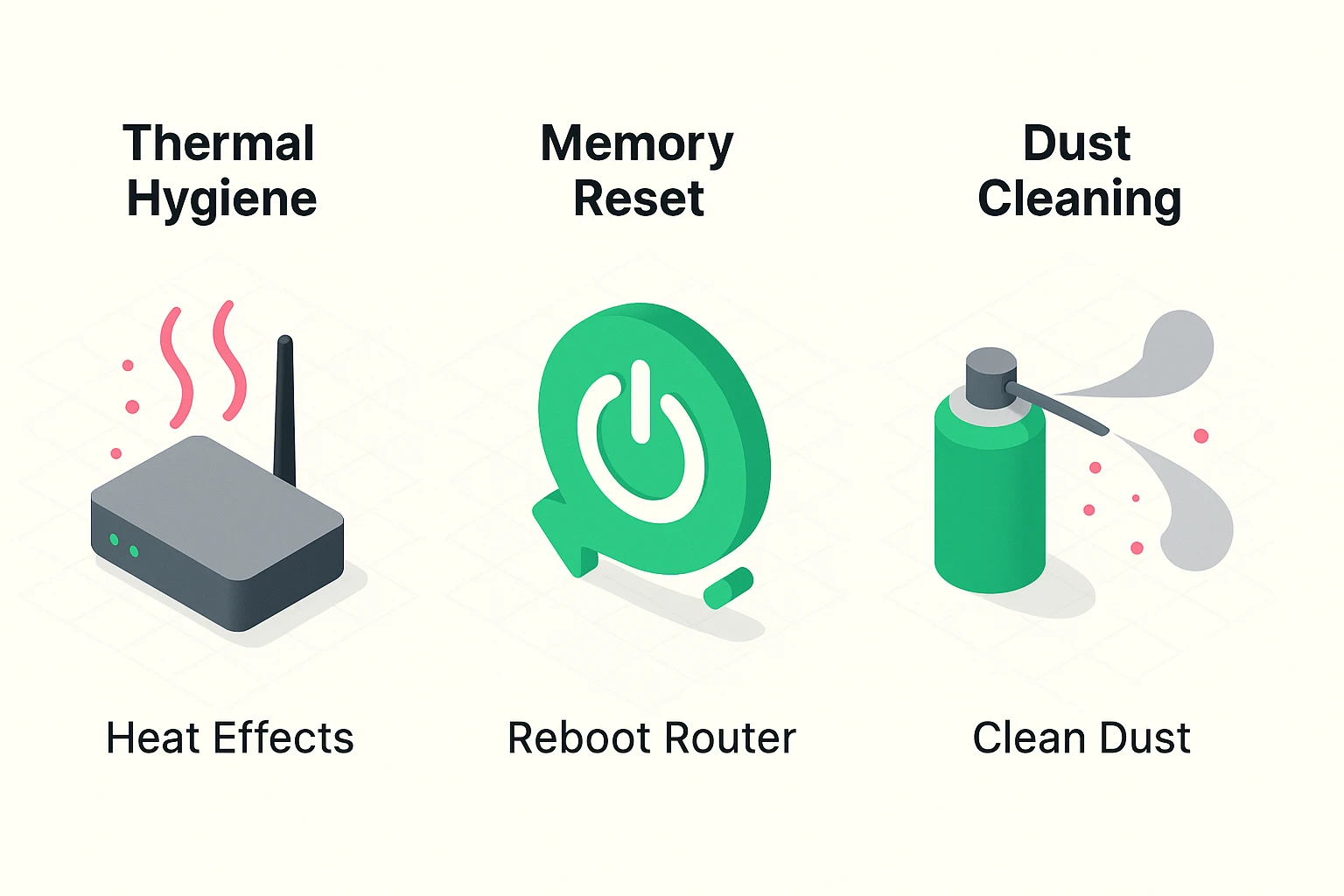
If you have ever called tech support, they inevitably ask, “Have you turned it off and on again?” This isn’t because they are trying to annoy you. It’s because it actually works.
When your router runs for weeks on end, its short-term memory (RAM) gets full. Sometimes, a little bit of code gets stuck in a loop—think of it like a song stuck in your head that you can’t get rid of. This is called a “memory leak.” The router spends so much energy dealing with this stuck data that it has no energy left to load your email.
You don’t need to do this every day, but a “Weekly Reboot” is great for digital health.
Crucial Note: This is a Reboot (or Restart). Do not press the tiny pinhole button labeled “Reset” on the back unless you want to wipe the router’s brain completely clean and set it back to factory settings. That is a nuclear option, not a workout.
Heat is the silent killer of technology. Electronics like to be cool. When your router’s processor works hard to stream a 4K movie, it generates heat. If it gets too hot, it deliberately slows down to prevent itself from melting. This is called “thermal throttling.”
The enemy here is dust. Dust acts like a wool sweater for your router. If your router is covered in a layer of gray fuzz, it is running a marathon in a winter coat.
Your router runs on software called “Firmware.” Manufacturers release updates to this software to fix bugs, improve speed, and—most importantly—patch security holes to keep hackers out.
Keeping your old firmware is like trying to drive a car using a map from 1995. You might get there, but you’re going to hit a lot of roadblocks that don’t exist on the new maps.
If your router has external antennas, you might be tempted to point them all straight up, or fan them out like a peacock.
Wi-Fi signals come out of the side of the antenna, like ripples from a stone thrown in a pond. They don’t shoot out of the tip like a laser beam.
Finally, think of your Wi-Fi bands (2.4GHz and 5GHz) as two different lanes on a highway.
Keeping your devices in the right lanes prevents traffic jams.
You don’t need to be a computer engineer to keep your internet happy. You just need a schedule. Here is your cheat sheet to keep on the fridge:
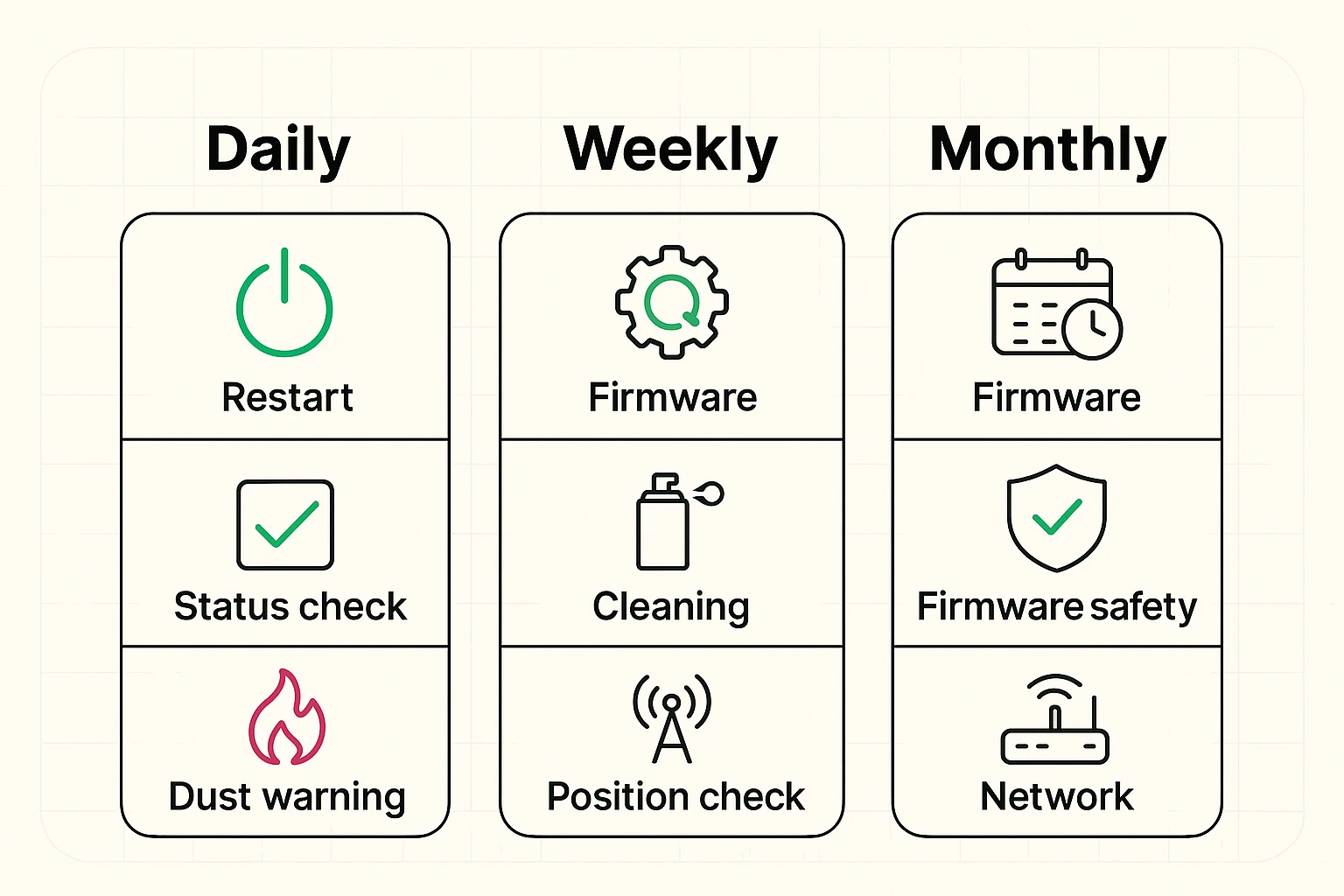
By treating your router like a valued member of the household rather than a magic mystery box, you’ll find fewer spinning wheels and more smooth sailing.
If your router is more than 4 or 5 years old, probably. Wi-Fi technology advances quickly. An old router trying to keep up with modern websites is like asking a telegraph operator to send a text message—it just can’t keep up.
Great question! The Modem brings the internet into your house (usually from the cable company). The Router takes that signal and broadcasts it wirelessly to your devices. Often, internet providers give you a “Gateway,” which is a single box that does both jobs. The maintenance tips above apply to both!
If you’ve rebooted, cleaned, and updated, the problem might be your Internet Service Provider (ISP). Call them up. But this time, when they ask, “Have you turned it off and on again?” you can confidently say, “Yes, and I dusted the vents, too!”
Yes, routers are designed to be left on. However, the occasional reboot (as mentioned in the workout!) helps clear out the cobwebs. Some people put their router on a timer to turn off at 3 AM and turn back on at 6 AM to save a tiny bit of electricity and force a daily refresh.