Newsletter Subscribe
Enter your email address below and subscribe to our newsletter

Remember when the only thing in your house that listened to you was the dog? And even then, he only paid attention if you were holding a piece of cheese. Today, things are a little different. You can’t walk into your living room without a plastic cylinder, your smart TV, and maybe even your thermostat hanging on your every word.
If you’ve ever wondered if these gadgets are secretly gossiping about you to the internet, you are not alone. It’s the ultimate modern dilemma for many older adults. We love the incredible conveniences these tools offer, like medication reminders and fall detection, but nobody wants to feel like they’ve invited a digital eavesdropper into their bedroom.
The good news is that you don’t have to choose between convenience and privacy. You can enjoy the benefits without giving up your peace of mind. Let’s take a look at how these devices actually work, and more importantly, how to firmly tell them to mind their own business.
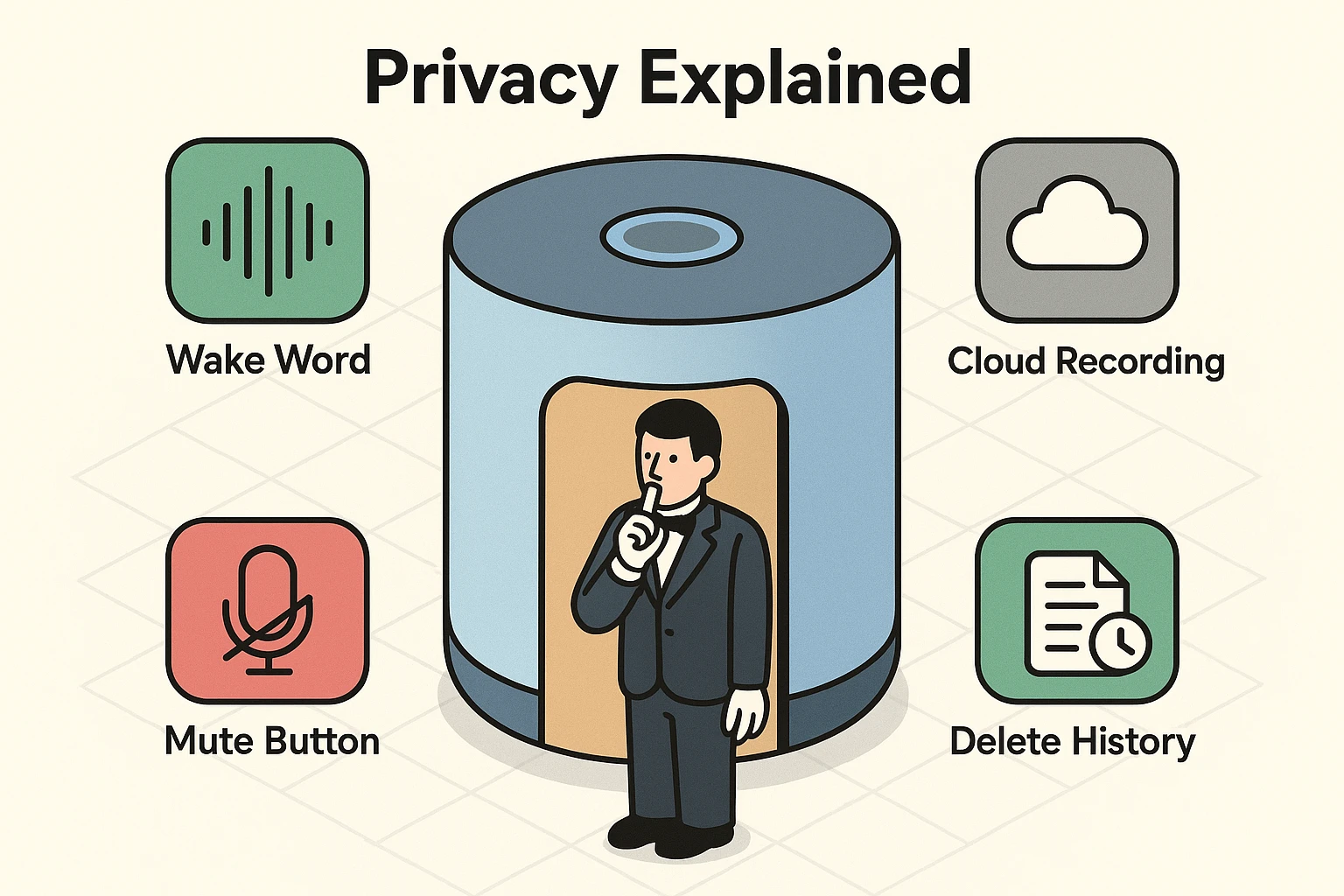
The biggest fear most of us have is that smart speakers are always recording our conversations. To understand what’s really happening, let’s use the “Butler Analogy.” Imagine a very attentive, albeit slightly robotic, butler standing outside your closed bedroom door.
This butler is listening, but only for one specific thing: his name. If you are inside discussing your neighbor’s questionable landscaping choices, the butler mostly doesn’t care. He isn’t actively writing it down—but every now and then, he might mishear something and briefly perk up when he shouldn’t. This is called “local pattern matching.”
The device is designed to wait for its wake word, like “Alexa” or “Hey Google,” using local detection, but it can occasionally get it wrong.
It’s only after you say the magic word that the butler opens the door, pulls out a notepad, and starts recording your request to send up to the cloud. Understanding this difference is key to confidently using alexa for seniors as a helpful tool rather than fearing it as a spy.
We all know to keep an eye on the Amazon Echo sitting on the kitchen counter. But these days, virtual assistants are sneaking into our homes disguised as other appliances. You might have a “Hidden Alexa” and not even know it.
Take a walk around your house. Do you have a smart thermostat, like an Ecobee? What about a newer smart TV, or even a high-tech ceiling fan? Many of these third-party devices now come with microphones and voice assistants built right in.
You might think you are just buying a gadget to keep your living room cool, but you’re actually bringing home another microphone. It’s important to identify every device that has ears, so you can decide which ones are actually allowed to listen.
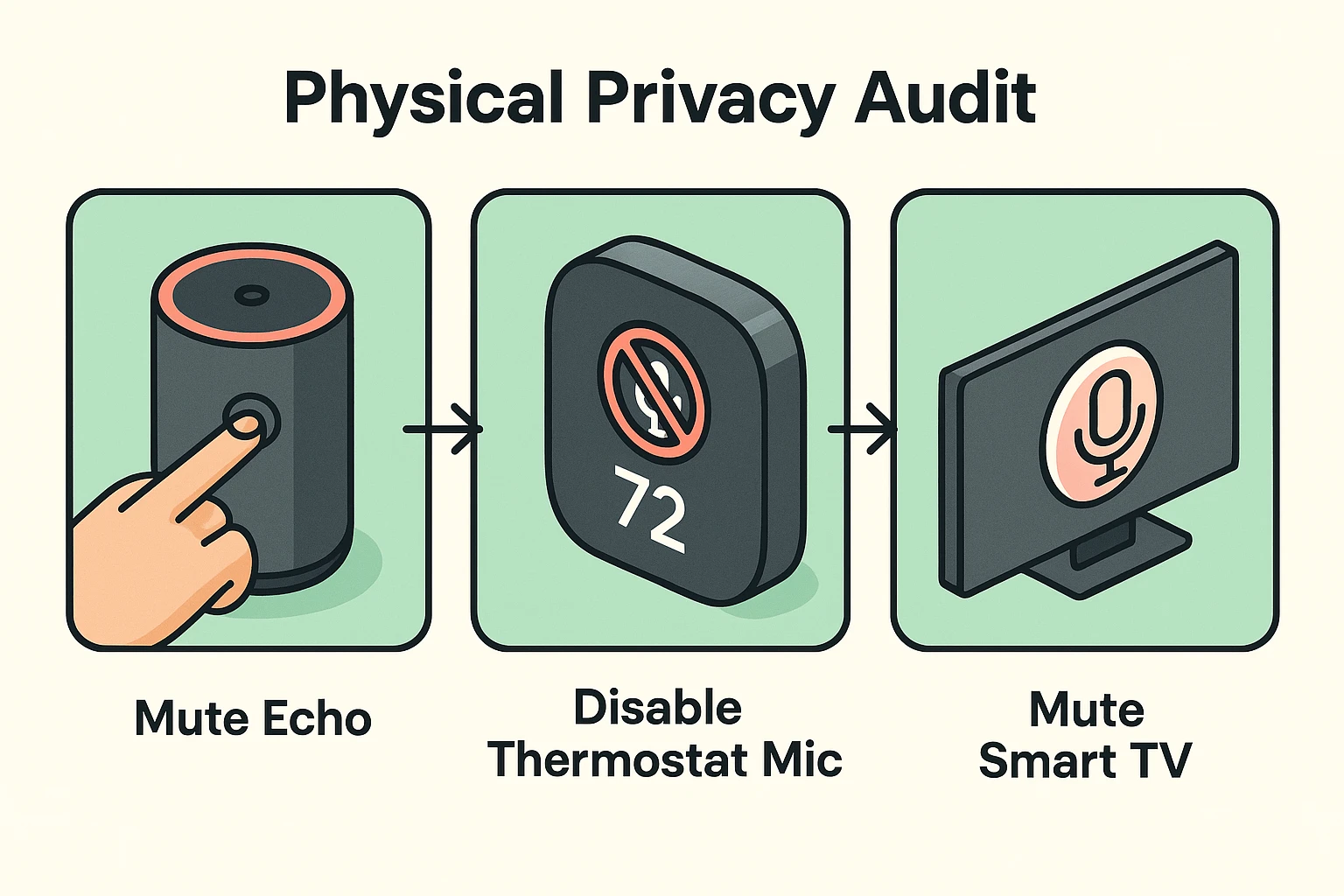
You don’t need a degree in computer science to secure your home. In fact, the best privacy tools are incredibly simple. Let’s walk through a three-step process to put you back in the driver’s seat.
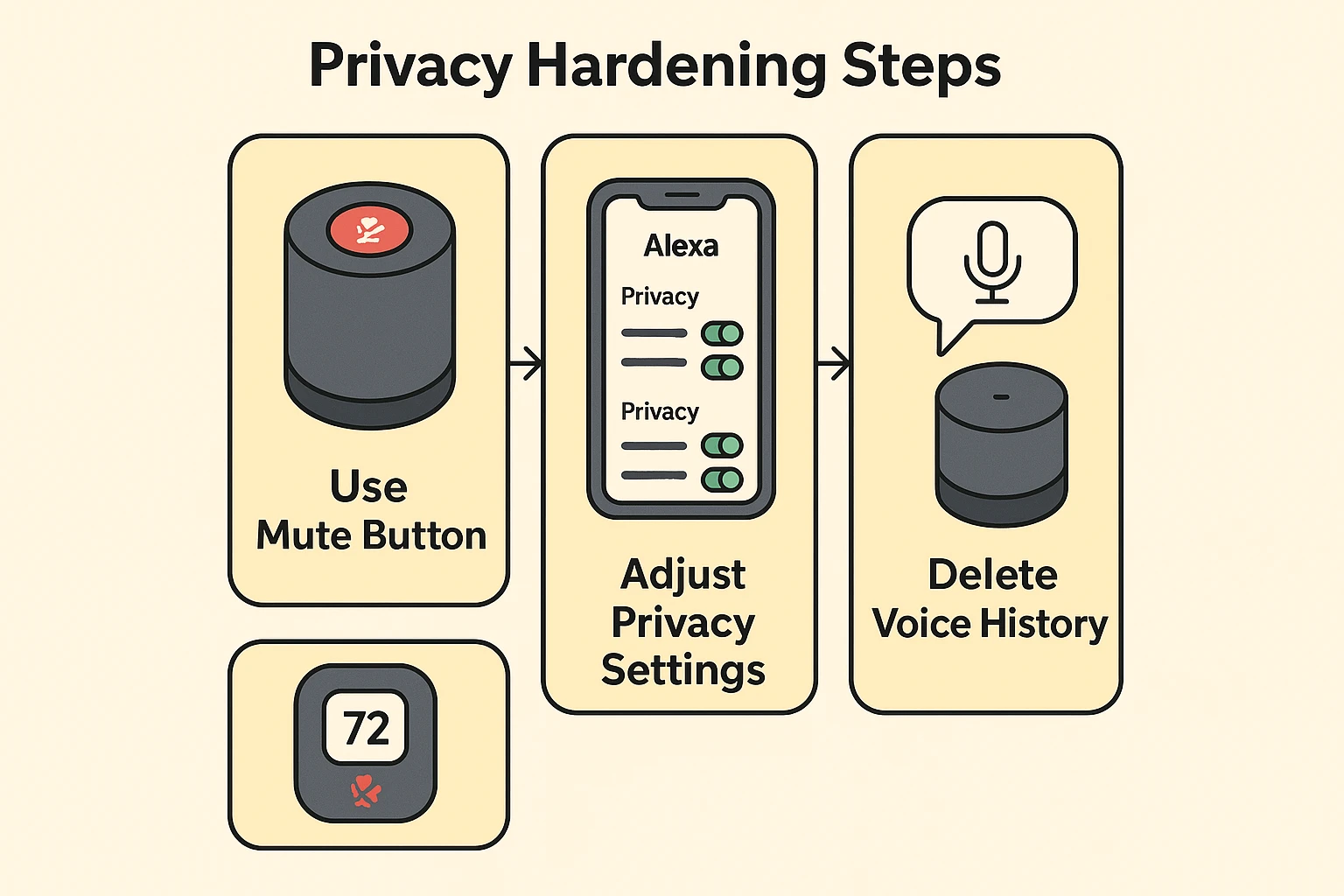
When in doubt, trust the hardware. Almost every smart speaker, including those built into thermostats, has a physical “Mute” button. When you press this button on an Echo, the light ring turns a bright, glowing red.
This red light is your best friend. It means the microphone has been electronically disconnected. Once that red light is on, the microphone is off, and the device won’t respond to anything you say.
If your smart speaker acts up like an intermittent wireless connection, or if you’re having a private conversation, just press the button until you see red.
Open the Alexa or Google Home app on your smartphone and find the “Privacy” settings. Here, you get to make the rules. For example, you can turn off “Voice ID,” which means the device will still answer questions, but it won’t try to learn your voice… though some personalized features may not work quite as smoothly.
You can also opt out of having your voice recordings reviewed by human workers to “improve the service.” After a 2023 FTC case over how voice data was stored and handled, companies like Amazon were pushed to make these deletion tools much easier to find and use.
Did you know you can manage your privacy just by talking? Amazon introduced a brilliant feature that lets you clean up your digital footprints without ever touching your phone.
If you accidentally trigger the device, or simply change your mind about having a request saved, just say: “Alexa, delete what I just said.” You can even say, “Alexa, delete everything I said today.” It’s like having a digital paper shredder right on your kitchen counter.
One thing to know: even if you delete recordings, Alexa still needs to send your request to the cloud to answer you—so the goal is managing what’s saved, not pretending nothing ever leaves the device.
Your smart home setup might be perfectly secure until the grandkids arrive. Suddenly, there are five new smartphones, a gaming tablet, and who knows what else trying to connect to your internet. A rogue tablet downloading massive files can act as a bandwidth hogger, slowing down your network and potentially confusing your smart home devices.
To keep your personal devices safe and your smart home running smoothly, never give visitors your main Wi-Fi password. Instead, set up a dedicated guest wifi password on your router. This creates a separate digital playground for visitors, ensuring they can browse the web without accidentally changing your thermostat or accessing the history on your smart speakers.
No. Your device is always listening for its wake word (like a butler waiting for his name), but it does not start recording and sending audio to the internet until after that wake word is spoken.
While any internet-connected device has a small risk of being hacked, the bigger issue is usually third-party apps gathering data. You can completely eliminate the audio risk by physically disabling the microphone on the device itself if you only want to use it for temperature control.
If the red mute light is on, the device cannot hear you. It will not respond if you yell for help. If you rely on a smart speaker for emergencies or fall detection, it is better to leave the microphone on, but set the app to automatically delete your voice recordings daily.
Technology is supposed to make our lives easier, not make us feel like we are living in a spy novel. By understanding the difference between local listening and cloud recording, you instantly take the mystery out of how these gadgets operate.
Take five minutes today to do a quick walk-through of your home. Find the microphones, look for those glorious red mute buttons, and tell your devices exactly how much privacy you expect. After all, it’s your house—they just work there.