Newsletter Subscribe
Enter your email address below and subscribe to our newsletter

By Chris Clark, founder of Senior Tech Cafe
Bank fraud alert, real or scam? There’s one answer that works every time, and it doesn’t require you to judge the message at all.
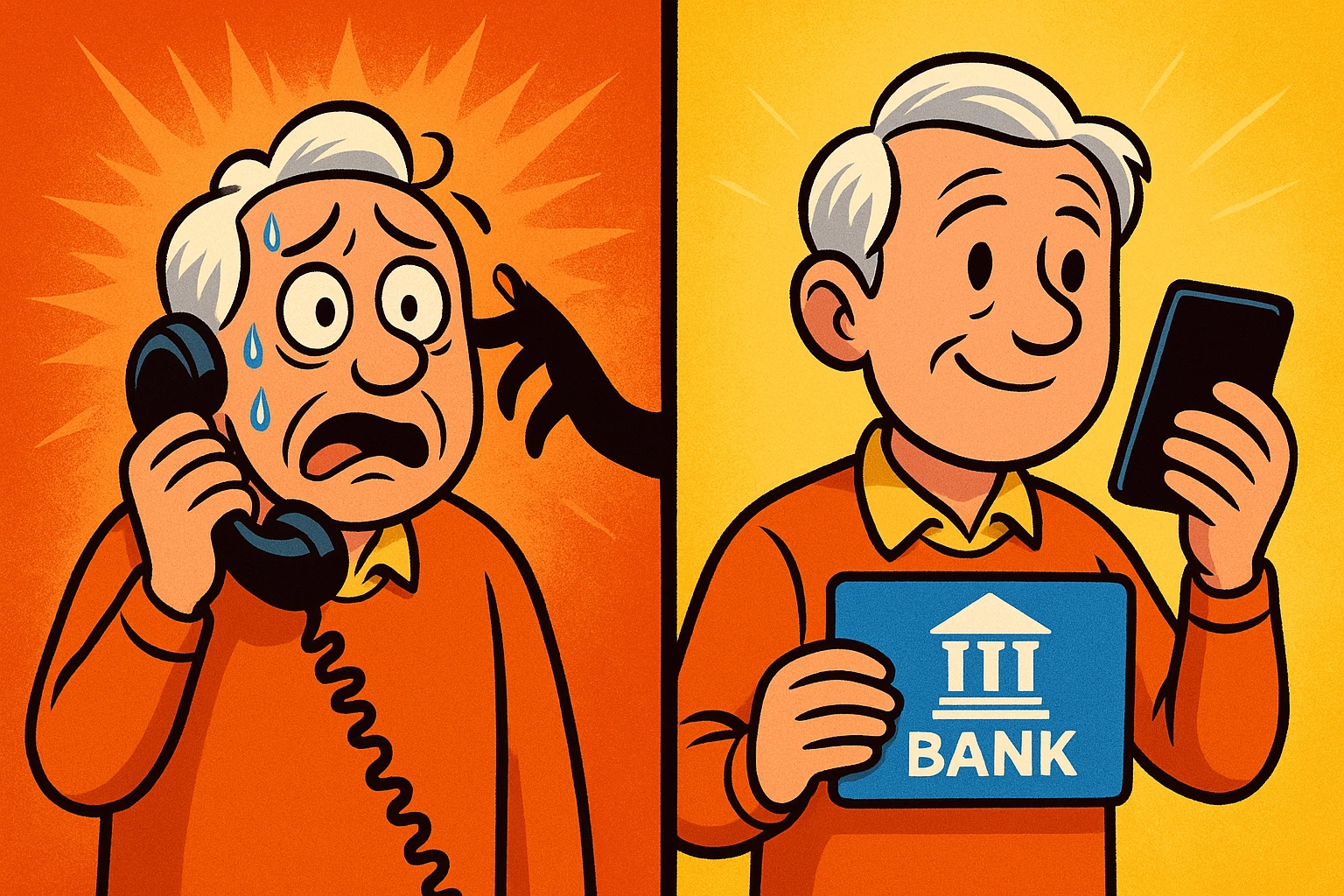
Treat every unexpected call, text or email as unverified until you’ve contacted the bank through a channel you picked yourself.
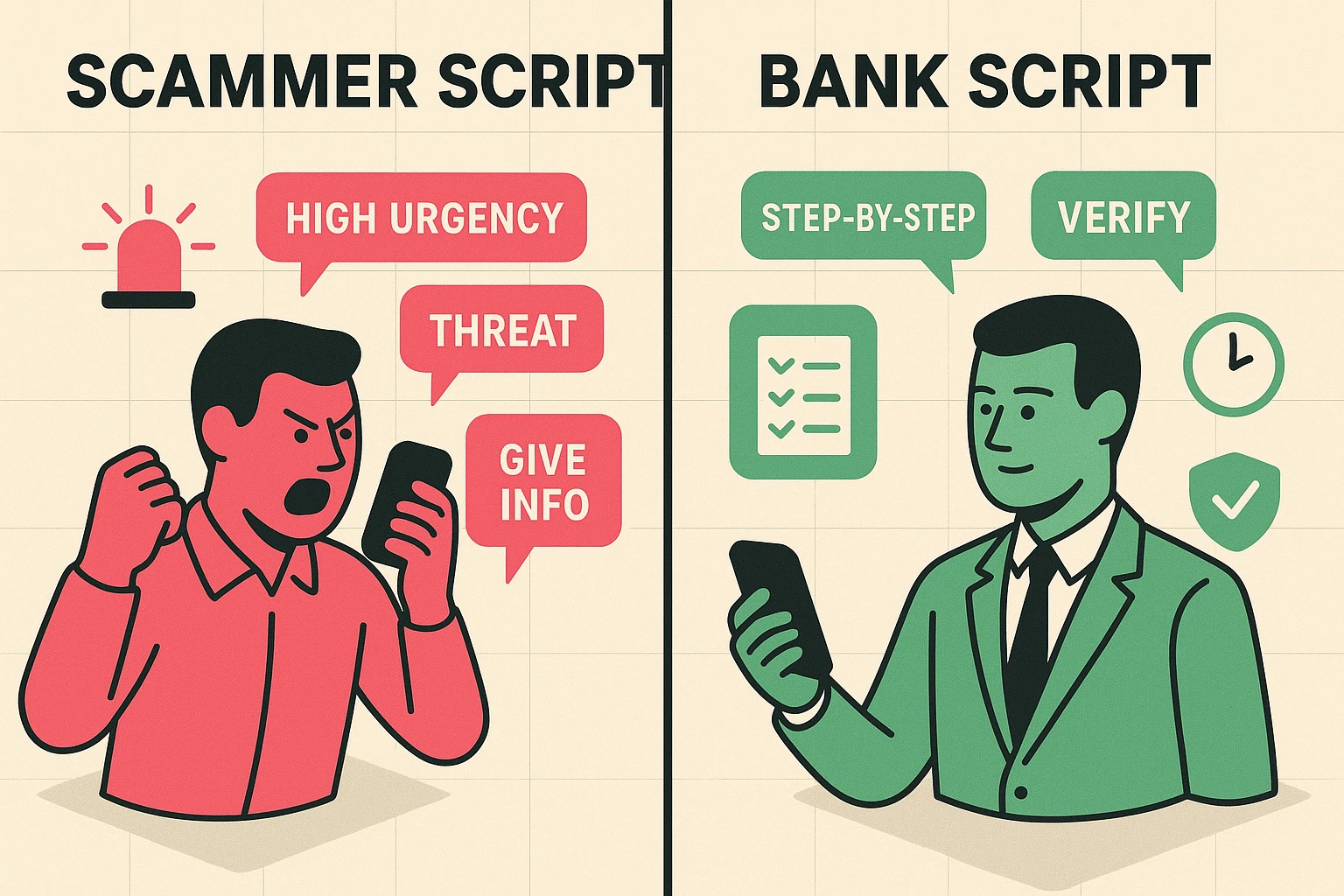
So don’t click the link, don’t reply, don’t read out a one-time code, and don’t move any money.
End the contact. Open the bank’s official app, or dial the number printed on the back of your card. Then ask whether they sent it.
Nothing bad happens because you hung up and checked.
Urgency doesn’t prove a message is fake, and a calm, professional voice doesn’t prove it’s real. Both are easy to produce.
So ignore the tone and look at the request.
Stop immediately if anyone asks for a password, your full PIN, a one-time verification code, a remote-access app, gift cards, cryptocurrency, a wire, or a transfer to a safe account.
Your bank has no safe account to move you to. That phrase is a scam all by itself.
A caller may know your name, your bank, a recent purchase, or part of a card number. Data breaches make that easy.
Knowing about you is not the same as being your bank.
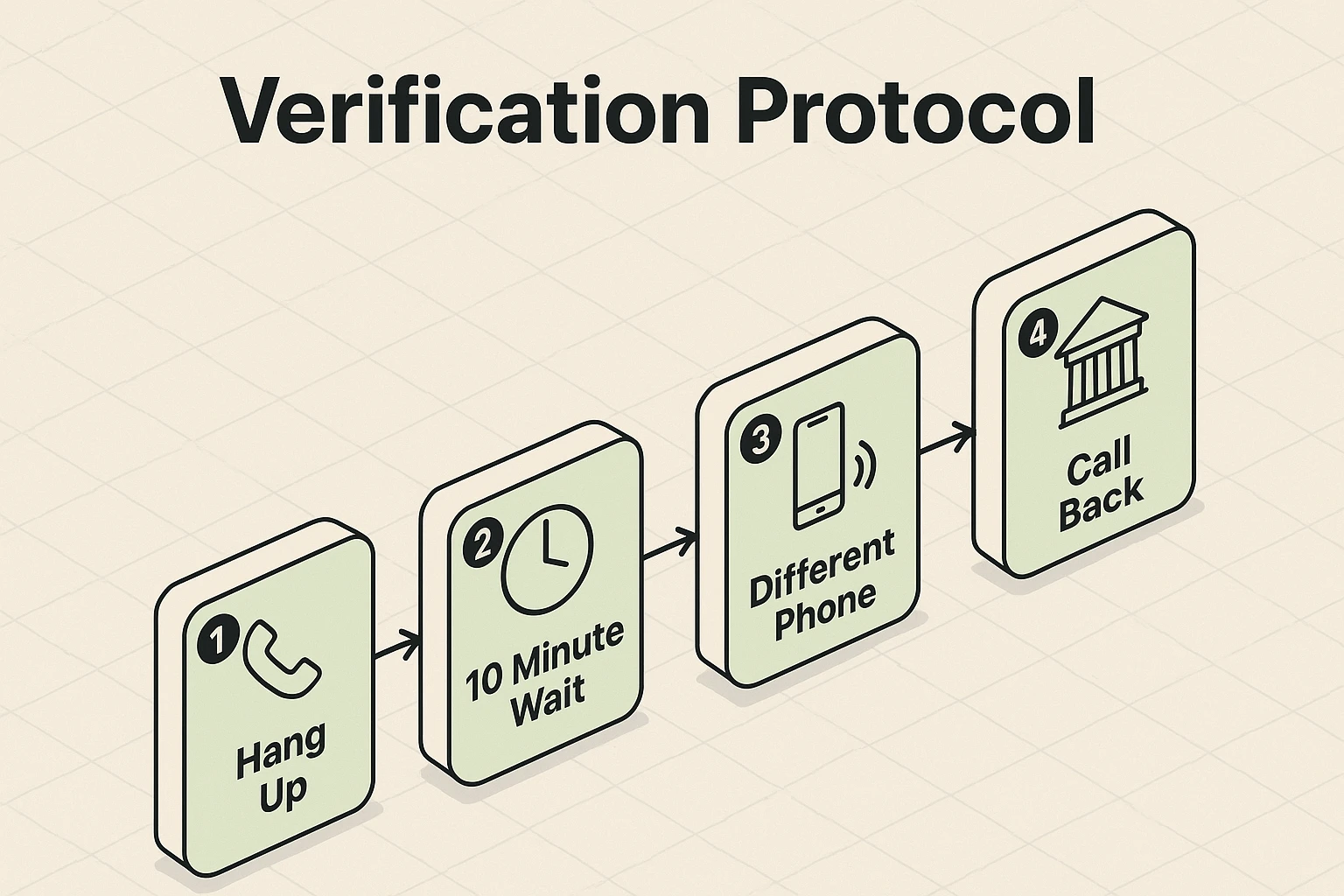
The rule is short. You start the call. That’s the whole thing.
End the call or message without using any link or number it gave you.
On a mobile phone, open your banking app yourself. On any phone, dial the number printed on the physical card or on a recent statement.
Ask the fraud department whether that transaction and that alert actually appear on your account.
If it came to a landline, wait for the line to clear or use a different phone before dialing. An old trick keeps the original call connected while you think you’re dialing out.
And caller ID and text sender names can both be faked, so what’s displayed is never the verification step.
Our guide on how to spot fake bank emails and texts covers the written side of this in more depth.
AI lets criminals write polished messages, imitate a familiar voice, and hold a natural conversation on a call.
It also lets them stitch details from data breaches and public profiles into a story that sounds specific to you.
None of that verifies anything. A convincing message is still just a message.
So the defense doesn’t change. Stop the incoming contact, and start a separate conversation through the official app, the card number, or the statement number.
One more thing. Don’t upload a suspicious financial message to some AI service to ask whether it’s real. That message holds your account details, and you’ve just handed them to a company you never checked.
Set this up on a quiet afternoon, not during an alert.
Turn on transaction and login alerts inside the official banking app. Use a unique password. Enable the strongest multi-factor option your bank supports.
If you haven’t already, our guide on how to set up two-factor authentication walks through the options.
Save the bank’s official fraud number in your contacts, but still compare it against the card or the app before you share anything. Contacts can be edited.
Then review your notification settings so genuine alerts arrive where you expect them.
All of this reduces confusion later. What it doesn’t do is make caller ID or an incoming message trustworthy on its own. Nothing does.
Call the bank straight away through the official app or the number on the card.
Tell the fraud team exactly what you shared. Don’t soften it. Ask them to secure the account, stop pending transfers, replace cards, and review recent activity.
Change the banking password, and any password you reused, from a device you trust.
If remote-access software was installed, disconnect that device from the internet and get trusted technical help before signing in to anything again.
Keep the messages and transaction details, then report the fraud at ReportFraud.ftc.gov, and at IC3.gov for internet-enabled financial loss.
Bank fraud teams handle this every single day. Speed helps far more than remembering every detail perfectly.
For the wider picture, our online safety tips for seniors guide covers scams, privacy and security together in one place.
Don’t try to verify it through the message itself. End the call or text, open the bank’s official app or dial the number printed on your card, and ask whether they sent it. A real alert will still be there when you call back, so there’s genuinely no rush.
No, and you shouldn’t give one to an unexpected caller or texter. If a code request comes up during a fraud alert, contact the bank yourself through the official app or the number on your card. Sharing that code can let somebody else sign in as you.
If you shared information or moved money, call the bank immediately through an official channel, secure the account, change affected passwords, keep your evidence, and report the fraud. Do those in order, and call before you’ve got every detail sorted out. Acting fast matters far more than being tidy about it.