Newsletter Subscribe
Enter your email address below and subscribe to our newsletter

Enter your email address below and subscribe to our newsletter
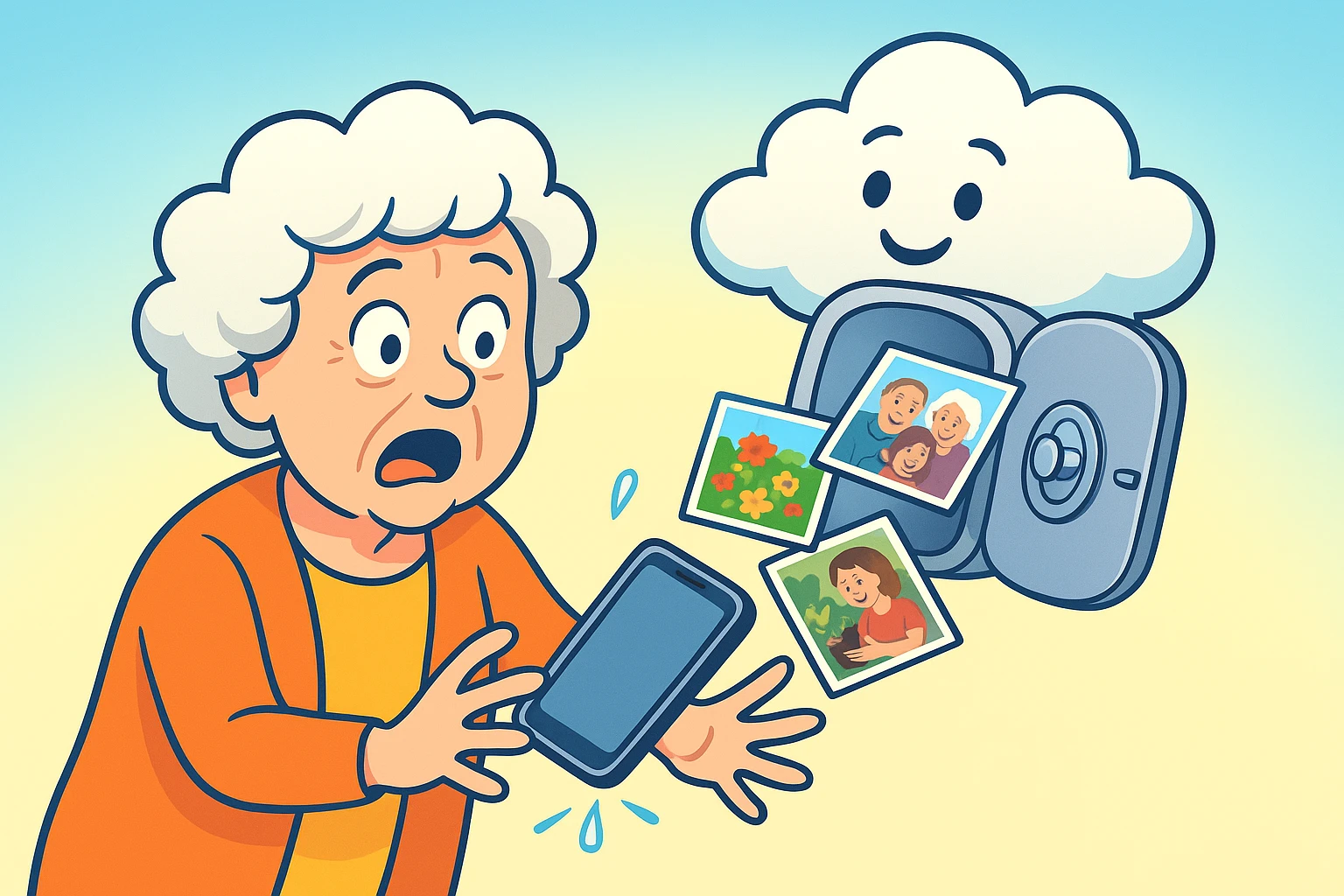
Remember the “good old days” of photography? You’d snap a photo, wind the little plastic wheel on the camera, and pray your thumb wasn’t covering the lens. Then, you’d wait a week to get the prints developed, only to find out that 12 of the 24 exposures were blurry pictures of the floor. But the good ones? They went into a sticky-paged photo album or a shoebox labeled “Summer ’84,” stored safely in the closet.
Fast forward to today. You have a sleek glass rectangle in your pocket that can take clearer photos than a professional studio camera from the 90s. You probably have 4,300 photos of your grandchildren, your garden, and that one time you baked a perfect sourdough loaf.
But here is the terrifying question: Where are those photos, really?
If your answer is “on my phone,” we need to have a talk. Phones are slippery. They fall in toilets. They get left in taxis. They decide to stop working just because it’s a Tuesday. If your phone is the only place your memories live, you are playing a high-stakes game of digital roulette.
The solution is “The Cloud.” Now, don’t panic. The cloud isn’t a literal weather system, and your photos aren’t going to get rained on. It’s simply the modern, digital version of that fireproof box in the closet—except this box is infinite, accessible from anywhere, and never gets dusty.
Let’s bust some jargon before we go any further.
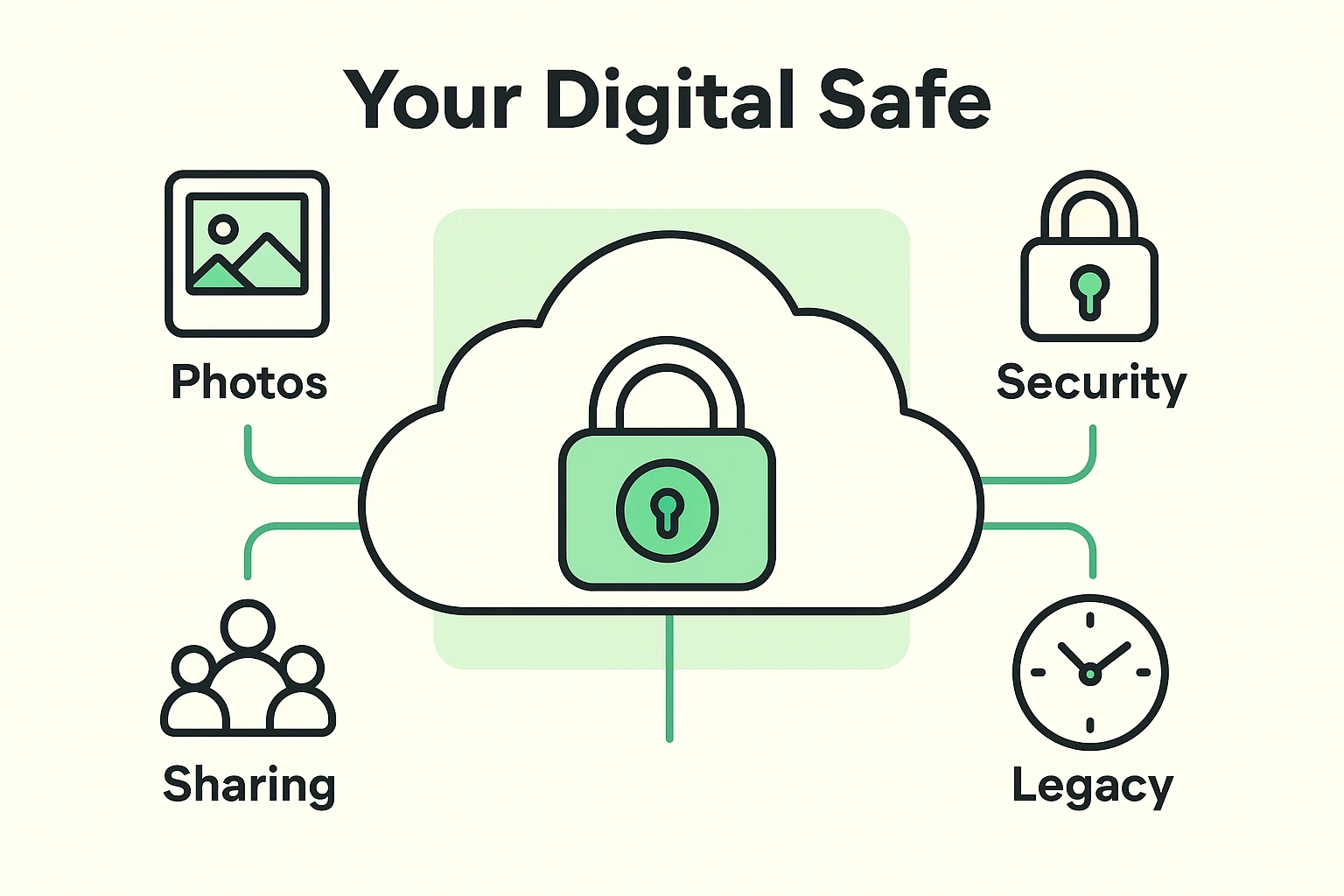
When tech people talk about “The Cloud,” they are just using a fancy term for “Someone Else’s Very Secure Computer.”
Imagine you have a safety deposit box at the bank. You put your valuables in it. Even if your house floods or—heaven forbid—burns down, your valuables are safe at the bank. You can walk into any branch of that bank, show your ID, and see your valuables.
Cloud storage works the exact same way:
The biggest mistake we see isn’t choosing the “wrong” plan; it’s choosing no plan. Relying solely on your physical device is risky. Hard drives fail. Phones get stolen. But a cloud backup is an insurance policy for your legacy.
Most services offer a “free tier.” It’s usually just enough storage to get you hooked, hold about 500 photos, and then annoy you with “Storage Full” notifications until the end of time.
Many seniors hesitate to pay for storage. “Why should I pay a monthly fee for pictures I already took?”
Here is the mindset shift: You aren’t paying for the pictures. You are paying for the digital safety deposit box.
For the price of a fancy coffee (usually around $2 to $3 a month), you are buying the assurance that your life’s memories are immune to disasters, theft, and accidental deletions. It’s cost-effective peace of mind.
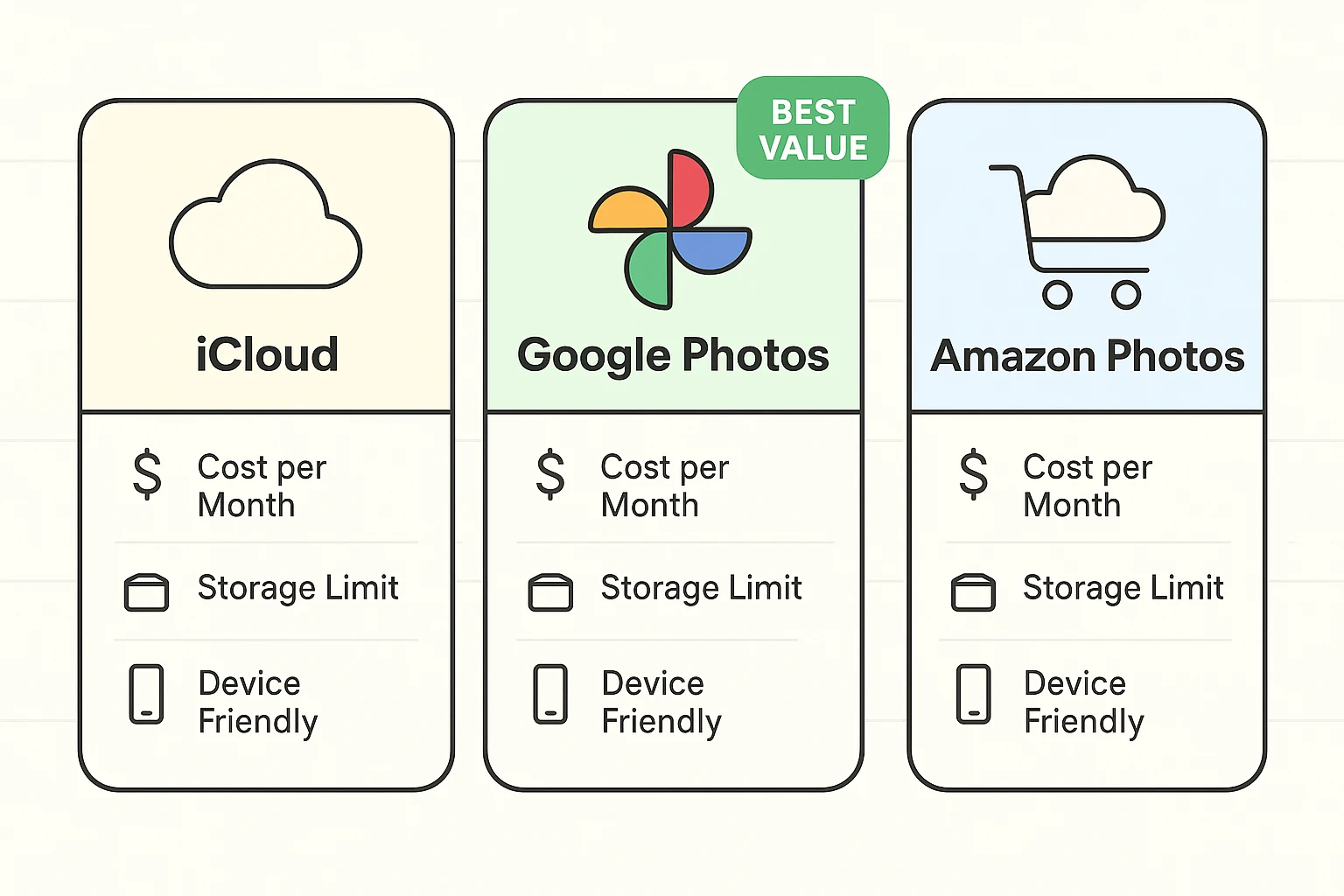
You don’t need to research fifty different companies. For 99% of people, the choice comes down to what device you already have in your pocket.
If you have an iPhone, an iPad, and maybe a Mac, iCloud is your path of least resistance. It is built directly into your device. You don’t even really have to “install” anything; you just have to give Apple permission to save your stuff.
Even if you use an iPhone, Google Photos is a powerhouse. Its “superpower” is search. You can type in “dog” or “beach” or “Christmas,” and it will magically find those photos without you ever organizing them. It works on both Apple and Android devices, making it the Switzerland of cloud storage.
If you pay for Amazon Prime, you already have this. Prime members get unlimited full-resolution photo storage included with their membership.
Here is the topic most tech guides skip, but it is vital for seniors.
Back in the day, if something happened to you, your kids would find the photo albums on the shelf. They were physical. They existed in the real world.
Today, if your photos are locked behind a password that only you know, your digital legacy could disappear forever. We call this the “Digital Estate” gap.
When you choose a cloud plan, you aren’t just storing files; you are curating the story of your life for future generations. But that story is useless if the book is locked and you have the only key.
Part of choosing a plan is ensuring someone else can access it when needed.
Many users ask, “how do i backup my iphone photos so my kids can see them?” The answer is combining a cloud service with a proper legacy plan.
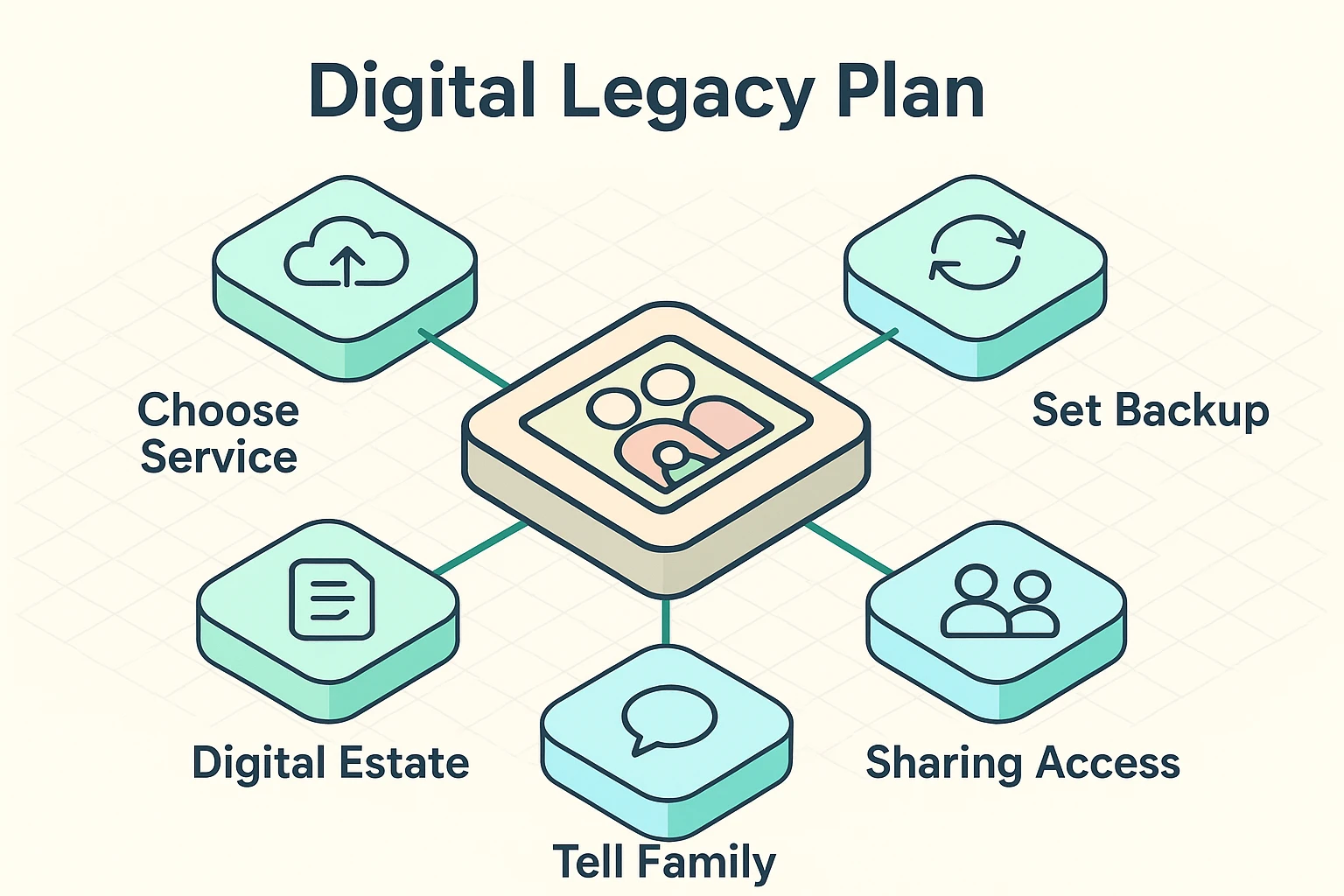
Don’t let “analysis paralysis” stop you. Here is your homework assignment. It will take ten minutes.
Not if you tell it not to! Almost all cloud apps have a setting to “Back up over Wi-Fi only.” This means it waits until you are home connected to your Wi-Fi to upload your pictures, saving your data plan.
This is tricky! On iCloud, usually no—if you delete it from the phone, it deletes from the cloud (they “sync”). On Google Photos, there is a specific “Free Up Space” button that deletes the copy on your phone but keeps the one in the cloud safe. Always read the warning message before you hit delete!
Nothing is 100% hack-proof, but cloud companies like Apple and Google spend billions on security. It is significantly safer than keeping your photos on a laptop from 2012 that hasn’t been updated in three years.
Technology can be overwhelming, annoying, and sometimes downright rude. But it also gives us a superpower our ancestors never had: the ability to preserve a lifetime of smiles, milestones, and memories without fear of fading paper or house fires.
Choosing a cloud plan isn’t just a technical chore. It’s an act of love for your family and your future self. So, go ahead—take that picture of your latte. It’s going to be safe in the vault.