Newsletter Subscribe
Enter your email address below and subscribe to our newsletter

Enter your email address below and subscribe to our newsletter
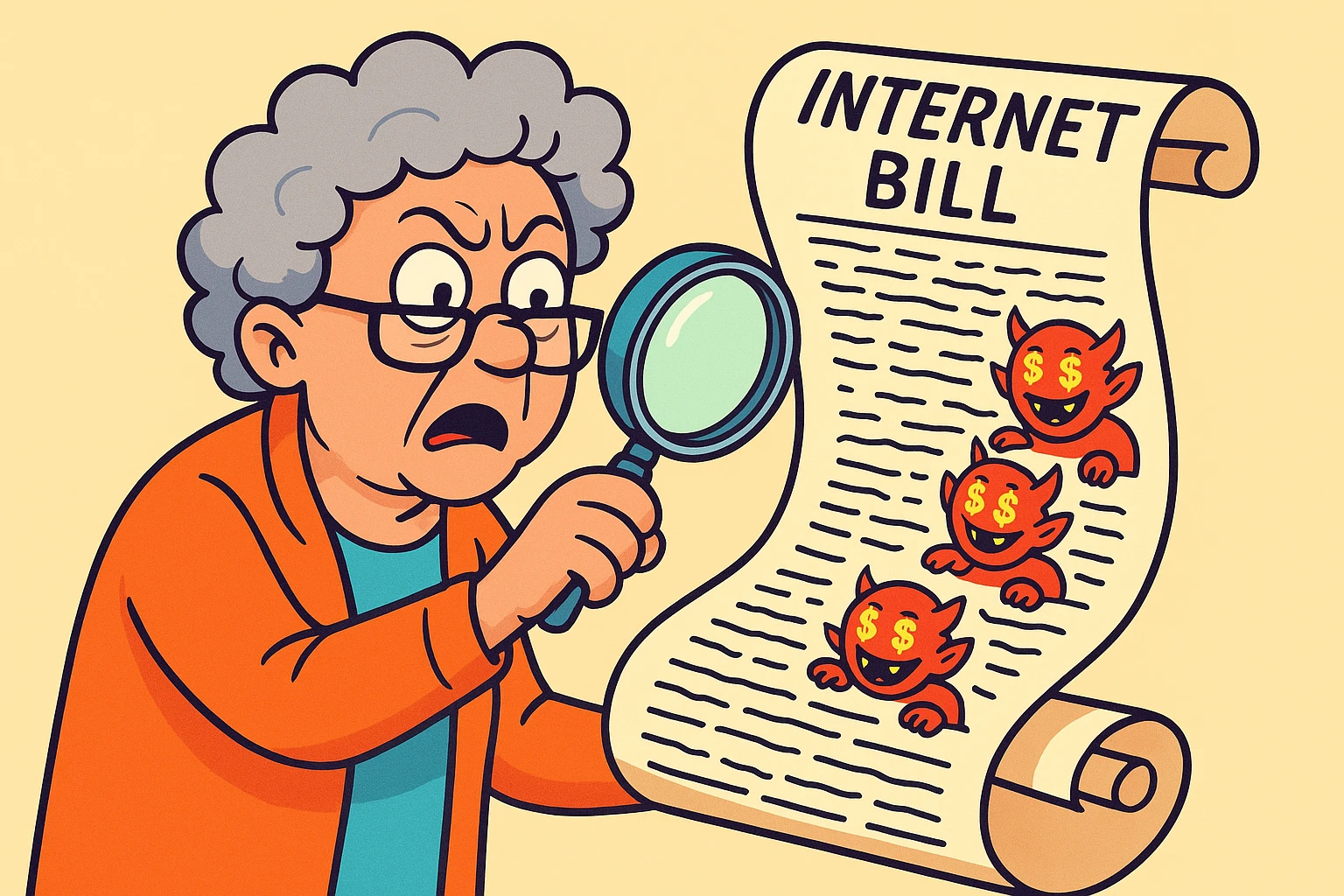
Opening your monthly internetThe Internet is a vast network of computers and other electronic devices connected globally, allowin... More bill can feel a lot like trying to read a map in a foreign language while blindfolded. You see a number at the bottom that is decidedly not the number you remember agreeing to, surrounded by a swarm of acronyms, “recovery fees,” and “administrative charges” that look more like a secret code than a receipt.
It’s enough to make you want to go back to writing letters by candlelight and sending them via carrier pigeon.
If you’ve ever stared at your statement and wondered, “What on earth is a ‘Universal Connectivity Charge’ and why does it cost as much as a sandwich?”, you are not alone. Internet Service Providers (ISPs) have turned billing into an art form—abstract art, specifically, where nothing makes sense and it costs a fortune.
But here is the good news: You don’t need an accounting degree or a magnifying glass to figure this out. We are going to translate that bill from “ISP-speak” into plain English. We’ll separate the mandatory taxes from the “junk fees,” and show you exactly where your money is going.
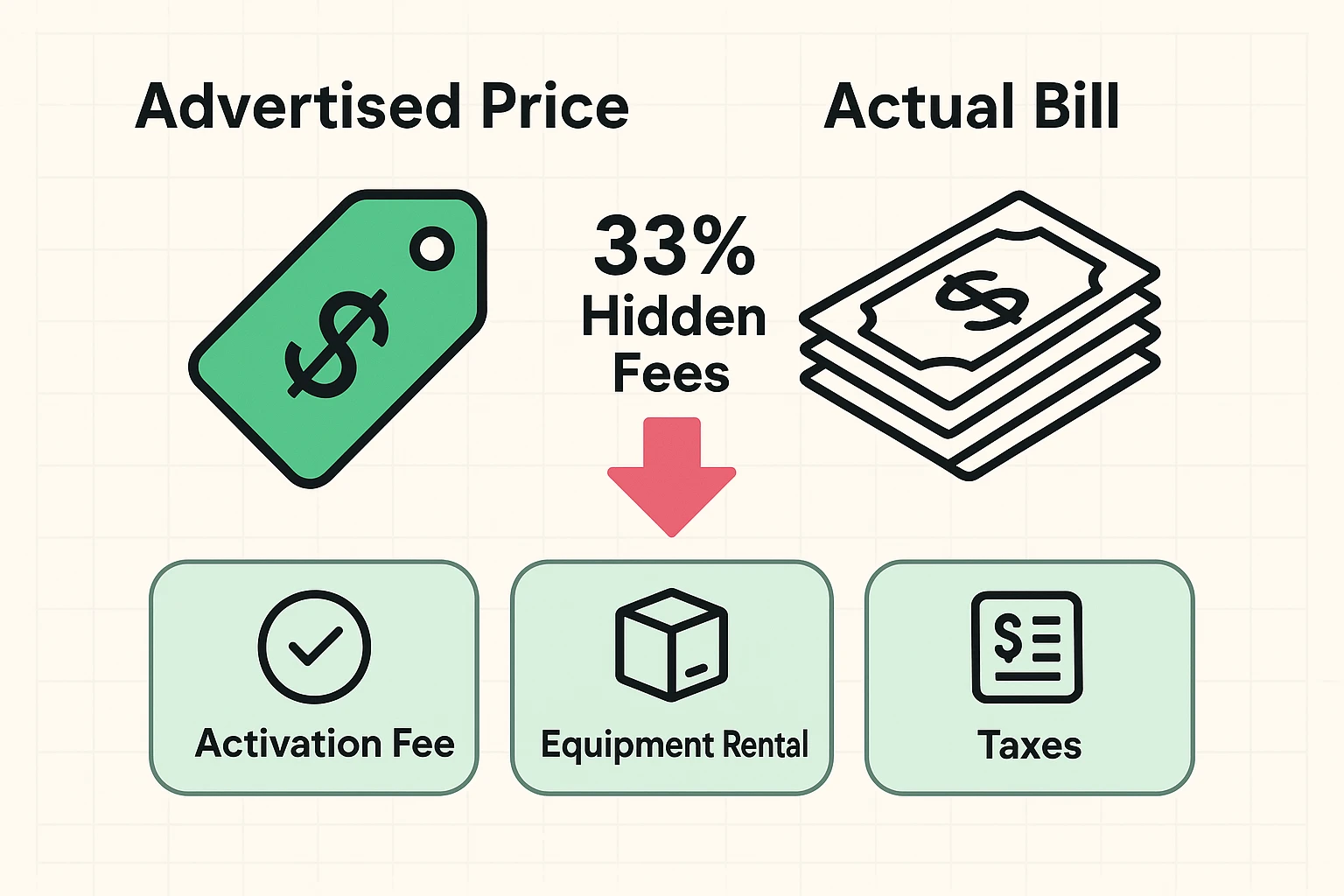
Have you ever seen an advertisement for internet service that promises “High Speed for just $49.99!” only to receive a bill for $78.50? This isn’t a mistake; it’s a feature.
Research suggests that the average internet bill can be roughly 33% higher than the advertised price. Why? Because the advertised price is usually just for the data. It’s like booking a hotel room for $100, but then getting charged extra for the mattress, the pillows, and the key to the door.
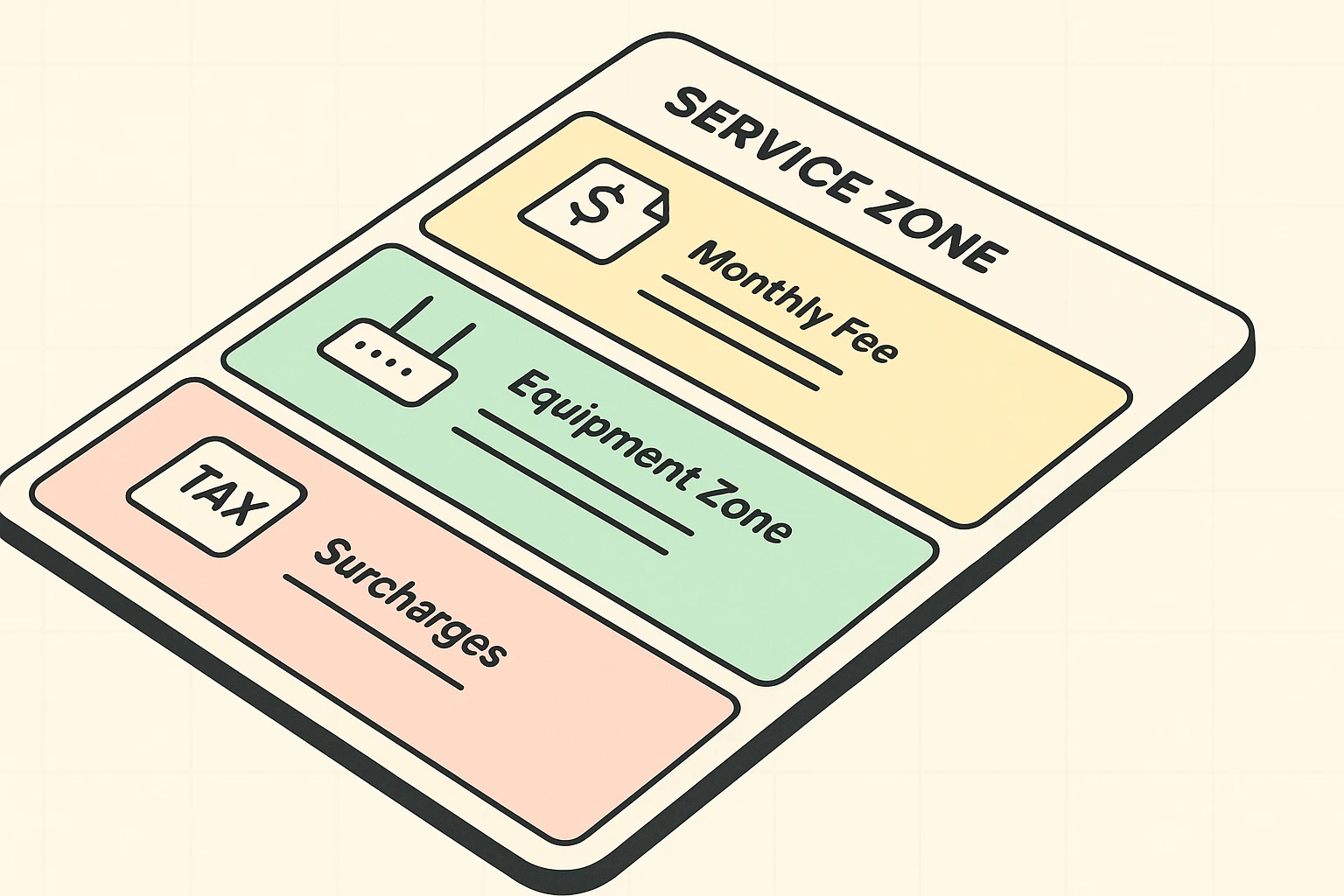
Your bill is generally split into three zones:
Let’s break these down, line by line, so you can spot the “bloat.”
One of the most common “gotchas” on a senior’s internet bill is the modem rental fee. This usually appears as “Equipment Lease,” “GatewayA gateway is a networking device that connects two or more networks, allowing data to flow between t... More Rental,” or “Wi-FiWi-Fi, short for Wireless Fidelity, revolutionizes connectivity by enabling devices to access the in... More Service Fee.”
ISPs love this fee. They often charge between $10 and $15 a month to rent you a black plastic box that connects you to the internet. Do the math, and that’s $120 to $180 a year.
Here is the kicker: You can usually buy a high-quality modem of your own for about $100. That means in less than a year, the equipment pays for itself, and you stop paying rent forever.
The “Tech Trap” to Avoid:Many people are afraid to buy their own modem because they think installing it requires an engineering degree. It doesn’t. However, you do have to perform a step called “provisioning.”
This is just a fancy word for “calling the cable company and giving them the serial number on the bottom of your new device.” It tells their system to talk to your new box. It takes about 15 minutes, saves you hundreds of dollars over time, and stops the monthly rental drain.
This is where things get murky. Your bill will list a dozen small charges. Some go to the government (like sales tax). But others? They go straight into the ISP’s pocket.
You might see a line item called “Internet Cost Recovery Fee” or “Regulatory Recovery Fee.” This sounds official, like a federal mandate.
It isn’t.
This is a fee the ISPAn Internet Service Provider, or ISP, is the company that gives you access to the internet. You pay ... More charges you to help them pay their taxes. It is a discretionary fee, meaning they don’t have to charge it, but they do because it allows them to keep their advertised price low while jacking up the final bill. While it’s hard to negotiate this one away, knowing it’s not a government tax gives you leverage when negotiating your total package price.
Look closely for a “Paper Statement Fee.” Many providers now charge seniors $3 to $5 a month simply for the privilege of receiving a bill in the mail.
That is $60 a year for twelve envelopes.
The Fix: Most ISPs will waive this fee if you switch to “paperless billing” (receiving the bill via email). However, if you are over 65, some providers have unadvertised “Senior Waivers” that allow you to keep the paper bill for free. You just have to call and ask.
Did your bill suddenly jump up by $20 or $40 this month? You likely hit the “Promo Cliff.”
Most internet contracts are introductory offers that last for 12 months. On Month 13, the “Standard Rate” kicks in. They count on you not noticing, or being too polite to complain.
This is where the new FCC Broadband Nutrition Labels come in handy. As of 2024, the government requires ISPs to display clear labels—just like on a cereal box—showing the real price, the introductory period length, and what the price will be after the promo ends.
You can use these labels to “audit” your current plan. If you see a label for a new customer that is cheaper than what you are paying, you have the ammo you need to make a phone call.
The biggest hurdle to lowering a bill isn’t technical; it’s social. No one wants to call a call center, sit on hold for 20 minutes, and argue with a stranger.
But you don’t have to argue. You just have to ask the right questions.
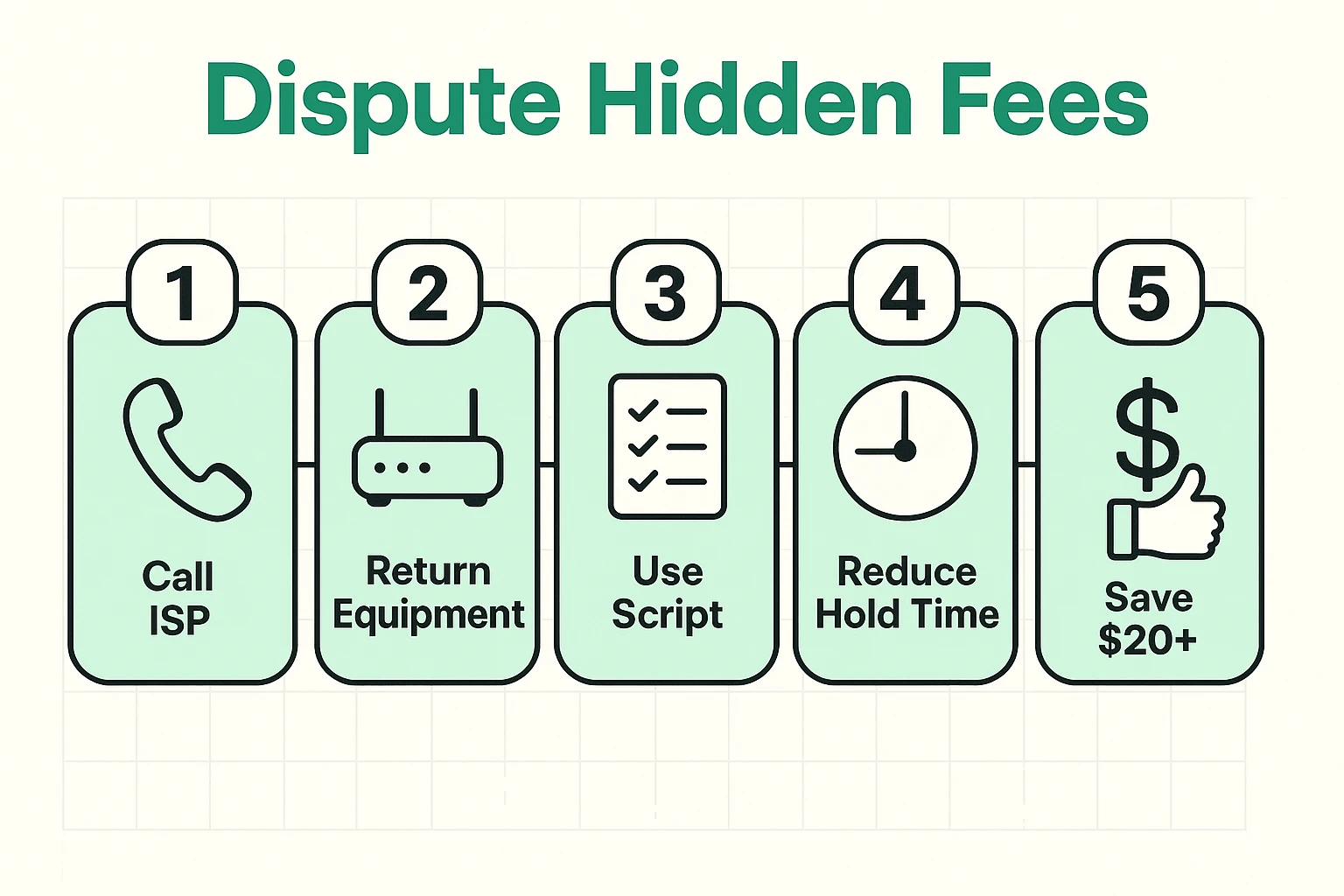
Step 1: The “Retention” PhraseWhen you call, don’t just talk to the first person who answers. Politely say, “I’m looking at my budget and considering cancelling service because the price is too high.” This magic phrase usually gets you transferred to the “Retention Department”—the people who actually have the power to lower prices.
Step 2: The ScriptOnce you are on the line, try this:“I’ve been a loyal customer for [Number] years. I noticed my bill has gone up to [Current Price]. I see that new customers are getting a rate of [Lower Price] according to your Broadband Facts label. I’d like to stay with you, but I need you to match that rate or waive the equipment fees to make it make sense for me.”
Step 3: Ask for the Senior Waiver“Also, I noticed a charge for paper statements. Do you have a waiver available for seniors on fixed incomes?”
Some internet plans are not truly “unlimited.” They may have a cap (like 1.2 Terabytes). If you go over—perhaps because the grandkids visited and streamed movies all weekend—you get hit with a fee, often $10 for every extra 50GB. If you see this on your bill, ask to switch to a truly unlimited plan.
Yes, but be careful! When you buy your own modem and return the rental to the store, keep the receipt forever. Sometimes, their system will “forget” you returned it and try to charge you a “Unreturned Equipment Fee” (which can be $150+) months later. That receipt is your golden ticket.
This is often an increase in the “Broadcast TV Fee” or “Regional Sports Fee” if you bundle TV and internet. These fees rise almost every year, and they are notoriously hard to remove without cancelling the TV portion of your bundle.
You might see a $5-$8 charge for “Inside Wire Maintenance.” This is insurance in case the wires inside your walls break. For most seniors living in apartments or newer homes, this is rarely used. If you are handy or rent your home (where the landlord is responsible for wiring), you can likely cancel this.
Your internet bill doesn’t have to be a monthly mystery. By understanding the difference between the service you need and the fluff you don’t, you can keep your digital life connected without draining your wallet.
Take five minutes today to look at your bill. If you spot a rental fee for a modem you’ve had since 2018, or a promo deal that expired while you weren’t looking, pick up the phone. A friendly, firm conversation could save you the cost of a nice dinner out—every single month.