Newsletter Subscribe
Enter your email address below and subscribe to our newsletter

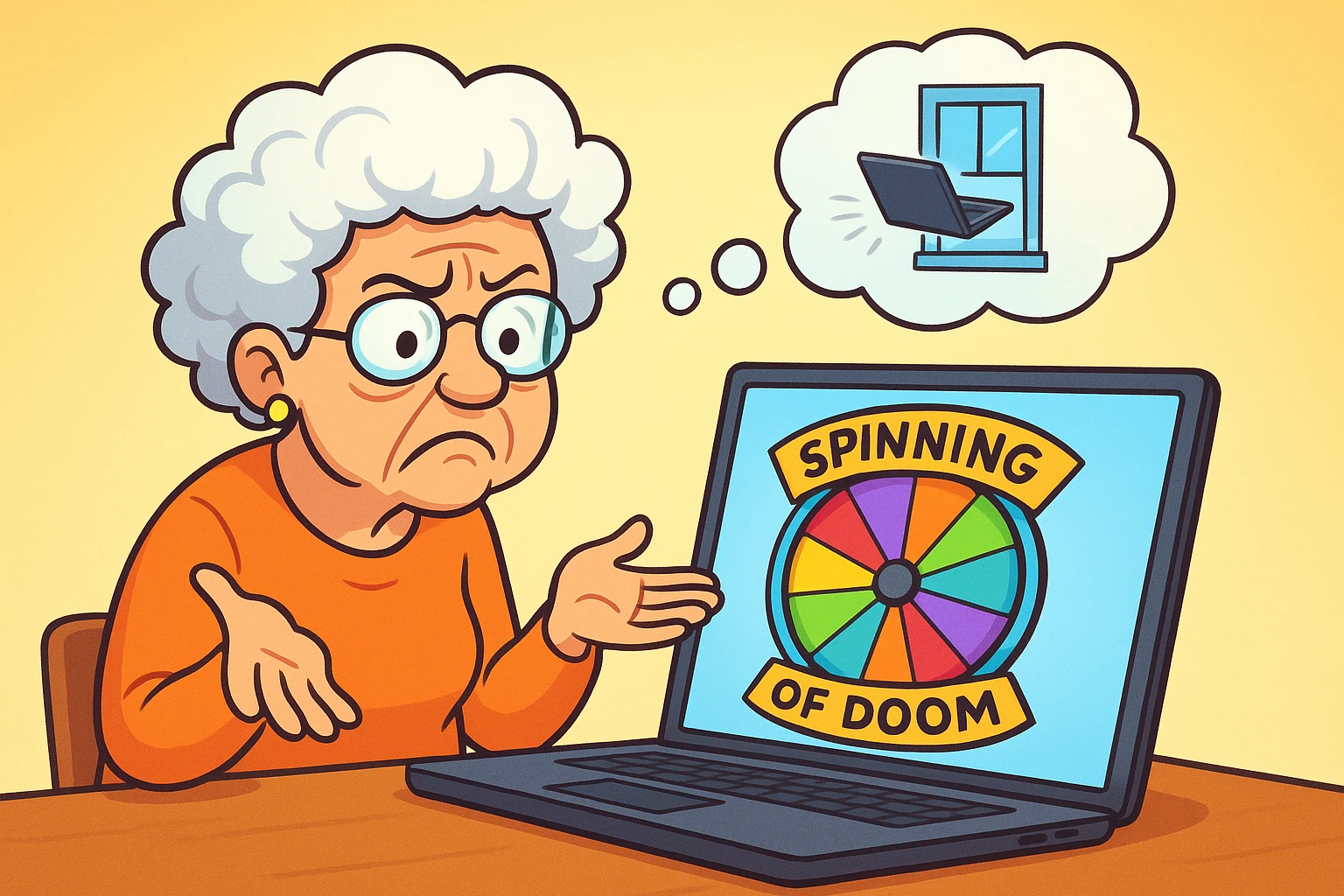
A slow internet connection can turn a simple task into a frustrating one. A webpage takes too long to load, a video call keeps freezing, or a streaming service constantly buffers when you are trying to watch a show.
Sometimes the problem is with your internet service. Other times, the connection itself is fine and the issue is limited to one device, your Wi-Fi signal, your router, or something using too much of your network’s bandwidth.
The good news is that you can check many of these problems yourself before calling your internet service provider. A few basic checks can help you determine whether the problem is your device, your home network, or the connection coming into your home.
This guide walks through the most common causes of slow internet and Wi-Fi problems, starting with the simplest fixes and moving toward issues that may require help from your internet provider.
Restarting your equipment is one of the first things worth trying when your internet suddenly becomes slow or stops working.
Your modem and router run continuously, and temporary software or connection problems can sometimes affect how they communicate with your devices or your internet provider. Restarting them gives the equipment a fresh connection.
Before restarting anything, check the lights on your modem and router. The exact lights vary by manufacturer, but they can provide useful information about whether the equipment is receiving an internet signal.
If the internet or connection light is off, red, or showing another warning color, the problem may be with the connection between your modem and your internet provider. If the modem appears to be connected normally but one device cannot get online, the problem may be closer to that device.
Follow these steps before changing any settings.
If you have more than one device available, test the connection on both. If your tablet is slow but your phone works normally on the same Wi-Fi network, the problem is probably limited to the tablet. If every device is having trouble, the problem is more likely to involve your network, modem, router, or internet service.
Knowing what each piece of equipment does makes troubleshooting much easier.
The modem connects your home to your internet provider. It receives the internet connection coming into your home and passes that connection to your router or directly to a device.
Your internet provider may supply the modem, or you may own your own compatible equipment.
The router distributes your internet connection to the devices in your home. It can provide a wired connection through Ethernet cables and a wireless connection through Wi-Fi.
If your modem is connected to the internet but your router is having problems, you may still have an internet connection coming into your home while your devices cannot access it properly.
Wi-Fi is the wireless connection between your devices and your router. A slow Wi-Fi connection does not necessarily mean your internet service itself is slow.
For example, you could have a fast internet plan but a weak Wi-Fi signal in a bedroom that is far from the router.
Keeping these three things separate helps narrow down the problem.
Many modern routers support both 2.4GHz and 5GHz Wi-Fi networks.
The two frequencies have different strengths.
2.4GHz Wi-Fi
5GHz Wi-Fi
Some routers automatically choose the appropriate frequency for each device. Others display separate network names for 2.4GHz and 5GHz connections.
If your device is close to the router and your connection is slow, trying the 5GHz network may help. If you are farther away and the 5GHz signal is weak, 2.4GHz may provide a more reliable connection.
Where you place your router can affect the strength and reliability of your Wi-Fi signal.
Wi-Fi signals can be weakened by walls, floors, large metal objects, and other physical barriers. Some household appliances can also create wireless interference.
Try to place your router:
A router does not need to be hidden. Keeping it in an open, elevated location can give the wireless signal a better path through your home.
If your internet works well when you are standing near the router but becomes unreliable in another room, Wi-Fi coverage may be the problem rather than your internet service.
Your internet connection may become slow when several devices are using it heavily at the same time.
Common examples include:
Check what your devices are doing when the slowdown occurs. If your internet is consistently slow during certain times of day, network usage may be part of the problem.
You should also make sure your Wi-Fi network is protected with a strong password. An unsecured network, or one with a password that is easy to guess, can allow unauthorized people to connect to your internet.
If you suspect someone else is using your network, log in to your router’s settings and check the list of connected devices. The exact process varies by router.
A speed test can help you determine whether your connection is actually performing below the speed you expect.
You can use a service such as Fast.com or Speedtest.net to test your connection.
For a more useful result, run the test under consistent conditions.
The number shown by a speed test represents the connection speed at that particular moment. It can change based on network traffic, your Wi-Fi connection, the device you are using, and other factors.
If your plan advertises 200 Mbps and you consistently receive only a small fraction of that speed while standing close to the router, it is worth investigating further.
You can also run the test at different times of day. If your connection performs well in the morning but becomes significantly slower every evening, network congestion may be contributing to the problem.
If one device is crawling while everything else in the house works fine, the problem is almost always that device, not your internet service.
Picture it. You’re settled in your favorite chair, ready to video call the grandkids, and all you get is the spinning wheel. Meanwhile, your spouse is three feet away watching cat videos without a hiccup. It feels personal. It isn’t. (Probably.)
Do the side-by-side test. Grab a phone that’s working well and make sure it’s on your home Wi-Fi, not cellular data. Stand next to the slow device and load the same web page on both. If the phone wins by a mile, your internet is fine. The slowdown is inside the other device.
Don’t trust the bars. Full Wi-Fi bars mean your device can hear the router clearly. They don’t mean it’s keeping up. A strong signal can’t help a gadget that’s too busy to use it.
Restart it properly. Shut it all the way down and turn it back on. Closing the laptop lid doesn’t count. A real restart clears out stuck programs and gives the device a fresh connection to the router.
Close the extra tabs. If you have 30 tabs open “for later,” many of them are still busy refreshing ads and checking for updates. Bookmark what you want to keep and close the rest.
Check for a hidden update. Computers love to download a big update, or back up every photo you own, at the exact moment you want to use them. If the fan is whirring while you’re doing nothing, that’s a good sign it’s busy. On a Windows computer, type “Check for updates” in the search bar to see if something is downloading. Let it finish, and your speed should come back.
Try a private window. Open a private window in your browser. Chrome calls it Incognito, and Safari and Firefox call it Private Browsing. It starts without your browser add-ons and saved website data. If pages suddenly load fast, an add-on or old saved data is the culprit. Turn off add-ons you don’t use, or clear your browser’s cache.
Consider its age. A laptop from 2014 and a router from 2025 don’t speak quite the same Wi-Fi language. Before you replace the laptop, try a USB Wi-Fi adapter. It plugs into a USB port, often costs under $30, and gives an older computer newer Wi-Fi.
One last thing. If every other device in the house is fast, a faster internet plan won’t fix the slow one. Don’t let anyone talk you into paying for one.
Wireless printers and smart-home devices can sometimes lose their Wi-Fi connection.
Start by turning the device completely off. Wait several seconds, then turn it back on and allow it to reconnect.
If it still cannot connect, check the following:
Some older devices may also have compatibility limitations with newer Wi-Fi standards or security settings. If the device consistently fails to connect while newer devices work normally, check the manufacturer’s support information.
If you have restarted your equipment, checked your devices, tested your Wi-Fi signal, and confirmed that the connection is still much slower than expected, it may be time to contact your internet service provider.
Before calling, gather a few details.
Write down:
This information gives the technician a clearer picture of the problem.
You can also ask whether there is a known outage or service problem in your area. If there is no outage, the provider may be able to test the connection reaching your modem.
Older networking equipment can also affect performance.
If your modem or router is several years old, check whether it still supports the speed of your current internet plan and the Wi-Fi standards used by your devices.
If your provider supplied the equipment, ask whether you are eligible for an updated modem or router. The cost and replacement policy vary by provider.
You do not necessarily need to replace a router simply because it is old. If it still supports your internet plan and provides reliable coverage, upgrading may not make a meaningful difference.
A Wi-Fi extender can help when your internet connection is strong near the router but weak in another part of the house.
An extender receives the existing wireless signal and rebroadcasts it farther away. It can improve coverage in areas where the router’s signal does not reach well.
However, an extender cannot fix a slow internet connection coming into your home.
If your internet is slow everywhere, including right beside the router, troubleshoot the main connection first. An extender will not solve a problem with your modem, internet service, or overall bandwidth.
For larger homes, a mesh Wi-Fi system may also be worth considering. These systems use multiple connected units to provide broader wireless coverage. Whether one is necessary depends on the size and layout of your home and the quality of your existing Wi-Fi.
It usually means your computer has successfully connected to your router, but the router cannot establish a working connection to the internet. Restart your modem and router first. If other devices are also unable to access the internet, check for a service outage or contact your internet provider. If only one computer has the problem, troubleshoot that device before assuming the internet connection is down.
No. 5G refers to a generation of cellular network technology used by mobile phones and other cellular devices. 5GHz refers to a radio frequency used by some Wi-Fi networks. The names are similar, but they are different technologies.
Run a speed test close to your router. If the connection is fast near the router but slow in another room, your Wi-Fi coverage may be the problem. If the connection is slow even when you are close to the router, the issue could involve your modem, router, internet plan, provider, or network usage. Testing more than one device can also help. If only one device is affected, troubleshoot that device first.
If other devices on the same Wi-Fi are fast, the problem is usually inside that one device. Common causes are too many open tabs, a background update, a browser add-on, or older Wi-Fi hardware. Restart it first, then try a private browser window to narrow it down.
Not automatically. First determine whether the problem is your internet service, modem, router, Wi-Fi coverage, or a specific device. If the router is several years old and does not support your current internet plan or provide adequate coverage, an upgrade may help. If the problem is with your provider’s connection, replacing the router will not fix it.
Internet use can increase during the evening when more people are home and using streaming services, video calls, gaming, and other high-bandwidth applications. Run speed tests at different times to see whether there is a consistent pattern. If your connection slows significantly at the same time each day, share those results with your internet provider. They may be able to determine whether congestion or another service issue is involved.
Slow internet does not always mean you need a new router, a faster plan, or a visit from a technician.
Start by identifying the scope of the problem. Check whether one device or every device is affected. Restart the equipment, test the connection near the router, check what is using your network, and run a speed test.
If the problem appears to be your Wi-Fi coverage, work on router placement or consider whether an extender or mesh system makes sense for your home. If the connection remains slow everywhere, your modem or internet service may need attention.
And when you do need to call your internet provider, having specific information about your speeds, devices, and when the problem occurs can make the conversation much more productive.