Newsletter Subscribe
Enter your email address below and subscribe to our newsletter

Enter your email address below and subscribe to our newsletter
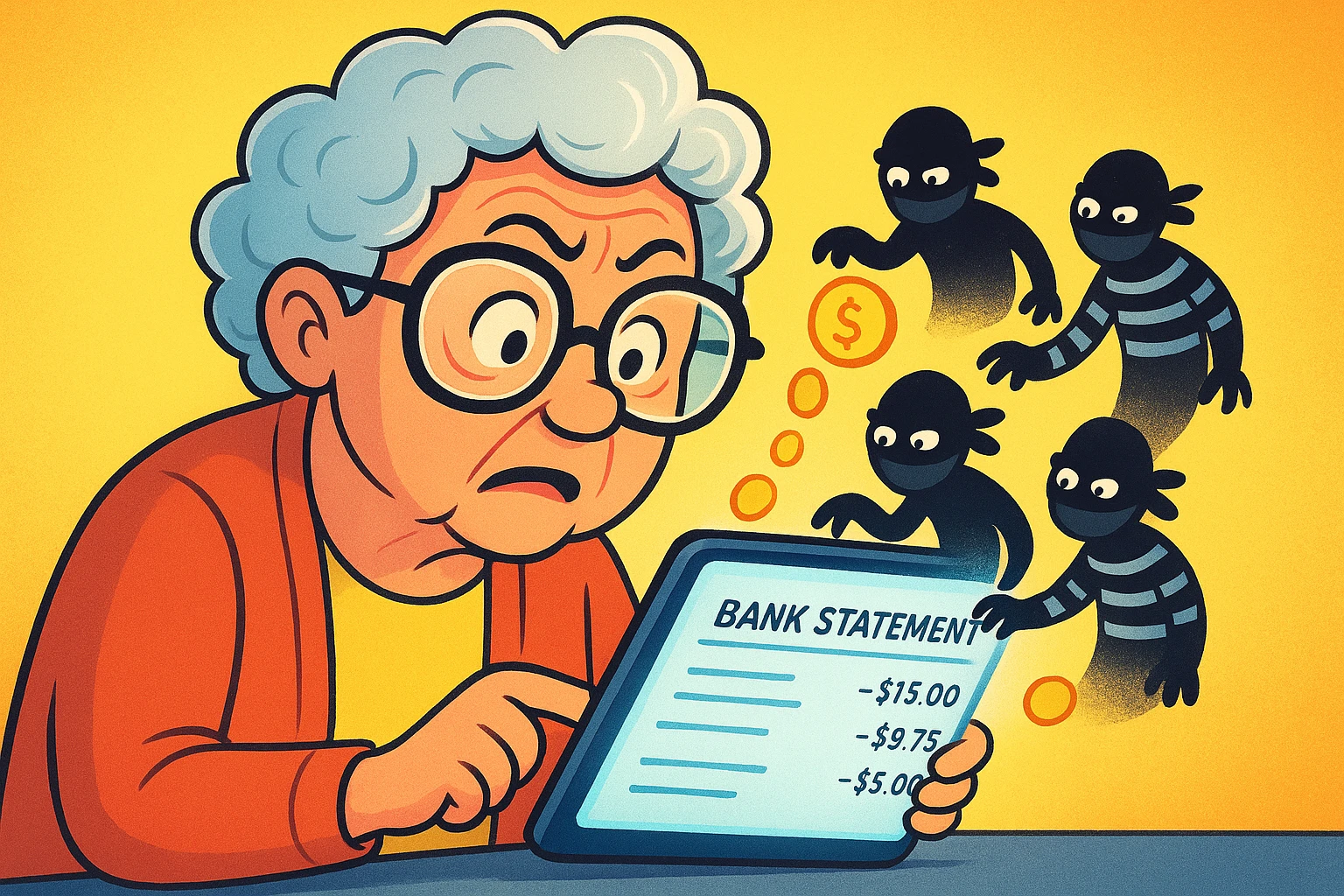
Imagine walking into a hardware store, buying a single hammer, and for the next three weeks, a man in a trench coat follows you everywhere whispering, “Hey, want to buy some nails? How about a screwdriver?” You’d probably call the police, or at least hit him with the hammer. But on the internet, this is just called “targeted advertising,” and the guy in the trench coat is your iPad.
If you’ve ever looked up a recipe for scalloped potatoes only to be hunted across the web by ads for potato peelers, you’ve experienced your “digital footprint” in action. Every time we click, browse, or ask a smart speaker for the weather, we leave a trail of digital breadcrumbs. And big tech companies are following right behind us with a vacuum cleaner.
The good news? You don’t have to throw your smartphone into the nearest river to get some privacy. You just need to learn how to lock your digital doors. Let’s look at how you can take back control of your personal data without needing a degree in computer science.
For many older adults, the convenience of modern technology comes with a nagging feeling of being watched. If you feel this way, the numbers show you are in excellent company. According to recent 2026 data from YouGov and AARP, a whopping 74% of Americans aged 65 and older consider limiting data access to be very important.
However, only about one-third of us consistently take strong actions to protect ourselves. It’s not because we don’t care; it’s because the tech industry makes privacy settings as confusing as a stereo manual translated from another language.
We are also rightfully skeptical about the gadgets we bring into our homes. Research from CaliforniaMobility shows that 56% of older adults are significantly concerned about the data collected by wearable devices like smartwatches. Furthermore, only 10% feel “very confident” about the privacy of their smart home assistants. After all, Alexa is a wonderful listener, but maybe she’s a little too wonderful.
Before we start building our digital fortress, it helps to understand how the invaders are getting in. Most tech sites use jargon that sounds like something out of a science fiction movie. Let’s translate that into plain English.
When you visit a website, it often drops a tiny file onto your computer called a “cookie.” Think of a cookie like a sticky “Hello, My Name Is…” tag that a website slaps on your shirt. When you go to another website, they read the tag and say, “Ah, it’s the person who was just looking at garden hoses!”
Here is where things get a little sneaky. As of 2026, companies are increasingly relying on something called “digital fingerprinting.” Even if you delete all your cookies, websites can still recognize you by analyzing your specific device. They look at your screen size, your software version, and even the fonts you have installed.
They use these details to create a profile so incredibly unique, it’s like recognizing you in a crowded mall simply because you’re the only person wearing a neon green fanny pack and mismatched argyle socks. It bypasses traditional privacy protections, which is why we need modern tools to fight back.
You don’t need to be a hacker to block these trackers. You just need to choose the right tools for your digital toolbelt. When evaluating privacy solutions, look for tools that are “set it and forget it,” meaning they do the hard work quietly in the background.
1. Privacy Browsers and Extensions: The easiest way to stop tracking is at the source—your web browser. Tools like the Electronic Frontier Foundation’s Privacy Badger are fantastic. It’s a simple add-on for your browser that automatically learns to block invisible trackers. It essentially acts as a bouncer for your web browser, tossing out the uninvited digital snoops.
2. Virtual Private Networks (VPNs): A VPN sounds intimidating, but it’s just a secure tunnel for your internet connection. Normally, your internet provider can see every website you visit. When you turn on a VPN, your traffic is scrambled. It’s like driving your car through a dark tunnel; people know a car went in, but they have no idea who is driving or where they are going next.
One of the most invasive forms of tracking is location data. Your phone goes everywhere you go, which means the apps on your phone know exactly where you spend your time.
The mapping app on your phone definitely needs to know your location so you don’t end up driving into a lake. But your digital crossword puzzle app? It does not need to know that you are currently sitting in the waiting room at the podiatrist.
Here is a quick first-aid check for your iPhone or iPad:
So, what happens to all the data these companies collect? They often sell it to “data brokers.” Data brokers are basically the internet’s worst gossips. They scoop up public records, shopping habits, and location data, bundle it all together, and sell it to anyone willing to pay.
The good news is that you have legal rights to make them stop. Thanks to new privacy laws across various states, you can exercise your data deletion rights. You can tell these companies to take your name out of their files and stop selling your information.
There are services out there that will contact these brokers on your behalf and force them to delete your data. When evaluating these data removal services, look for transparency. They should clearly list which brokers they contact and provide you with a regular report showing exactly what data they successfully wiped from the web.
As you start exploring these privacy tools, you’ll likely see advertisements for all sorts of security apps promising to keep you safe. Unfortunately, scammers know that privacy is a hot topic, and they sometimes disguise their nasty software as “helpful” privacy tools.
Before you download any new privacy app, install a browser extension, or hand over your email address to an opt-out service, you need to verify they are the real deal. Always take a moment to check their website to ensure they are a legitimate, trustworthy company and not just a teenager in a basement trying to steal your credit card information.
Not at all! Turning off cross-site tracking or location services won’t stop your device from working. The only difference you’ll notice is that the advertisements you see will become more random. Instead of ads for your specific brand of arthritis cream, you might see ads for tractor parts or skydiving lessons.
Modern VPNs are designed with normal people in mind. You don’t need to type in lines of computer code. Usually, you just open an app on your phone or computer and tap a giant button that says “Connect.” It does all the heavy lifting for you.
It is never too late to start sweeping up your digital footprint. Think of it like deciding to finally clean out the garage. Yes, there’s a lot of junk in there from the past twenty years, but throwing away the first few boxes immediately gives you more breathing room.
Taking control of your digital privacy isn’t about becoming paranoid; it’s about taking charge. You wouldn’t let a stranger follow you around the grocery store taking notes on your cereal purchases, and you shouldn’t accept it online either.
Start small today. Pick just one device—maybe your smartphone—and spend five minutes turning off location services for the apps that don’t need it. Then, consider adding a simple tool like Privacy Badger to your web browser. With just a few simple clicks, you can send those digital trench-coat guys packing.