Newsletter Subscribe
Enter your email address below and subscribe to our newsletter

Enter your email address below and subscribe to our newsletter
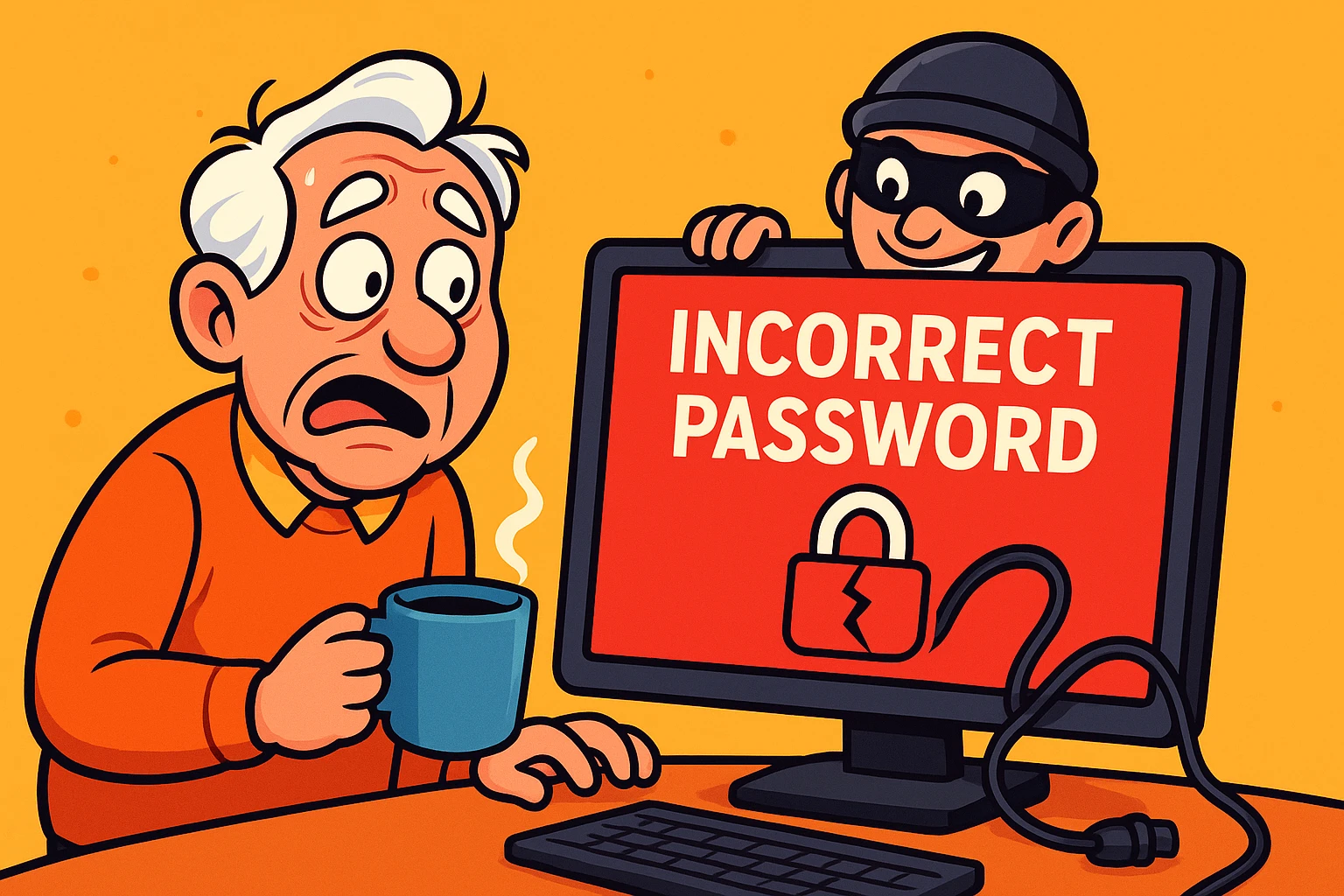
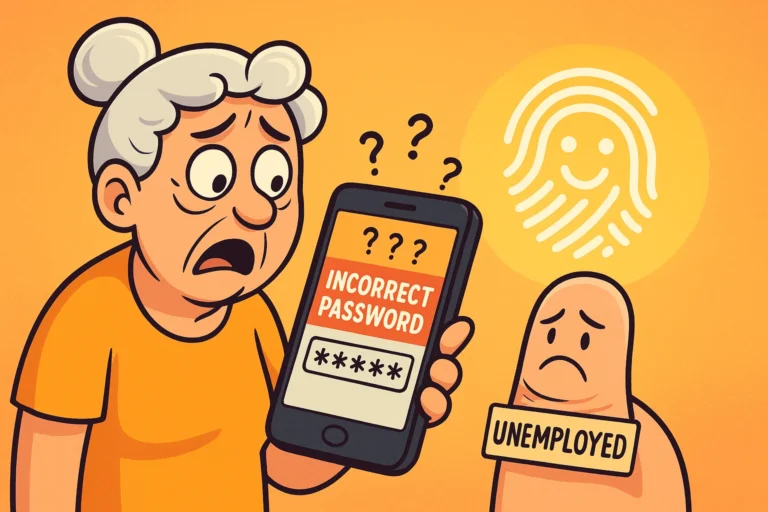
You pour a fresh cup of coffee, sit down at your computer, and try to log into your email to check on a message from your sister. You type in your trusty password—the one you’ve used since 2014—and hit enter. But instead of seeing your inbox, a red message pops up: “Incorrect Password.”
You try again. Nothing. You try typing it slower, as if the computer is slightly hard of hearing. Still nothing. You even aggressively poke the keyboard a few times just to show it who’s boss. The stark realization sets in: you are locked out.
If your heart just did a little tap dance of terror, take a deep breath. According to the National Council on Aging, seniors lost over $5 billion to digital scams in 2024 alone, and the FBI reports an 814% increase in phishing complaints. If a cyber-crook has elbowed their way into your inbox, know this: It is absolutely, 100% not your fault.
These scammers are professionals, and falling victim to them is no more embarrassing than having your wallet picked on a crowded train. Today, we are going to build your Senior Security First Aid Kit. We will evict the digital trespasser, lock the doors, and get your peace of mind back without needing a Ph.D. in computer science.
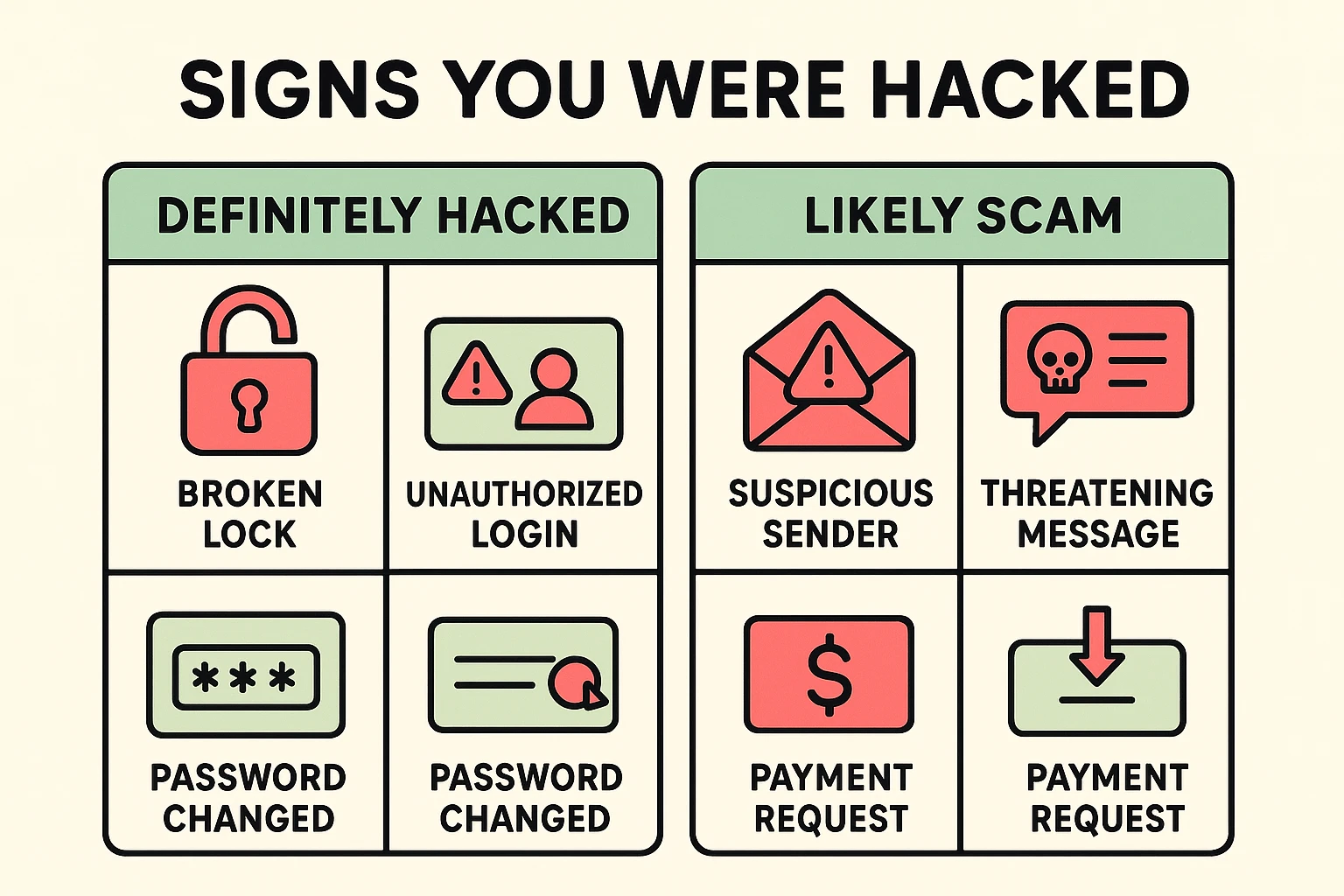
Before we call the digital police, let’s make sure there’s actually a burglar in the house. Sometimes, a hacker hasn’t touched your account at all. They just send you a scary email claiming they did, hoping you’ll panic and send them money.
This is a blackmail scam, not a hack. To tell the difference, we use the SLAM Method. Evaluate the Sender, the Links, the Attachments, and the Message. If the message threatens to release embarrassing information unless you pay them in Bitcoin, mark it as spam and delete it.
If you’re ever unsure whether a scary warning is legitimate or just a hollow threat, a tool like a bitdefender scam detector can act as a helpful second set of eyes. However, if your password doesn’t work, your friends are getting weird links from you, or your recovery email was suddenly changed, you’ve got a genuine hack on your hands. It’s time to roll up our sleeves.
Your first mission is to kick the hacker out and change the locks. If you use a service like Yahoo or Google, you’ll need to go directly to their official “Sign-in Helper” or account recovery page. Don’t search for “customer support phone numbers” online, as scammers often post fake numbers to trick panicked folks.
If the hacker was thorough, they might have changed your backup email address. In these cases, your email provider will likely ask you to verify your identity. This is where remembering your password recovery question comes in handy—like the name of your first pet or the street you grew up on.
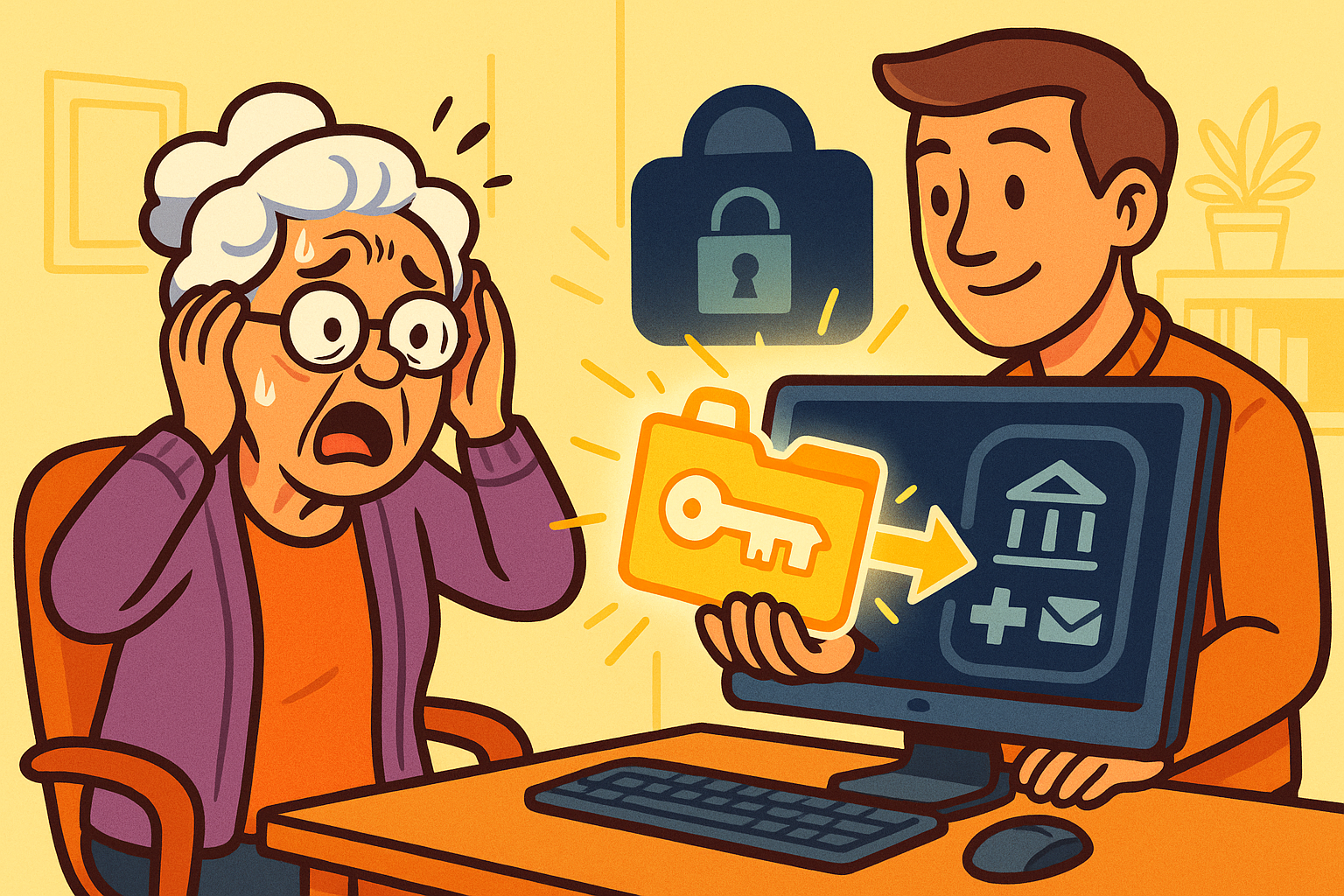
Providers like Yahoo also offer an “Account Key” feature. Think of this as a digital spare key that lives on your smartphone. Instead of typing a password, Yahoo sends a notification to your phone, and you just tap “Yes” to confirm it’s you trying to log in.
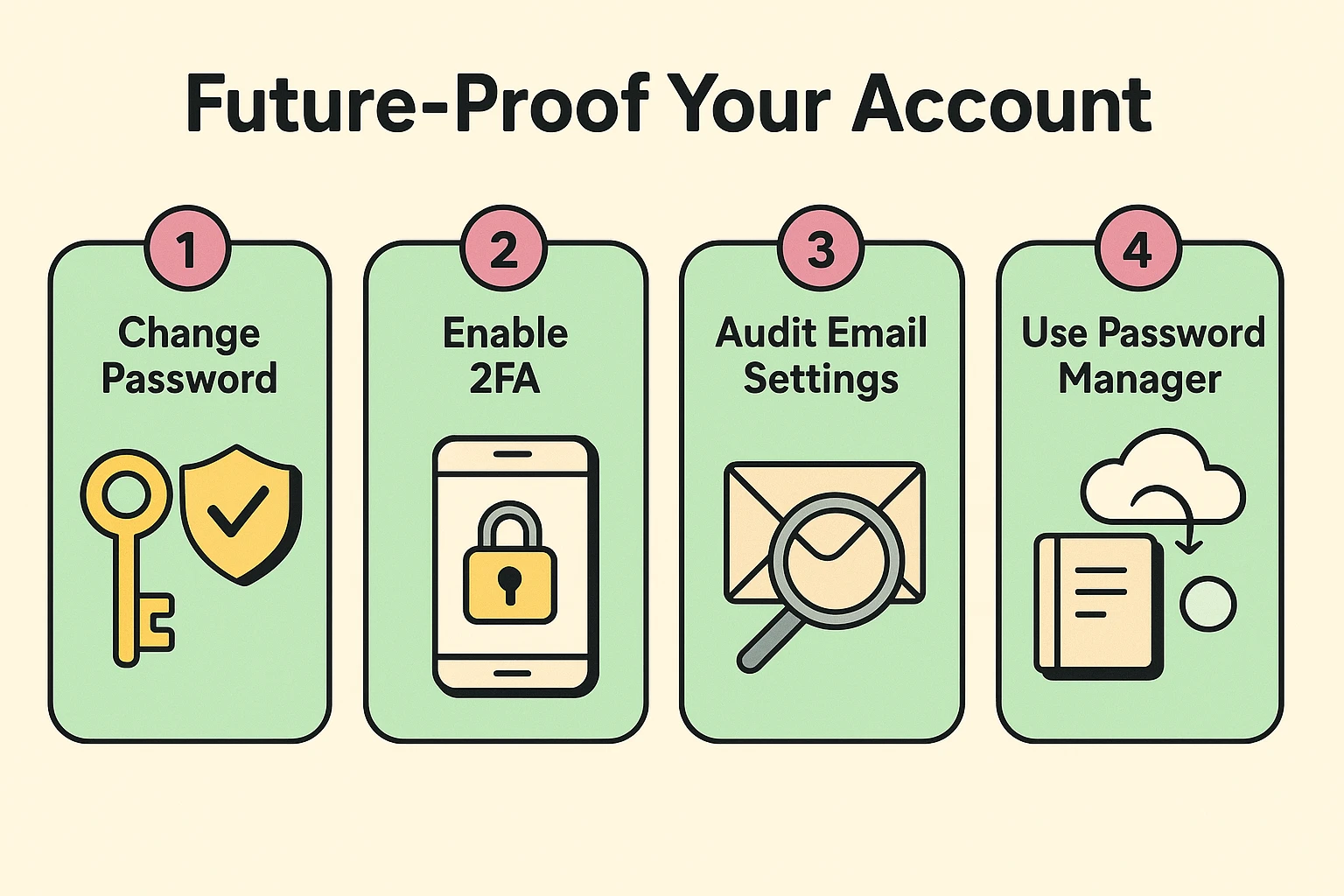
Once you are back inside your account, your immediate priority is kicking the intruder out. If you are wondering what password to change when hacked?, start with your email password, making it entirely new and unique. Do not just add a “1” to the end of your old password; hackers are lazy, but they aren’t stupid.
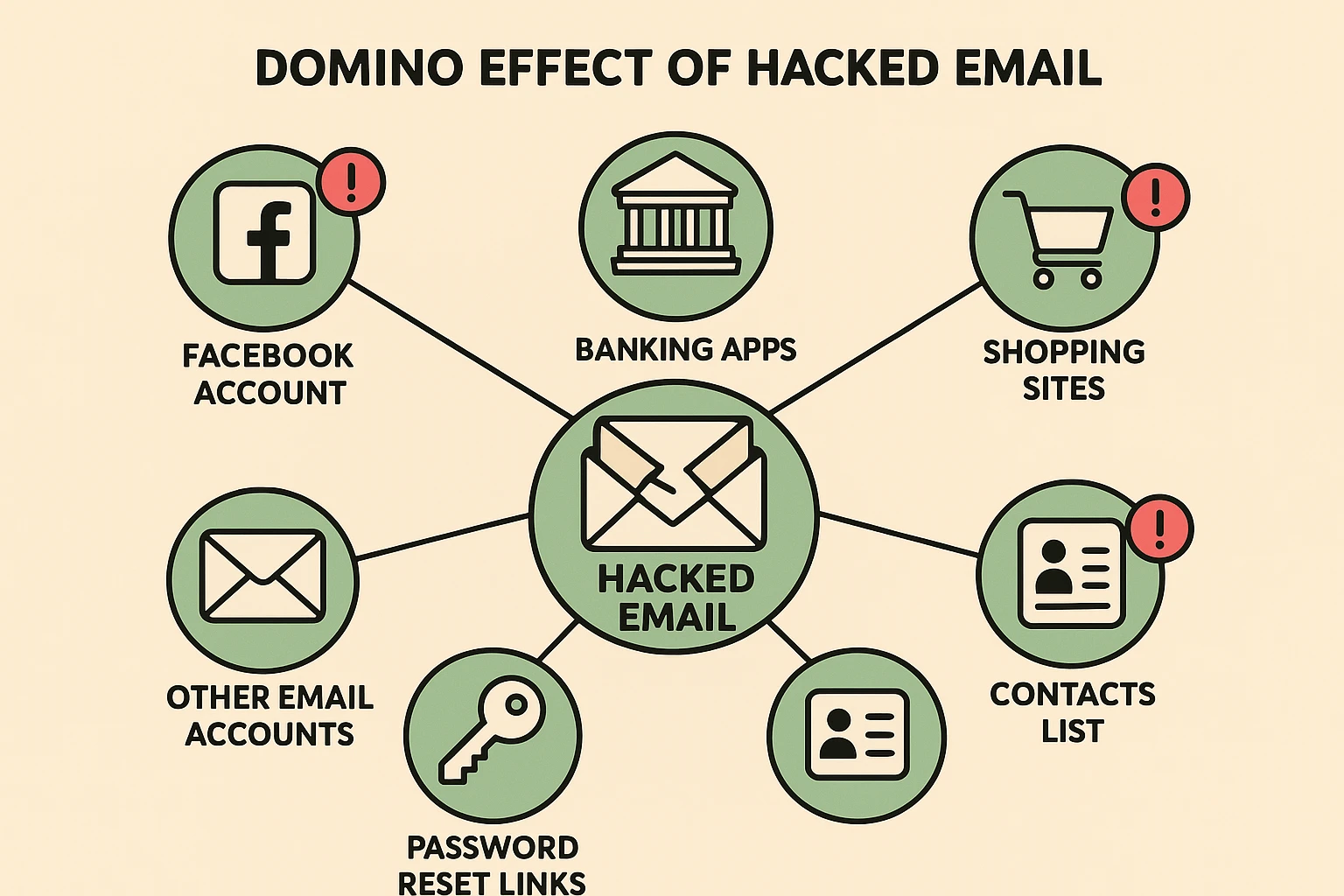
Here is a terrifying but necessary truth: your email account is the master key to your entire digital life. If a hacker controls your email, they can go to Facebook, Amazon, or your bank, click “Forgot Password,” and have the reset link sent directly to the inbox they now control.
This creates a vicious cycle, particularly the “Yahoo-to-Facebook” connection. Many seniors find their Yahoo email hacked, and the very next day, their Facebook account starts posting ads for cheap sunglasses. You must immediately log into your connected social media and financial accounts to ensure the hacker hasn’t set up shop there, too.
If you notice a platform like Facebook has been compromised, you must disconnect it from the hacked email. You’ll need to report the “Email Changed” notification to Facebook Support to prove your identity and reclaim your profile. Treat your email like the front door to your house; if it’s breached, you have to check every single room.
Now that the hacker is locked out, we need to clean up the mess they left behind. First, head over to your “Sent” folder. Hackers love to use compromised accounts to send malware links to the victim’s contacts, knowing your friends will trust an email coming from you.
Send a brief, apologetic email to your contacts explaining that you were hacked and they should delete any strange messages sent from you recently. It’s a little embarrassing, like admitting you accidentally backed your car over the neighbor’s prize-winning petunias, but your friends will appreciate the warning.
Next, check your email settings for “Forwarding Rules.” Hackers are sneaky; they will often set up a rule that silently forwards a copy of every incoming email to their own secret address. If you don’t delete this rule, changing your password is like changing the front door locks but leaving the living room window wide open.
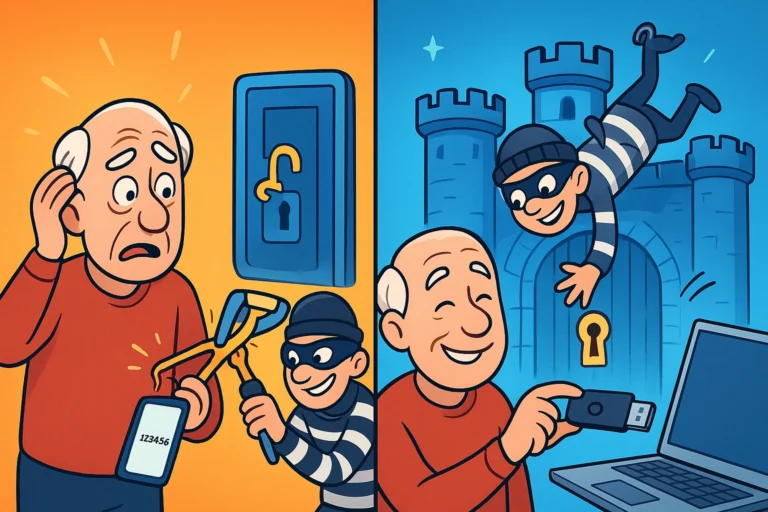
The worst is over. Now, we just need to make sure this never happens again. The single most important thing you can do today is turn on Two-Factor Authentication (2FA). Jargon aside, think of 2FA as a simple “Double Lock” on your front door.
With 2FA enabled, even if a hacker guesses your password, they still need a special, temporary code sent to your cell phone to get in. Because the hacker doesn’t have your physical phone in their hands, they are stopped dead in their tracks. Setting up strong auth is the digital equivalent of getting a very large, very loud guard dog.
Finally, we need to talk about passwords. The days of keeping a little spiral notebook next to the computer are getting riskier. Consider using a password manager, which acts as a highly secure digital safe for all your logins. You only have to remember one password to open the safe, and if you ever forget it, there are safe ways to initiate a master password reset without locking yourself out forever.
Usually, it’s not because someone guessed it. Most times, passwords are stolen in large corporate data breaches (like when a big retail store or website gets hacked) and sold on the dark web. If you use the same password for everything, a breach at a random shoe store can give a hacker the key to your email.
Not at all! Changing your password just changes the key required to open the door. Everything inside the house—your emails, contacts, and photos—will remain exactly where you left them.
This is almost always a bluff. Scammers send these emails to millions of people at once, hoping to trick you into clicking a malicious link or paying a ransom. If you can still log in, and you don’t see anything weird in your “Sent” folder, you are likely perfectly safe.
While basic antivirus software is helpful, it won’t stop someone who already has your password. The absolute best defense is a strong, unique password and Two-Factor Authentication (the “Double Lock”). Those two free tools will protect you better than the most expensive software on the market.
Dealing with a hacked email is incredibly stressful, but it’s a battle you can absolutely win. By taking immediate action, securing your connected accounts, and adding a “Double Lock” to your digital doors, you can get back to enjoying the internet safely.
Remember, technology should make your life easier, not give you heart palpitations. Stay curious, stay vigilant, and never feel shy about asking for help when the digital world gets a little too complicated. We’ve always got a seat saved for you here at the Cafe!