Newsletter Subscribe
Enter your email address below and subscribe to our newsletter

Enter your email address below and subscribe to our newsletter
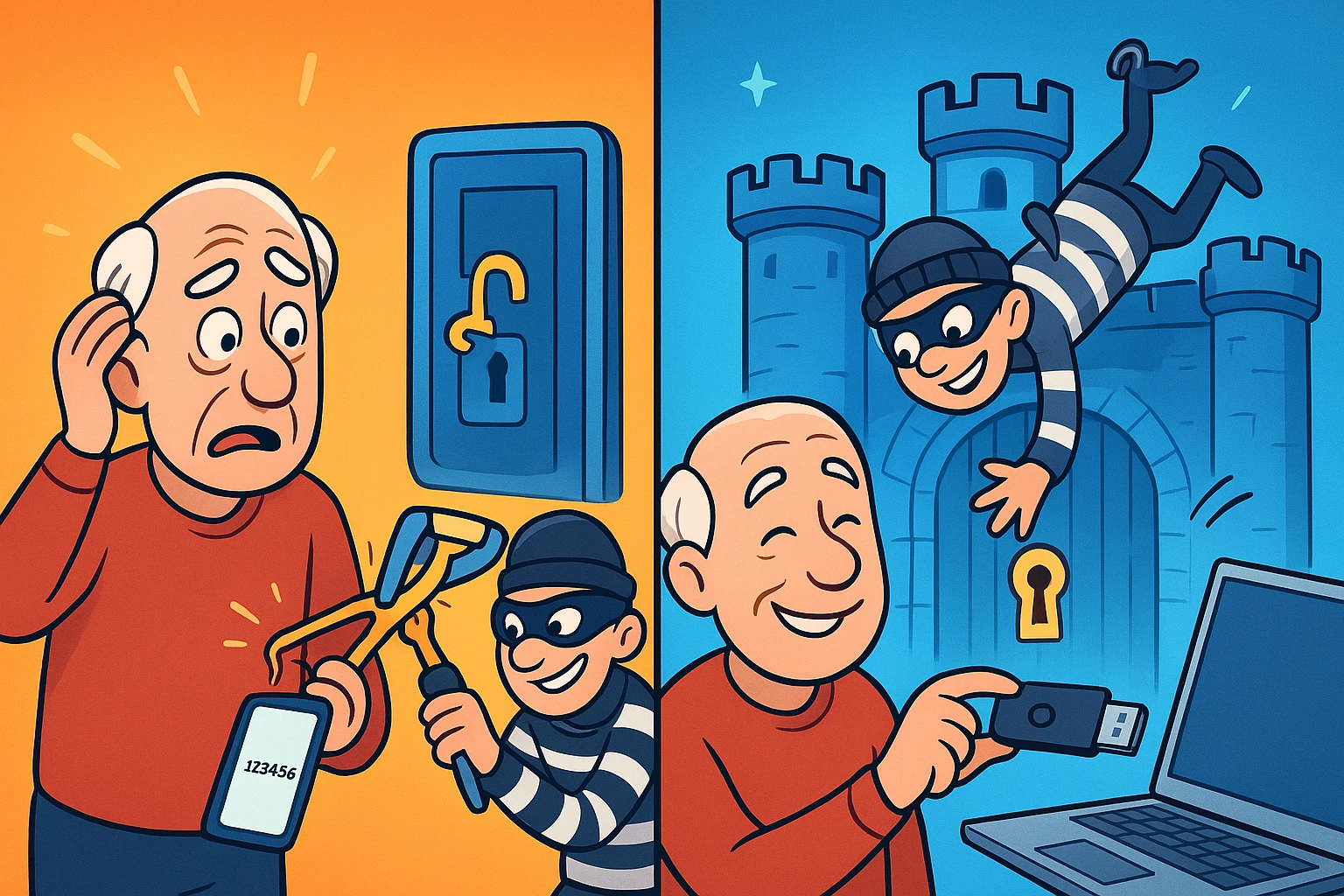
Picture this: You’re trying to log into your bank account to make sure your latest utility bill didn’t require taking out a second mortgage. You type your password—”Fluffy1985!”—and hit enter. Then, the bank says, “We just texted a 6-digit code to your phone.” You scramble to find your phone, which is currently buried under yesterday’s mail. By the time you find it, put on your reading glasses, and type in the code, the bank’s website has timed out and decided you no longer exist.
If this digital dance makes you want to throw your computer out the window, you are not alone. Relying on passwords and texted codes is not just annoying; it’s increasingly like locking your front door with a piece of cooked spaghetti. In 2023 alone, the FBI reported that seniors lost over $3.4 billion to high-value financial fraud. Hackers don’t even need to guess your password anymore; they can just trick you into handing over that 6-digit code.
But there is a better way. It doesn’t require an engineering degree, and it doesn’t involve squinting at your phone. It’s called a hardware security key, and it’s about to become the digital “key to your castle.”
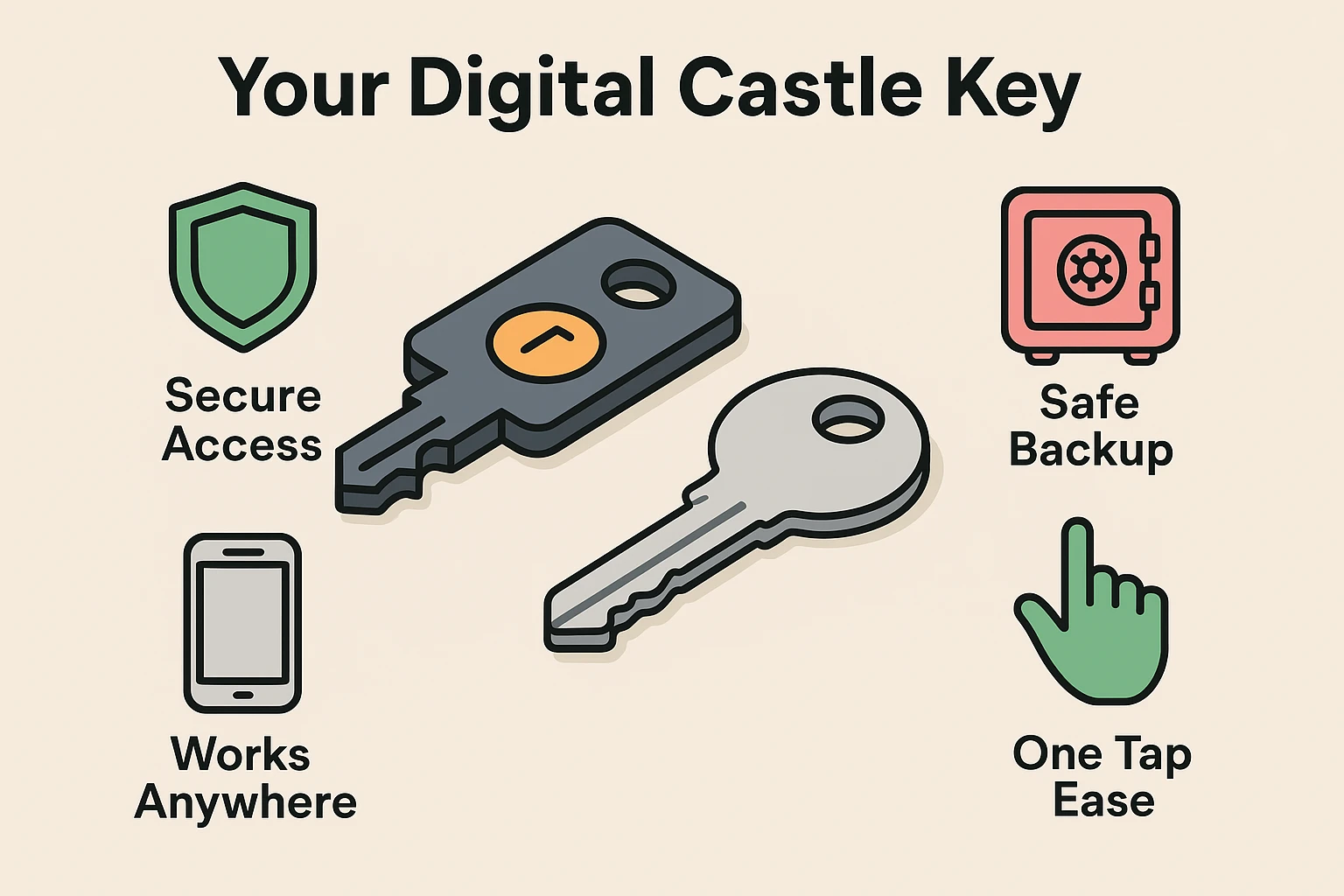
Think of a traditional password as a secret phrase. If someone overhears you whispering “Open Sesame,” they can walk right into your cave and take your treasure. That 6-digit code your bank texts you? It’s like a postcard left in your mailbox. A clever scammer can intercept it or trick you into reading it to them over the phone.
A hardware security key is completely different. It’s a physical object—usually a small gadget that looks like a thumb drive—that you can attach right to your real-life keychain. When you want to log into an important account, you simply plug this little key into your computer (or tap it against your smartphone) and press a button.
Here is the magic part: This physical key is mathematically un-photocopiable. A hacker sitting in a basement halfway across the globe might somehow guess your password, but they cannot magically reach through the internet and physically press the button on the key in your pocket. Without your physical key, they are locked out. Period.
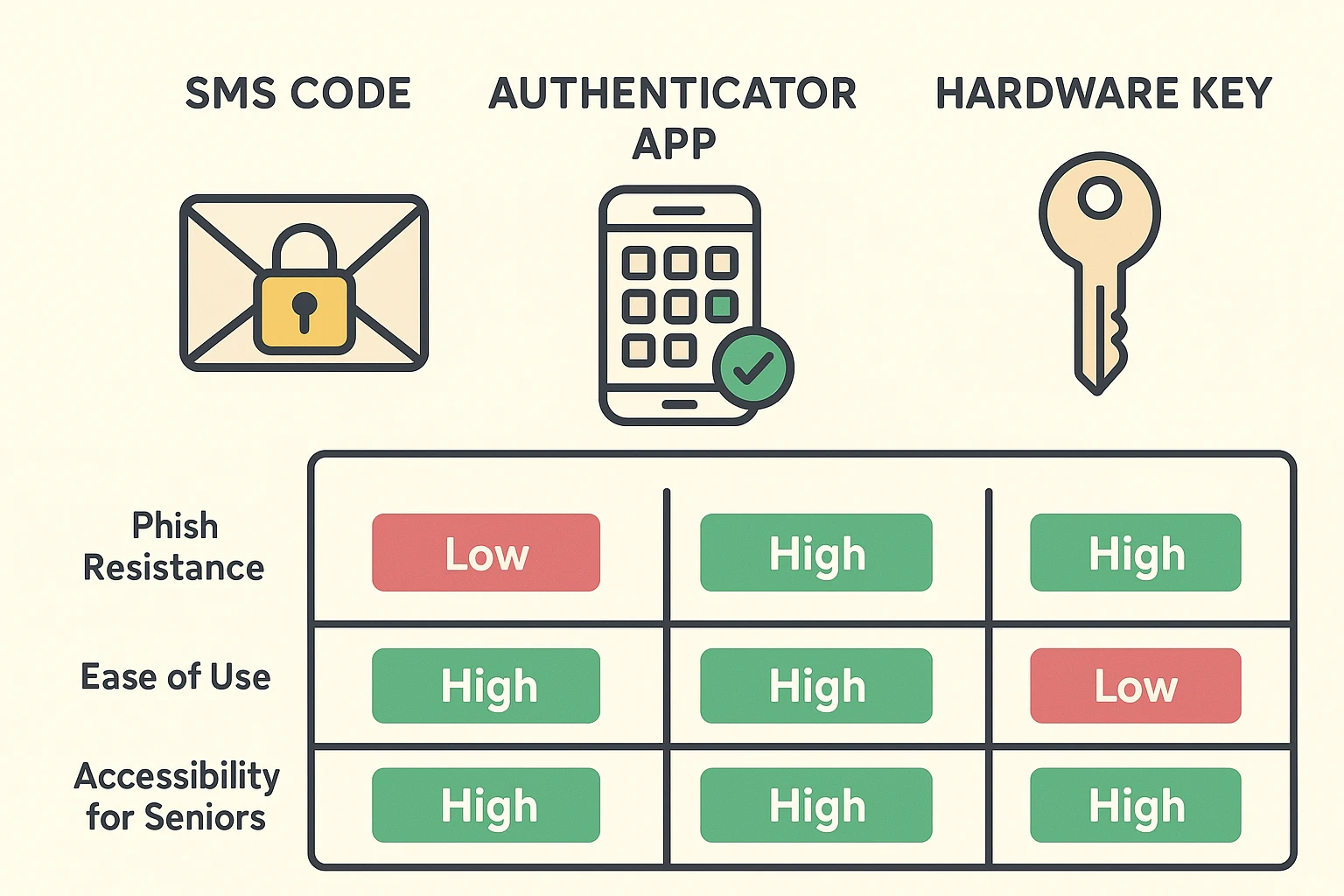
You might be wondering why we need another gadget when we already have those texted codes. Well, besides the sheer annoyance of waiting for them to arrive, texted codes are vulnerable to something called “phishing.”
Let’s say you get an email that looks exactly like it’s from your bank. It says your account is frozen and provides a link to log in. You click it, type your password, and enter the code they just texted you. Surprise! You didn’t log into your bank; you just handed the keys to a scammer. This is exactly why you should always carefully check their website before entering any personal information.
With a hardware key, this scam falls apart completely. The key is basically a digital genius. If you’re on a fake banking website, the key realizes it immediately and refuses to work. It won’t hand over your credentials. Plus, for those of us with limited dexterity or who are simply tired of typing, a security key is a “one-touch” wonder. No more squinting or racing against a countdown clock. Just tap and go.
I know what you’re thinking right now. “This sounds great, but I spend twenty minutes every morning looking for my reading glasses. What happens if I lose this tiny key?”
This is the number one fear people have, and the solution is brilliantly simple: You buy two. Just like you wouldn’t own only one key to your house or car, you should never have just one digital key. When you set up your accounts, you register both keys right from the start.
You keep your primary key on your everyday keychain or next to your computer. The second key—your spare—goes straight into a fireproof safe, a lockbox, or a secure drawer. If you ever face a situation where you have two factor authentication but i lost my phone or your primary hardware key goes missing, you just calmly retrieve your backup key from the safe. You use it to log in, and then you tell your account to “forget” the lost key, rendering it useless to anyone who finds it.
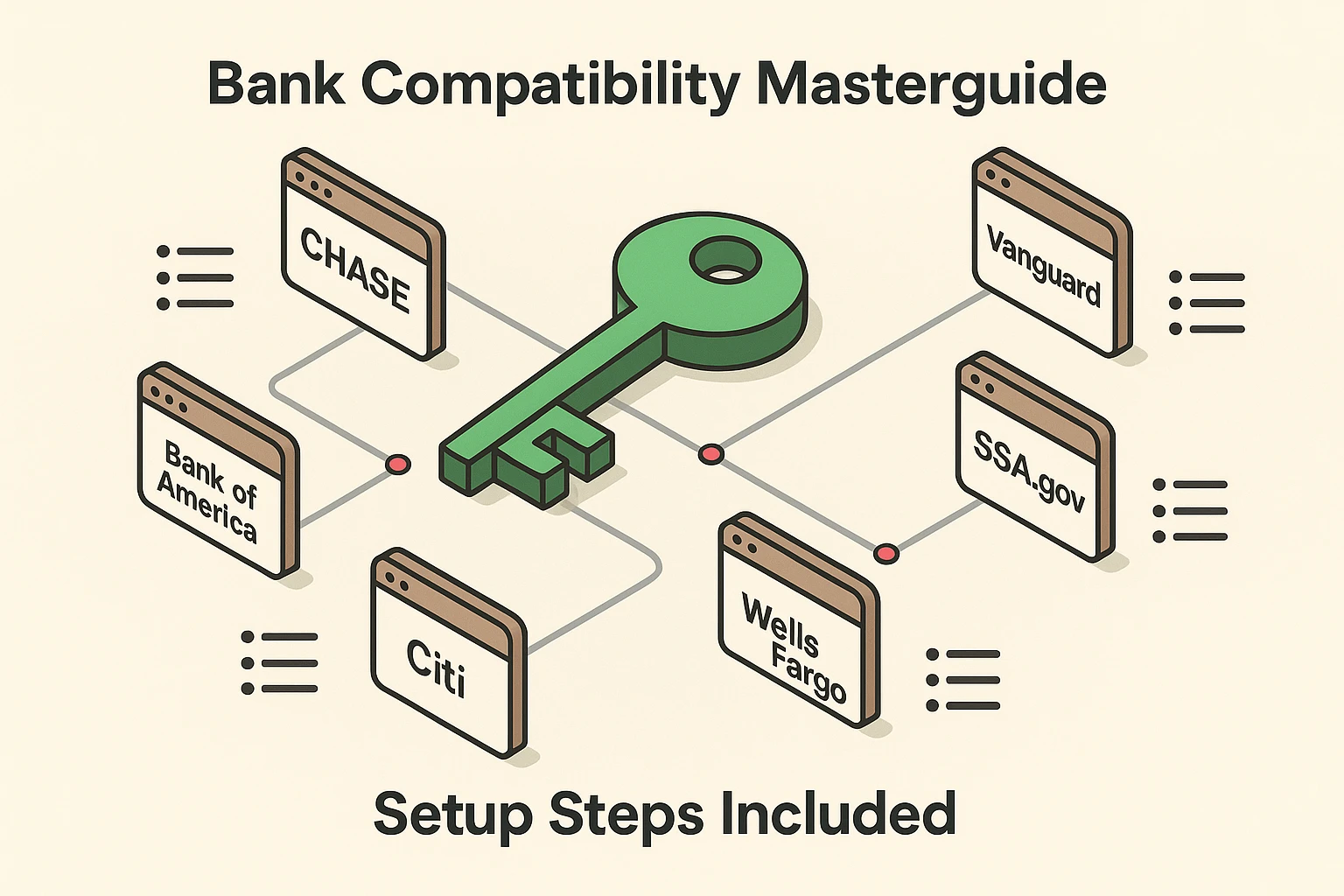
Not every website on the internet supports hardware keys yet, but the ones that matter the most—the ones guarding your life savings and identity—absolutely do. Setting up strong auth with a physical key is crucial for your peace of mind.
Here is a quick look at some major institutions where you can (and should) use a hardware security key:
Transitioning to a hardware key doesn’t have to be a stressful, all-day event. In fact, we recommend breaking it down into a leisurely 3-day plan.
Day 1: Check Your Ports and Buy Your Keys. Look at your computer. Does it have the older, rectangular USB slots (USB-A) or the newer, smaller oval ones (USB-C)? What kind of smartphone do you use? Once you know, purchase two reputable keys.
Day 2: Secure Your Email. When your keys arrive, start with your primary email account (like Gmail or Yahoo). Your email is the hub for all your password resets, so locking this down first is like putting an alligator-filled moat around your castle.
Day 3: Lock Down Your Money. Log into your primary bank or retirement account. Dig into the “Security” or “Login Settings” menu, look for the option to add a Security Key, and follow the simple on-screen instructions to register both of your new keys. Finally, tuck that spare key safely into your lockbox!
While there are several brands out there, Yubico (makers of the YubiKey) and Google (Titan Security Keys) are widely considered the most reliable and user-friendly. Just make sure the key you buy says it is “FIDO certified”—that’s just the tech industry’s fancy stamp of approval for security magic.
Nope! Hardware security keys don’t need batteries, they don’t need to be charged, and they don’t need an internet connection to work. They draw a tiny, invisible sliver of power directly from your computer or phone when you plug them in or tap them.
Yes! Many modern keys come with both a plug for your computer and something called NFC (Near Field Communication). NFC is the exact same technology that lets you tap your credit card at the grocery store checkout. You can plug the key into your laptop, and later just tap it against the back of your smartphone or tablet to log in.
Taking control of your digital security doesn’t mean you have to become a computer programmer overnight. It just means finding the right tools that do the heavy lifting for you. A hardware security key is a simple, one-time purchase that pays for itself in immense peace of mind.
By replacing flimsy passwords and annoying text messages with a physical key, you are effectively hanging a giant “Keep Out” sign on your digital life. Hackers are fundamentally lazy; they prefer easy targets. When they see your accounts are protected by a physical key, they will simply pack up their digital lockpicks and move on to bother someone else.
Start small. Order your keys, secure your email first, and take a deep breath. You’ve got this. And if you ever need help navigating these tech waters, we’re always here with a fresh cup of coffee and plain-English advice.