Newsletter Subscribe
Enter your email address below and subscribe to our newsletter

Enter your email address below and subscribe to our newsletter
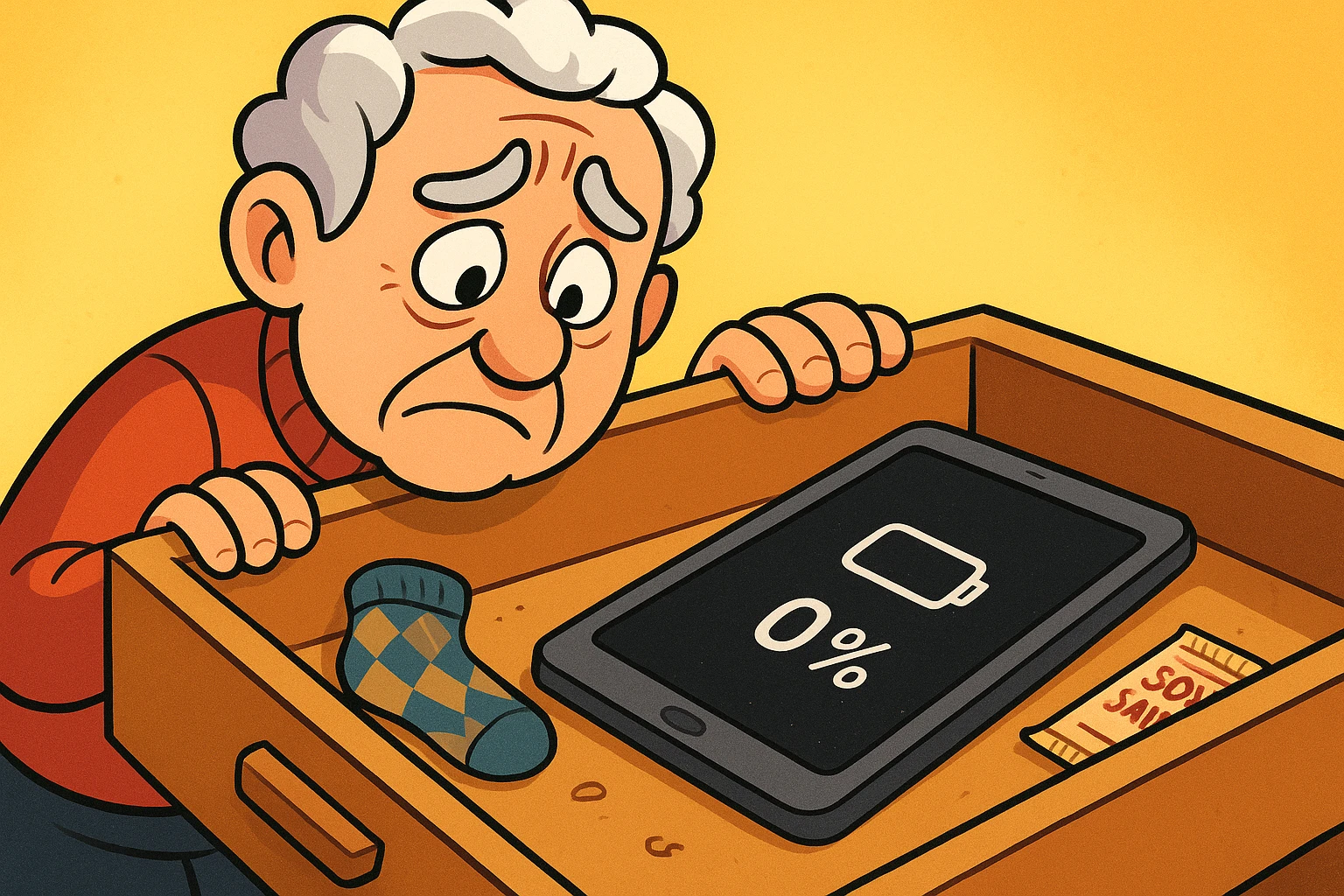
Remember the days when “getting connected” meant holding a plastic receiver to your ear and hoping the cord stretched far enough to reach the comfortable chair? Simpler times.
Today, “getting connected” involves an invisible magical force field called Wi-FiWi-Fi, short for Wireless Fidelity, revolutionizes connectivity by enabling devices to access the in... More. When it works, it’s a miracle. You can video chatVideo Chat is basically a phone call where you can see the other person. Instead of just hearing som... More with the grandkids in Tokyo, stream old episodes of Columbo, and order specialized cat food, all while sitting on your back porch.
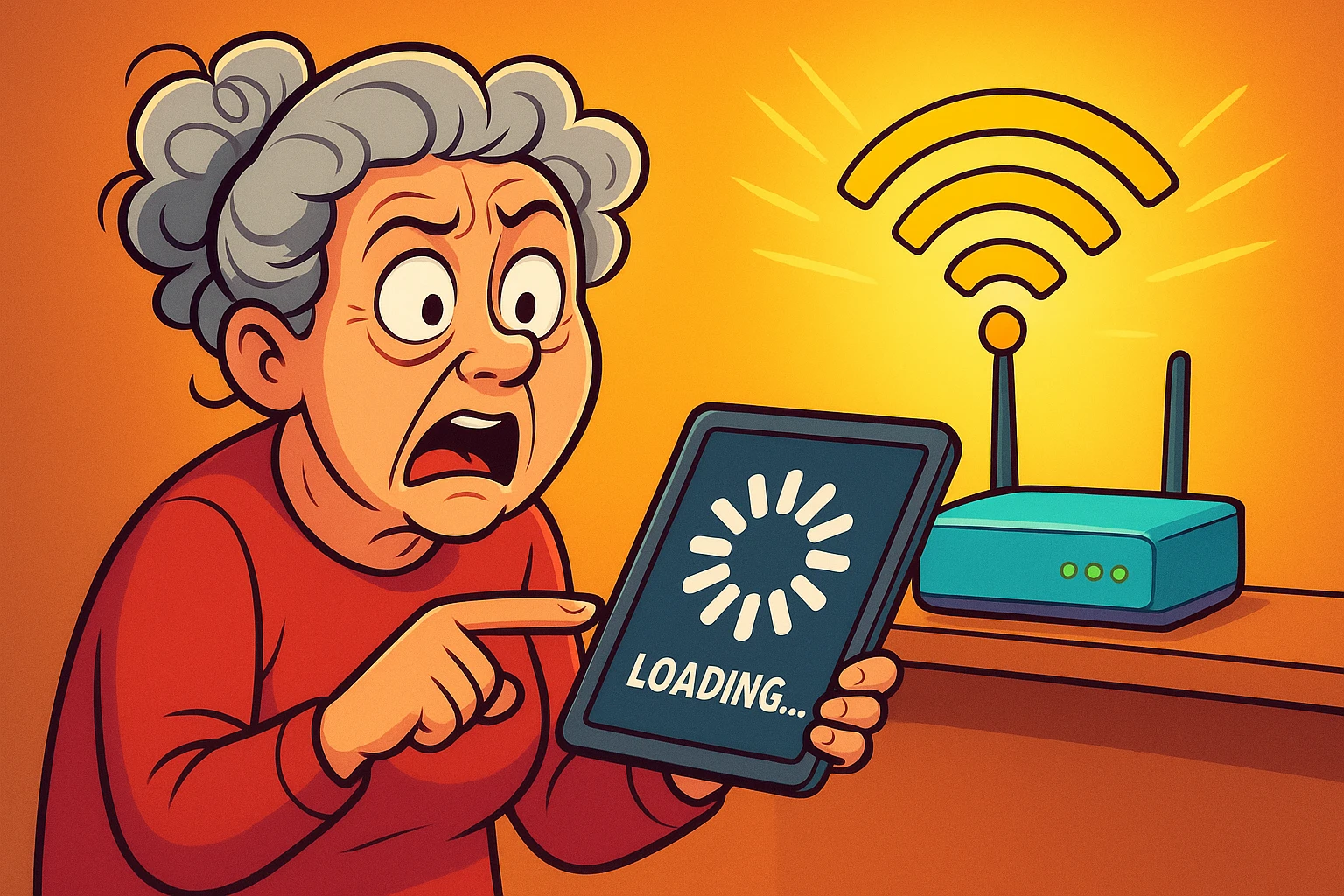
But when it doesn’t work? It’s a special kind of torture. You sit there watching a little circle spin on your screen—a digital hypnotist mocking your desire to check your email. You restart things. You wiggle wires. You threaten the routerA router is a device that helps connect all your gadgets, like computers, smartphones, and smart hom... More with a trip to the recycling bin.
If you’ve ever found yourself holding your iPad in the air like Simba on Pride Rock just to get a signal, this guide is for you. We’re going to strip away the techno-babble and explain exactly how to set up your home network, make that signal reach the guest bedroom, and lock your digital doors so the neighbors can’t steal your internetThe Internet is a vast network of computers and other electronic devices connected globally, allowin... More.
First, let’s identify the culprit. Usually, your internet service provider (ISPAn Internet Service Provider, or ISP, is the company that gives you access to the internet. You pay ... More) hands you a plastic box that looks like a reject from a Star Wars set.
This box is typically a ModemA modem, short for modulator-demodulator, is a device that enables computers and other digital devic... More/Router Combo (often called a GatewayA gateway is a networking device that connects two or more networks, allowing data to flow between t... More).
If you are setting up a new one, don’t panic. You don’t need a degree from MIT. You mostly need patience and perhaps a strong pair of reading glasses to see the tiny passwordA password is a string of characters used to verify the identity of a user during the authentication... More printed on the sticker.
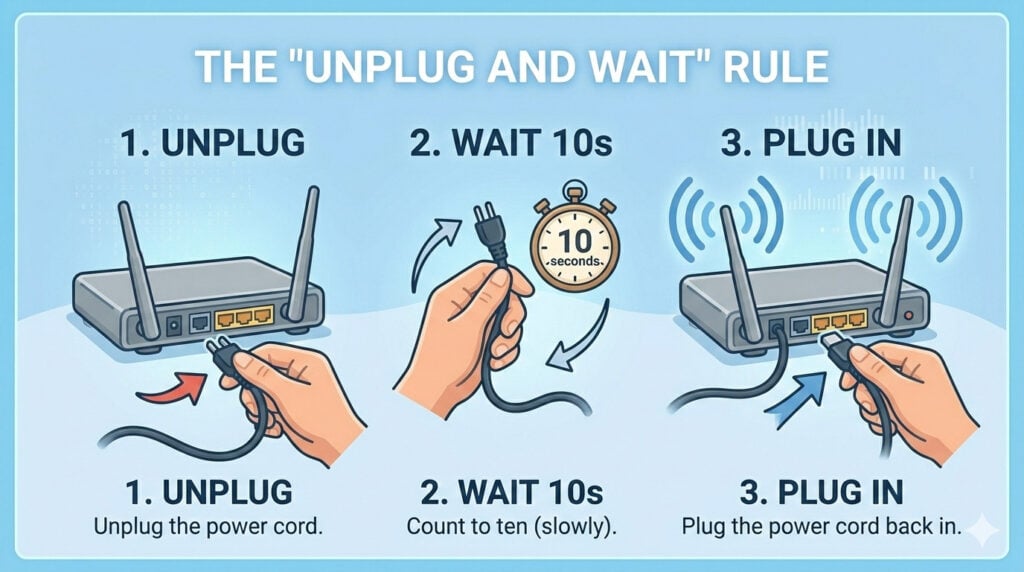
Before we go further, memorize this ancient tech secret: If your internet acts up, unplug the power cord from the router, count to ten (slowly), and plug it back in. Wait about five minutes for the lights to stop dancing. This fixes about 90% of all Wi-Fi problems. It’s not sophisticated, but neither is a hammer, and hammers still work.
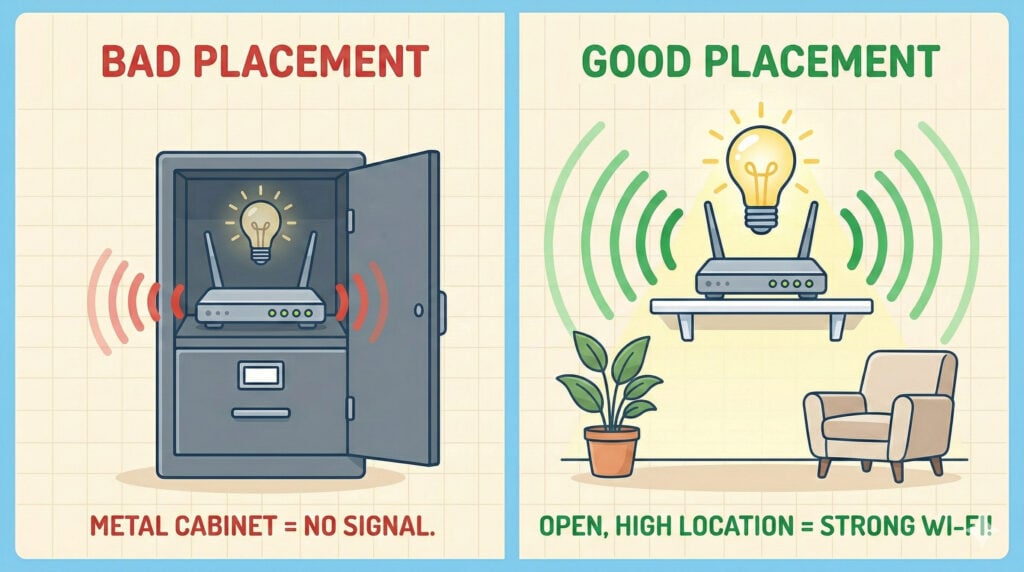
Most people treat their router like a hideous family heirloom—they stick it in a cabinet, behind the TV, or in the basement, praying nobody sees it.
This is a mistake.
Think of your router like a radio station or a lightbulb. If you put a lamp inside a metal filing cabinet, you aren’t going to get much light in the room. Wi-Fi signals hate three things:
For the best signal, place your router in a central location, up high (on a shelf), and out in the open. If your internet enters the house in the far corner of the basement, you are fighting a losing battle before you even begin.
So, you’ve put the router in the living room, but when you try to read the news in the bedroom, the signal vanishes. You have a “Dead Zone.”
You have two main ways to fix this. This is a common decision point, so let’s break it down without the jargon.
An extender is a little device you plug into a wall outlet halfway between your router and the dead zone. It catches the signal and throws it further.
If you have a larger home or thick walls, a Mesh system is the gold standard. Instead of one loud router screaming from the living room, you have two or three units working together as a team. They blanket your home in a single, seamless web of connectivity.
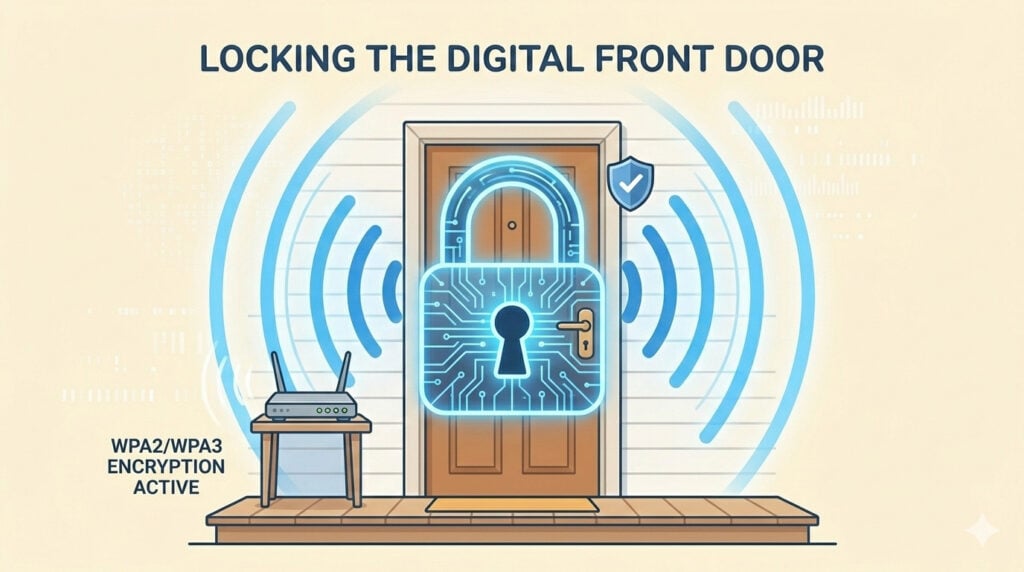
You wouldn’t leave your front door wide open with a sign that says “Free TV Inside.” But if you don’t secure your Wi-Fi, that’s essentially what you’re doing with your personal information.
According to the FTC and security experts, roughly 30% of households now use smart security devices connected to Wi-Fi. If your network isn’t secure, neither is your home security system. Here is how to lock it down.
Routers come with a defaultDefault refers to the pre-set option or setting that is automatically chosen if no alternative is sp... More name (like “Netgear-582”) and a password that is printed on the bottom sticker. Hackers know these defaults.
This is a pro tip. Most modern routers allow you to create a “Guest Network.” This is a separate Wi-Fi signal just for visitors.Why do this? Because as much as you love your bridge club, you don’t know where their iPads have been. If their device has a virusA virus is a type of harmful software that can sneak into your computer and cause problems. It can s... More and they connect to your main network, that virus could jump to your computer. Keep them on the Guest Network. It’s polite but safe—like making them take their shoes off at the door.
When you look at your router settings, you’ll see an alphabet soup of security options.
HardwareHardware refers to the physical components of a computer system or electronic device, as opposed to ... More doesn’t last forever. If you are still using the same router you bought when Obama was in office, it’s time to upgrade. Older routers (Wi-Fi 4 or older) lack modern security standards and simply cannot handle the speed of today’s internet.
If your router is more than 5 years old, renting a new one from your ISP or buying a modern Mesh system is the single best thing you can do for your digital sanity.
Think of these as two different highway lanes.
Great question. Plug a laptop directly into the router with an EthernetEthernet is a widely used networking technology that enables devices to communicate with each other ... More cable. If the internet is fast with the cable but slow on Wi-Fi, your router is the problem (or its placement). If it’s slow even with the cable, call your cable company and complain (politely).
Yes. FirmwareFirmware is a type of software that’s built directly into hardware devices like smartphones, route... More is just the software that runs the router. Updates often fix security holes that hackers have discovered. Most modern routers do this automatically at night, but it’s worth checking your provider’s appAn app (short for application) is a program that helps you do specific tasks on your smartphone, tab... More to be sure.
Don’t let the blinking lights intimidate you. By moving your router out of the cabinet, considering a Mesh system for dead zones, and tightening up your password, you can turn your home network from a source of frustration into a silent, reliable utility—just like electricity, but with more cat videos.