Newsletter Subscribe
Enter your email address below and subscribe to our newsletter

Enter your email address below and subscribe to our newsletter
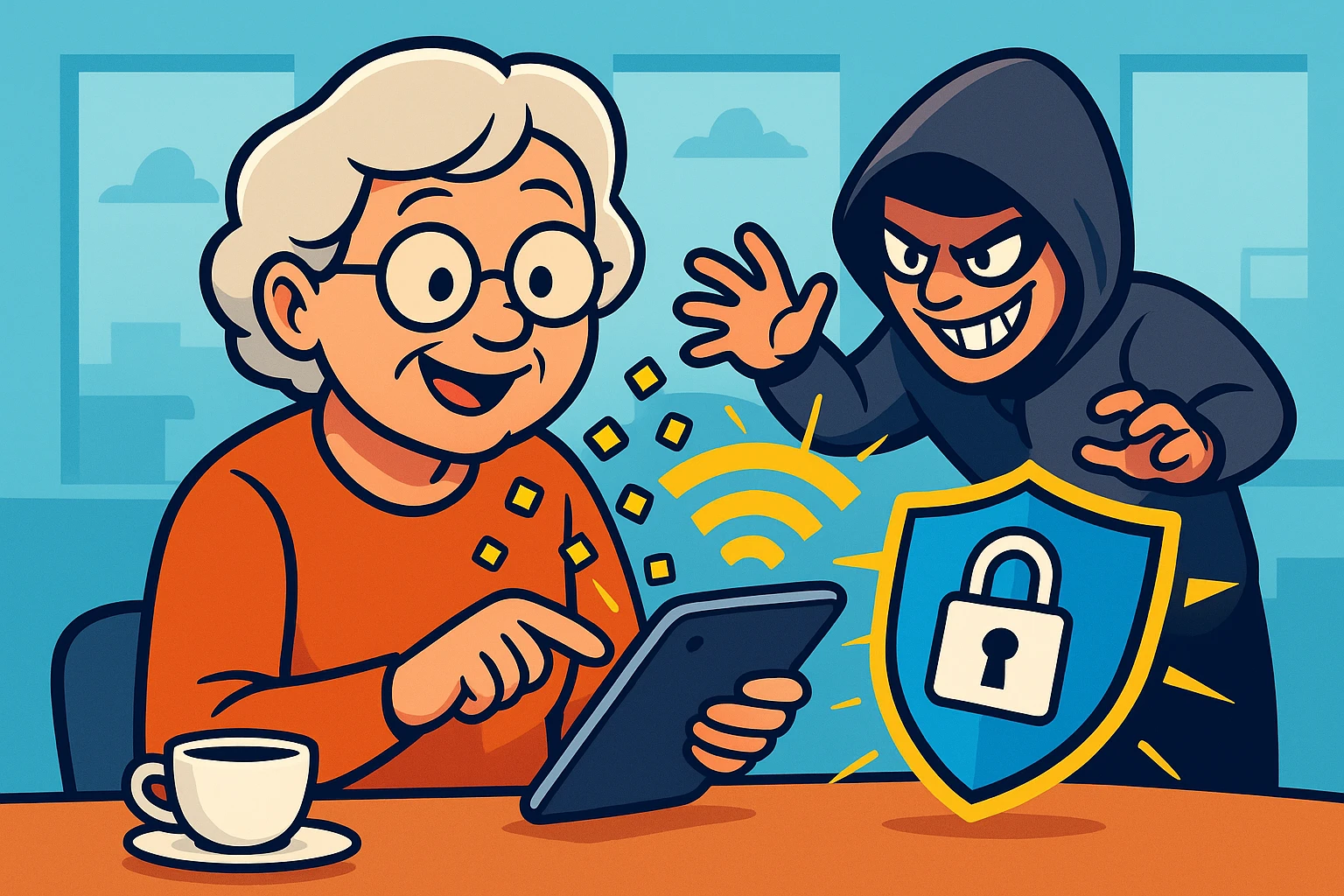
Picture this: You’re sitting in a charming café in Italy—or perhaps a slightly less charming airport terminal in Cleveland. You have a cappuccino in one hand and your tablet in the other. You just want to check your email to see if the grandkids sent photos, or maybe check your bank balance to see if you can afford a second cappuccino.
You open your Wi-Fi settings and see a network called “Free Airport Wi-Fi.” It looks like a digital oasis in a desert of boredom. You click connect. The little circle spins. You’re in!
But here is the buzzkill: That “free” connection might cost you a lot more than you think. Connecting to public Wi-Fi without protection is a bit like leaving your front door wide open with a sign that says, “Please don’t steal the TV.”
Technology is supposed to be the bridge that connects us to the world, not a trapdoor that drops our personal information into the lap of a hacker in a hoodie. But don’t cancel your trip or throw your iPad in the river just yet. With a few simple tools and a little bit of “digital street smarts,” you can travel the world and surf the web without looking over your shoulder.
We all love free stuff. Free samples at the grocery store? Yes, please. Free advice from your brother-in-law? Maybe not. Free Wi-Fi? It’s complicated.
The problem with public Wi-Fi networks found in hotels, airports, and coffee shops is that they are often unsecured. In tech-speak, this means the data traveling between your device and the router isn’t encrypted.
Think of it like sending a postcard through the mail. Anyone who picks it up along the way—the mail carrier, the neighbor, the dog—can read exactly what you wrote. If you are checking the weather, that’s fine. If you are entering your credit card number or password, that’s a problem.
According to the Federal Trade Commission (FTC), hackers can position themselves between you and the connection point. It’s called a “Man-in-the-Middle” attack, which sounds like a bad wrestling move, but is actually a way for thieves to intercept the information you send online.
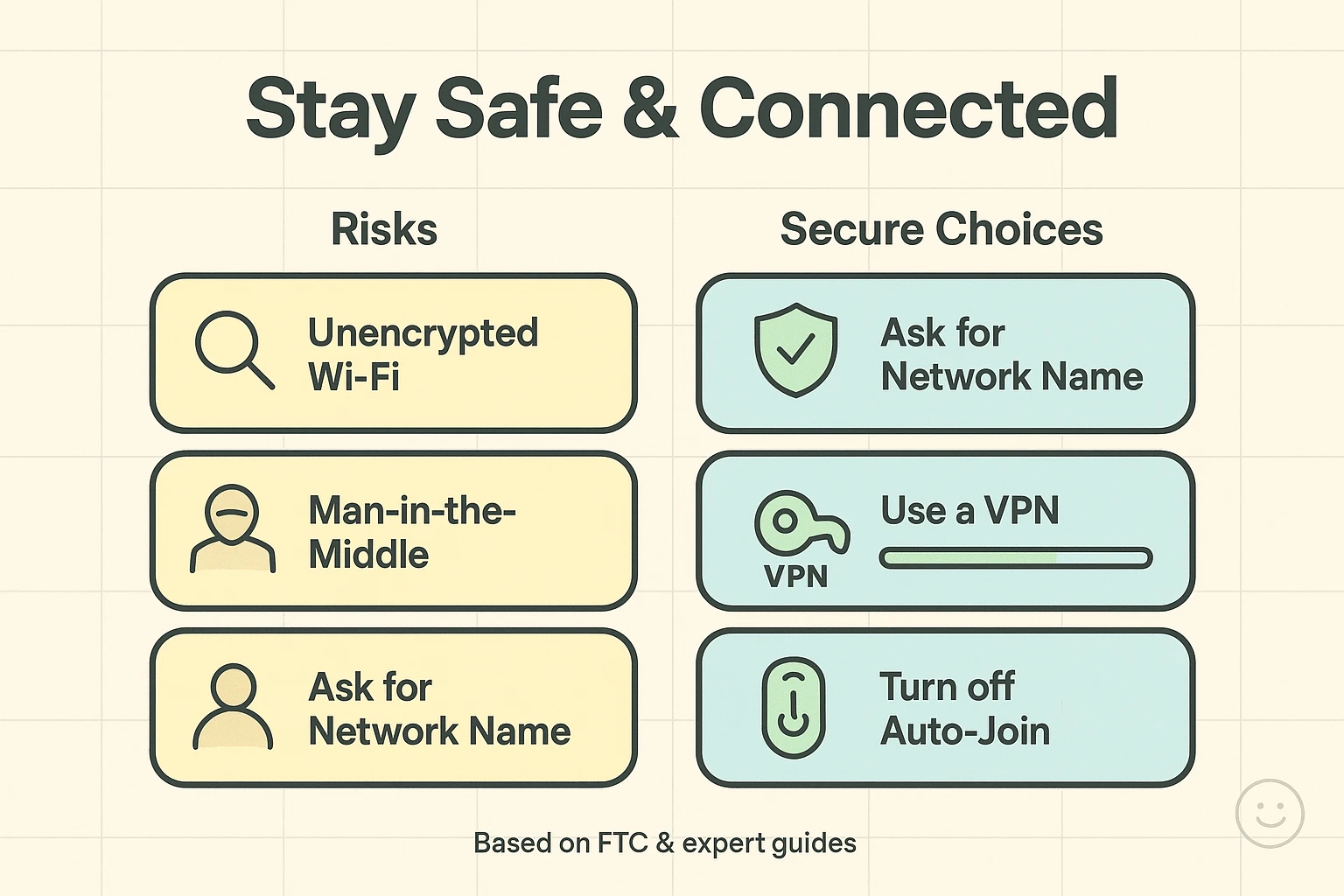
Sometimes, scammers don’t even bother hacking the real network. They just create a fake one with a similar name. You might see “StarbucksGuest” and “StarbucksFree_WiFi.” One is legitimate; the other is a trap set by someone sipping a latte three tables away. If you connect to the twin, everything you type goes straight to them.
You don’t need a degree in cybersecurity to protect yourself. You just need to change a few habits and perhaps add one handy tool to your digital suitcase.
If public Wi-Fi is a postcard, a VPN turns your message into a secure, armored truck.
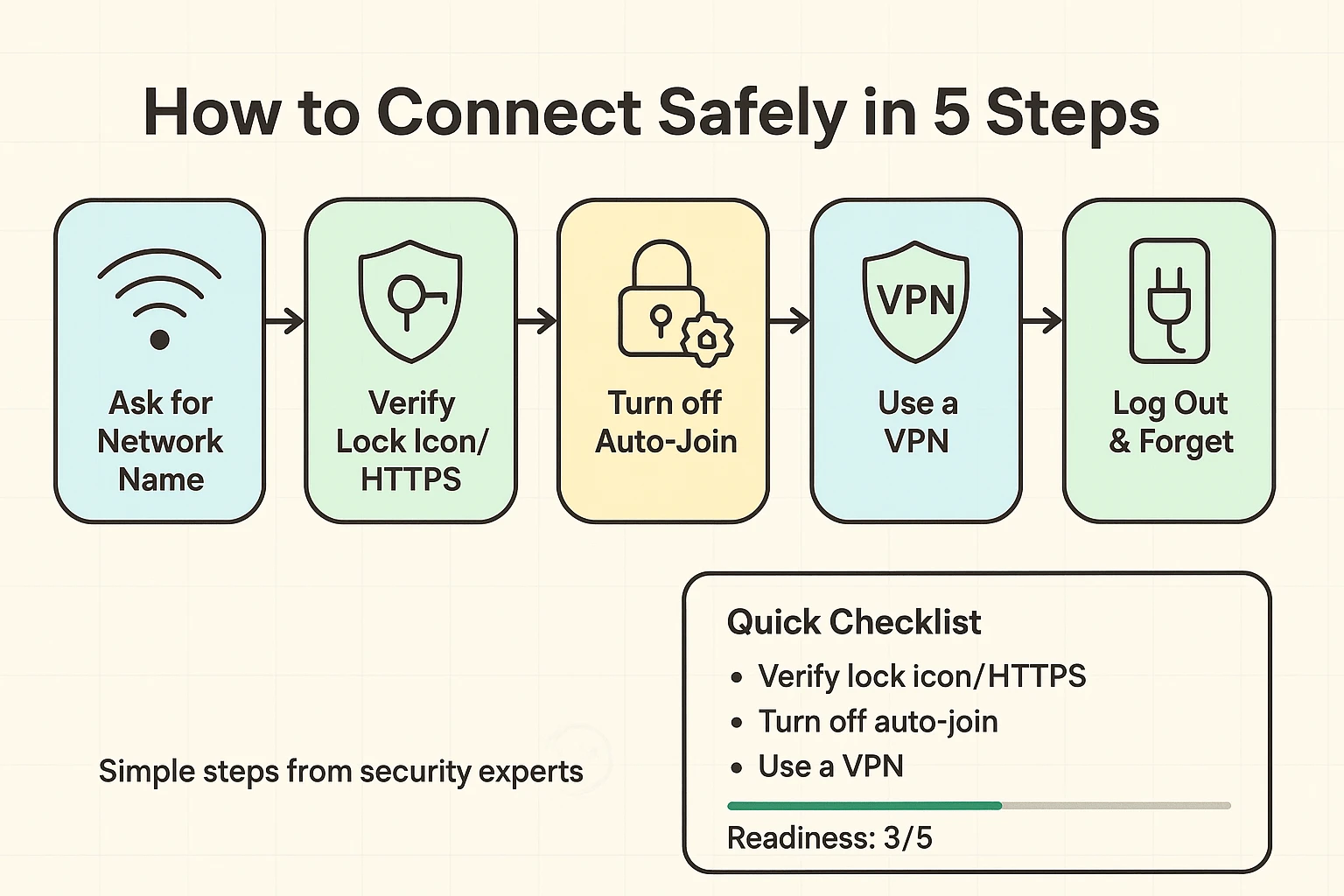
A VPN is an app you download on your phone, tablet, or laptop. When you turn it on, it scrambles your data so that even if a hacker intercepts it, all they see is gibberish. It creates a private “tunnel” for your information.
Many seniors hesitate here because it sounds technical. But modern VPNs are incredibly easy to use. You usually just open the app and tap a big button that says “Connect.” If you are going to use public Wi-Fi, a VPN is not optional—it is essential.
Your smartphone is like an overly friendly puppy—it wants to say hello to everyone. If you have “Auto-Connect” enabled, your phone will try to latch onto any open Wi-Fi network it finds as you walk down the street.
This is dangerous because your phone might connect to a malicious network without you even taking it out of your pocket. Go into your Wi-Fi settings and toggle off “Auto-Join” or “Auto-Connect” for public networks. Make your device ask for permission first.
When you are browsing, look at the address bar at the top of the screen. You want to see “https://” at the beginning of the website address, usually accompanied by a little padlock icon.
The “S” stands for Secure. It means the website itself encrypts your data. If you just see “http://” (no S), do not enter any personal information. Treat that site like a dark alley—look around, but don’t pull out your wallet.
If the idea of public Wi-Fi still makes you nervous (and a healthy dose of paranoia is a good thing in tech), there is another option: Don’t use it at all.
Many savvy senior travelers are opting for Portable Wi-Fi Hotspots. These are small devices, about the size of a deck of cards, that use cellular data (like your phone) to create a private, secure Wi-Fi network just for you.
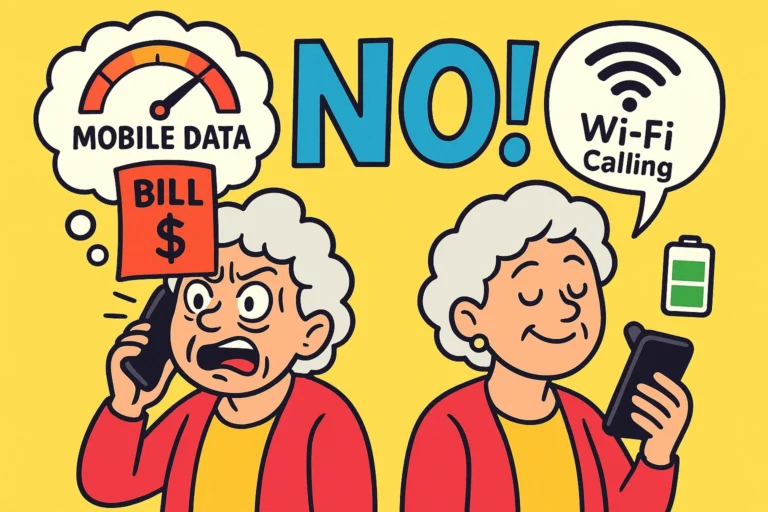
You might be thinking, “Can’t I just use the Personal Hotspot feature on my iPhone?” You can! That is a great solution for quick tasks.
However, using your phone as a hotspot drains the battery faster than a grandkid can eat a plate of cookies. It also uses up your phone’s data plan. A dedicated portable hotspot saves your phone battery for important things—like taking pictures of your dinner or using Google Maps to find your hotel.
When looking at portable hotspots (like the Netgear Nighthawk series or similar travel devices), look for models that support WPA3 security. This is the latest encryption standard and is much harder for hackers to crack.
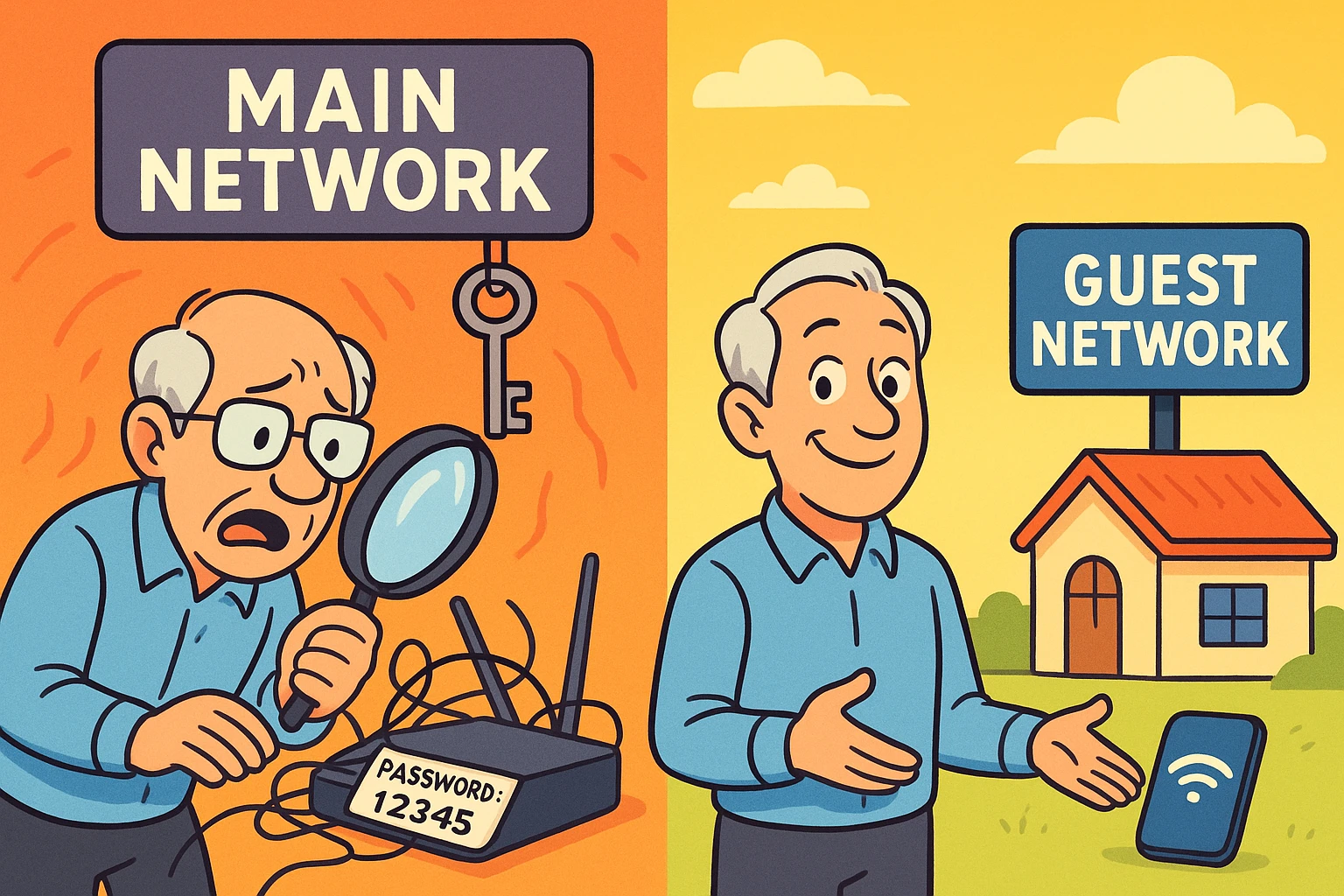
Not necessarily. If the hotel writes the password on a card at the front desk for every guest to see, that network is only slightly more secure than an open one. You are safe from people outside the hotel, but you are still sharing the network with everyone in the lobby. Use a VPN even if there is a password.
This is a common myth! Incognito mode only stops your computer from remembering where you went. It does not hide your activity from the Wi-Fi provider or hackers. It’s like closing your eyes—you can’t see them, but they can still see you.
If you are on public Wi-Fi without a VPN? No. Please don’t. If you absolutely must check your balance, turn off Wi-Fi and use your phone’s cellular data connection (4G or 5G). Cellular networks are generally much harder to hack than coffee shop Wi-Fi.
The goal of technology is to give you freedom, not anxiety. You shouldn’t have to stay offline just to stay safe.
By taking these small steps—using a VPN, avoiding “Auto-Connect,” or carrying your own hotspot—you are taking control of your digital life. You are closing the door on the hackers so you can open the door to new adventures.
So go ahead, book that trip. Order that expensive coffee. Just make sure your connection is as secure as your luggage.