Newsletter Subscribe
Enter your email address below and subscribe to our newsletter

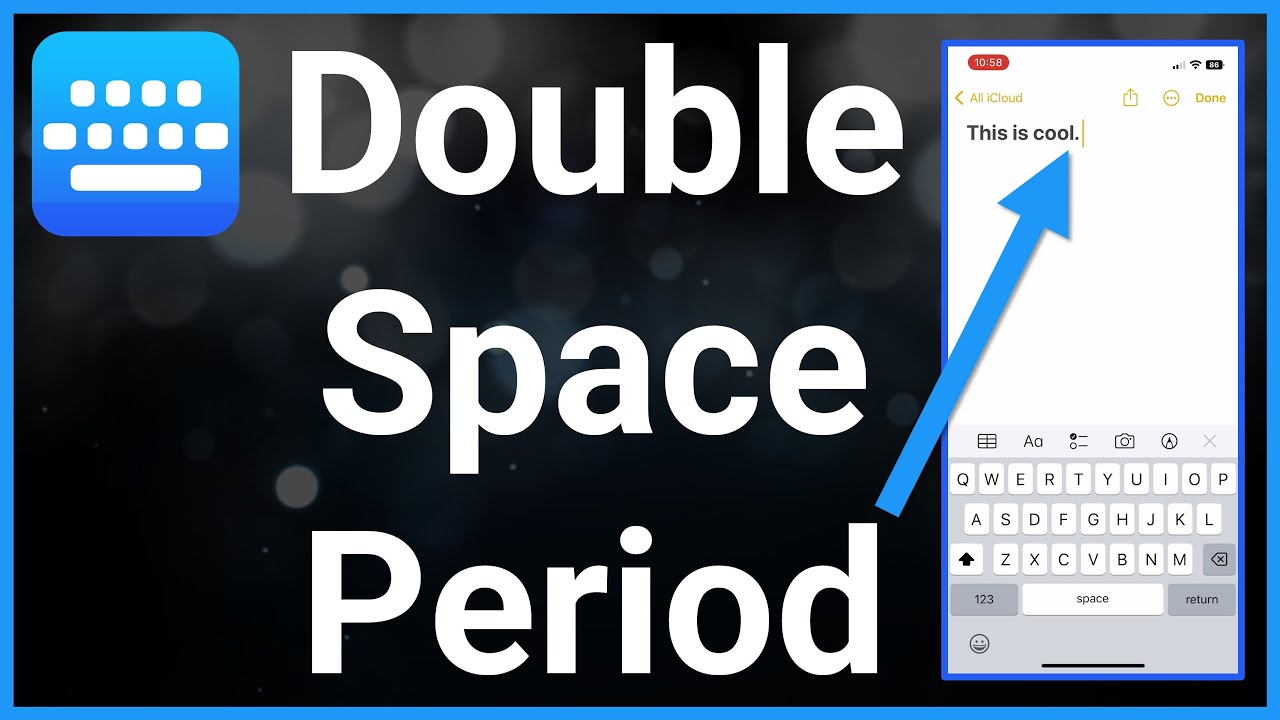
Have you ever found yourself typing out a message on your phone, and just as you’re about to end a sentence, you realize you have to actually tap the period key?
It’s a tragedy that’s happened to the best of us. But fear not, dear reader, for there’s a trick that will save you precious milliseconds: the double-tap space bar trick!
Yes, you heard it right. By simply double-tapping the space bar, you can magically end a sentence with a period followed by a space, and jump straight into your next brilliant thought.
It’s like having a personal assistant who punctuates for you! Let’s dive into how you can master this nifty trick on both iPhones and Android devices, and how to enable it if it’s not already working on your device.
First things first, try it. Type a sentence and tap the space bar twice.
If a period magically appears followed by a space, congratulations. Your iPhone is already doing the work for you, and you may now use those precious saved milliseconds however you see fit.
If nothing happens, here’s where to check:
That’s it.
Now, whenever you finish a sentence, double-tap the space bar instead of hunting for the period key. Your iPhone will insert a period, add a space, and get you ready for your next brilliant thought.
Android gets a little trickier because not every Android phone uses the same keyboard.
Samsung Galaxy phones usually come with Samsung Keyboard, while Google Pixel phones—and many other Android phones—use Gboard, Google’s keyboard.
Fortunately, both can do the double-space trick.
Samsung may also describe this feature as Auto punctuate, but either way, the idea is the same: two quick taps on the space bar give you a period and a space.
The easiest way to get there is usually right from the keyboard:
Depending on which version of Gboard you have, you may find it under Shortcuts, Text correction, or Corrections & suggestions.
Once it’s turned on, double-tap the space bar at the end of a sentence and Gboard will insert the period and space for you.
Now, armed with this powerful knowledge, you can double-tap your way to perfectly punctuated prose with minimal effort. It’s like having a superpower, but for grammar nerds.
So go forth, text warriors, and double-tap that space bar with confidence. Your friends will marvel at your efficiency, your sentences will be impeccable, and you’ll never look at the period key the same way again. Happy typing!