Newsletter Subscribe
Enter your email address below and subscribe to our newsletter

Enter your email address below and subscribe to our newsletter
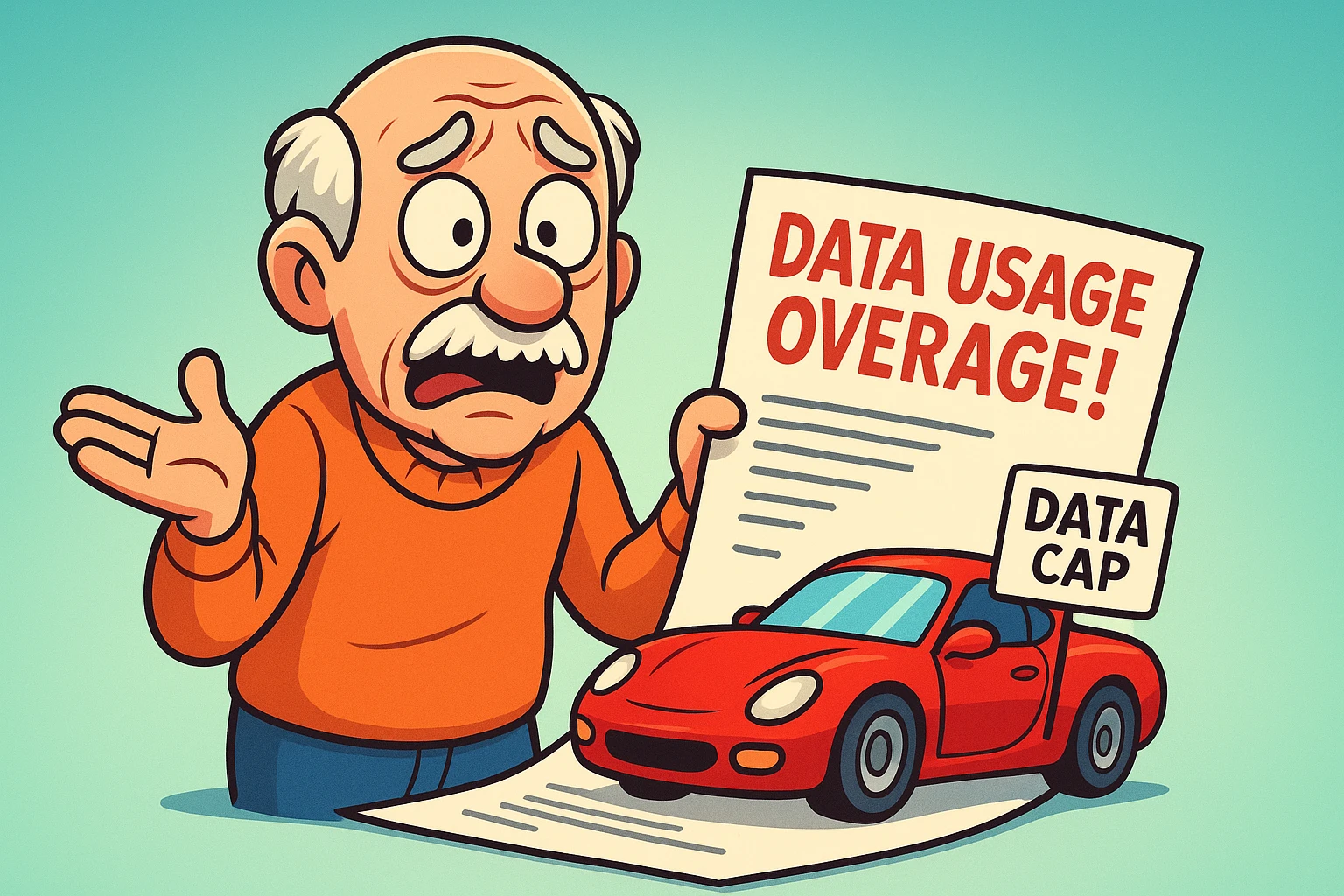
Have you ever opened your monthly internetThe Internet is a vast network of computers and other electronic devices connected globally, allowin... More bill, squinted at a line item labeled “Data Usage Overage,” and felt a sudden urge to throw your routerA router is a device that helps connect all your gadgets, like computers, smartphones, and smart hom... More out the window? You aren’t alone. It’s a feeling similar to ordering a “bottomless” cup of coffee, only to find out the waitress starts charging you five dollars a sip after the third cup.
For years, we’ve been told to focus on internet speed. We pay for the “Lightning Fast” or “Supersonic” package so we can email Aunt Martha without waiting for the progress bar to spin. But quietly, in the fine print, Internet Service Providers (ISPs) have been focused on something else entirely: Data Caps.
If you’re wondering why your bill fluctuates or if you’re actually paying for more internet than you could use in three lifetimes, you’ve come to the right place. Let’s decode the jargon, find the hidden leaks, and keep your hard-earned money in your wallet—where it belongs.
The most common reason seniors overpay for internet is a simple misunderstanding of terms. When an internet salesperson tries to upsell you, they talk about how fast the connection is. But speed and data are two very different things.
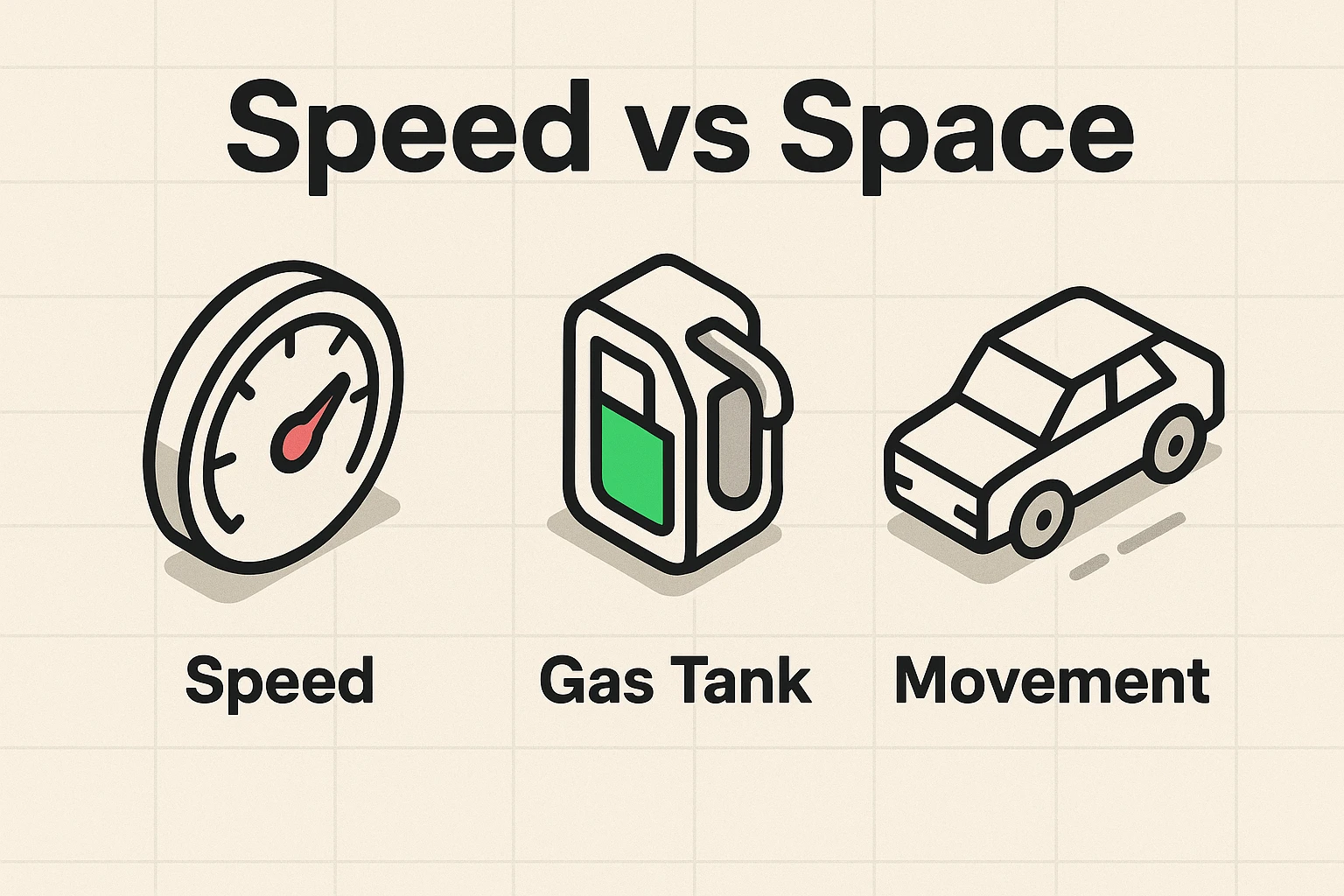
Think of your internet connection like a car on a highway.
A “Data Cap” is the limit on how much information you can download"Download" means saving something from the internet onto your device—like your phone, tablet, or c... More or uploadUpload is the process of transferring data or files from a local device or computer to a remote serv... More in a month before the gas station (your ISPAn Internet Service Provider, or ISP, is the company that gives you access to the internet. You pay ... More) charges you a premium price to refill the tank.
Tech companies love acronyms almost as much as they love charging fees. To understand your bill, we have to translate “geek speak” into plain English.
Data is measured in “Bytes.”
Most modern internet plans (like those from Xfinity or Cox) come with a standard cap of 1.2 Terabytes (TB).
Is that a lot? Yes. To hit that limit, you would generally need to stream HDHD stands for High Definition, and it simply means a sharper, clearer picture on your screen. You kn... More video for about 11 hours every single day for a month. Unless you are running a 24-hour movie marathon while simultaneously downloading the entire internet, you are likely safe.
However, “likely” isn’t “definitely.” Let’s look at what actually eats up your data.
Not all online activities are created equal. Reading the news online is like sipping water. StreamingStreaming refers to the process of transmitting or receiving multimedia content, such as audio, vide... More a movie in 4K4K, also known as Ultra High Definition (UHD), is a video resolution that offers dramatically sharpe... More resolution is like drinking from a firehose.
Here is where the confusion—and the fear—usually sets in. You might worry that video calling your grandkids is using up all your data. The good news? It probably isn’t.
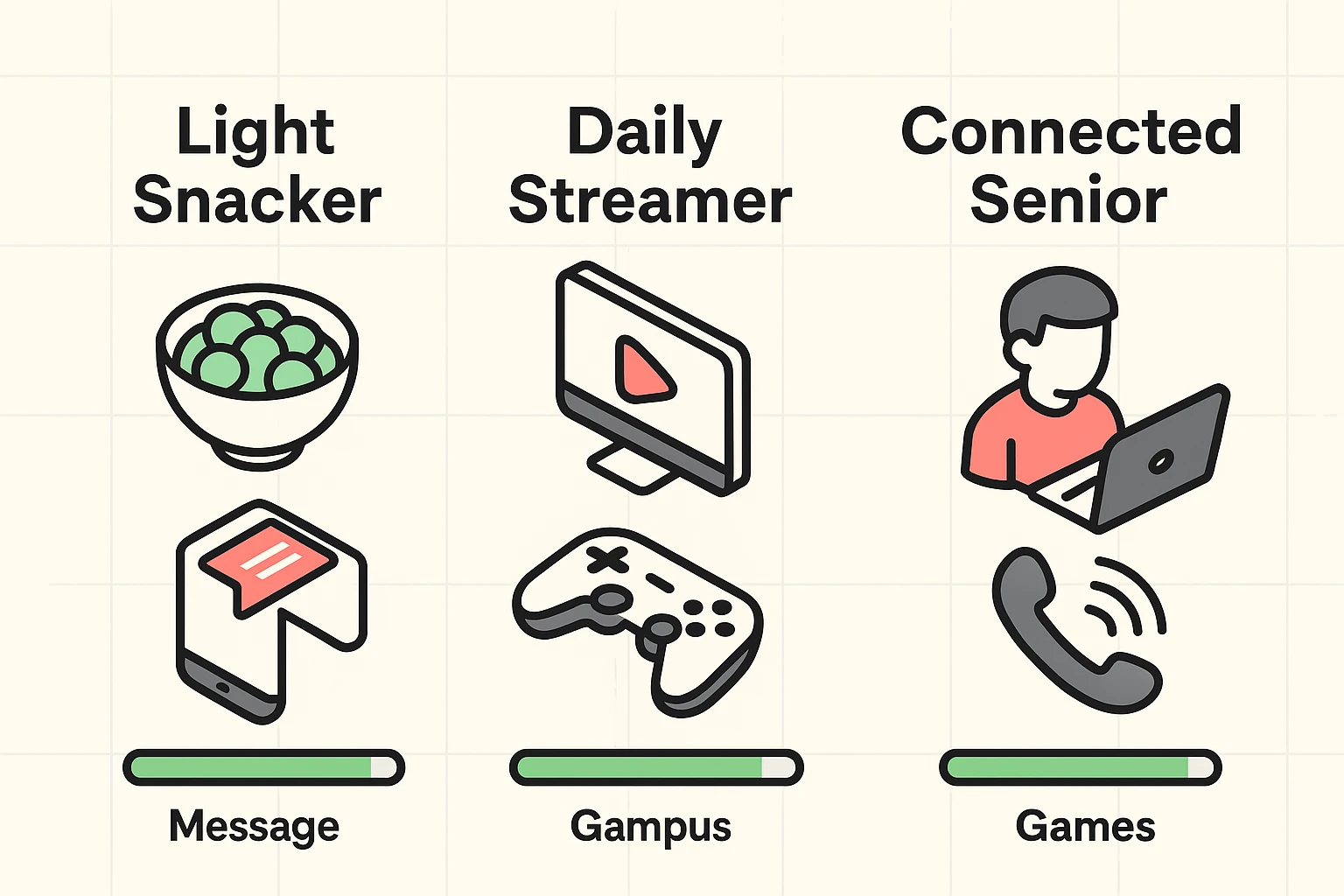
This is where the danger lies.
“But I wasn’t even using the computer!”
This is the most frustrating sentence a senior can utter when looking at a high data bill. The truth is, your devices are chatty. They talk to the internet even when you’re asleep.
So, what happens if you go over the limit? The “Internet Police” don’t show up at your door. Instead, the ISP quietly adds a fee to your bill.
For example, Xfinity (Comcast) typically charges $10 for every 50 GB you go over the limit. It’s like an overdraft fee at the bank. If you don’t catch it early, you could end up paying an extra $50 or $100 in a single month for data you didn’t even know you were using.
Some providers don’t charge fees but instead use “Throttling.” This means once you hit your limit, they slow your internet speed down to a crawl—roughly the speed of a drowsy turtle—until the next billing cycle begins.
You don’t need a degree in computer science to manage this. You just need a simple routine.
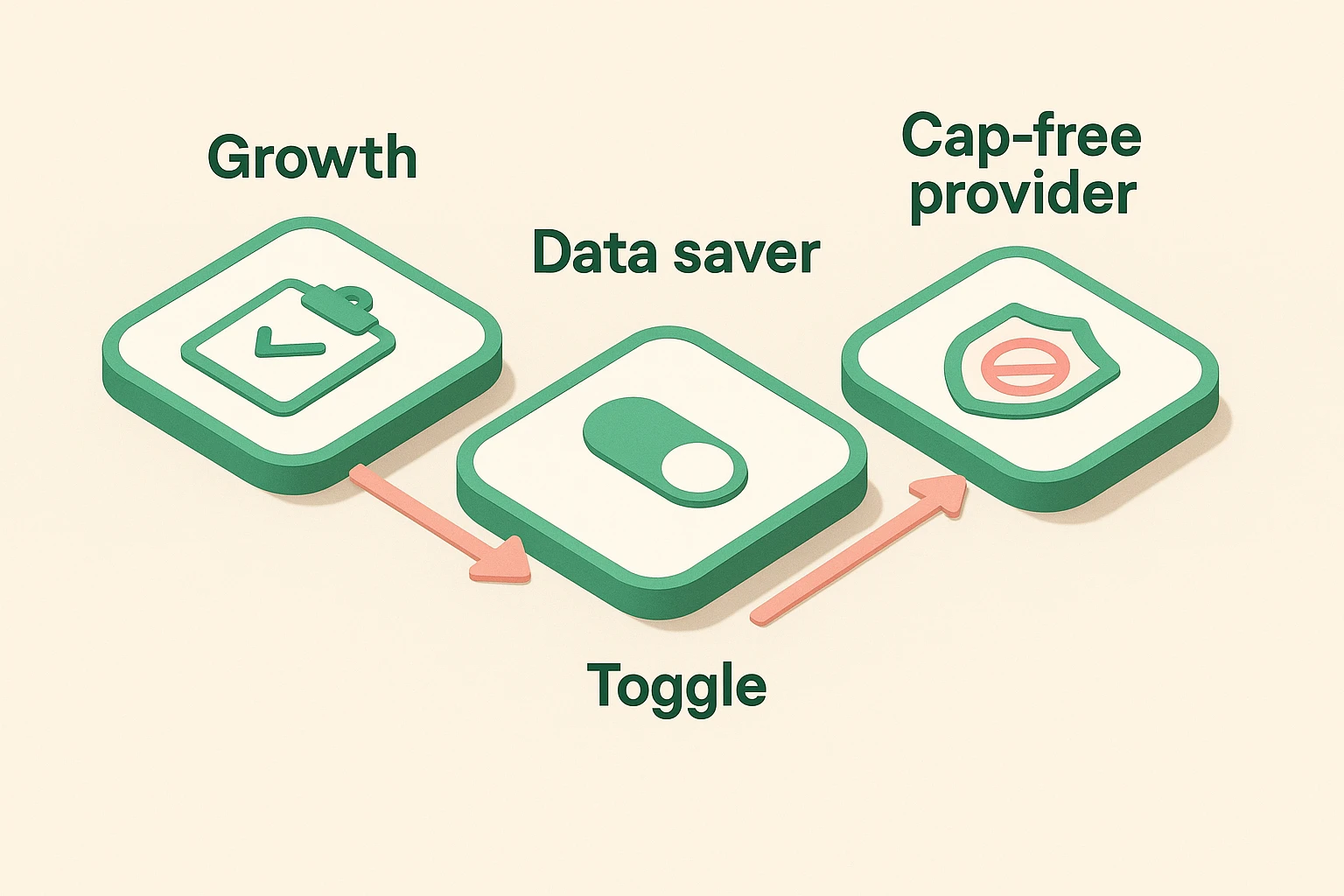
The FCC now requires ISPs to display “Broadband Nutrition Labels.” These look just like food labels but for internet. Log into your account or check your bill. Look for the Data Cap section. If it says “Unlimited,” relax. You’re done. If it says “1.2 TB” or a similar number, proceed to step 2.
If you are worried about hitting a cap, go into the settings of your Netflix, YouTube, or Hulu account. Change the playback settings from “Auto” or “High” to “Standard” (1080p). The picture will still look great, but you will use less than half the data.
If you find yourself constantly stressing about caps, you might be with the wrong company.
Yes! When your smartphone is connected to your home Wi-Fi, any video you watch or appAn app (short for application) is a program that helps you do specific tasks on your smartphone, tab... More you update counts against your home internet allowance.
It can. If a webpage is left open that refreshes automatically (like a news site) or if your computer decides to run an update, it will use data. It’s best to put your computer to “Sleep” when you aren’t using it.
Usually, yes. However, read the fine print. Some mobile hotspots claim to be “unlimited” but will slow your speed down significantly after you use a certain amount. But for home cable/fiber internet, “Unlimited” generally means you can stream until your eyes cross without paying extra.
The internet shouldn’t be a source of anxiety. It’s a tool for connection, learning, and yes, watching funny cat videos. By understanding that a data cap is just a (very large) gas tank, you can stop worrying about every click and start enjoying the ride.
If you are paying for “Unlimited Data” just to check emails and read the news, you might be overpaying. But if you love your 4K movies, that unlimited plan might be the best insurance policy you have against a surprise bill.