Newsletter Subscribe
Enter your email address below and subscribe to our newsletter

Picture this: You’re sitting in a bustling airport terminal or a cozy local coffee shop, sipping a latte that costs roughly the same as a used car. You decide to connect to the “FreeGuestWiFi” to check your bank balance and send an email to your grandkids.
It feels completely harmless, right? After all, everyone else is staring blankly at their screens doing the exact same thing. But using public Wi-Fi to check your sensitive information is a bit like standing in the middle of a crowded room and shouting your bank account password at the top of your lungs.
Sure, maybe nobody is listening. But maybe a bored, tech-savvy teenager sitting three tables over is listening very, very closely. This is the hidden catch of free public Wi-Fi—it’s incredibly convenient, but incredibly public.
Don’t panic and throw your tablet into the nearest trash can just yet. You don’t need a degree in computer science to protect yourself. You just need a digital bodyguard. Today, we are going to talk about something called a VPN, why it is the unsung hero of your digital life, and how you can use it to outsmart the snoops without breaking a sweat.
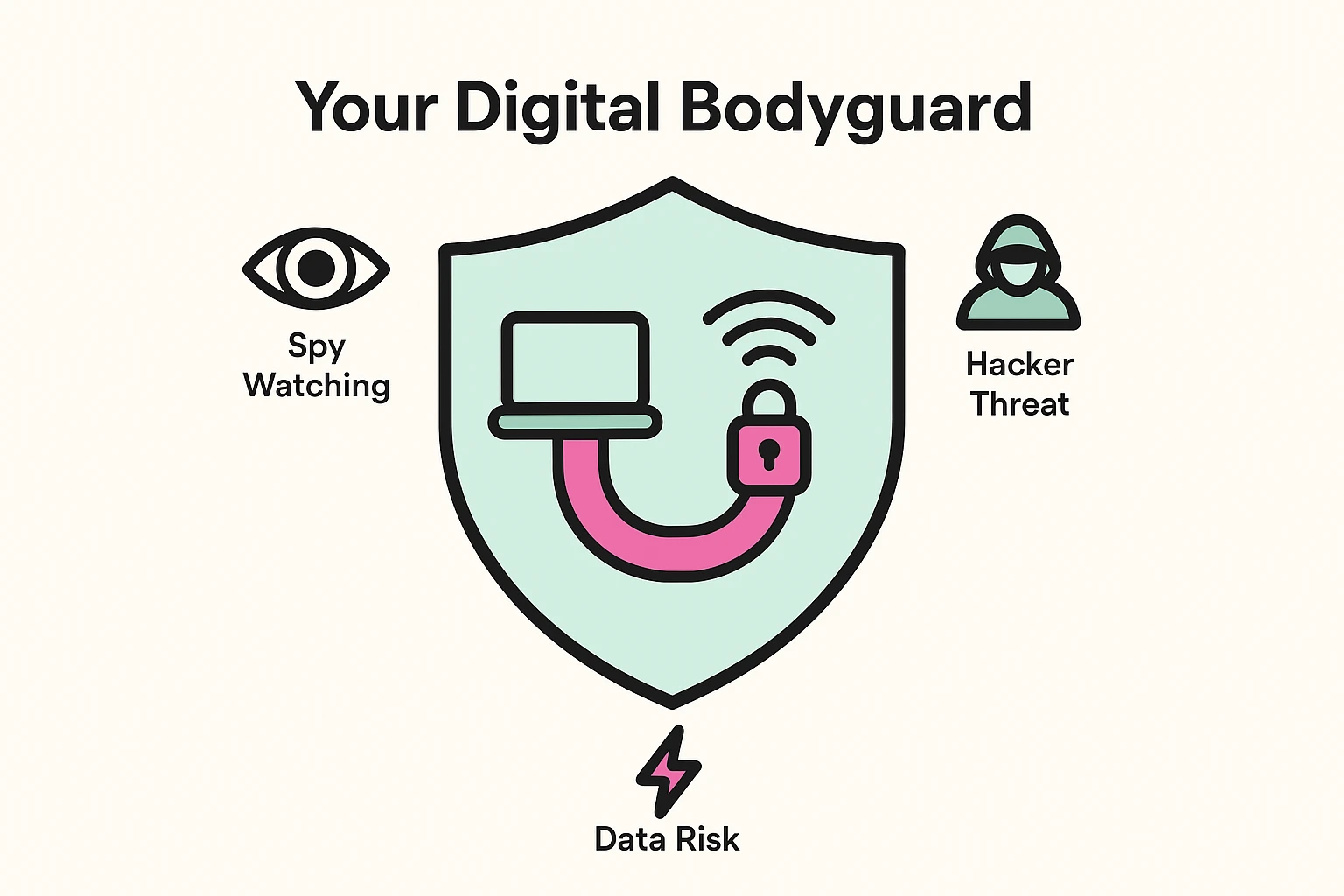
VPN stands for “Virtual Private Network.” If you’re currently rolling your eyes at that mouthful of tech jargon, I don’t blame you. Let’s immediately throw that term in the garbage and call it what it actually is: your invisible armor.
Imagine you want to send a secret letter to your bank. Normally, on public Wi-Fi, you are handing that letter to a string of strangers to pass along, just hoping none of them open the envelope.
When you turn on a VPN, it instantly builds a private, bulletproof, soundproof tunnel between your device (like your iPad or smartphone) and the internet. Instead of shouting your credit card number across the coffee shop, your device is now whispering it through a highly secure, private telephone line.
If anyone tries to snoop on your connection while your VPN is on, all they see is a scrambled, unreadable mess. Your bank account stays private, your emails stay personal, and you can enjoy your overpriced latte in absolute peace.
Before we get into how to use one, let’s clear the air. There is a lot of misinformation out there that makes VPNs sound like shadowy tools used only by international spies and people who still live in their parents’ basements.
Myth #1: VPNs are only for hackers or people doing illegal things.
False! Using a VPN is exactly like locking your front door or closing your living room blinds. You aren’t closing the blinds because you’re running a secret crime syndicate; you’re closing them because you don’t want strangers watching you eat meatloaf in your pajamas. Privacy is a right, not a red flag.
Myth #2: I have to be a tech wizard to set it up.
Ten years ago, setting up a VPN required typing in terrifying codes like “IPSec” and “AES-256” while practically sacrificing a goat. Today? It’s literally an app you download to your phone or tablet. You open it, tap a giant button that says “Connect,” and you’re done.
Myth #3: I have to configure it every time I use the internet.
This is a huge point of confusion. A modern VPN is a “set and forget” tool. Once you install the app and log in, it just quietly runs in the background. It’s like your home’s smoke detector—it just sits there doing its job without you having to constantly tinker with it.
If you do a quick web search for “Best VPN,” you will be immediately assaulted by aggressive advertisements and confusing comparison charts. Let’s make this beautifully simple.
When choosing a VPN, you want a “One-Button Wonder.” We recommend looking for highly-rated, paid VPN apps (like ExpressVPN, NordVPN, or Surfshark). Why paid? Because running that secure tunnel costs money. If a company offers a “100% Free VPN,” they are usually making their money by secretly tracking your browsing habits and selling that data to advertisers.
You don’t hire a bodyguard who gets paid by gossiping about you to the paparazzi. A good, trustworthy VPN costs a few dollars a month, has a giant “On/Off” switch, and has a strict “no-logging” policy—meaning they promise never to keep records of what you do online.
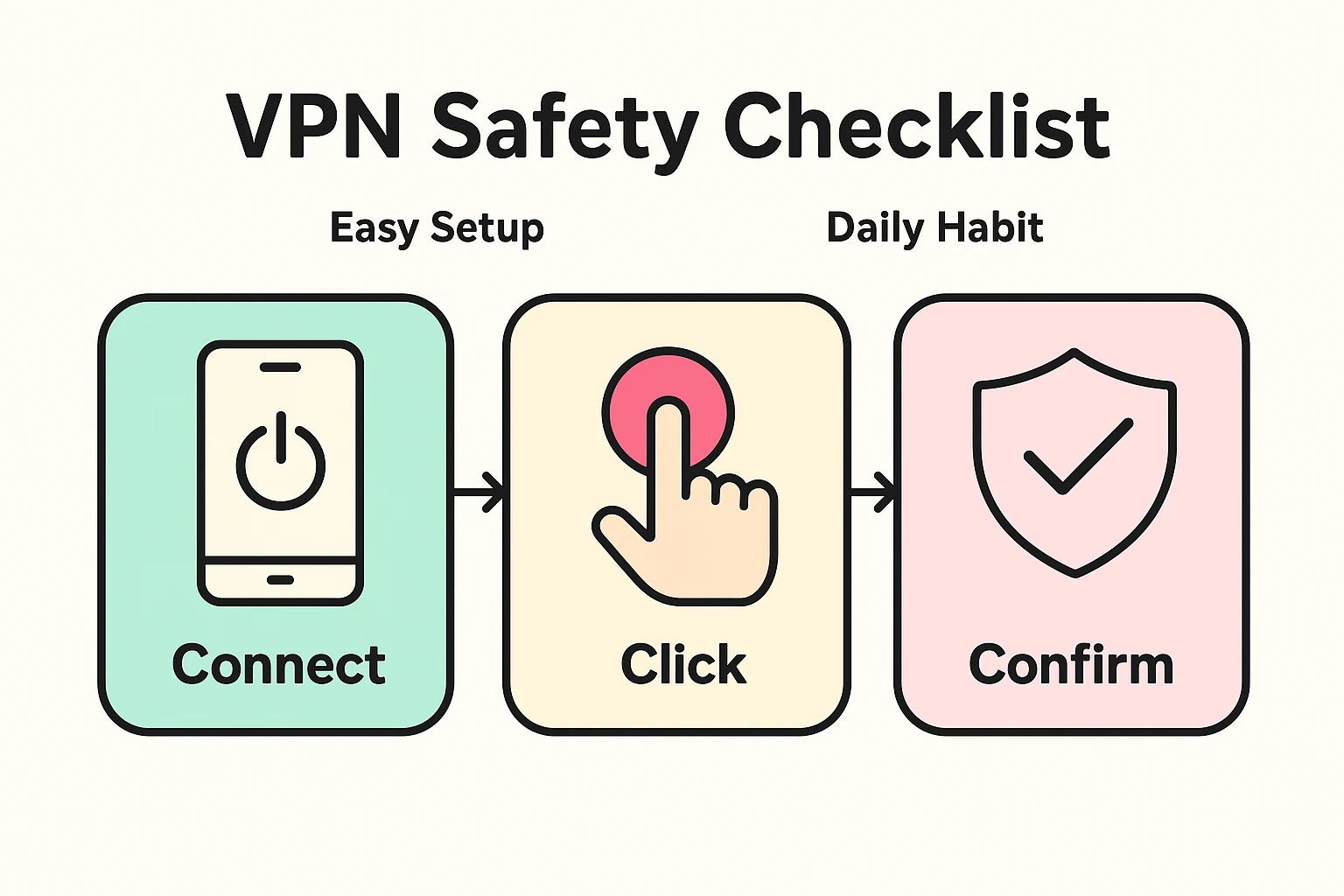
To make your digital bodyguard effective, we need to build a simple routine. We call this the “Connect, Click, Confirm” habit. Do this every time you sit down at a library, doctor’s office, or hotel with your device.
Go ahead and connect your phone or tablet to the public Wi-Fi network just like you normally would. Accept the coffee shop’s terms and conditions, if prompted.
Before you open your banking app, email, or internet browser, open your new VPN app. Tap that big, beautiful “Connect” or “Turn On” button right in the middle of the screen.
Look at the very top of your phone or tablet screen (right up there next to your battery symbol and the time). You should see a tiny little icon that says “VPN” or looks like a small key. If you see that icon, congratulations! Your digital armor is on, and you are officially invisible to the local snoops.
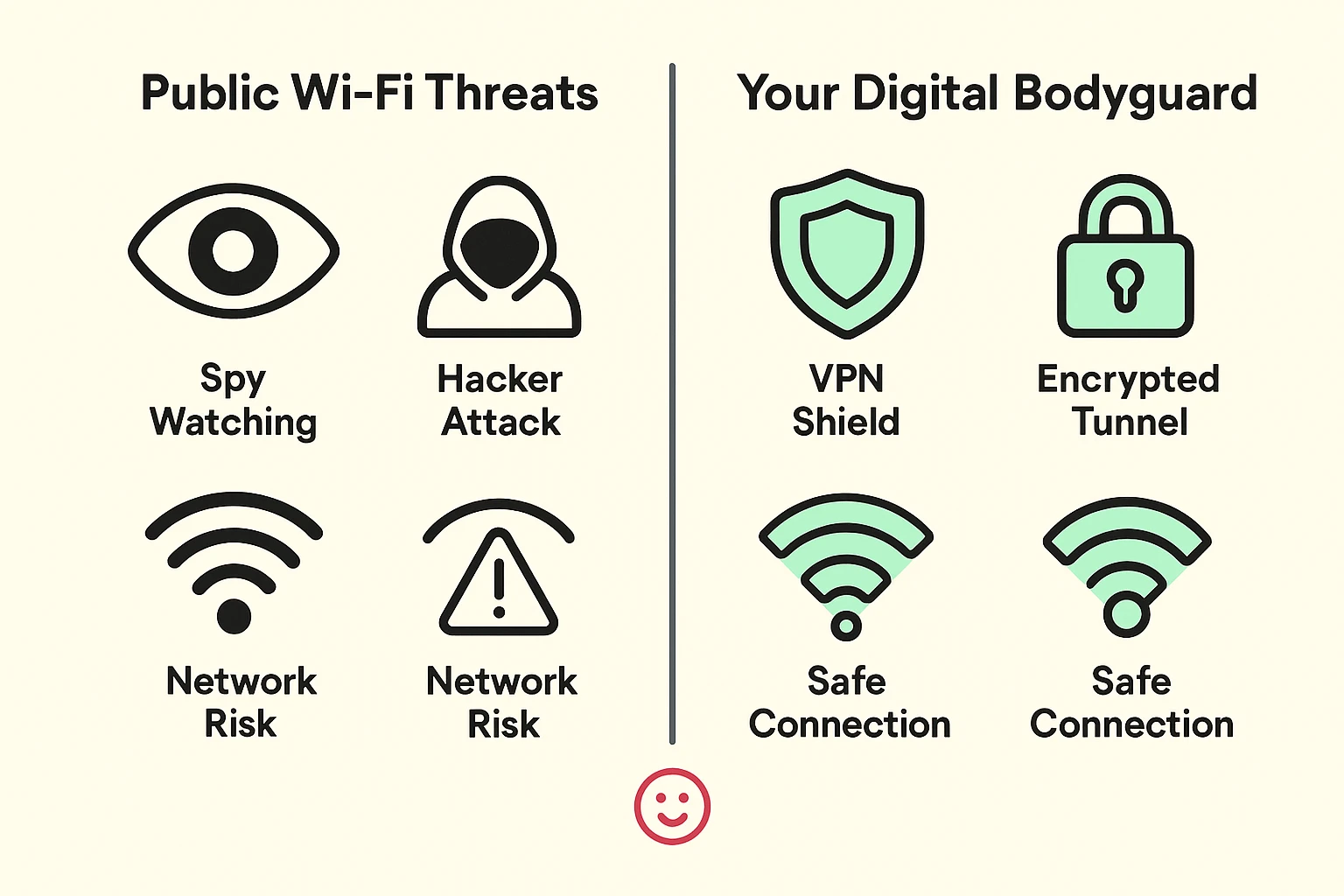
You might be wondering exactly how a hacker steals your information at a local cafe. They use sneaky tricks with ridiculous names like “Man in the Middle” or the “Evil Twin.”
Let’s translate that. Imagine you go to your favorite coffee shop, “Java Joe’s.” You look for their Wi-Fi and see a network called “Java Joes Free Web.” You connect and start browsing.
The problem? Java Joe didn’t set up that network. A guy sitting in the corner with a laptop set it up. It’s an “Evil Twin” network designed to look perfectly legitimate. Once you connect to his fake network, every password you type passes right through his computer.
This is why we must always remain vigilant. If you ever get an email or a pop-up on public Wi-Fi claiming your bank account is locked, never click the link they provide. Instead, safely disconnect, turn on your VPN, and check their website directly by typing the address into your browser yourself.
When your VPN is on, even if you accidentally connect to the “Evil Twin” network, the hacker gets absolutely nothing. Your VPN scrambles all your data before it even leaves your phone. The hacker just sees a stream of digital gibberish.
In the old days, yes. Today? Barely. Modern VPNs are incredibly fast. You might notice a webpage takes a tiny fraction of a second longer to load, but you can still easily watch videos, read the news, and video chat with your family without endless buffering.
Some modern smartphones (like newer iPhones with an iCloud+ subscription) have basic privacy features built-in, but they don’t offer the comprehensive, location-shifting protection of a dedicated VPN app. For true peace of mind on public Wi-Fi, a standalone app is still the gold standard.
Please don’t! Modern VPNs are designed to be extremely lightweight. Think of it like a modern LED lightbulb in your house; it uses so little energy that turning it off to save power isn’t worth the effort. Leave it on when you’re out and about so you never accidentally forget to turn it back on when you check your bank account.
You absolutely can, though it’s less critical. Your home Wi-Fi should already be protected by a password, making it much safer than the airport lounge. However, leaving your VPN on at home stops your internet service provider from tracking the websites you visit, adding a nice extra layer of privacy.
Getting comfortable with a VPN is a brilliant, proactive step toward protecting your independence and your wallet in the modern world. You don’t have to be afraid of public Wi-Fi; you just need to bring your bodyguard along for the ride.
Your mission for today is simple. Take a look at your device’s app store, peek at a reputable VPN service, and see just how easy it is to set up. Try turning it on the next time you visit the library.
Once you see that little “VPN” icon pop up at the top of your screen, you’ll feel a brand new sense of confidence. You can finally enjoy that expensive coffee shop pastry knowing your digital life is locked up tighter than Fort Knox!