Newsletter Subscribe
Enter your email address below and subscribe to our newsletter

Have you ever mentioned out loud that your knees are aching, and five minutes later, your phone shows you an ad for a magical copper knee brace? It feels like the internet is hiding in your living room bushes, taking notes. You start eyeing your toaster suspiciously, wondering if it’s reporting your breakfast habits back to Silicon Valley.
If this sounds familiar, take a deep breath. Your devices aren’t actually bugged by a cabal of advertising executives listening to your every word. But what they are doing is just as sneaky, and honestly, a lot more clever.
Welcome to the world of targeted advertising. Today, we’re going to demystify how these companies know so much about you. Better yet, we’re going to show you exactly how to lock the digital doors and tell the snoops to take a hike.
We’ve all been there. You tell your spouse you’re thinking about a trip to Florida, and suddenly, Facebook is flooded with sunscreen ads. It’s incredibly easy to assume your phone’s microphone is eavesdropping on your retirement plans.
The truth is actually less James Bond and more Hansel and Gretel. You see, as you wander around the internet, you leave behind digital breadcrumbs. Every website you visit, every video you watch, and even the apps and data you use on your smartphone create a visible trail for tech companies.
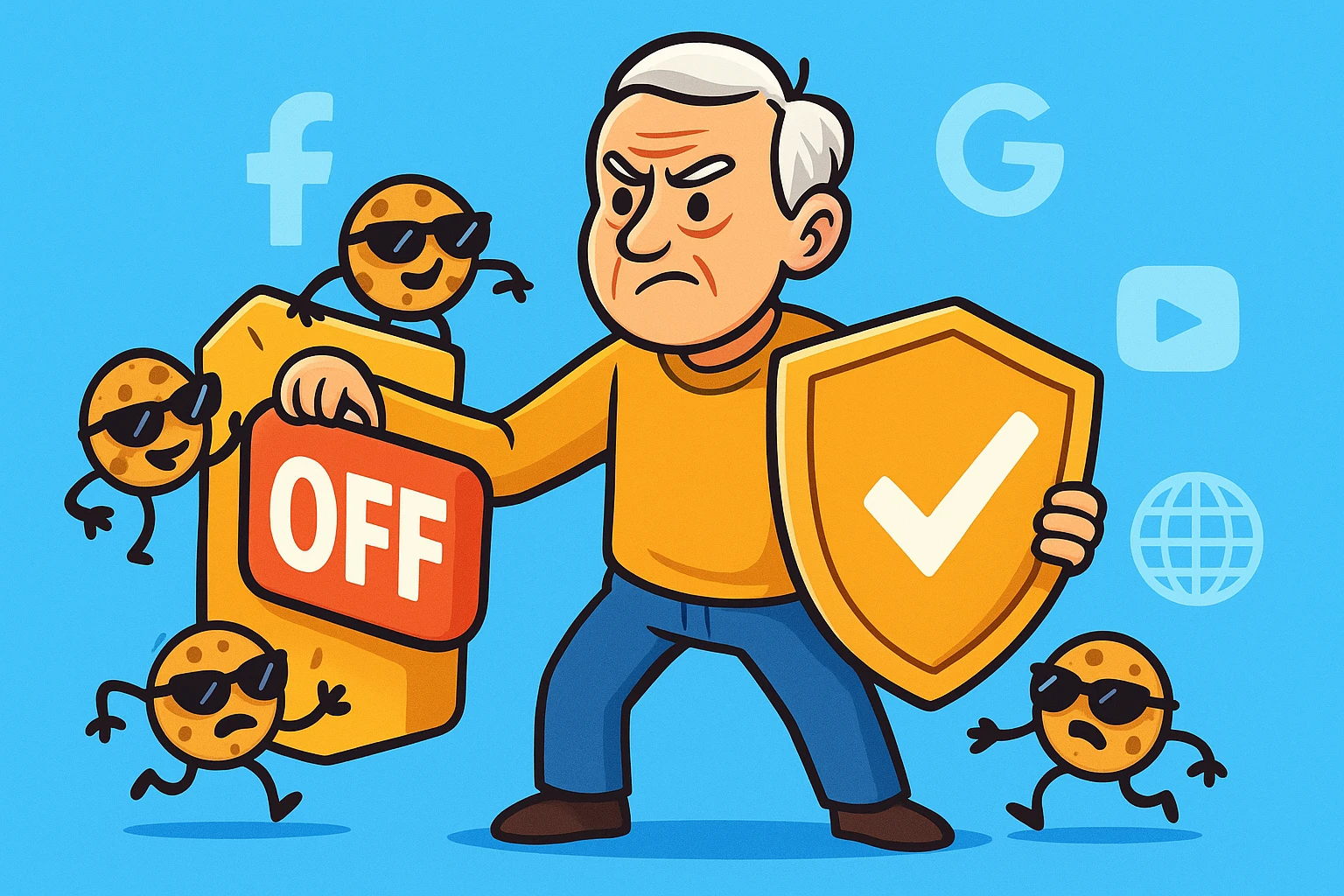
Advertisers use little trackers called “cookies” and “pixels.” Think of them as a tiny digital shadow that follows you into every virtual store. If you look at golf clubs on a Tuesday, your shadow remembers.
By Wednesday, that shadow is whispering to other websites to show you ads for golf balls. They don’t need to listen to your conversations because your digital shadow is already telling them exactly what you’re interested in!
Before we start flipping switches, let’s have a moment of brutal honesty. Opting out of targeted advertising will not make ads magically disappear from the internet. Unless you unplug your computer and toss it into a lake, you will still see advertisements.
The real difference is between a “targeted billboard” and a “regular billboard.” Targeted ads are like a highway billboard that magically changes to show your favorite brand of coffee just as you drive by. Regular ads are like a standard billboard for a local car dealership—everyone sees the exact same thing.
By adjusting your privacy settings, you are simply telling the internet to stop stalking you. You’ll still see ads, but they’ll be delightfully random and blissfully irrelevant to your actual life.
Let’s tackle the biggest elephants in the digital room, starting with Google. Both Google and Facebook have recently updated their menus, so we’re going to use the most current 2025 navigation paths to get you where you need to go.
First, make sure you are logged into your Google or Gmail account. Then, type “myadcenter.google.com” into your web browser. Right at the top of the page, you’ll see a prominent switch labeled “Personalized ads.”
Simply click that switch and change it to “Off.” Google will show you a polite little warning saying your ads will be less useful. Stay strong and confirm the change! You’ve just cut off their main tracking pipeline.
Next up is Facebook. They love to shuffle their settings around just to keep us on our toes, but right now, everything lives in a section called the “Accounts Center.”
Click on your profile picture in the top right corner, select “Settings & privacy,” and then “Settings.” Look for the “Accounts Center” box on the left side of the screen and click on “Ad preferences.”
Here, you can review advertisers you’ve recently seen and adjust your “Ad settings” to tell Facebook to stop using data from their partners to target you. While you’re in a privacy mindset, this is also a great time to limit past posts facebook so strangers can’t scroll back through your entire life history.
So, you’ve tamed Google and Facebook. Give yourself a pat on the back! But what about the thousands of other unseen data brokers out there tracking your every move?
There are free industry tools like the Digital Advertising Alliance (DAA) WebChoices page (optout.aboutads.info). When you visit this site, it scans your browser and lets you opt out of dozens of ad companies all at once.
A fair warning: this tool can look incredibly intimidating. It might spin for a long time, and sometimes it throws a harmless error message that looks a bit scary. Don’t panic, because it hasn’t broken your computer! Just click “Opt Out of All” and let it do its best.
If fiddling with complex web pages gives you a headache, there is an easier way. You can install a free ad-blocking extension directly onto your web browser.
We highly recommend a free tool called “uBlock Origin.” Think of it as a digital bouncer that stands at the front door of your browser, checking IDs and turning away nosy trackers before they even get inside.
Just remember, as you use these tools, keeping your accounts safe from hackers is still crucial. A good ad blocker is great, but pairing it with strong auth (like a solid password and two-step verification) keeps your whole digital house secure.
How do you know if your privacy sweep actually worked? Here is a quick 3-point checklist to see if the snoops have left the building:
In plain English, we call this “Stranger Tracking.” A first-party cookie is the website you are visiting remembering your login, which is helpful. A third-party cookie is a stranger standing in the corner taking notes on what you’re doing—you only want to keep the first kind!
Not at all. The absolute worst thing that will happen is you might have to log back into your favorite websites, or your shopping cart at an online store might empty out. Your computer hardware itself will be perfectly fine.
Because your friends and family are dropping breadcrumbs! If your daughter searches for “matching family pajamas” while sitting on your home Wi-Fi network, the trackers assume you might want them too. It’s not magic; it’s just technology mapping out your social circle.
Taking back your digital privacy doesn’t mean you have to go live in a cabin in the woods (unless you want to, in which case, send postcards). It simply means setting healthy boundaries with your technology.
By tweaking a few settings in Google and Facebook, you’ve taken a massive step toward stopping the snoops in their tracks. You are now the master of your digital domain, and you get to decide who looks over your shoulder.
If you’re feeling empowered and want to keep this privacy train rolling, take a few minutes this week to review the settings on your smartphone. We promise, managing your privacy today is a whole lot easier than programming a VCR ever was!