Newsletter Subscribe
Enter your email address below and subscribe to our newsletter


You’re sitting in your favorite armchair, sipping coffee, and you decide it’s time to download a free Solitaire app to keep your brain sharp. You click “Install,” and suddenly, the app is asking for permission to access your location, your microphone, and your contacts. Wait a minute. Why does a digital deck of cards need to know where you live and who you call on Sundays? Is it planning to invite your cousin Mildred over for a game of Gin Rummy?
If this sounds familiar, you are not alone. For many of us, navigating the world of “free” apps feels like walking into a store where everything is free, but the catch is that the cashier gets to read your diary.
In this guide, we are going to play digital detective. We’ll look at why these apps are free, what they are actually taking from you, and how to lock the virtual doors without breaking your phone.
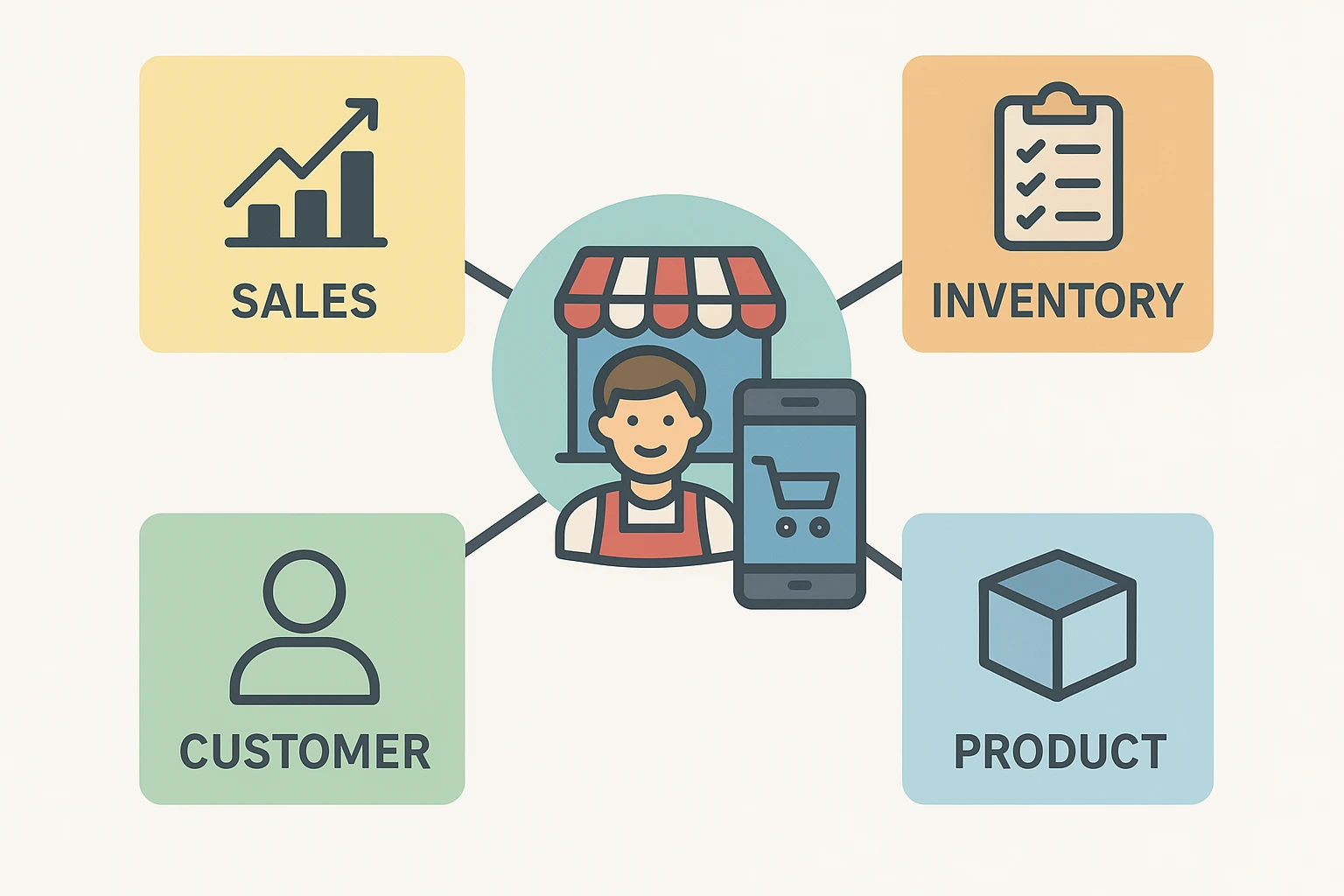
It takes thousands of dollars and a team of programmers drinking highly caffeinated beverages to build a decent smartphone app. So how do they afford to just give it away to millions of people? It all comes down to an old tech industry saying: “If you aren’t paying for the product, you are the product.”
Imagine walking into a hardware store and the clerk hands you a free hammer. You say, “Gee, thanks!” But then, the clerk quietly follows you home. He watches you fix a loose step, notes that your gutters need cleaning, and observes that you buy a specific brand of dog food.
He takes all this information, runs back to the store, and sells your “profile” to gutter-cleaning services and dog food companies. That’s exactly how free apps work. They give you a handy tool or a fun game, but in return, they collect your “Digital Footprints.” In fact, research shows the average free app has 6 to 10 hidden tracking programs quietly running in the background.
When you download an app, it often asks for a “Permission.” Think of a permission as a shiny brass key to a specific room in your digital house. If you hand over the key, the app can walk in whenever it wants.
So, what do these apps stuff into their digital backpacks? First, there’s your location. Apps love to know where you are because it tells them your daily habits. If they know you go to the pharmacy every Tuesday, they can sell that tidbit to advertisers who will happily bombard you with supplement ads.
They also want your contacts and photos. Some apps justify this by saying it helps you “share with friends,” but often it’s just scooping up identity details to build a bigger profile on you and your loved ones. Understanding how apps and data interact behind the scenes is crucial for keeping your phone bill—and your privacy—in check.
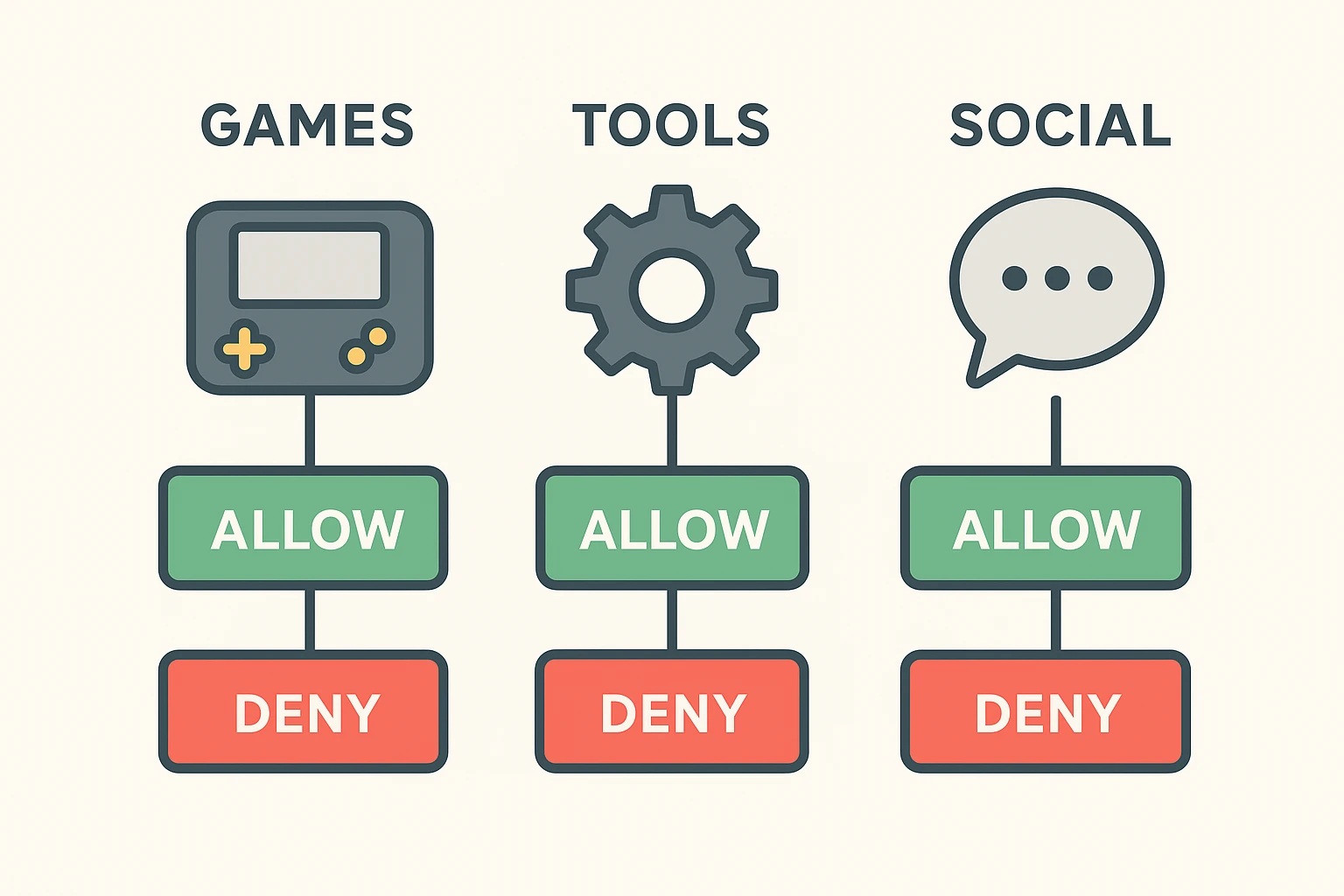
Now, before you march outside and throw your smartphone into the nearest lake, take a deep breath. You don’t have to turn everything off. You just need to be the bouncer at your own digital nightclub.
We call this the “Does It Make Sense?” Rule. It’s a simple logic test you apply whenever an app asks for something. For example, does a map app need your location? Yes, absolutely. It can’t give you directions to the nearest pancake house if it doesn’t know where you are starting from.
But does a flashlight app need your location? No. Does a digital crossword puzzle need access to your microphone? Unless you plan on shouting the answers at your screen, absolutely not. If the request doesn’t pass the basic common-sense test, politely decline.
Let’s roll up our sleeves and check what your apps are currently up to. Whether you use an iPhone or an Android, auditing your app access is usually easier than setting the clock on your microwave.
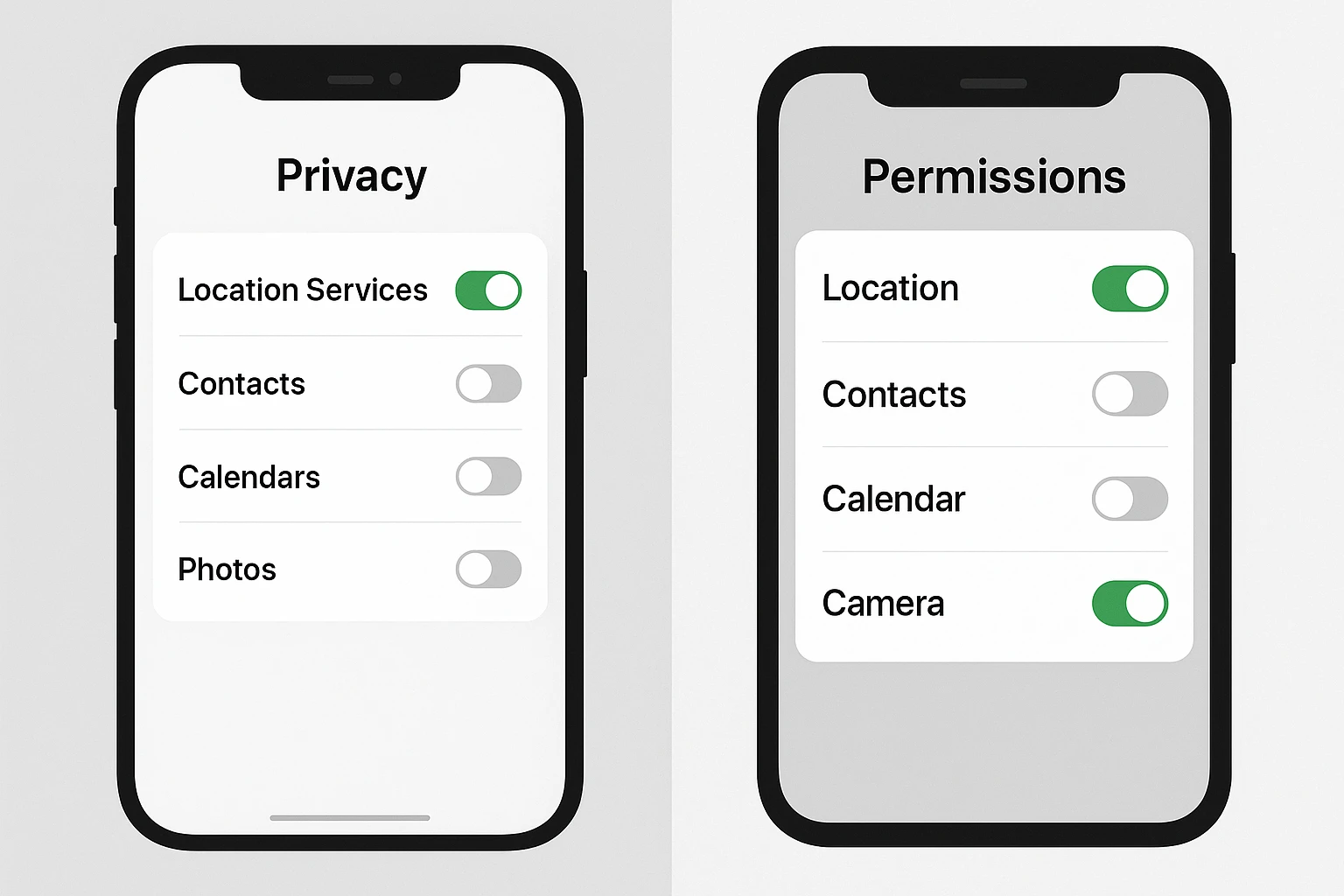
For iPhone Users: Go to your Settings app, scroll down, and tap Privacy & Security. From there, you can tap on categories like “Location Services” or “Microphone” to see exactly which apps have the keys. If you see a game that has access to your camera, just toggle the little switch so it turns gray (off).
For Android Users: Open your Settings, tap on Privacy, and then select Permission Manager. This will show you a tidy list of what apps are allowed to see. Learning how to give apps permissions the right way puts you firmly in the driver’s seat.
The Golden Secret: Whenever a new app asks for your location, always choose “Allow Once” or “Only While Using the App.” Choosing “Always Allow” turns the app into an invisible spy that tracks you even when your phone is asleep in your pocket.
Here is a sobering thought: What happens if you get fed up, hold down your finger on an overly nosy app, and hit “Delete”? The app disappears from your screen, but sadly, your data does not magically disappear from their servers.
Deleting an app stops it from collecting new information about you. But whatever they’ve already packed into their digital backpack over the past few months is theirs to keep. This is why being picky about your downloads in the first place is so incredibly important.
If you want an app to truly forget you, you often have to go into the app’s settings and look for an option to “Delete Account” or “Delete My Data” before you erase the app from your phone.
Technology is supposed to make our lives easier, not turn us into a science experiment for marketing companies. You have every right to enjoy free apps, play games, and check the weather without sacrificing your personal life to do it.
Take five minutes tonight to look through your phone’s privacy settings. Turn off permissions that don’t make sense, and remember that you are the boss of your device. Your phone should work for you, not the other way around.
Not usually! If you deny a flashlight app access to your contacts, the light will still work perfectly. If you turn off something essential (like the camera on a video-calling app), the app will simply ask for permission again the next time you try to make a video call.
Absolutely not. Many free apps are wonderful tools made by reputable companies, or are supported by simple banner ads rather than tracking your every move. The key is to just be a mindful consumer, check what they are asking for, and use the “Does It Make Sense?” rule.
In plain English, the “first party” is you, and the “second party” is the app you are using. A “third party” is a stranger peeking through the window. When an app allows third-party tracking, it means they are letting other companies watch what you do so they can show you targeted advertisements.