Newsletter Subscribe
Enter your email address below and subscribe to our newsletter

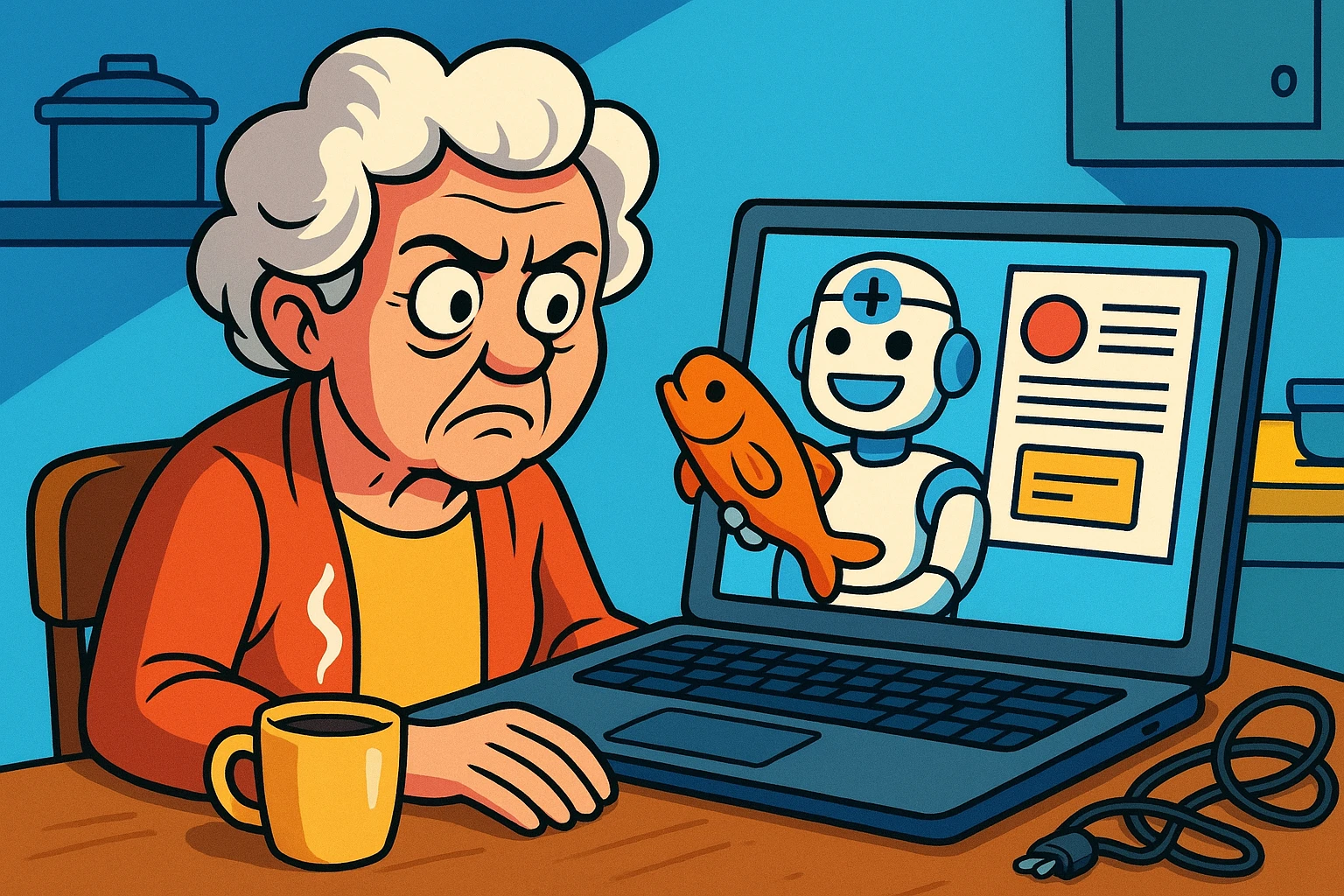
You bought a pair of orthopedic socks online once. Just once. Now, no matter where you go on the internet, those socks are following you. They pop up while you’re reading the news, while you’re checking the weather, and even while you’re trying to look at pictures of your grandchildren.
You did everything right. You cleared your browser cookies. You closed all your tabs. You even firmly whispered, “I do not need more socks,” into your computer screen. But the socks persist.
If this sounds familiar, you are not alone. A persistent online ad is one of life’s great, universal irritants. It’s right up there with telemarketing calls during dinner and finding out your favorite snack now comes in a “new, smaller-sized” package for the exact same price.
Most of us were taught that “cookies” are the little digital breadcrumbs that track us online. But the tech companies got sneaky. When people started deleting their cookies, tracking companies invented a much more advanced, invisible way to follow you around. It’s called “browser fingerprinting,” and it sounds like something straight out of a spy movie.
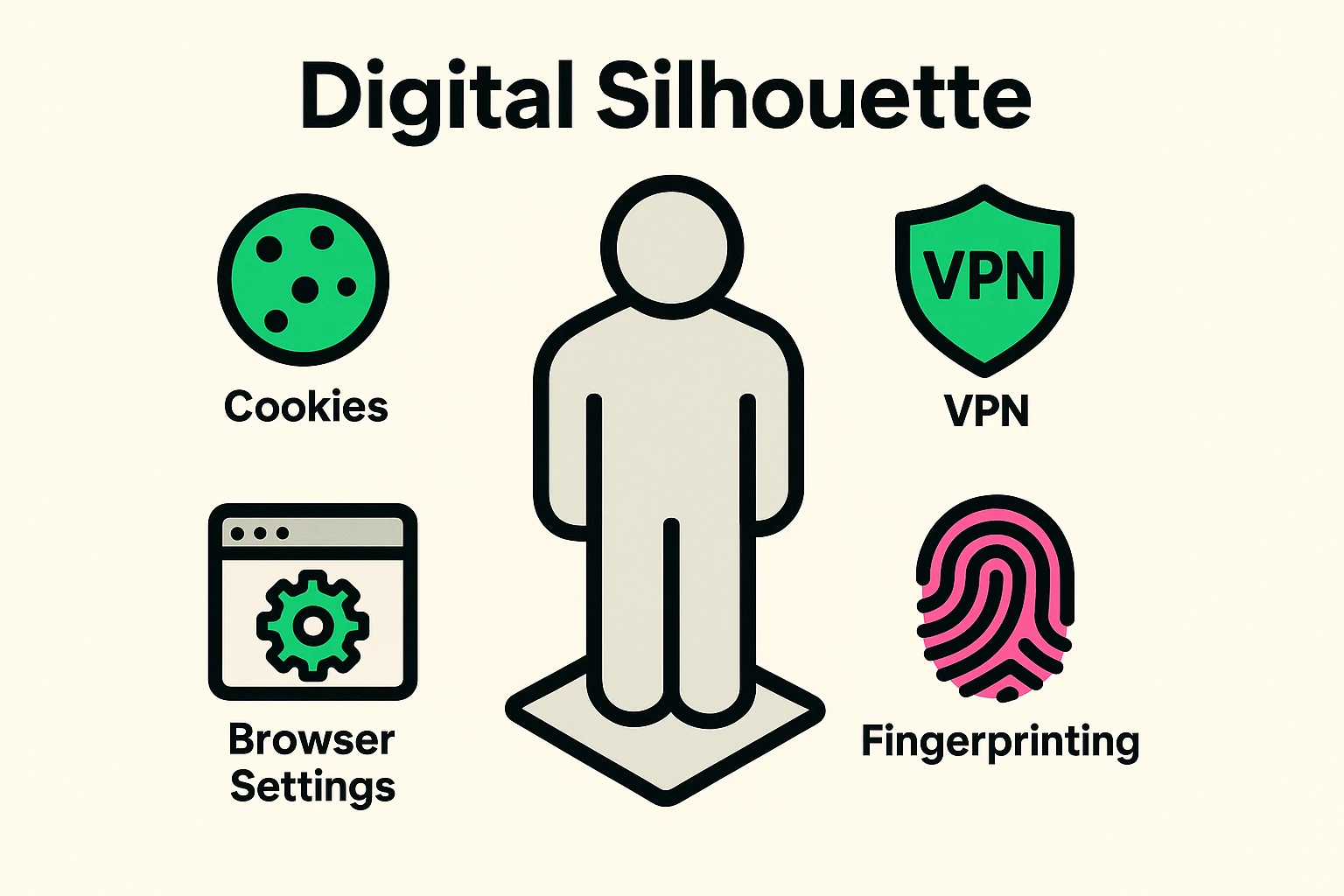
To understand browser fingerprinting, think of a “Digital Silhouette.” Imagine you are walking down the street wearing a very good disguise. You have a hat pulled low and dark sunglasses on. This is what it’s like when you clear your cookies or use basic privacy settings.
However, even with your disguise, a really observant detective could still recognize you. They might notice you are exactly five feet ten inches tall. They might notice you walk with a slight limp, or that you are carrying a very specific, bright yellow umbrella.
Your web browser does the exact same thing. Even without cookies, your browser hands over a highly specific “description” of your computer to every website you visit. It tells them your exact screen size, the specific fonts you have installed, the type of hardware inside your machine, and what language your keyboard is in. Combine all those little details, and you have a totally unique “fingerprint.”
One of the sneakiest ways companies get your fingerprint is through something called “Canvas Fingerprinting.” It sounds complicated, but the concept is actually quite simple.
When you visit a website, the site secretly asks your computer to draw or “paint” a tiny, invisible picture in the background. Because every computer has a slightly different graphics card, screen resolution, and software, every computer paints this picture slightly differently.
Your computer’s unique “painting” essentially becomes your digital name tag. The website saves this name tag. So, when you visit a completely different website a week later, they ask your computer to paint the picture again, recognize the artwork, and say, “Aha! It’s the sock shopper!”
What This Means for You: This isn’t just about annoying ads. Fingerprinting allows companies to build a massive profile about your habits. It can even allow travel or shopping websites to show you higher prices based on the expensive computer or tablet model you happen to be using.
You might be thinking, “There are billions of computers out there. Mine can’t possibly be that unique.” You would be surprised!
If you want to see exactly what websites know about you, there is a fantastic, free tool created by a respected privacy organization called the Electronic Frontier Foundation (EFF). If you go to a safe website called coveryourtracks.eff.org, you can run a 30-second test.
The test will analyze your browser and show you your specific fingerprint. It’s a great “Aha!” moment that helps you see exactly how much your digital silhouette stands out in a crowd.
Now for the good news. You don’t need a degree in computer science to stop this. You also don’t need to spend hundreds of dollars on fancy software.
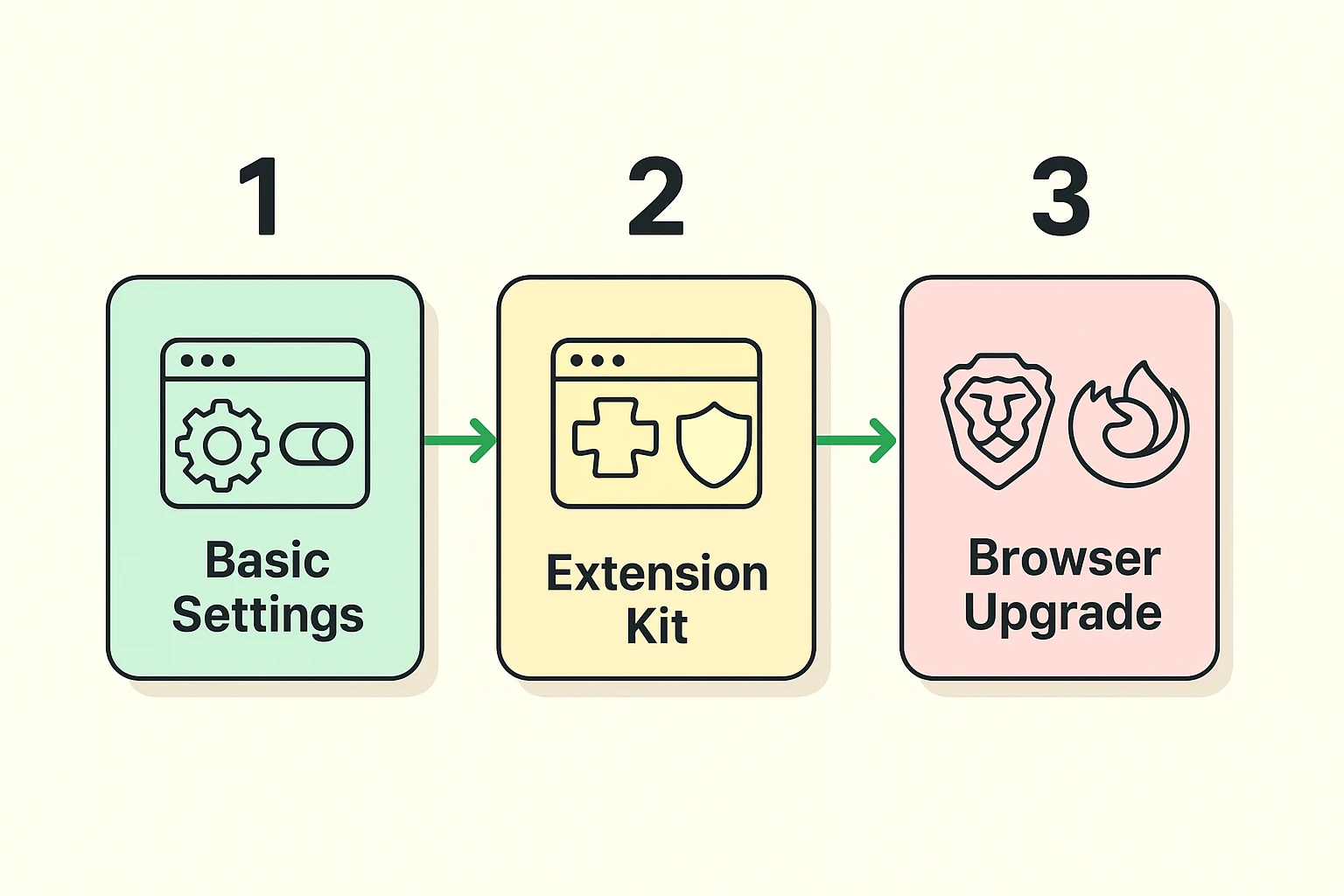
We are going to use a simple “Privacy Tier” system. You can stop at Level 1, or go all the way to Level 3 if you’re feeling adventurous.
You can start by simply changing the settings you already have. No downloads required! If you use Google Chrome or Microsoft Edge, dive into your “Settings” and look for the “Privacy and Security” section.
Here, you want to toggle off “Location” tracking and “Motion Sensors” (which is especially important on smartphones and tablets). Telling your browser to stop handing out your exact physical location is the quickest way to blur your digital silhouette.
If you want to step up your game, you can add a “browser extension.” Think of an extension as a digital bouncer that stands at the door of your web browser and checks IDs.
Two of the best, absolutely free bouncers are called uBlock Origin and Privacy Badger. You can find them in your browser’s extension store. Once installed, they quietly sit in the background and block those “invisible painting” scripts from running without you having to lift a finger.
If you truly want to disappear from trackers, the biggest “win” is simply changing the browser you use. Google Chrome is wonderful, but remember—Google is an advertising company first and foremost.
Switching to a privacy-focused browser like Brave or Firefox is like trading a glass house for a brick one. These browsers have heavy anti-fingerprinting technology built right in. You don’t have to change any settings; they protect you the moment you turn them on.
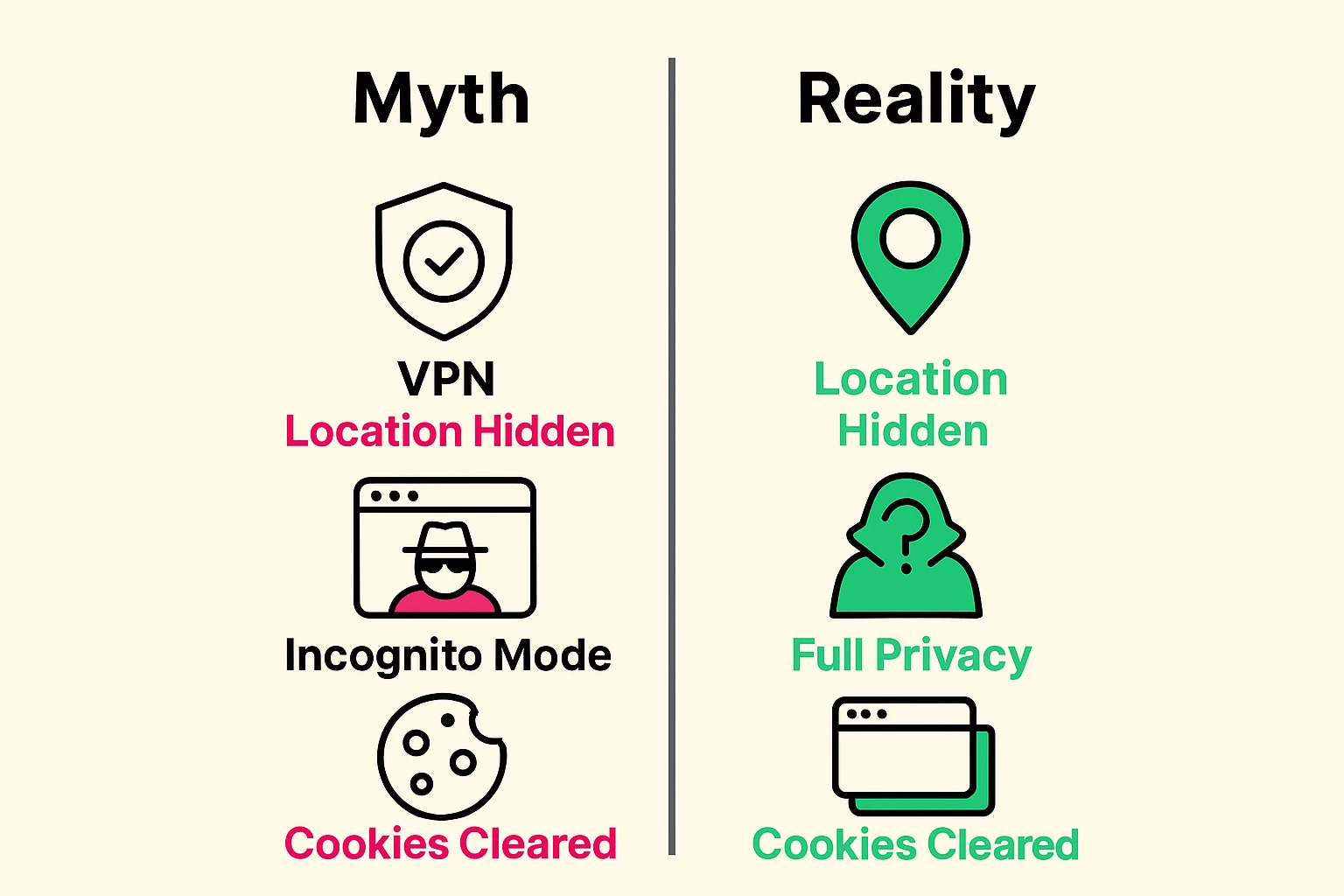
Before we wrap up, we need to clear the air. There is a lot of bad advice out there, usually given by companies trying to sell you something. Let’s bust a few myths.
Many people believe that opening an “Incognito” or “Private” window makes them invisible. Sadly, it is not a Harry Potter invisibility cloak.
Incognito mode simply tells your computer, “Don’t save my history locally on this machine.” It hides your browsing from your spouse who might use the computer next. However, your internet provider and the websites you visit can still see your exact fingerprint.
You have probably seen a hundred ads for Virtual Private Networks (VPNs). VPNs are great tools for hiding your location or safely using public Wi-Fi at a coffee shop.
However, a VPN does almost nothing to stop browser fingerprinting! Using a VPN to stop fingerprinting is like wearing a very good disguise, but still handing out your business card to everyone you meet. They might not know where you live, but they still know exactly who you are.
Absolutely not. The best defenses against browser fingerprinting (like the Brave browser or the Privacy Badger extension) are 100% free. If a software company is demanding $50 a month to “stop trackers,” keep your money in your wallet.
Occasionally, turning up your privacy settings to the absolute maximum can make a website act a little funny. For example, a video might not load. If that happens, simply turn off your “digital bouncer” (like your extension) just for that specific website, and it will go back to normal.
Money, plain and simple. The more accurately a company can track your habits, hobbies, and purchases, the more accurately they can serve you advertisements. Your digital profile is highly valuable to data brokers.
You don’t need to tackle all of this today. Taking back your digital privacy is a marathon, not a sprint.
Start small. This weekend, take five minutes to open your browser settings and turn off your location tracking. Next week, maybe try installing a free ad-blocking extension. Step by step, you will make your digital silhouette harder and harder to see.
And who knows? Maybe you’ll finally be able to browse the internet in peace, without being haunted by those orthopedic socks ever again.