Newsletter Subscribe
Enter your email address below and subscribe to our newsletter

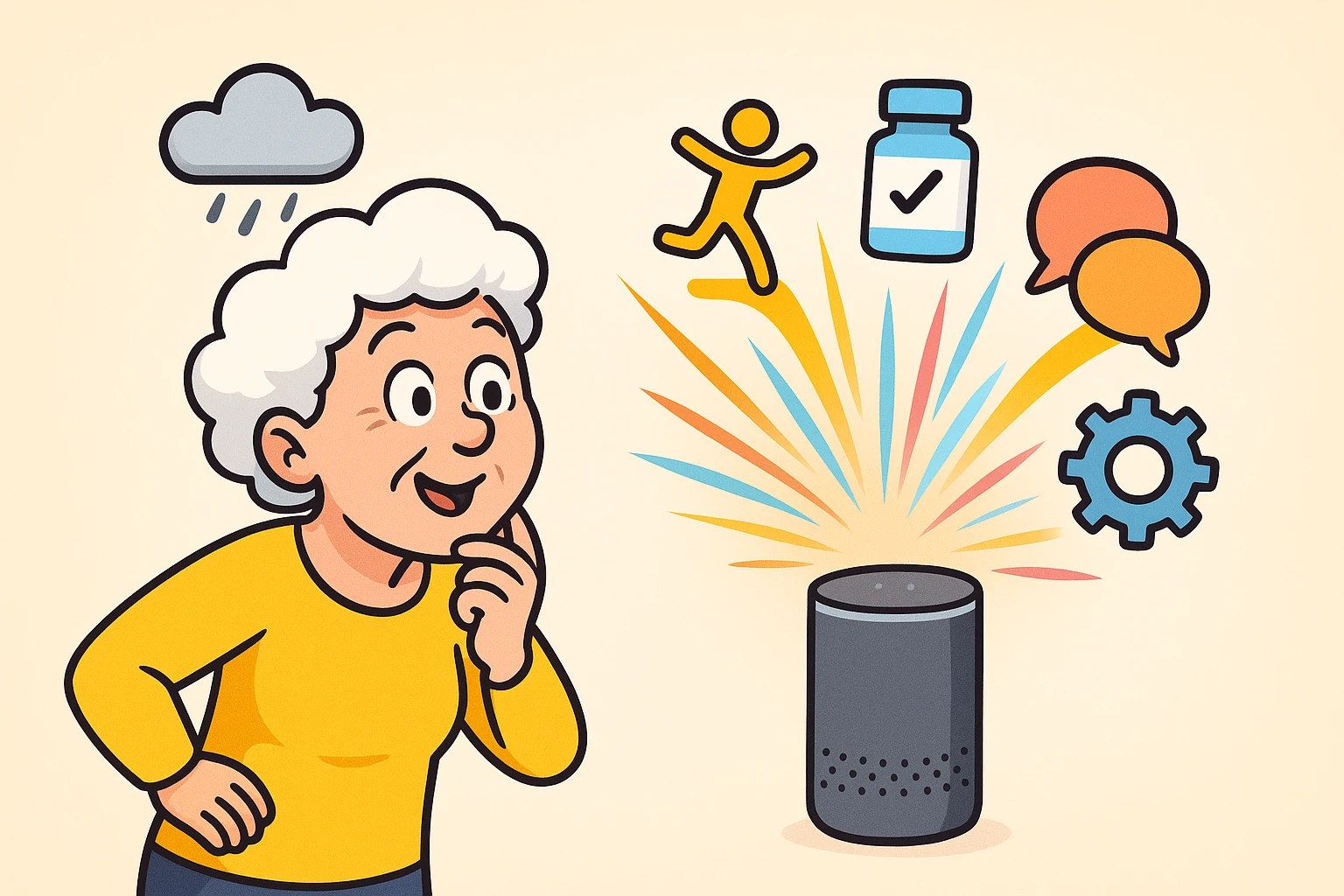
You probably have a smart speaker sitting on your kitchen counter right now. It looks like a futuristic soup can, occasionally glows a mysterious color, and patiently waits for you to ask if it’s going to rain. For most of us, this is where the relationship ends. We ask for the weather, we set a timer for our pasta, and maybe—if we’re feeling wild—we ask it to play some Frank Sinatra.
But using a smart speaker just as a glorified meteorologist is like buying a sports car and only driving it to the end of your driveway to pick up the mail. That little glowing cylinder is secretly a digital powerhouse. It can be your personal assistant, an extra way to reach family, and a polite but relentless nag when you forget your daily tasks.
If you’re tired of the basic commands and want to make your technology actually work for you, it’s time to move past day one. We are going to look at how to transform that device from a novelty into a genuinely life-improving tool.
Many folks know they can use a smart speaker to make calls, but Alexa also offers a feature called Drop In. Once it has been enabled and permission has been granted, Drop In can connect automatically to a compatible Echo device, much like an old-fashioned two-way intercom.
Google’s Broadcast feature works differently. It sends a spoken announcement to selected Google Home or Nest devices. Someone can send a brief reply after hearing the message, but it does not open a continuous two-way conversation.
Think of it as a virtual open window between your living room and your daughter’s kitchen. If you need a quick favor, or just want to feel less isolated on a quiet afternoon, once Sarah has enabled Drop In and granted you permission, you can say, “Alexa, drop in on Sarah’s Kitchen.”
Her Echo will indicate that a Drop In is starting, and the audio connection will begin automatically.
This can provide one more way to reach family if you fall and cannot reach your phone. However, it works only if the speaker hears you, the electricity and internet are working, and Drop In or calling has already been configured.
A smart speaker is not a replacement for a medical-alert device. It does not automatically detect most falls, and Alexa cannot call 911 directly by default.
Think of it as an additional communication tool, not your only emergency plan.
Speaking of tumbles, the middle of the night is prime time for stubbed toes and tripped-over rugs. Navigating a dark hallway when you’re half-asleep and nature calls is a hazardous obstacle course. This is where combining your smart speaker with inexpensive smart light bulbs becomes a game-changer.
Instead of fumbling blindly along the wall for a switch, you can simply use your voice. With compatible dimmable smart bulbs, you can say something like, “Turn on the hallway lights to 20%.” That can provide enough light to navigate without blinding you like a Hollywood spotlight.
You can also create an automation using compatible motion or occupancy sensors. For example, movement near the bedroom doorway could turn on the hallway lights at a low level during nighttime hours.
Some Echo models can detect whether someone is nearby, while other systems require a separate motion sensor. Test the automation carefully, and keep a regular night-light available in case the internet, sensor, or smart bulb stops working.
We all have moments where we stare at a pill bottle and think, “Did I take the blue one today, or did I just dream about taking the blue one?” Memory slips are normal, but missing important medication isn’t something to gamble with. Your smart assistant is the perfect tool for keeping you on track.
Instead of setting a generic, annoying alarm that just beeps endlessly, you can give your speaker specific instructions. You can say, “Remind me to take my blood pressure pill every day at 8 AM and 8 PM.” At those exact times, your speaker will chime and clearly announce, “It’s time to take your blood pressure pill.”
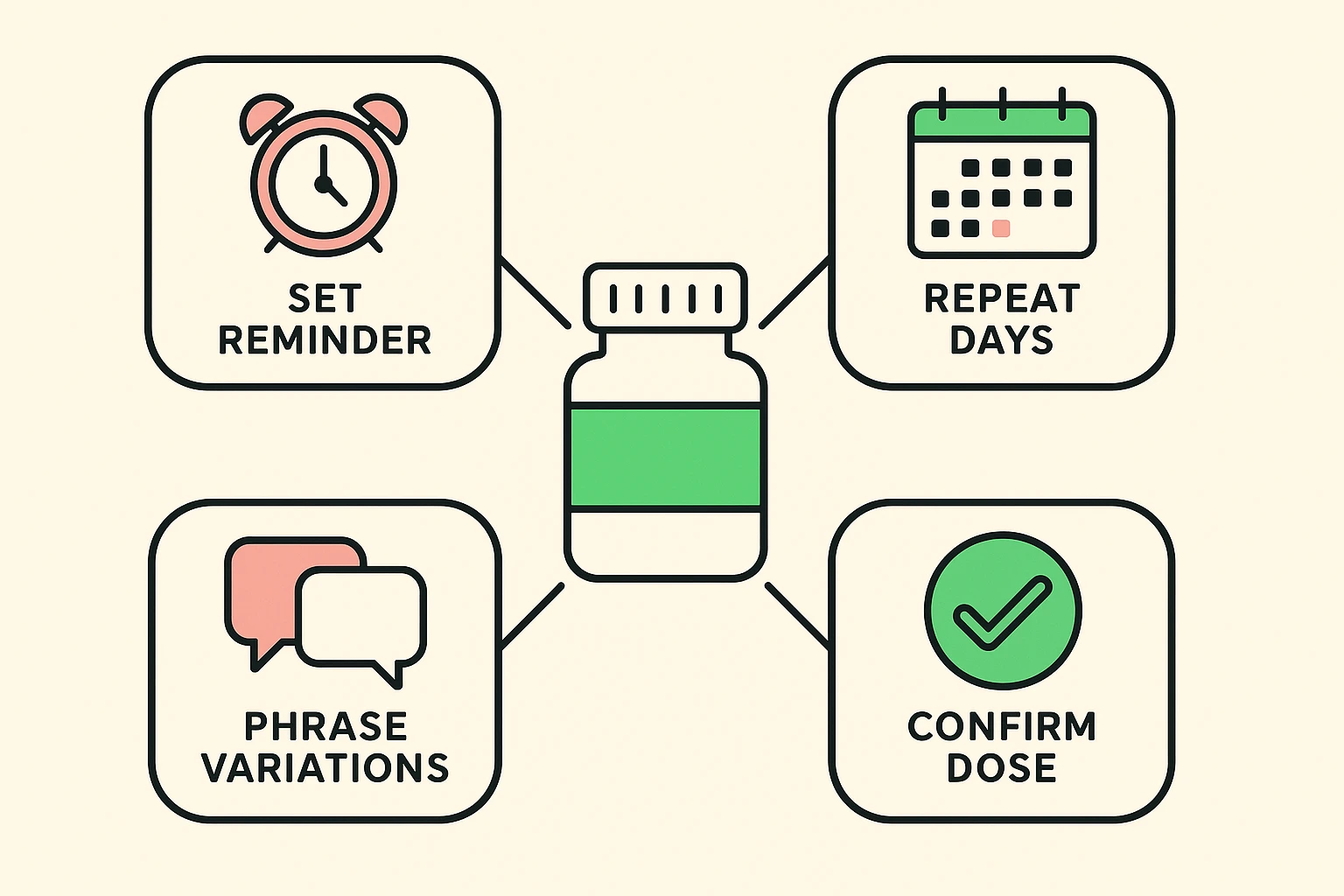
A family member or caregiver may also be able to create reminders through the Alexa app if they have been given authorized access to the Alexa household or account that manages the speaker. You cannot simply send reminders to someone else’s Echo without the necessary account access and setup.
A spoken reminder can be a useful addition to a pill organizer or written medication schedule. However, the speaker does not know whether you actually took the medication, whether you took the correct dose, or whether you already took it earlier.
For complicated medication schedules or frequent uncertainty about missed doses, ask a pharmacist about a pill organizer, automatic dispenser, or another system that records whether a dose was taken.
The absolute best feature of any smart assistant is the “Routine.” A routine is just a fancy tech word for a chain reaction. Instead of giving your speaker five separate commands, you create one single trigger phrase that makes the speaker do several things in a row.
(Note: Exactly what a routine can do depends on your speaker, connected devices, subscriptions, and the services available in your account.)
Here are two “Routine Recipes” every senior should have set up:
Technology shouldn’t require 20/20 vision or perfect hearing to be useful. In fact, voice assistants are phenomenal tools for folks dealing with vision or mobility challenges. If reading small print has become a headache, your smart speaker can lend you its digital eyes.
Compatible Echo Show devices offer a feature called Show and Tell. Hold a packaged item about a foot from the camera and ask, “Alexa, what am I holding?” Alexa will ask you to move the product around and then try to identify it aloud.
It can be helpful for identifying ordinary household products, but it may make mistakes. Do not rely on it to distinguish medications, chemicals, allergens, or anything else where an incorrect identification could be dangerous.
For those who are hard of hearing, some smart displays offer captions for voice-assistant responses and supported calls. Echo Show devices, for example, can display captions for Alexa’s responses and near-real-time captions during Alexa calls and Drop Ins.
With a compatible video doorbell, smart lights, and a properly configured routine, some systems can flash or turn on lights when someone rings the doorbell.
Choosing between Alexa and Google should depend less on which one supposedly “understands people better” and more on the features and devices you plan to use.
Alexa offers Drop In, broad compatibility with smart-home products, and the optional Alexa Emergency Assist service. Amazon is also rolling out Alexa+, which provides more conversational responses on compatible devices. Full Alexa+ access is included with Prime, while non-Prime customers may need a separate subscription.
Google Home and Nest devices use Broadcast rather than Alexa’s two-way Drop In system. Google is also introducing Gemini for Home, which is designed to handle more natural conversations and smarter home commands. Availability depends on the device, account, country, and whether the household has received access.
Before buying, decide which feature matters most: communicating between rooms, controlling existing smart devices, using Google services, or adding an emergency-response subscription.
We’ve all been there: you ask a simple question, and the smart speaker confidently gives you a completely irrelevant answer or says, “I don’t know that one.” Arguing with a piece of plastic is an incredibly frustrating way to spend a Tuesday afternoon.
First, remember to pause. Say the wake word (“Alexa” or “Hey Google”), wait half a second for the device to light up, and then speak your command clearly. Running it all together like “Alexaturnonthelight” often results in digital confusion.
If the device repeatedly misunderstands a specific command, change your phrasing. Cognitive friction happens when we stubbornly expect the machine to learn our language, rather than adapting to its limits. Keep a sticky note on the fridge with the exact, successful phrase you used for important tasks until it becomes a habit.
If Alexa repeatedly misunderstands you, open the Alexa app and review the voice history. It can show what Alexa thought it heard, which may help you adjust the wording or move the speaker away from a television or other source of noise.
Usually not simply by asking the speaker. Alexa cannot call 911 through ordinary Alexa Calling. Alexa Emergency Assist instead connects subscribers with an Urgent Response agent who can request police, fire, or ambulance assistance.
Google Home Premium offers emergency calling under certain conditions, but the call is placed through the Google Home app after the service and home address have been configured. It is not the same as shouting “Call 911” at a Nest speaker.
Do not assume a smart speaker can reach emergency services until you have checked the exact feature, completed the setup, and tested any nonemergency portions of the system.
A smart speaker continuously analyzes nearby sound for its wake word. Amazon says Echo devices do not normally store or send audio to the cloud until they detect the wake word or someone presses the activation button.
However, smart speakers can occasionally mistake another sound for the wake word and record a short unintended clip. You can review and delete stored voice history in the device’s app.
Most smart speakers also have a physical microphone-off button or switch, although its location varies by model. When the microphone is off, the speaker cannot respond to voice commands. Echo Show models also include camera controls on supported devices.
Basic routines, timers, alarms, questions, and reminders generally do not require a separate monthly subscription on Alexa or Google Home devices. However, music services, emergency-response features, security monitoring, and some newer AI features may require Prime membership or another paid subscription.
Check the current terms for your exact device, since Amazon and Google are changing which features are included with their basic and premium plans.
Technology is supposed to make our lives easier, not leave us feeling like we need a master’s degree in computer science just to turn on a lamp. By moving beyond basic weather requests, you can turn your smart speaker into a tireless helper that keeps you safe, connected, and independent.
Don’t try to master all of this at once. Pick just one “Routine Recipe” today—maybe setting up a medication reminder or having the speaker read your morning news. Once you see how easy it is to make the technology work for you, you’ll wonder how you ever got along without your digital butler.