Newsletter Subscribe
Enter your email address below and subscribe to our newsletter

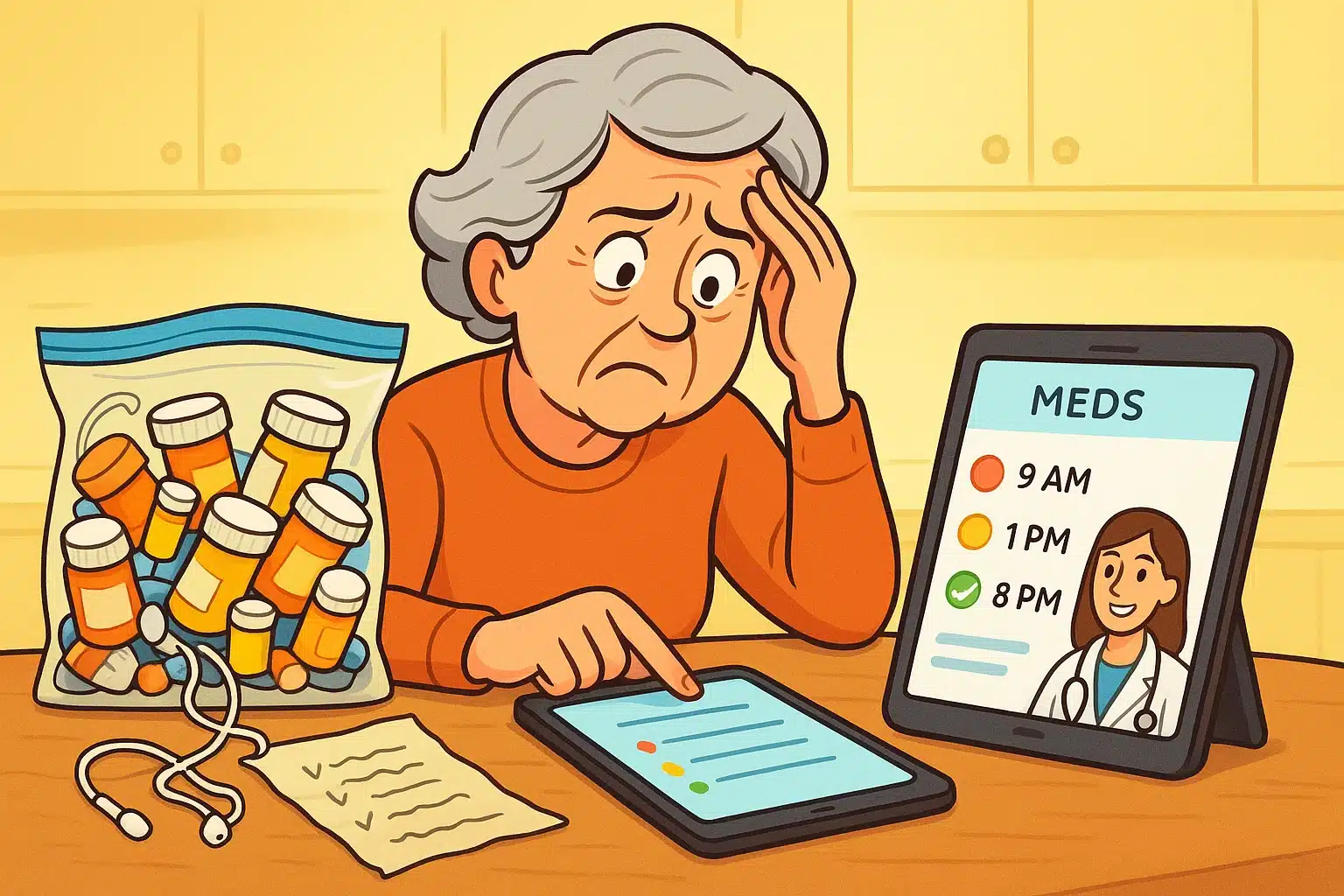
Picture this: You’re sitting at your kitchen table, your tablet propped up precariously against a coffee mug, ready for a telehealth video visit. The doctor appears on screen looking like a very smart news anchor and asks a seemingly simple question: “So, what medications are you currently taking?”
If you are like most of us, this is the moment you either hold up a gallon-sized Ziploc bag of orange bottles to the webcam and shake them like a pair of maracas, or you unfold a paper list that has been stuffed in your wallet so long it looks like a pirate’s treasure map.
Sound familiar? You are definitely not alone. Keeping track of daily medications is hard enough without having to suddenly present a flawless, professional report to a doctor through a computer screen. But fear not. Today, we are going to look at how to ditch the crumpled paper and turn your smartphone into a brilliant digital pillbox.
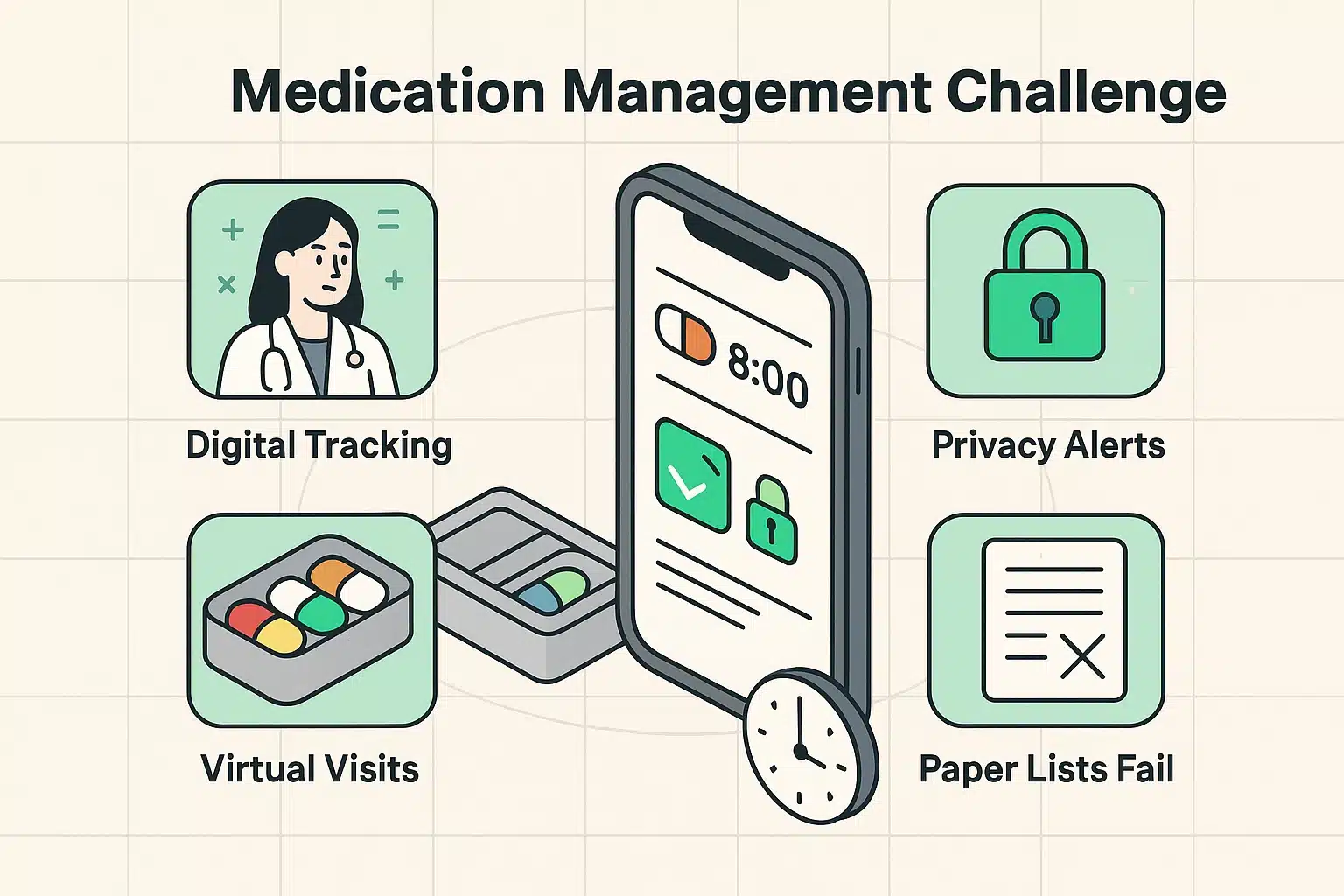
In the good old days of in-person doctor visits, handing over a handwritten list of your medications was perfectly fine. The nurse would squint at it, type a few things into a computer, and hand it back. But in the world of telehealth, physical paper creates a technological standoff.
You hold the paper to the camera. The camera focuses on the wall behind you. The doctor asks you to read it out loud. You mispronounce “hydrochlorothiazide,” and suddenly everyone is confused. What your doctor actually wants—and what telehealth platforms require—is a clear, accurate, and easily readable 30-day history of what you’ve taken and when.
This is where digital medication apps swoop in to save the day. They don’t just beep at you when it’s time to take your pills; they act as a personal secretary, tracking your history so you can show your doctor exactly what’s going on.
If you go to the app store and search for a medication reminder, you will be bombarded with hundreds of options. But here is the secret the tech companies don’t want to broadcast: the landscape has changed.
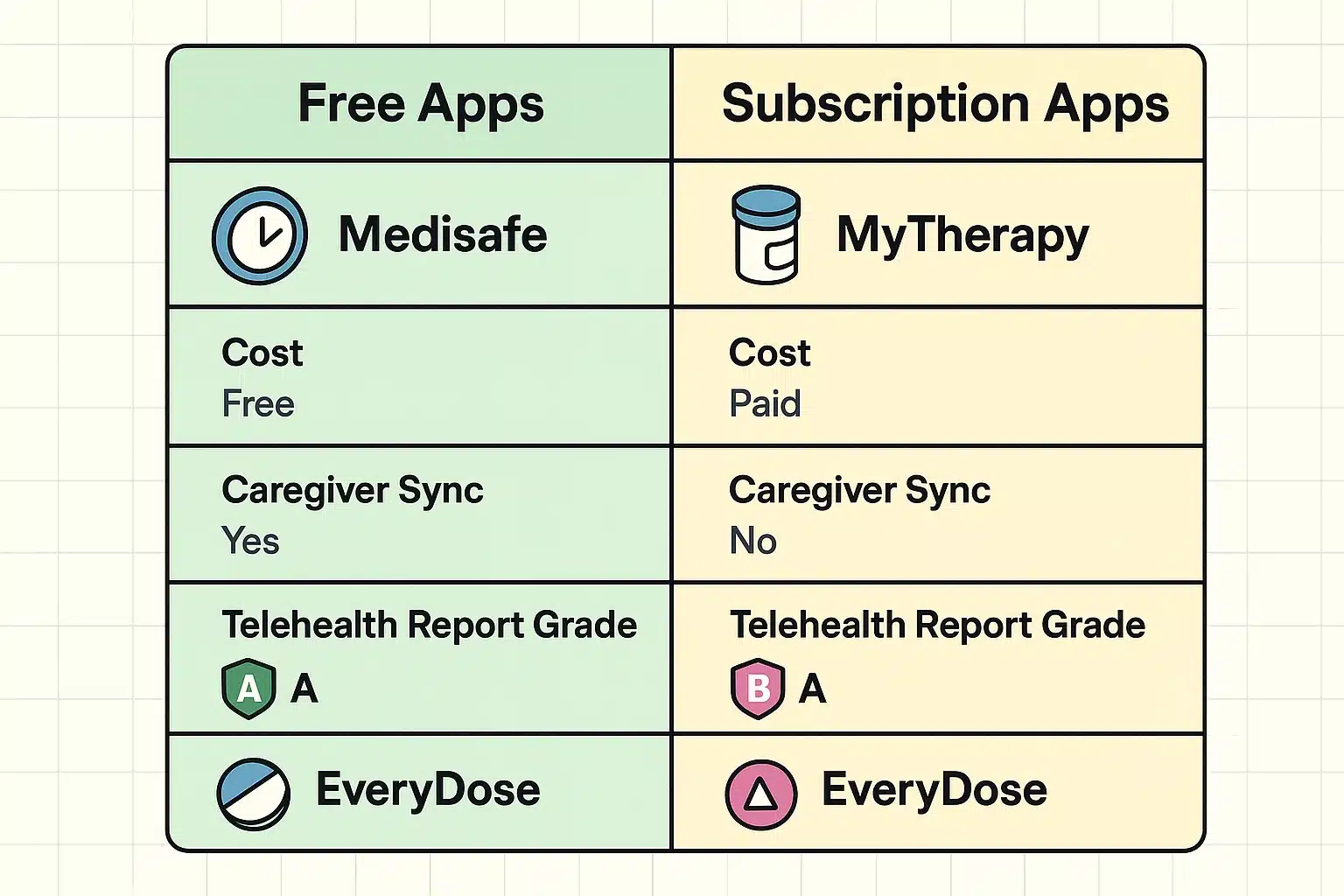
For years, apps like Medisafe were the free champions of the pill-tracking world. However, recently, many major apps have shifted to subscription models, hiding their best features behind a monthly paywall. If you don’t want to pay a monthly fee just to be told to take your vitamins, you have to be picky.
Free alternatives like MyTherapy and EveryDose are stepping up to the plate. But instead of just looking at what’s free, we recommend judging these apps by their “Doctor-Report Grade.” This simply means: how easy is it to press a button and get a neat PDF report that your doctor can actually read? MyTherapy, for instance, earns an A+ here, offering a highly readable format without charging you a dime.
When you first set up your medication app, you might encounter what we call the “Privacy vs. Clarity” mystery. You spend twenty minutes carefully typing in the names of your medications. Then, when the alarm goes off, your phone simply says, “Time for your Meds!” instead of naming the actual pill.
Before you assume the app is broken and throw your phone in the nearest body of water, know that this is a feature, not a bug. These apps are designed with strict privacy settings by default.
They use generic alerts so that if your phone lights up while you’re standing in line at the grocery store, the cashier doesn’t get an announcement about your digestive aids or heart medication. You can usually change this in the app’s settings if you prefer the app to name names, but it’s comforting to know the app is trying to keep your medical business your business.
One of the greatest features of modern medication apps is the ability to share your schedule with a loved one. We call this the “Peace of Mind” element, though it could also be called the “Stop Nagging Me, I Took It” feature.
Apps like Medisafe (which still offers this in its basic tiers) and MyTherapy allow you to link your account with a family member’s phone. When you check off that you’ve taken your morning pills, your daughter or son gets a silent, reassuring notification.
If you miss a dose, they get an alert so they can give you a quick call. It takes the burden of remembering off your shoulders and turns a stressful daily chore into a seamless background task.
Now, let’s connect the dots to your telehealth appointment. The goal is to get the beautiful data out of your app and in front of your doctor’s eyeballs. Here is your 10-minute pre-call strategy.
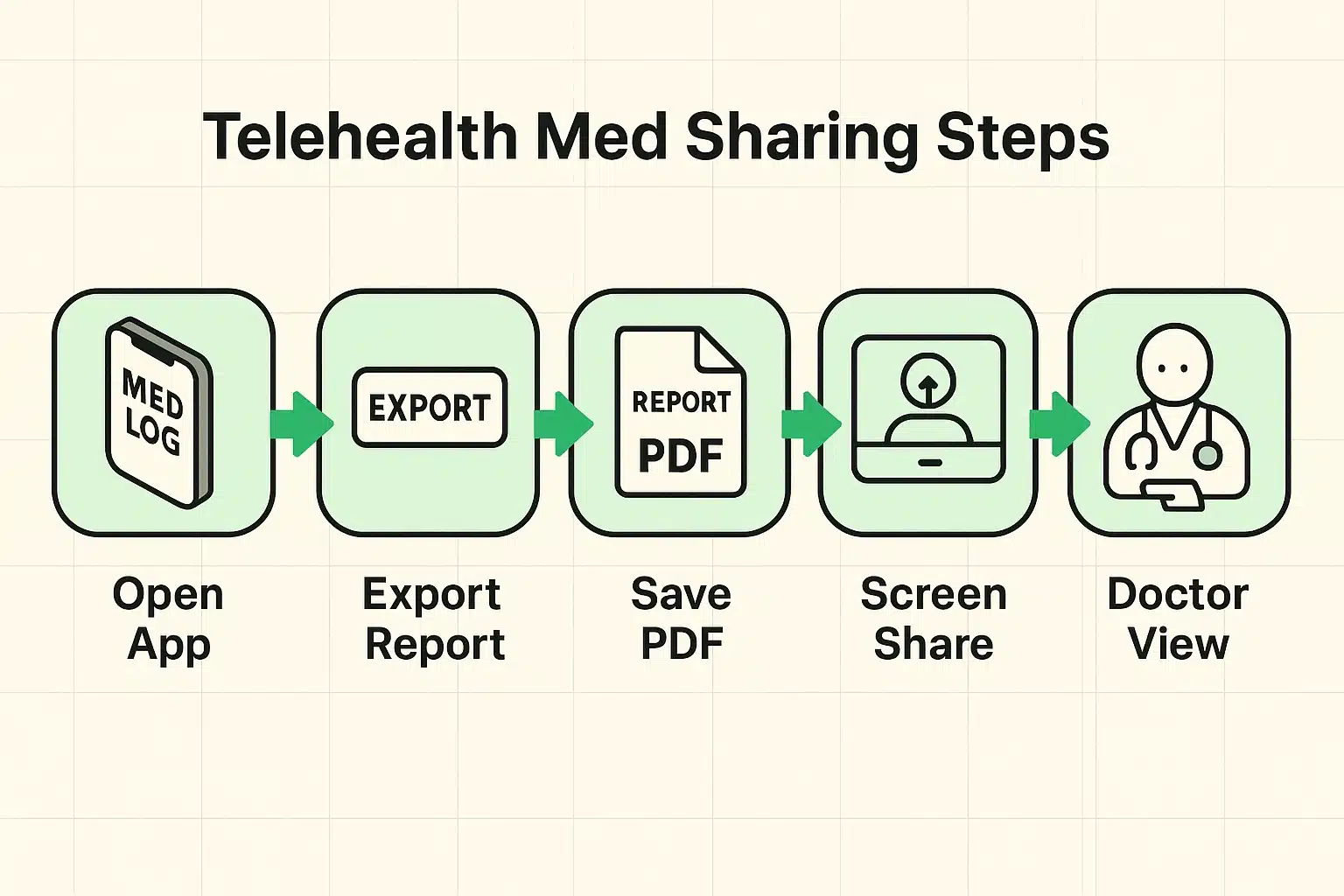
First, open your medication app and look for the “Share,” “Report,” or “Export” button. Select the last 30 days and generate a PDF. Think of a PDF as a digital photograph of a piece of paper—it looks the same on every device and can’t be easily messed up.
Next, you have two choices. If you use a patient portal like MyChart, Teladoc, or Amwell, you can usually upload this PDF directly into your appointment file as a “Document” before the call starts. If you forget, don’t panic! Most video call software has a “Share Screen” button. You can simply open the PDF on your computer and show it to your doctor right on the screen.
Standard pills taken at 8:00 AM every day are easy to track. But what happens when real life gets in the way? Perhaps you have an “as-needed” (PRN) medication, like a pain reliever for your knee, or a liquid cough syrup.
Most seniors get frustrated because they can’t figure out how to log a dose of liquid medicine when the app keeps asking “How many pills?” Look for the “Custom Shape” or “Liquid/Syringe” icon when adding the medication.
For “as-needed” medications, do not set a daily alarm. Instead, add it to your app’s “PRN” or “On Demand” list. This way, when your knee flares up on a Tuesday afternoon, you can open the app, tap the medication, and log exactly when you took it. This prevents you from taking it again too soon, and gives your doctor an accurate count of how often you needed extra relief.
Yes, reputable apps are bound by strict privacy laws (like HIPAA in the US) that prevent them from selling your personal health data to marketers. Always stick to highly rated apps from the official Apple App Store or Google Play Store, and read the prompts when they ask for permissions.
Absolutely! If a smartphone screen feels too small, you can download these apps onto an iPad or Android tablet. The larger screen makes it much easier to select the right pill shapes and colors, and the tablet’s larger speakers make the reminder alarms impossible to ignore.
Don’t worry, the app won’t judge you. If you take your 8:00 AM pill at 9:30 AM, simply tap the notification and select “Take.” Some apps will even ask if you want to adjust your next dose time automatically to ensure they remain spaced out properly.
You can absolutely use both! The plastic pill organizer is fantastic for physical sorting, but the app serves as your alarm clock and your record-keeper. The app remembers what happened, so you don’t have to rely on your memory when the doctor asks how the last 30 days went.
Transitioning from a crumpled paper list to a digital medication tracker might feel like learning a new dance step at first. But once you have the basic rhythm down, it becomes second nature.
Start small. Download one of the free apps we mentioned, add just one daily vitamin, and see how the alarm feels. Practice checking it off. Once you are comfortable, add your prescription medications one by one.
Before you know it, you’ll be sailing through your next telehealth visit with the confidence of a tech-savvy pro, leaving the Ziploc bag of maraca-bottles in the medicine cabinet where they belong.