
Newsletter Subscribe
Enter your email address below and subscribe to our newsletter


By Chris Clark, founder of Senior Tech Cafe
Having multiple email addresses means keeping one private address just for your bank, your doctor and government accounts, and a second, everyday address for shopping, newsletters and everything else. If a store leaks the everyday one, the accounts that matter aren’t attached to it.
Here’s why that matters. Your email is a master key. Nearly every account you own has a “Forgot password?” link, and that link sends a reset to your inbox. Whoever gets into your email can reset your banking password, snoop around in your health records and sign you up for a few new (unwanted) subscriptions.
It’s like having one key that opens your house, your car, your garage and your safe deposit box. Lose it, and some hoodlum can drive off in your car, help themselves to the snacks in your kitchen, and maybe even find that embarrassing journal hidden in the back of the closet.
Yet most people use the same address for everything: the bank, the health records, and that gardening advice newsletter (even though you’ve killed every plant you’ve owned).
The fix I use is simple: a separate email address just for sensitive accounts. Now, I know what you’re thinking: “Ugh, another email to check?” Stick with me. It’s less work than it sounds, and here’s why it’s worth it.
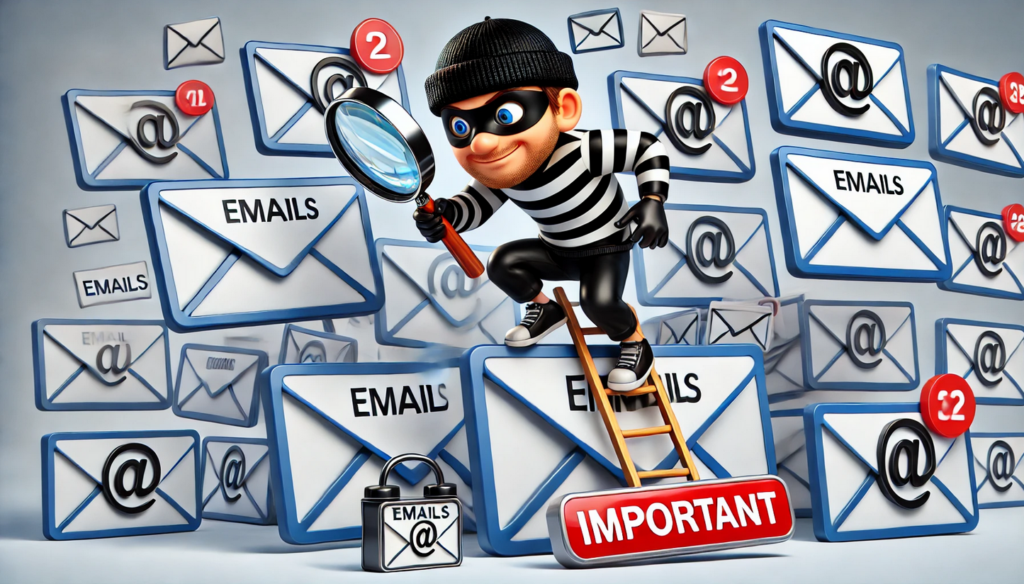
A second address is free from the big email providers and takes a few minutes to create. Here’s what it gets you.
If you’ve had the same email address since the internet was born, it’s probably everywhere by now. You’ve used it for newsletters, online shopping, and maybe to follow that sweet grandkid of yours on social media.
Email is like glitter at a craft party: the more you use it, the more it spreads. And every place it lands gives scammers another chance to get their grubby little hands on it.
A separate address used only for your bank, doctor and government accounts stays out of that spotlight. Because so few places know it, it’s much less likely to fall into the wrong hands. There’s a bonus, too: once your bank only writes to the private address, any “bank” email that turns up in your everyday inbox is a fake on sight.
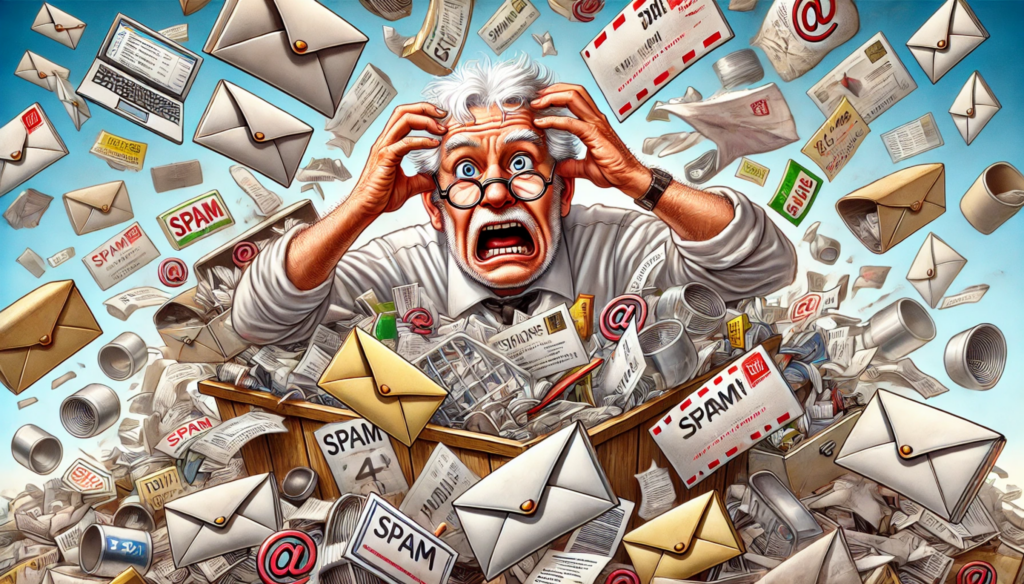
Ever try to dig through 199 junk emails to find the one important message you need? It’s like digging through your junk drawer for the takeout menu from that Chinese place in town (you know, the one with the really good dumplings).
When your sensitive accounts have their own address, you skip all that clutter. Bank statements and healthcare updates arrive in an inbox with no coupon codes or spam to bury them, so you actually see the important stuff when it comes in.
Every time you use your regular email to sign up for something new, you’re giving that company a chance to lose your data. Stores, apps and loyalty programs get breached all the time, and the stolen lists of email addresses get sold and reused for scam emails.
An address you’ve only given to your bank and your doctor isn’t on those lists. When the craft store gets hacked, the address your bank knows stays out of it, and so do the phishing emails that follow a breach.
With a dedicated email for your important accounts, you can give that account some extra love in the security department.
Start with two-factor authentication (2FA), which asks for a second proof, usually a code on your phone, before letting anyone in. A stolen password alone is no longer enough.
And if you want to go the extra mile, use an email provider known for privacy, like Proton Mail, for that account. That way you’re not just locking the front door, you’re putting a security system on it too.
(I use Proton Mail for this exact reason, and the free plan is a fine place to start. If you want to know why I like it so much, here’s my full take on Proton Mail.)
Most people should have two email addresses: a private one used only for banking, health and government accounts, and an everyday one for shopping, newsletters, social media and friends. That split does most of the work, and it’s easy to keep straight.
A third address is optional. Some people keep one as a catch-all for contests, coupons and anything that smells like it’ll fill your inbox with junk. You can also skip the third address and use email aliases for those sign-ups instead (more on those below).
More than that and you’ll start forgetting which address goes with which account, which is the same problem in a fancier coat.
Email aliases are extra addresses that deliver into an inbox you already have, so you get a new address without a new password or a new place to check. They’re good for shopping sign-ups and newsletters. For banking and health, a truly separate account is still the better choice.
Here are the options from the big providers:
The trick with a hidden alias is that if one starts getting spam, you can switch it off, and you’ll know exactly which company let it out.
Setting up a private address takes about as long as making a cup of coffee. Moving your accounts over takes a little longer, so do it a few at a time.
So, is having an extra email account a bit of a hassle? Maybe a little. But when it comes to your money, health and personal info, it’s worth the effort.
In fact, can you keep a secret? I’ve got way more than two email addresses. A paid Proton Mail plan lets me add 10 or more extra addresses, so I’ve got one for personal stuff, one for financial and health, one for government-related matters, and a few others for special uses.
But you don’t have to go crazy like me. Start with one extra address for the accounts that matter. You’ll be more organized and less buried in junk, and the accounts that hold your money won’t share an address with every store you’ve ever bought socks from.
For more ways to keep your accounts and information safe, see our online safety guide for seniors.
Yes. It’s safer than having one. A private address you use only for your bank, doctor and government accounts never lands on store mailing lists, so it’s far less likely to leak in a data breach or attract phishing. Protect each address with its own strong password and two-factor authentication.
Not really. Your private address gets mail only from the few places you gave it to, so it stays quiet. Check it when you expect a statement or a bill, or add it to your phone’s mail app so its messages show up next to your everyday ones without mixing in with the clutter.
A second account is a separate mailbox with its own password. An email alias is an extra address that delivers into a mailbox you already have, so there’s nothing new to log in to. Aliases are handy for shopping sign-ups. A truly separate account is the better choice for banking and health.
Yes, for sorting. Gmail delivers mail sent to yourname+anything@gmail.com straight to your normal inbox, so you can tell which company used it. It doesn’t hide anything, though: your real address is right there before the plus sign, and some websites won’t accept the plus sign at all.





I just survived a battle with Yahoo (I’m with AT&T and their horrible “Currently” system) regarding my email account. They said my password wasn’t correct and would not let me access my email account and locked me out for almost the whole month of December. They kept having me fill out forms and trying to change passwords and it was a royal mess. (One of AT&T’s representatives actually told me I had to go to my local AT&T wireless store for assistance with email!) No email connection for a month! I’m finally back but I will be getting another email address–although it will probably have to go through Currently too. Technology is not my friend.