Newsletter Subscribe
Enter your email address below and subscribe to our newsletter


By Chris Clark, founder of Senior Tech Cafe
Phishing scams for seniors are fake emails, texts, calls and messages built to make you click, pay, or hand over something private.
The message will look like it came from your bank, a delivery company, a streaming service, a government agency, or somebody you know. That resemblance is the whole trick. It’s the only thing they’re selling.

So don’t use the link or the phone number in the message. Not on any message, however convincing it looks.
Open the official app yourself instead, or call the number printed on your card or statement.
Urgency is their advantage. Slowing down is yours. You don’t owe anyone an instant answer.
Treat a message as suspicious when it does any of these things.
It creates a sudden deadline. It asks for a password or a verification code. It changes the way you normally pay. It arrives with an attachment you weren’t expecting. Or the web address doesn’t match the organization it claims to be from.
A familiar logo and your real name prove nothing at all. Logos are free to copy, and your name is easy to find.
On a computer, expand the full sender address and hover over a link without clicking, to see where it actually goes.
On a phone, hovering isn’t practical. So skip the link entirely and go through the official app.
Email spoofing changes the visible From name so a message looks like it came from someone you trust.
Think of the return address on an envelope. Anyone can write anything they like in that corner, and the mail still gets delivered.
So the display name can say Amazon or Your Bank while the actual address underneath belongs to somebody else entirely.
Expand the sender details and compare the domain after the @ symbol against the organization’s real one.
And even a matching address isn’t quite enough on its own. If the request is urgent, verify it through a completely separate channel before you act.
Two of these turn up more than anything else, so they’re worth recognizing on sight.
A fake Netflix message says your payment failed and offers a link to restore service. A fake Amazon message says there’s an expensive order, a refund waiting, or a locked account.
Both are built on the same bet: that you’ll rush to fix it.
Either way, don’t reply and don’t use any contact details in the message. Open the Netflix or Amazon app directly and check your account or order history.
If the alert isn’t there, the message was fake. Real alerts show up inside your account, not only in your inbox. The same test works for a bank text message. Here’s how to check whether a bank fraud alert is real.
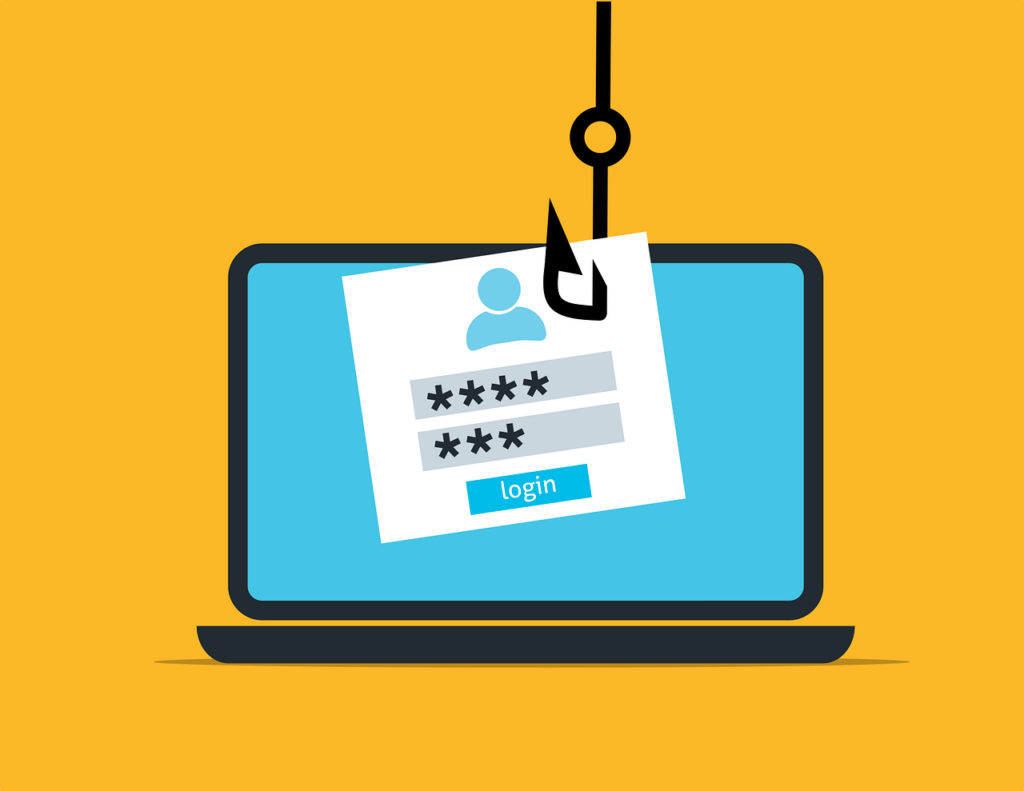
AI has retired the old advice about typos.
Scammers can now produce polished writing, imitate a familiar tone, and personalize thousands of messages using information anyone can look up.
So spelling and grammar tell you nothing anymore. A well-written message can be a fake one, and increasingly is.
Use the evidence that’s still hard to fake instead. The real sender domain. Your actual account activity in the official app. A phone number you already had. And confirmation from the person themselves, through a different channel.
What to do next depends on how far it went. Find your situation and start there.
If you only opened the message, close it and report it as phishing. That’s it. You’re fine.
If you clicked but entered nothing, close the page, update the device and run its built-in security scan.
If you entered a password, change it on the official site, starting with email and financial accounts. Then turn on two-factor authentication. If something looks like more than just a password was taken, our guide to what to do if an account was hacked covers the next steps.
If you shared card or bank details or sent money, call the institution straight away on a trusted number and ask about stopping the transaction. Speed genuinely matters at this stage.
Report the fraud at ReportFraud.ftc.gov, and at IC3.gov if it was an internet crime.
Acting quickly matters more than acting perfectly.
Four questions, thirty seconds, before you touch anything.
Was I expecting this message? Is it trying to hurry me or frighten me?
Does it want me to click, pay, or share a code? Can I check the claim in the official app, or by calling a number I already trust?
If any of those answers bother you, stop there.
A real organization will let you take your time to verify. A real family member won’t mind you calling them back on their own number.
Five minutes of checking costs you nothing. For the wider set of everyday habits, see our online safety for seniors guide.
Don’t click anything. Open the organization’s official app, or type its website address yourself, and see whether the same alert appears inside your account. A real alert shows up in your account. A fake one exists only in the message you were sent. Call a trusted number if you still want confirmation.
Yes, easily. Templates and AI produce polished messages now, so clean writing only tells you the scammer had good tools. Check the real sender domain, check where a link actually goes, and check the claim inside your own account. The proof is in the sender address, never in the grammar.
Change that password on the real site straight away, then change it anywhere you reused it. Secure your email account first, because password resets for everything else arrive there. Turn on two-factor authentication and review recent account activity. Work through it steadily. You don’t have to do it perfectly to be safe.