Newsletter Subscribe
Enter your email address below and subscribe to our newsletter


Getting computer help as a senior shouldn’t require knowing someone technical or spending a lot of money.
Free computer help for seniors is available through public libraries, Senior Planet from AARP, volunteer organizations, and other community programs. Paid in-home help is also available when you need someone to work with you face to face.
Here’s a practical guide to the most useful options, from free local resources to paid in-home support.
Senior Tech Cafe provides a practical directory of free computer help options for seniors — covering public library programs, AARP’s technology helpline, vetted in-home tech support, and self-help fixes for the most common computer problems older adults face.
Free computer help is closer than you think. You don’t need a tech-savvy nephew or a fat wallet… You need to know where to look.
Start with these free or low-cost options:
Best Buy’s Geek Squad may answer a brief question or provide an initial estimate without charge, but repairs, setup, diagnostics, and ongoing support generally cost money.
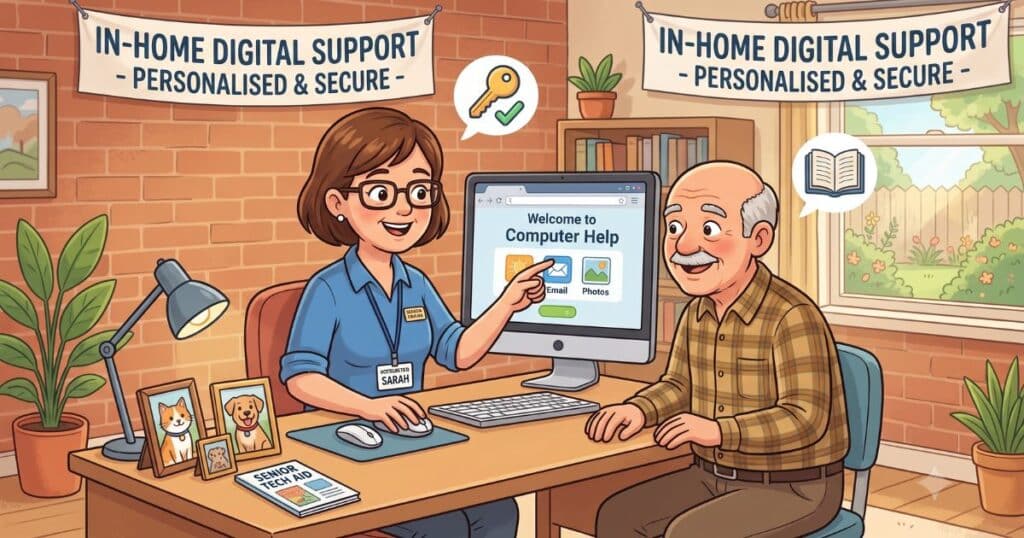
Sometimes you just want someone beside you at your own kitchen table. In-home help exists, and it’s easier to arrange than you’d think.
Services like Thumbtack and Taskrabbit let you compare computer helpers by experience, reviews, availability, and price. Whether help is available in your home or only online depends on the provider and your location.
Hourly rates commonly fall somewhere around $45 to $100, although some technicians charge a flat fee, require a minimum number of hours, or add travel and platform fees. Get the total estimated cost in writing before booking.
Before you let anyone in, ask a few questions:
A good helper answers all three without flinching.
It is also worth asking your local senior center whether it offers technology help or maintains a list of local providers. Do not assume the providers have been formally vetted or that someone will visit your home for free. Ask the center exactly how its referral or volunteer program works.
One red flag worth repeating: walk away from anyone who won’t give a price up front or pressures you to decide on the spot.
If leaving home isn’t an option, plenty of help comes to you down the phone line or across the internet.
Legitimate companies will not unexpectedly contact you to announce that your computer has a virus or security problem. If you did not report the problem or request a callback, hang up and contact the company using its official website or a phone number you already know is real.
If a caller ever talks you into remote access, treat it as an emergency and read what to do if your account gets hacked.
Here’s a comforting secret: you can fix most everyday problems yourself, no expert required. The tricks are simpler than the problems look.
Try these before you call anyone:
Want to build these skills on purpose rather than by accident? Our guide to computer classes for seniors is a friendly next step.
The sad truth is that scammers prey on people looking for tech help. A little caution keeps the good helpers and screens out the bad ones.
Vet anyone before you trust them with your computer:
The golden rule: if they contact you first, hang up.

AARP’s tips for getting tech support are a helpful second opinion, and our guide to staying safe online covers the scams that target seniors most.
Public libraries, senior centers, Senior Planet from AARP, and Cyber-Seniors are good places to start. Library and senior-center programs vary, so check the organization’s website or call before visiting. Some require an appointment or offer help only on certain days.
Yes. Local computer-repair companies and marketplaces such as Thumbtack may offer in-home service. Taskrabbit availability varies by location and may include virtual rather than in-home help. Ask for the total price, including travel charges and minimum service times, before booking. Some community organizations offer volunteer help, but free home visits are not available everywhere.
Yes. Senior Planet from AARP offers a free technology hotline at 888-713-3495, and you do not need to be an AARP member to use it. Cyber-Seniors provides free telephone and online help at 844-217-3057. Apple and Microsoft also provide free online support information, although live help and repairs may depend on the product, warranty, or service plan.
A restart can fix temporary glitches, and your internet provider can help with connection problems. Forgotten passwords require the account’s official recovery process, while repeated pop-ups or security warnings may require changes to browser permissions or a malware scan.
Choose helpers with verified reviews on platforms like Thumbtack or through your local senior center’s referral program. Always get a price quote before work begins, and never let anyone access your computer remotely unless you initiated the contact.