Newsletter Subscribe
Enter your email address below and subscribe to our newsletter

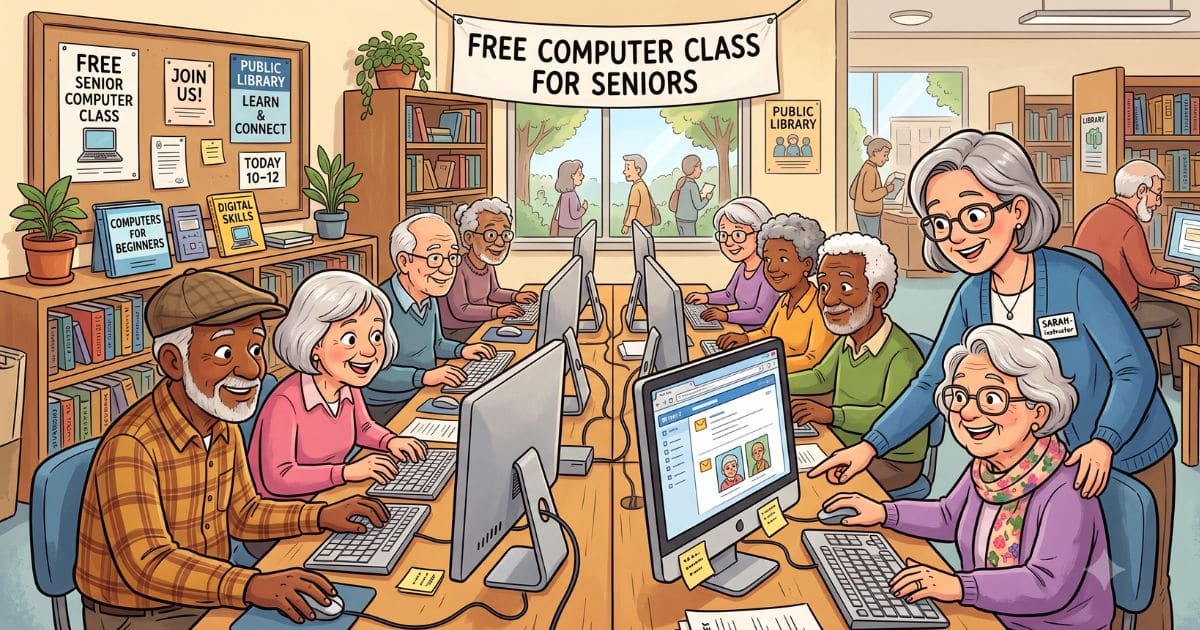
Finding computer classes for seniors doesn’t have to be complicated. Whether you want to learn at your own pace from home, join a class at your local library, or sign up through AARP, there are more free and affordable options than most people realize.
This guide rounds up the best computer classes for older adults… no experience required. It’s part of our wider guide to technology for seniors.
Here’s a secret the world doesn’t shout about nearly enough. Your local public library is quietly sitting on a stack of free computer help, and half of it goes unused every day.
No appointment. No sign-up sheet. No pop quiz at the end.
Three places near you almost certainly run free classes:
The one catch? Nobody hands you a flyer, so you have to go looking.
Here’s your thirty-second homework: search your library’s name plus “computer class,” something like “Springfield Public Library computer class.” Then call and ask when the next session runs.
Prefer a slower, private option? A session of one-on-one computer help might suit you better.

Some days, leaving the house feels like more trouble than it’s worth. Good news, some of the best beginner lessons live right on your screen, and they cost nothing.
Three free places to start:
The quiet magic of online learning? You can repeat any lesson as many times as you need.
Rewind it. Watch it again tomorrow, and the day after, until it sticks.
Video calling is the topic seniors ask about most; seeing the grandkids on Sunday. Both GCFGlobal and OATS walk you through Zoom and FaceTime step by step, so the next call is one you set up yourself.
Some things click better with a real person beside you. Someone pointing at the screen saying “yes, that button, go ahead and press it.”
Where to look for in-person help:
The hardest part is finding what’s near you. AARP’s national locator tool fixes that… enter your zip code and it lists the workshops around you.
Jot down the date and treat it like any appointment worth keeping.
There’s real comfort in a room full of fellow beginners. The woman next to you can’t find her cursor either, and the gentleman across the table just discovered he muted his volume a week ago.

Forget the fast-talking twenty-year-old you’re picturing. Classes for seniors move slowly, on purpose, and circle back as many times as it takes.
“Which one is the mouse?” is a perfectly good place to start.
The real gift isn’t a skill… it’s the confidence to poke around without fear. Computers are far tougher than they look, and a wrong click rarely does more than send you back a screen.
Everybody starts somewhere. Many classes also fold in staying safe online, so you learn to spot scams while you’re at it.
Yes — most public libraries offer free computer help and classes for seniors, often on a drop-in basis. AARP and local senior centers also run regular free sessions. Search your library name plus “computer class” to find the nearest option.
Most beginner computer classes for seniors cover email, safe internet browsing, video calling (like Zoom or FaceTime), and smartphone basics. More advanced sessions cover online banking, social media, and protecting yourself from scams.
Yes. Sites like GCFGlobal.org offer completely free, self-paced computer courses designed for beginners. OATS (Older Adults Technology Services) also offers free virtual classes. You can repeat any lesson as many times as you need.
Most seniors can get comfortable with the basics — email, browsing, and video calls — after 4 to 8 hours of guided instruction spread over a few sessions. Going at your own pace is fine; there is no deadline.
AARP’s free technology workshops and GCFGlobal.org’s Computer Basics course are both designed for complete beginners. Your local public library’s drop-in help sessions are also an excellent first step with no registration required.