Newsletter Subscribe
Enter your email address below and subscribe to our newsletter

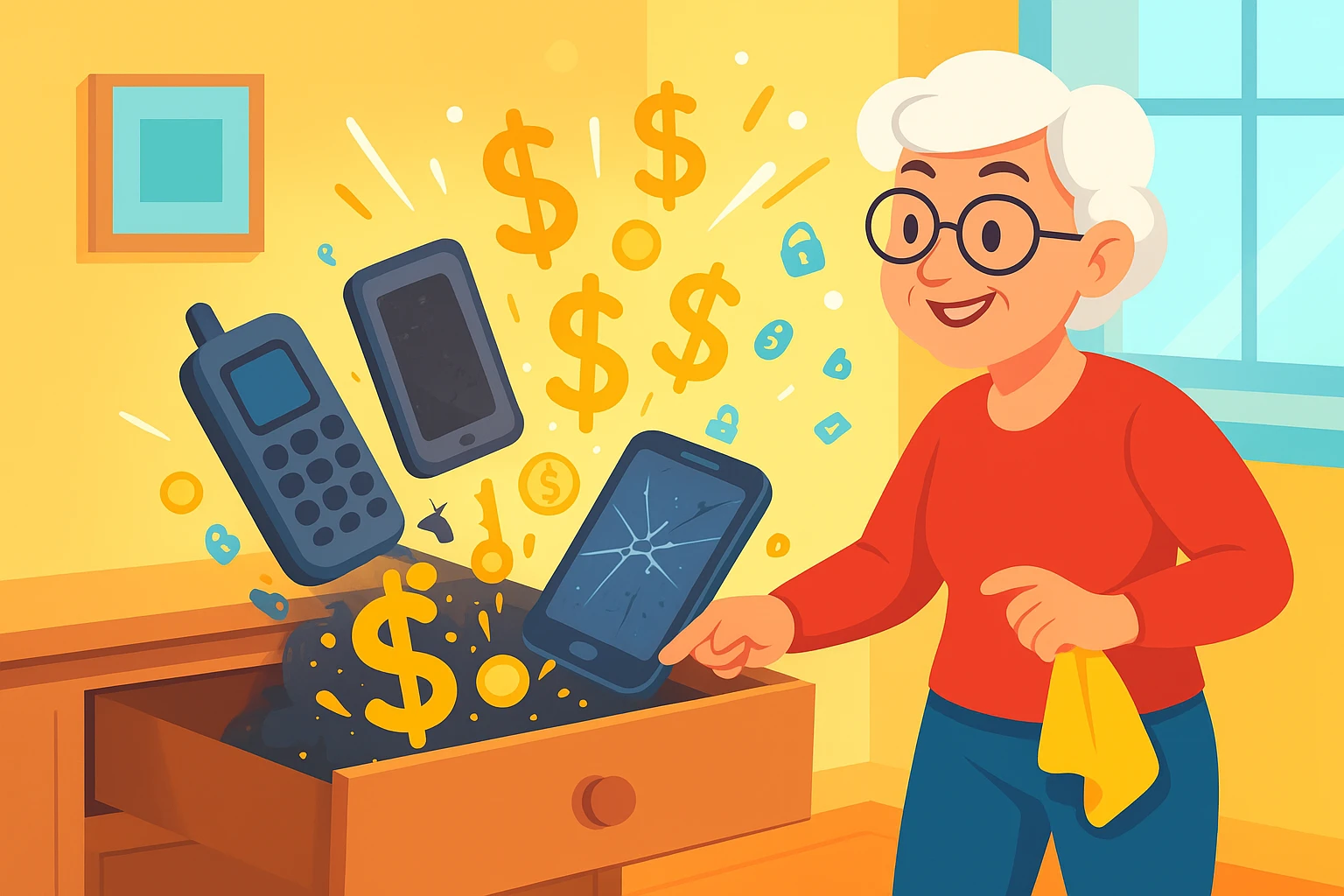
Learn simple steps to safely prepare, sell, or recycle your old gadgets while protecting your personal data and the environment.
Have you ever opened that one drawer—you know the one—and been confronted with a museum of technological ghosts? There’s the flip phone from 2007, the tablet you replaced three years ago, and a smartphone that holds a charge for exactly eleven seconds. It’s the official graveyard for gadgets that were once shiny and new but are now just… there.
Most of us treat this drawer like a box of sentimental clutter. But what if I told you that drawer is hiding not just memories, but also potential cash and, more importantly, a shocking amount of your personal information? Leaving your private data on an old device is like leaving your family photo album and your checkbook on a park bench for anyone to find.
Don’t worry, you don’t need an engineering degree to handle this. We’re going to walk through the simple steps to safely clean out your old tech, protect your privacy, and maybe even make a few bucks in the process. Think of it as spring cleaning for your digital life.
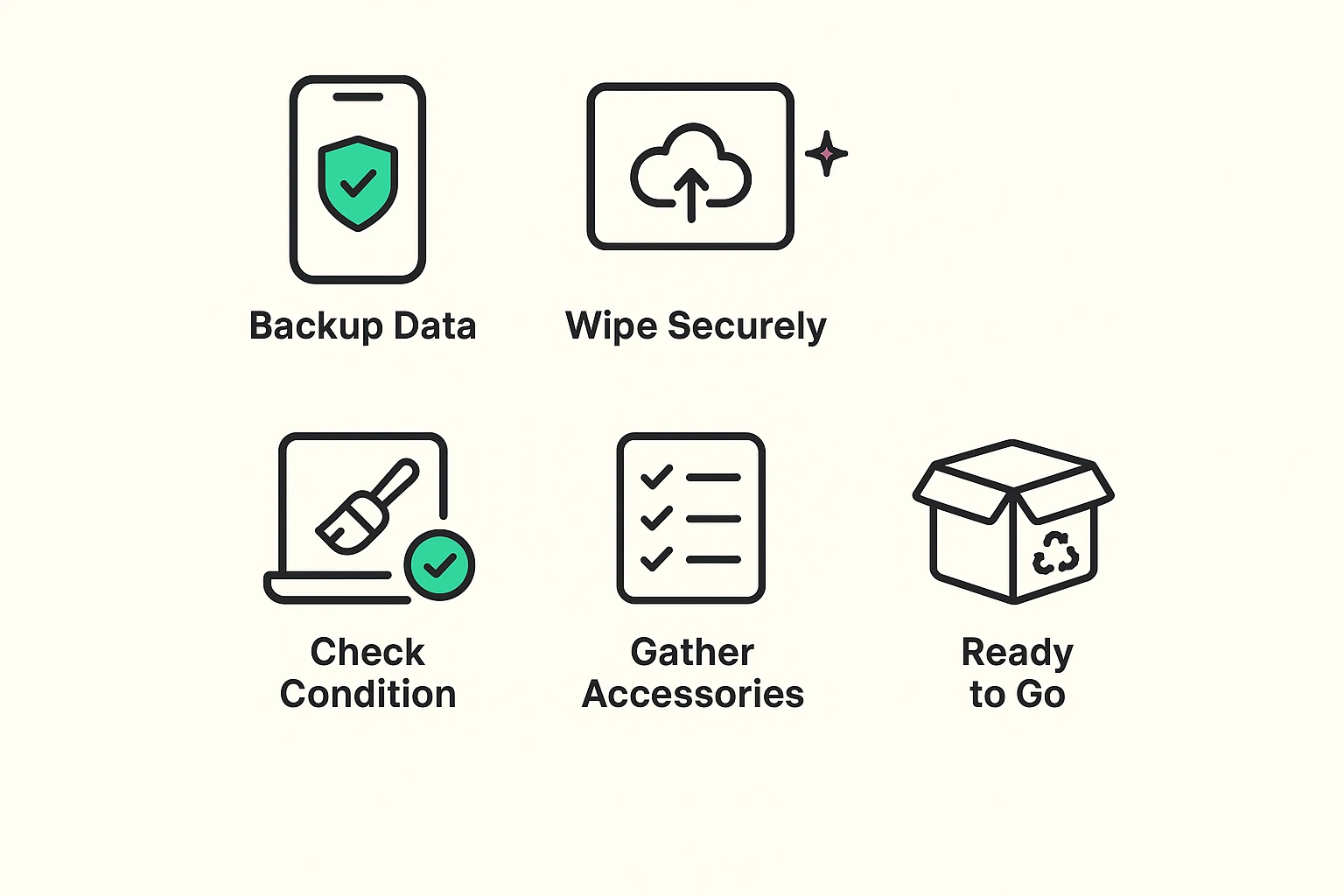
Before you even think about selling or recycling, you need to prep your device. This is the most important part! It’s like packing up your house before you move—you want to take your valuables with you and make sure you don’t leave anything important behind.
Your photos, contacts, and notes are the digital equivalent of family heirlooms. Before you do anything else, make sure you have a copy of everything you want to keep. Most phones and tablets have a simple cloud backup option (like Apple’s iCloud or Google Photos) that does this for you automatically.
This is like returning the keys to a rental house. You need to sign out of your main accounts, like your Apple ID or Google account. This disconnects the device from your digital life and is a crucial step in protecting your information.
This sounds dramatic, but it’s your best friend for privacy. A “factory reset” erases all your personal data and returns the device to the state it was in when you first took it out of the box. Every phone, tablet, and computer has this option in its settings menu.
Think of it this way: deleting a photo is like throwing a piece of paper in the trash can. A factory reset is like putting that entire trash can through a shredder. For 99.9% of us, it’s more than enough to keep our data safe.
Once the digital stuff is handled, clean the device itself. A gentle wipe with a microfiber cloth can make it look much more appealing to a potential buyer. If you still have the original box, charger, and cables, gather them up. Having the full kit can significantly increase its resale value.
Now that your device is clean inside and out, you have a choice to make. Is this old gadget a hidden treasure or just honorable junk?
You should consider selling your device if it’s still in good working order, isn’t ancient, and looks decent. A three-year-old iPhone with a clean screen? That’s a candidate for selling.
Where to sell? You have a few easy options:
If your device is broken, painfully slow, or old enough to have voted for Eisenhower, it’s probably not worth selling. But that doesn’t mean you should toss it in the bin!
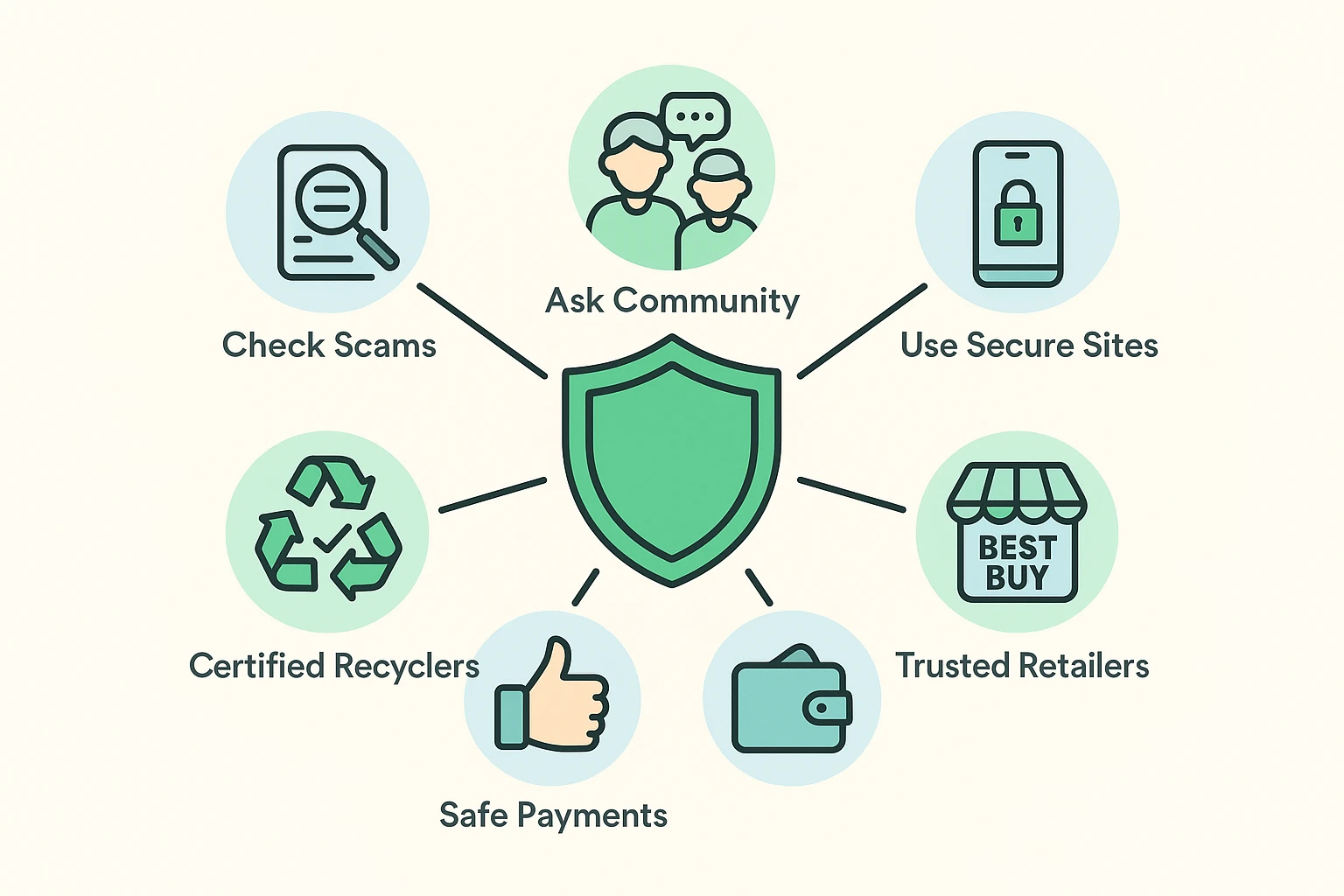
Old electronics, or “e-waste,” are filled with heavy metals that are terrible for the environment. Tossing a phone in the trash is like dumping a tiny, toxic waste can into a landfill. The good news is that these same devices are also full of valuable materials like gold and copper that can be recovered and reused. Recycling is the responsible thing to do. Many retailers, like Best Buy and Staples, offer free electronics recycling programs.
Whether you’re selling online or in person, it pays to be cautious. The world is full of characters who would love to take advantage of a friendly transaction.
Here are a few golden rules:
The easiest way is to check a few trade-in websites. Go to Best Buy’s or Apple’s trade-in page, enter your device model and condition, and they’ll give you an instant estimate. This gives you a good ballpark figure.
It has zero resale value, but it’s a prime candidate for recycling! Even if your device is a goner—maybe it’s water-damaged or stuck in a dreaded bootloop—it still contains valuable materials that need to be recovered responsibly. Certified recyclers can also physically destroy the memory chip to ensure your data is gone for good.
You don’t need them, but having them can definitely increase the price you get. It makes your device look well-cared-for and complete. For recycling, it doesn’t matter at all.
Yes! A single phone battery contains toxic materials that can leak into the soil and water supply. It’s a small item that can cause a big environmental headache. Plus, recycling is often free and easy, so it’s a win-win.
That drawer of old gadgets doesn’t have to be a source of clutter and confusion. With a little bit of prep work, you can confidently and safely turn that old tech into extra cash or give it a responsible farewell.
You’ve successfully navigated everything from rotary phones to the internet. Handling an old iPhone is a piece of cake. Now go rescue that device from the back of the drawer—a nice dinner out could be waiting for you