Newsletter Subscribe
Enter your email address below and subscribe to our newsletter

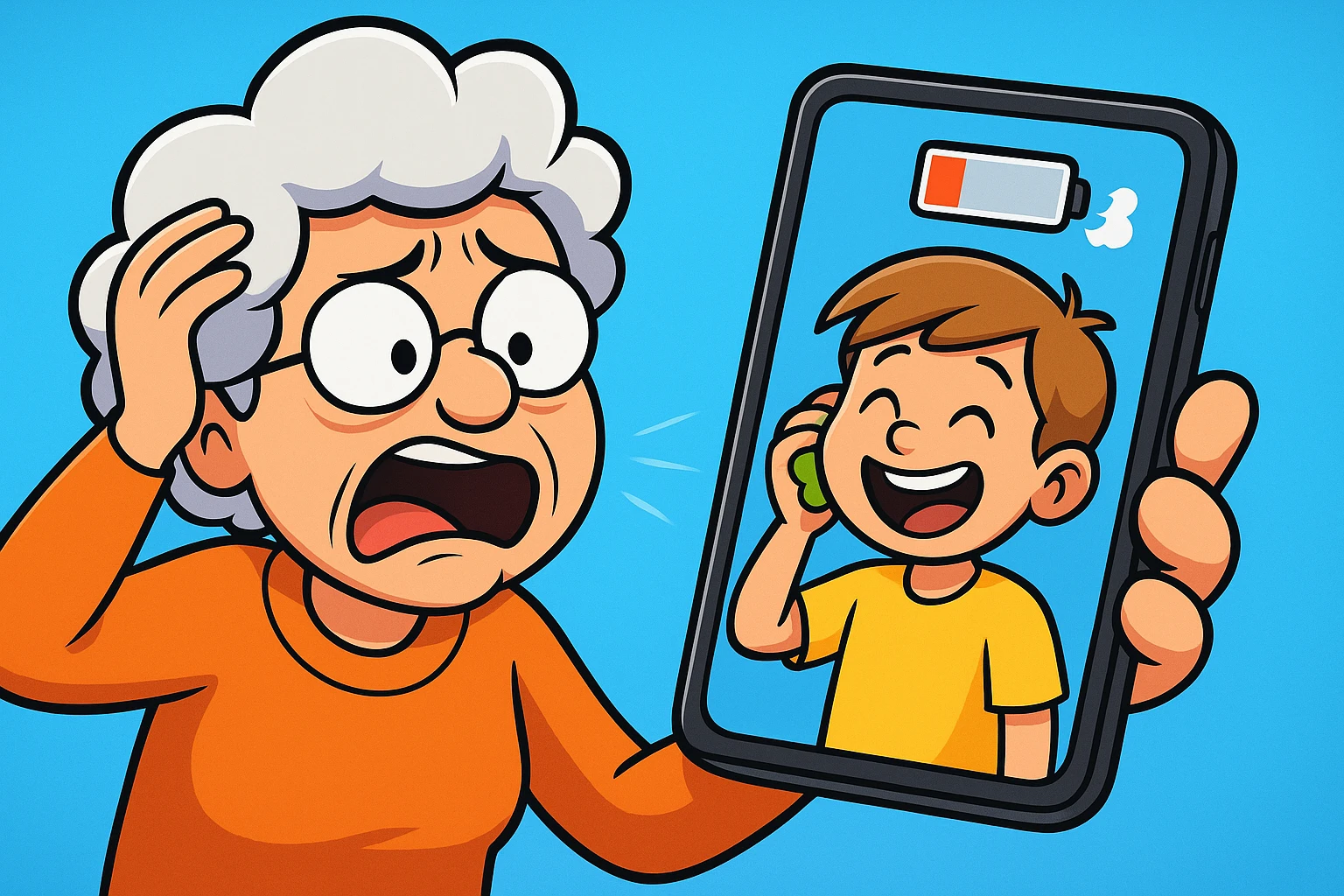
Have you ever settled into your favorite armchair with a cup of tea, ready to video chat with the grandkids or watch a cooking video, only to be met with the Spinning Wheel of Doom? You know the one—that little digital circle that spins and spins, mocking your desire for connectivity. It’s like waiting for a teenager to get out of the bathroom: endless, frustrating, and completely out of your control.
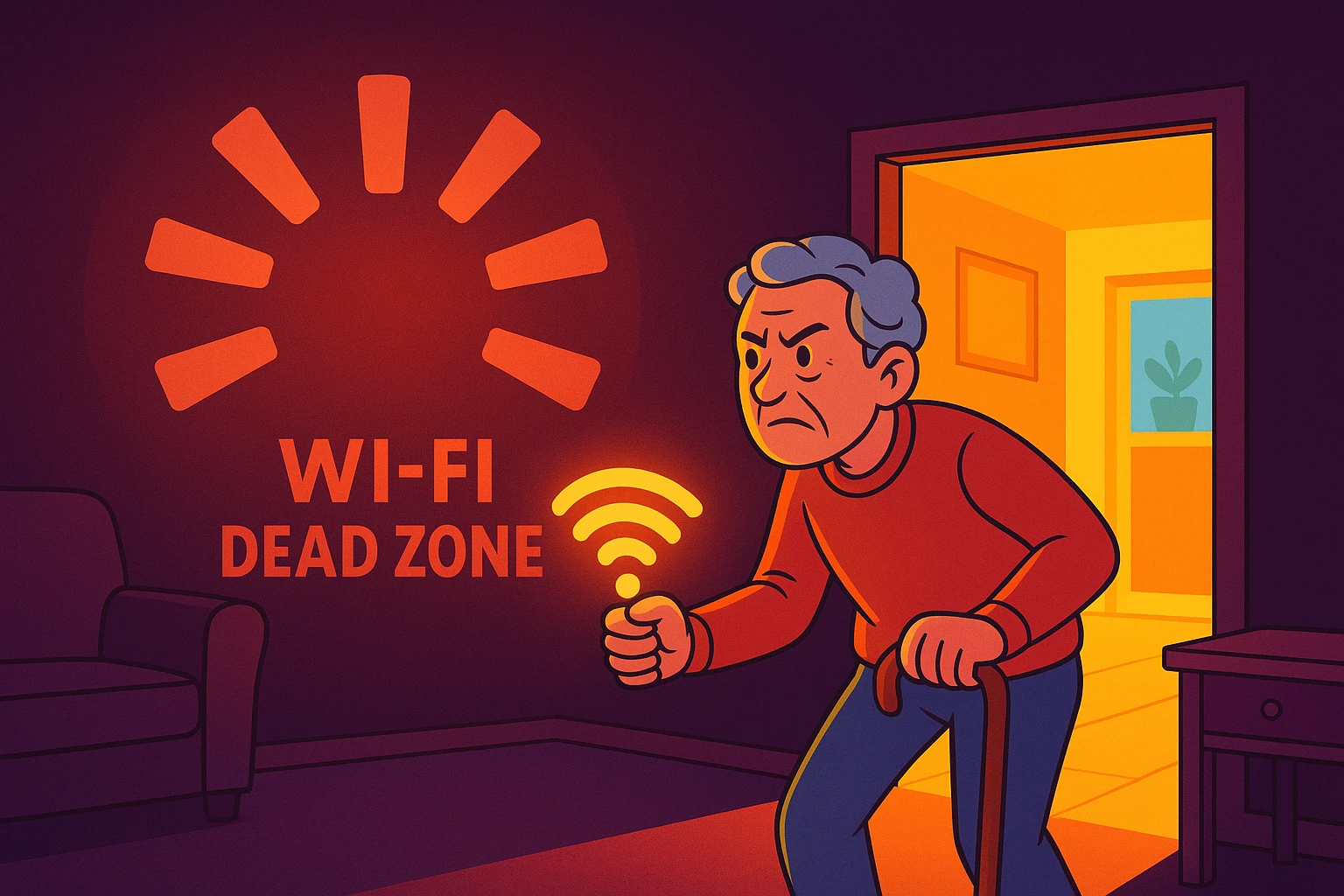
You might think your computer is broken, or that the internet company is personally punishing you for that one time you paid the bill a day late. But more often than not, you’ve simply wandered into a “Wi-Fi Dead Zone.” These are the Bermuda Triangles of your hallway, the black holes of the spare bedroom where the internet simply goes to die.
The good news? You don’t need a degree in electrical engineering to fix this. You don’t even need to call a technician who looks twelve years old. With a little detective work and some simple adjustments, you can banish these dead zones and get back to streaming your favorite shows interruption-free.
Before we go hunting, we need to understand our prey. Most people think of Wi-Fi as a magic invisible cloud that should be everywhere at once. But it’s actually much simpler than that.
Think of your Wi-Fi router (that blinking box usually collecting dust in a corner) as a lightbulb.
If you turn on a lamp in the middle of the living room, the light is bright and reaches everywhere. But what happens if you put that lamp inside a cupboard? Or behind a brick wall? Or in the basement under a pile of winter coats?
The light gets blocked. It can’t travel through thick objects. Wi-Fi works exactly the same way. It sends out radio waves (the light) that get weaker the further they travel and the more obstacles they hit.
Where you put the router matters more than most people think. Picture the signal as a donut radiating outward from the box… shove it in a far corner and half that donut is wasted over the fence in the neighbor’s yard. Put it out in the open in a central spot, up off the floor, and away from metal, mirrors, and the microwave. In a two-story house, near the ceiling of the first floor is a sweet spot, since Wi-Fi sprays downward and outward better than it climbs.
So, what blocks the “light”? Some materials are worse than others. If you’re wondering why the signal is terrible in the kitchen or the sunroom, check for these culprits:
Now that we know the theory, let’s get practical. We are going to map your home. Don’t worry, you don’t need to download any complicated “network analyzer” apps that look like the flight controls of a spaceship.
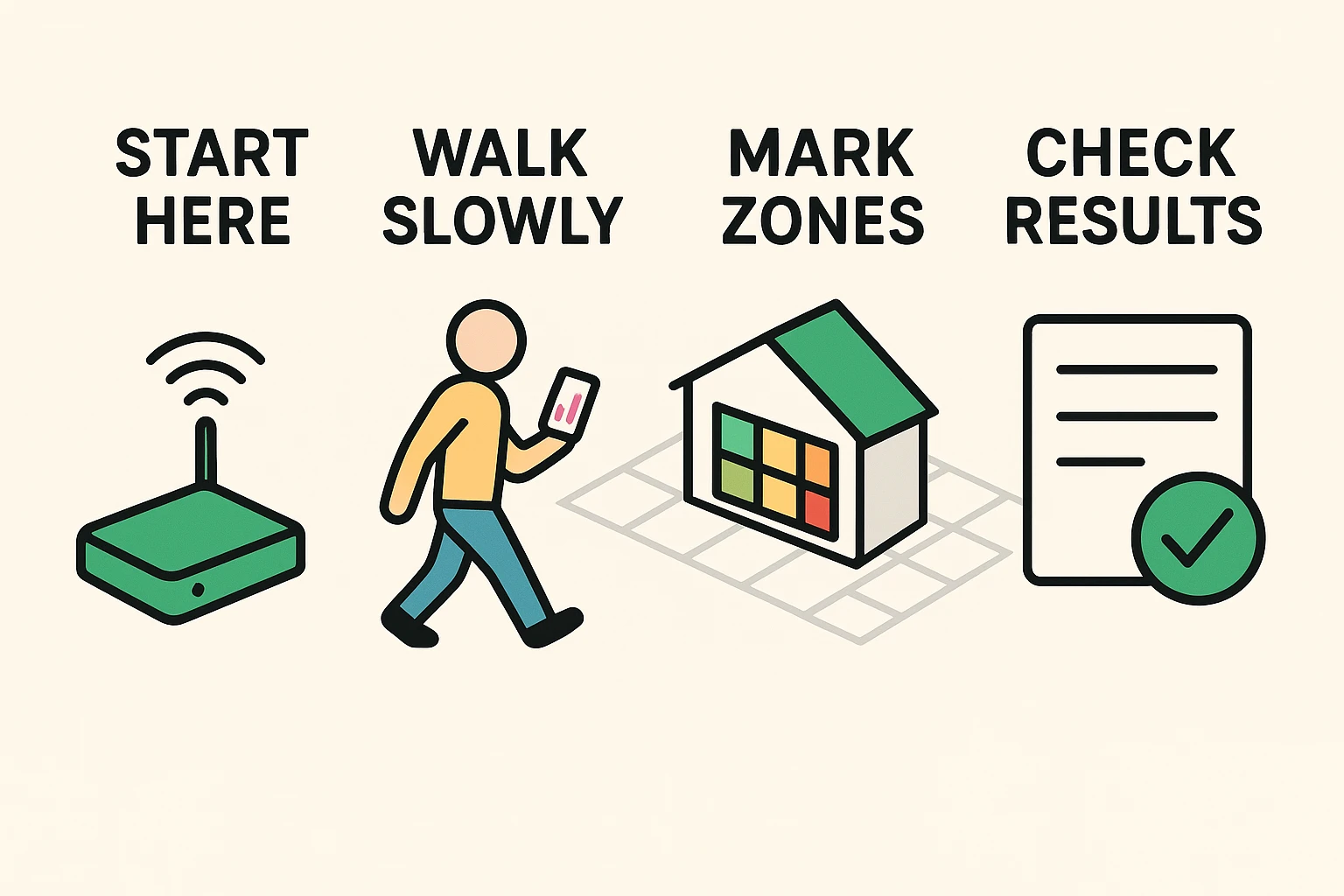
We are going to use the “Two-Bar Walk” method.
All you need is your smartphone or a tablet. Make sure it’s connected to your Wi-Fi.
Start standing right next to your router. Look at the little Wi-Fi symbol at the top of your screen. It should be full (usually fan-shaped or bars). This is your baseline.
Now, walk slowly toward the rooms where you usually have trouble. Keep your eye on that icon. Watch for when it drops from three bars to two, or two to one.
When you find a spot where the bars drop, stop. Open your browser and go to a simple website like Fast.com. It’s run by Netflix and does one thing: it tells you your speed. You don’t need to click anything; just let the number load.
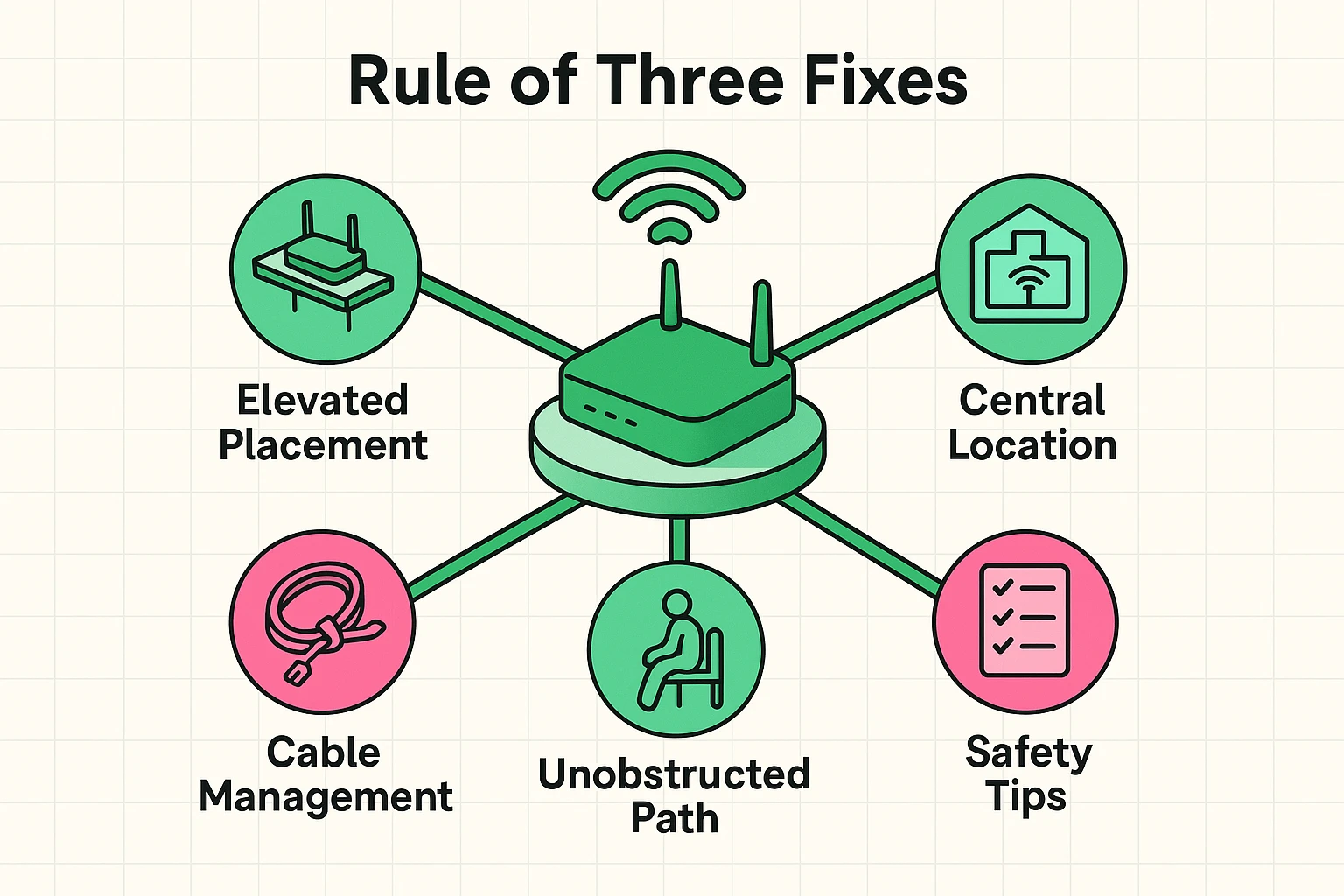
Now that we’ve found the dead zones, let’s try to fix them. Before you go out and buy expensive gadgets, try these physical adjustments. We call this the Rule of Three.
Most people hide their router because, let’s be honest, it’s ugly. It’s a blinking black box with antennas that looks like a robotic spider. So, we shove it in the far corner of the home office or hide it behind the TV.
This is a mistake. Remember the lightbulb? If the lamp is in the corner of the house, half the light is shining into the neighbor’s yard. Try to move the router to a central location in your home so the signal reaches out equally in all directions.
Wi-Fi signals tend to travel slightly downward and outward. If your router is on the floor, you are broadcasting excellent internet to your basement or the worms in the crawlspace, but not to your iPad.
Place the router on a desk, a shelf, or a table. Imagine it’s a singer on a stage—it needs to be seen to be heard.
Give the router some breathing room. Don’t hide it inside a cabinet, and definitely don’t put it right next to the microwave (microwaves operate on similar frequencies and can scramble the signal when you’re heating up leftovers).
While moving your router, please be mindful of the cables. Loose wires are a major trip hazard.
If you move your router to a hallway table, ensure the power cord and internet cable are tucked away or taped down securely. No YouTube video is worth a fall. If you need to run a cable across a walkway, use a rubber cord cover (available at any hardware store) to keep it flat and safe.
Sometimes, the house wins. If you have a large home, or one with thick plaster-and-lath walls, simply moving the router might not do the trick. In that case, you have two options:
You may have seen videos of people putting foil behind their router antennas. While technically it can reflect a signal in one direction, it usually just causes more problems than it solves. Plus, it looks like your router is trying to receive messages from aliens. Stick to better placement instead.
It might be your neighbors! If everyone on your street is streaming movies at 7 PM, the “airwaves” can get congested, similar to traffic on a highway during rush hour. A modern router (Wi-Fi 6) handles this traffic better than an old one.
Routers are basically tiny computers, and like all computers, they get tired and confused. We recommend the “30-Second Reset Ritual” once a month. Unplug the router, count to 30 slowly (or sing the “Happy Birthday” song), and plug it back in. This clears the memory and often fixes sluggish speeds.
Technology is supposed to make our lives easier, connecting us with friends, family, and the information we need. It shouldn’t be a source of stress or a reason to sit in an uncomfortable chair just to get a signal.
By treating your Wi-Fi like a light source and doing a quick treasure hunt, you can reclaim those dead zones. So go ahead, move that router out from behind the sofa, and enjoy your video calls from wherever you please—even the backyard.