Newsletter Subscribe
Enter your email address below and subscribe to our newsletter

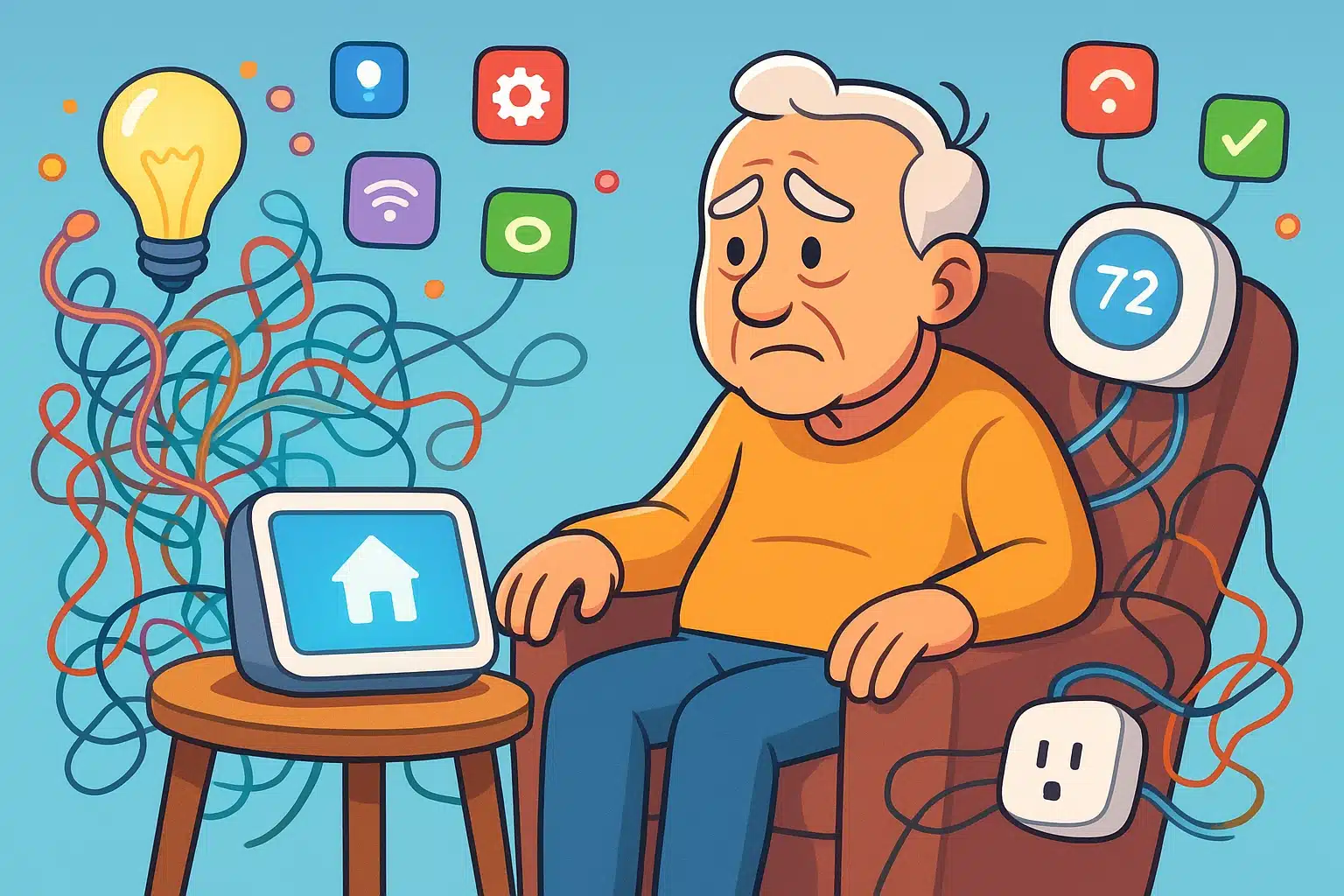
Imagine this: You want to turn off the living room lamp from the comfort of your favorite recliner. So, you buy a “smart plug.” But the plug needs an app. The app needs an account. And the account requires a password with a capital letter, a number, and the middle name of your first-grade teacher.
Before you know it, you have four different apps for four different gadgets. Turning on the hallway light suddenly requires the complex launch sequence of a NASA space shuttle. If you’ve ever found yourself threatening to toss a piece of “smart” plastic into the yard, take a deep breath. You are not alone.
The problem isn’t you; it’s that your gadgets don’t talk to each other. They need a boss. They need a “smart home hub.” Today, we’re going to demystify these electronic brains so you can actually enjoy your home, rather than feeling like you’re constantly arguing with it.
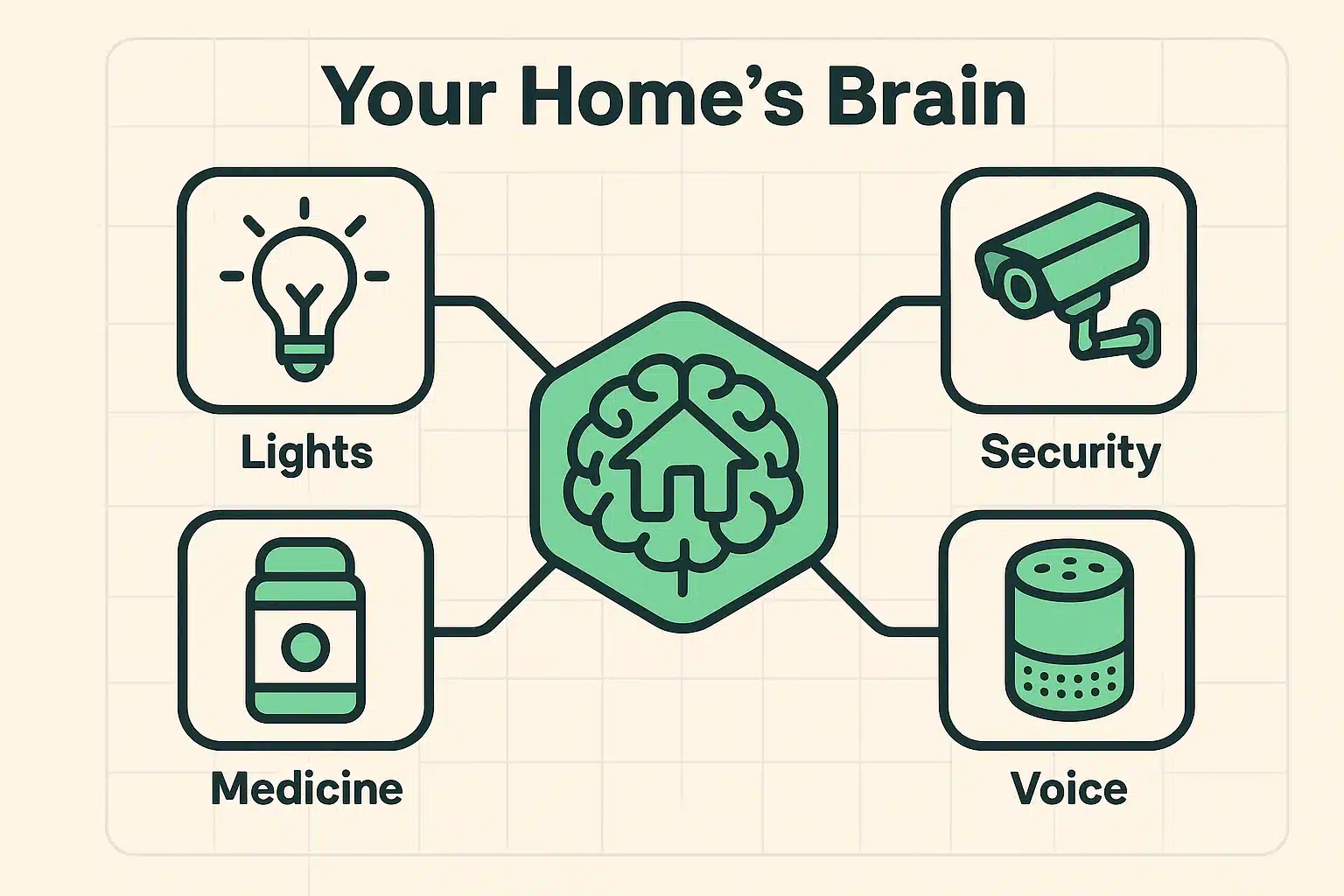
Think of a smart home hub as the ultimate “House Manager.” If you hire a French chef, a German mechanic, and an Italian gardener, you’re going to have a lot of miscommunication. Your smart home is the same way. Your doorbell, your thermostat, and your fancy new lightbulbs all speak different digital languages.
The hub is the universal translator. It sits quietly on your counter, connects to your Wi-Fi, and takes your simple commands to make everything work together seamlessly. Instead of opening three different apps on your phone, you just tell your hub, “Goodnight.” The hub then translates that into locking the front door, turning off the lights, and lowering the thermostat.
It transforms your house from a chaotic collection of gadgets into a helpful, 24/7 assistant. Aging in place doesn’t mean aging alone; it means having a reliable helper that doesn’t need to sleep or take coffee breaks.
If you start shopping for smart hubs, you will immediately be assaulted by absurd tech words like “Zigbee,” “Z-Wave,” and “Thread.” You can safely ignore most of these. They are simply the invisible radio waves your gadgets use to whisper to each other.
However, there is one new word you should know: Matter.
Think of Matter as the new universal peace treaty for technology. In the past, if you bought an Apple hub, you could only buy Apple-approved lightbulbs. It was like buying a toaster that only accepted a specific brand of bread. Matter fixes this. If a hub and a gadget both have the “Matter” logo on the box, they will work together, period. It prevents your expensive gadgets from becoming obsolete next year.

Now that we know what a hub does, how do you pick one? The market is dominated by three major players, plus one wild card. Choosing one is a bit like picking a digital roommate, so you want to make sure their “personality” matches yours.

If your main goal is staying connected with family, the Amazon Echo Show (the one with the screen) is fantastic. It features a brilliant tool called “Drop-In.” Instead of awkwardly fumbling to answer a video call, approved family members can simply “drop in” to your screen like a digital knock on the door.
It’s also incredibly responsive if you ever have an emergency. You can simply yell, “Alexa, call for help!” across the room, which is much easier than trying to locate a dropped cell phone. Using alexa for seniors has become one of the most popular ways to make a home feel instantly safer and more connected.
Google’s hub is arguably the easiest to read and use visually. When you aren’t asking it questions, it acts as a stunning digital photo frame, cycling through pictures of the grandkids.
Google is also the undisputed champion of answering random trivia questions. If you want a hub that can settle a dinner table argument about who won the 1968 World Series, Google is your best bet. It also integrates beautifully if you already use an Android phone.
If you are someone who thinks big tech companies are a little too nosy (and we don’t blame you), Apple is the way to go. Apple’s HomePod Mini is the undisputed king of privacy. They process your voice requests on the device itself, meaning they aren’t sending recordings of you asking for cookie recipes to a server somewhere.
The catch? It strongly prefers that you own an iPhone or an iPad. If you are already deeply embedded in the Apple universe, the HomePod is a secure, fantastic choice.
SmartThings doesn’t usually have a voice assistant built-in; it’s a literal box that sits by your router. But it is incredibly powerful. If you consider yourself a bit of a tinkerer and want to connect 50 different sensors, locks, and lights, this is your engine.
It’s for the senior who reads instruction manuals for fun. If you just want to ask the weather and turn on a lamp, stick to the Big Three.
A major hurdle for many older adults is the fear of being “monitored” by well-meaning adult children. You want your kids to know you’re safe, but you don’t necessarily want them watching you eat a bowl of cereal at 10 PM.
A smart hub acts as the perfect compromise. You can set up “Shared Control” routines. For example, your hub can automatically send a quick text to your daughter when the front door unlocks in the morning, letting her know you’re up and moving. It’s support without the surveillance.
Hubs also connect beautifully to health devices. Instead of a jarring beep from a basic medication reminder, your Google Nest or Amazon Echo screen can actually display a picture of the exact pill bottle you need to open. It turns a stressful medical chore into a gentle, visual nudge.
To keep the helpful features but banish the creepy ones, take these three simple steps when setting up your hub:
What happens to my smart home if the Wi-Fi goes out?This is a great question! If your internet drops, voice commands (like “turn off the lights”) generally won’t work, because the hub needs the internet to process your words. However, the physical switches on your lamps and walls will still work perfectly fine just like it’s 1995 again.
What is “Geofencing”?It sounds like a sport played with invisible swords, but it’s actually a brilliant feature. It just means your hub uses your smartphone’s location to know when you arrive home. When you pull into the driveway, the hub automatically turns on the porch light and unlocks the door.
Do I have to pay a monthly fee to use a hub?Nope! Once you buy an Echo, Nest, or HomePod, the basic brain functions and voice controls are totally free. You only pay subscriptions if you add premium services, like specialized music accounts or 24/7 professional security monitoring.
Dipping your toes into the smart home waters doesn’t require an engineering degree. It just takes a little patience and the right “central brain” to do the heavy lifting for you. Start small—perhaps with a single hub and one smart plug for that hard-to-reach living room lamp.
Once you realize you can turn off the lights without leaving your cozy chair, you’ll wonder how you ever lived without it. To continue exploring how modern tools can make life easier and safer, check out our growing library of guides on senior technology right here at Senior Tech Cafe. Stay curious, stay secure, and remember: you are the master of your digital domain!