Newsletter Subscribe
Enter your email address below and subscribe to our newsletter

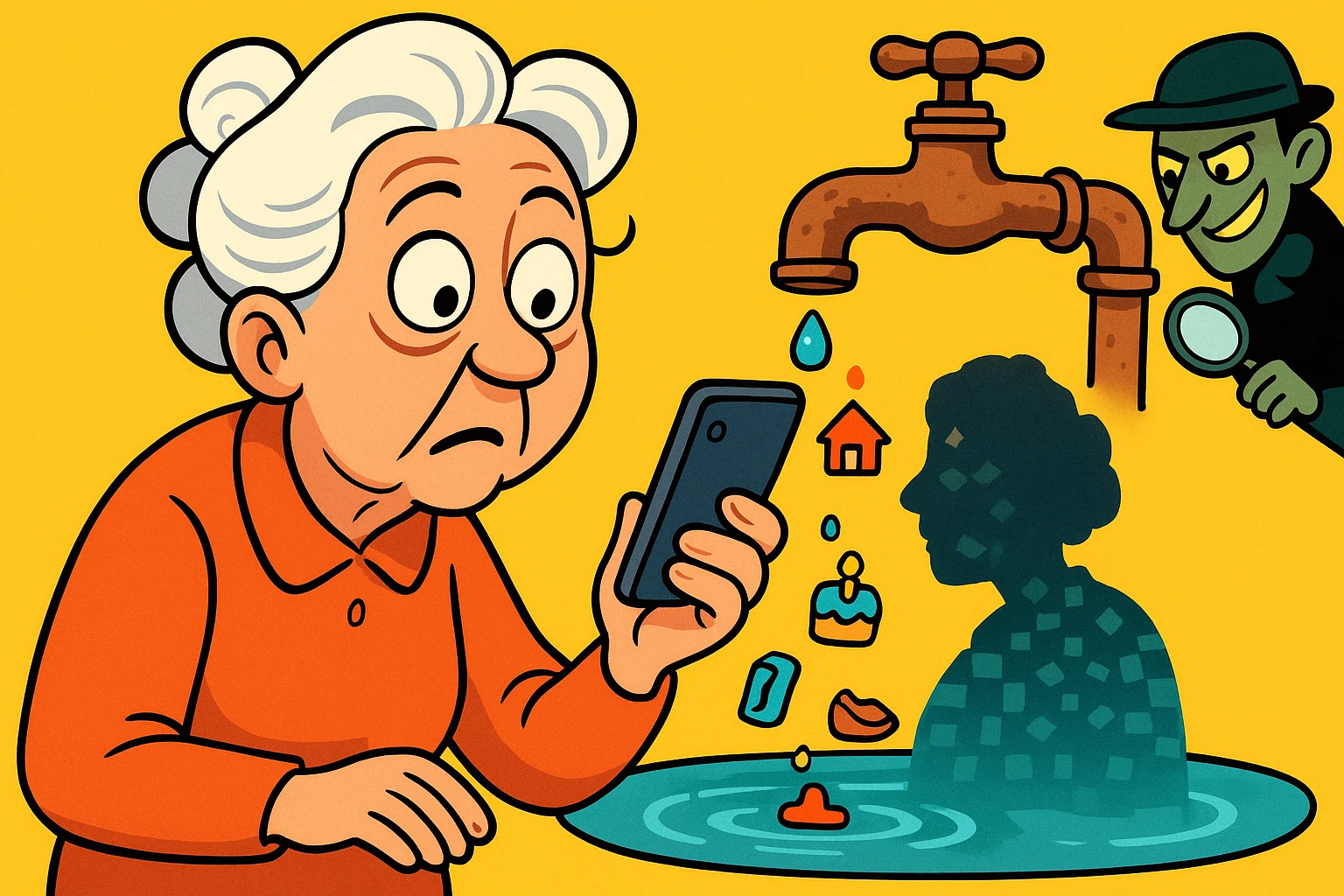
Remember when the most intrusive thing to happen during dinner was a neighbor dropping by unannounced to borrow a cup of sugar? Now, it’s a robotic voice named “Kevin” from the “IRS” threatening to arrest you if you don’t pay back taxes in iTunes gift cards.
You might be wondering, “How did Kevin get my number? I didn’t get a letter in the mail saying my computer was hacked!” If you’re like most folks, you probably assume your personal information is perfectly safe unless you hear about some massive corporate cyber-heist on the evening news.
But here’s the frustrating truth: 90% of your personal information doesn’t escape in a dramatic, Hollywood-style digital bank robbery. It escapes through what we call “The Slow Leak.” It’s the gradual, quiet dripping of your phone number, your zip code, and your shoe size onto the internet over the course of years. And unlike a burst water pipe in your kitchen, you don’t even know it’s happening until the scam calls flood in.
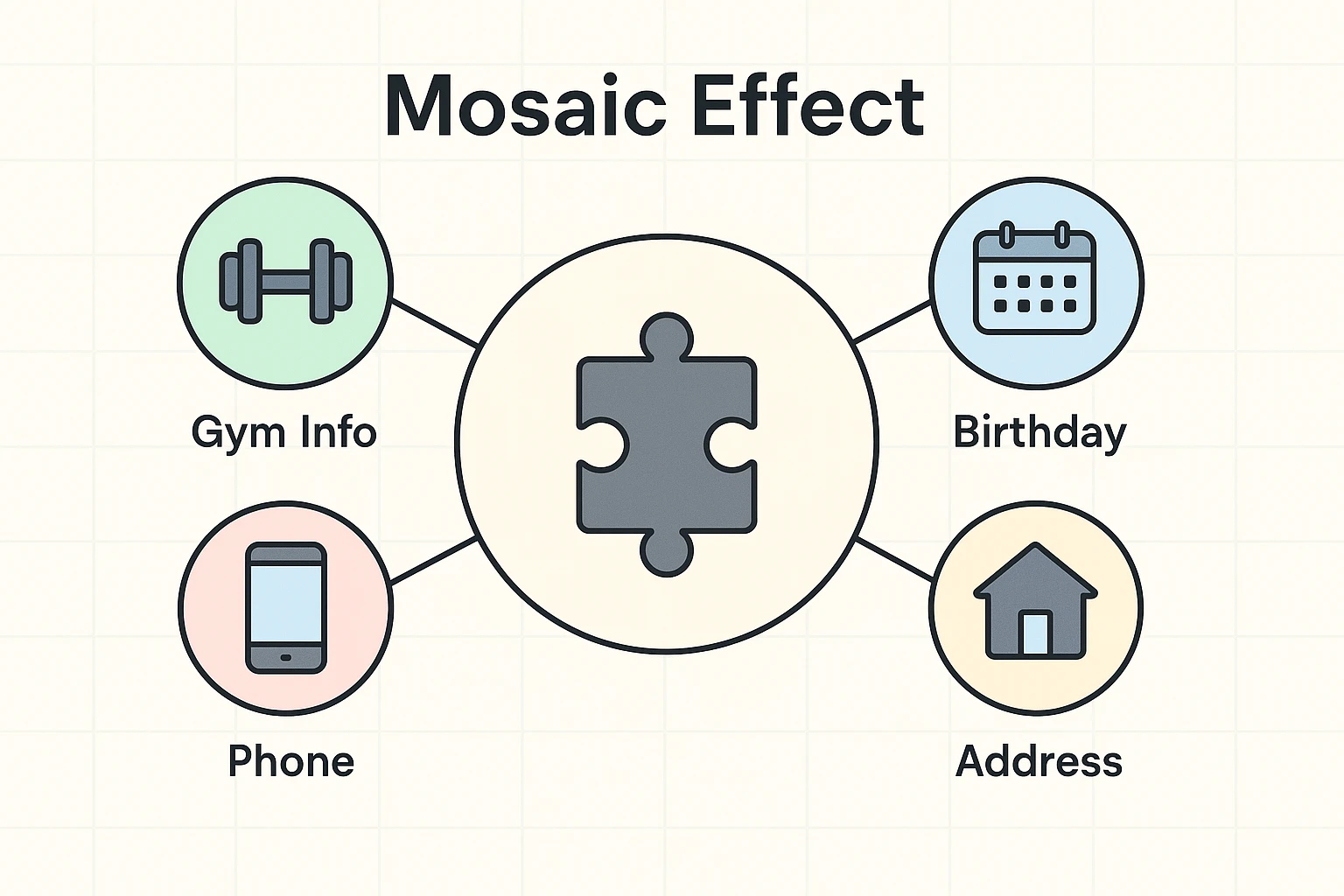
When a tiny bit of your data leaks out, it doesn’t seem like a big deal. Your local gym knows your phone number. Facebook knows your birthday. A handy parking app knows your location. Individually, these are just boring, harmless puzzle pieces.
But scammers are like incredibly creepy puzzle enthusiasts. They buy these cheap little pieces of data from all over the internet and snap them together. This is called the “Mosaic Effect.”
They merge the gym’s leaked phone number with Facebook’s leaked birth year. Suddenly, they have a complete, high-definition picture of who you are. Armed with this mosaic, “Kevin” knows exactly when to call you with a fake Medicare scam that sounds terrifyingly real, simply because he knows you just turned 65.
There’s no need to panic and throw your smartphone into a river. Think of fixing data leaks like cleaning out the gutters or changing the furnace filter. We call it “Privacy Hygiene.”
It’s just routine maintenance. By following these three simple pillars, you can easily plug the leaks and stop the flow of your personal data.
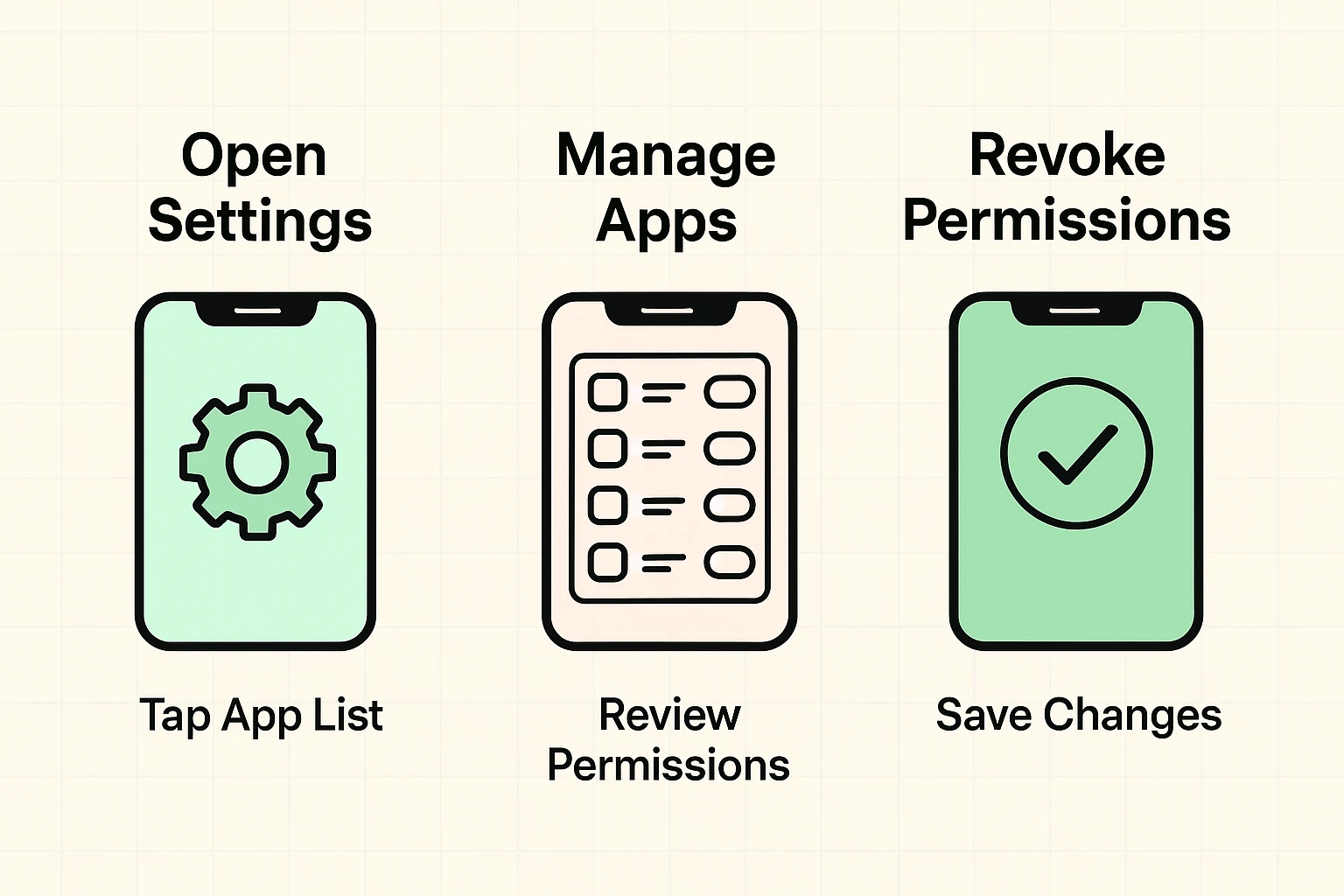
Have you ever downloaded a simple flashlight app, only to have it ask for permission to access your contacts and your microphone? Unless you plan on using your phone’s lightbulb to interview your friends, the app absolutely does not need that information.
This is called “Permission Creep.” Over time, smartphone apps slowly ask for more access than they actually need, silently sipping your data in the background and sending it off to advertisers. Go into your smartphone settings, look at “App Permissions,” and turn off access for anything that doesn’t make logical sense.
Many folks ask us how to simply “turn off the internet” on their phone to stop apps from tracking them. You don’t have to go back to the Stone Age! But it is wise to manage your connectivity so apps aren’t constantly syncing your data when you aren’t looking.
Go into your phone’s settings and look at your mobile data usage. Sometimes, you might even get a data warning pop up on your screen if an app is going wild in the background. This isn’t just about managing your monthly phone bill; it’s a great reminder to shut off “background data” for apps you rarely use, effectively cutting off their ability to leak your info.
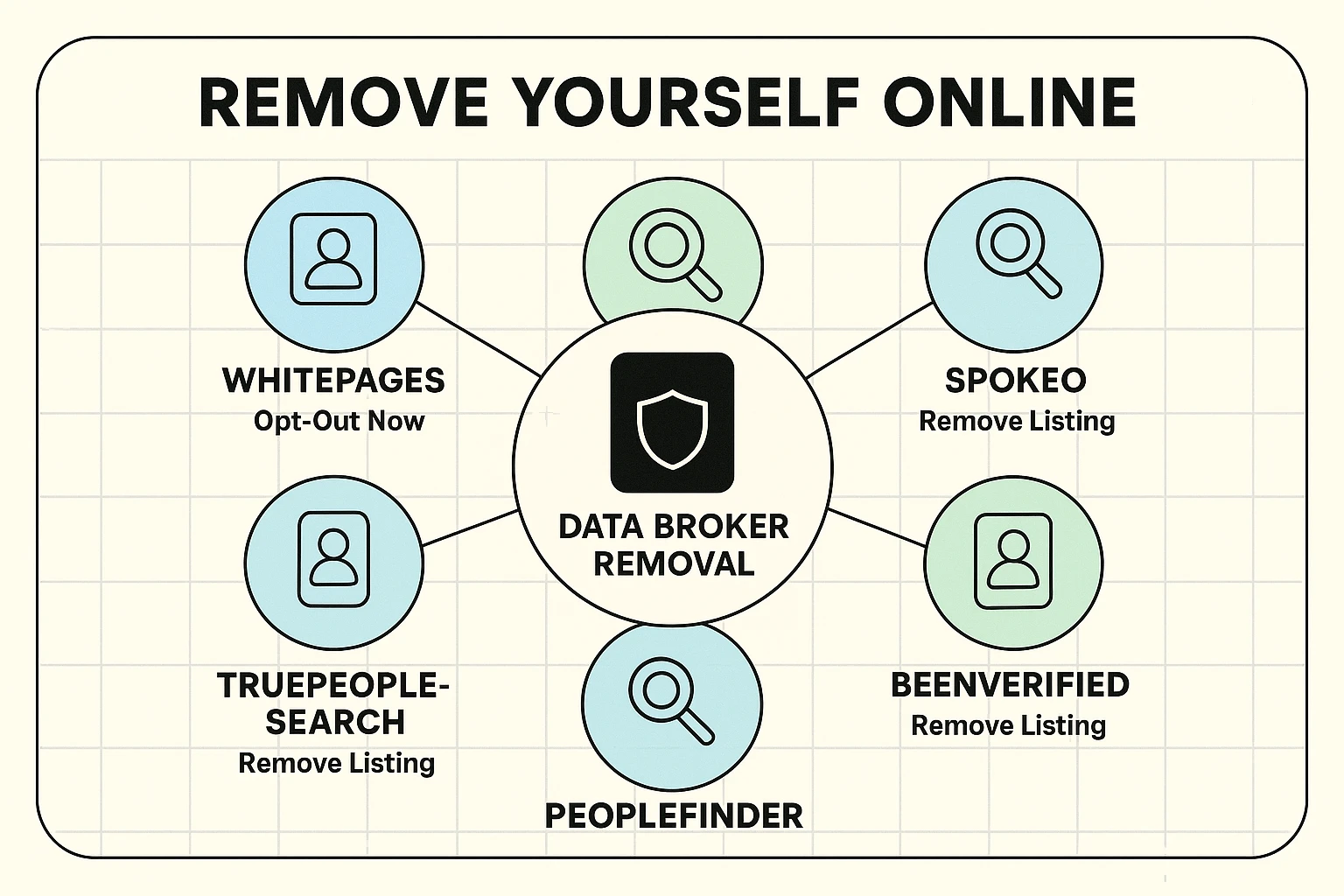
Imagine a giant digital library, but instead of books, the shelves are stocked with folders containing your home address, past phone numbers, and relatives’ names. Welcome to the creepy world of Data Brokers.
Websites like Whitepages, Spokeo, and MyLife legally scrape the internet for your information and sell it for pennies to anyone who asks. They are essentially massive libraries of leaks.
The good news? You can fire them. It’s entirely free to go to these websites, scroll to the very bottom of the page, and click the link that says “Do Not Sell My Personal Information” or “Opt-Out” to remove yourself from their directories.
Every time a friendly cashier asks for your email address to save you 14 cents on a jar of mayonnaise, you are risking a data leak. Stop giving out your real information!
Start using a “burner” email address. This is simply a secondary, free email account (like Yahoo or Gmail) you create specifically for store discounts, gym memberships, and online newsletters. Let the junk mail and minor data leaks flow there, keeping your main inbox pristine and private.
And if a sophisticated scam message does manage to slip through the cracks, running suspicious texts or emails through a bitdefender scam detector can instantly help you figure out if it’s real or absolute garbage.
Let’s see how leaky your digital faucet really is right now. If you answer “yes” to any of these questions, you likely have a slow leak:
If you nodded your head to any of those, don’t feel bad. We’ve all done it. But now you know exactly where to start applying the duct tape!
Think of a data breach like a burglar kicking down the front door of a bank to steal everyone’s passwords and Social Security numbers. A data leak is more like accidentally leaving your house windows open, allowing anyone walking by to peek in and see what brand of cereal you eat and who you are calling on the phone.
Absolutely not. There are many companies out there that will charge you a hefty monthly fee to remove your information from Data Broker websites. While they save you some time, you can do it all yourself for completely free by visiting the broker websites and filling out their opt-out forms.
Sadly, no. Scammers are like weeds; they always find a way to pop back up. However, practicing good privacy hygiene and removing your number from major data brokers will drastically reduce the sheer volume of annoying calls you receive.
You don’t have to fix your entire digital life today. That would be like trying to clean out your entire garage in ten minutes—you’d just end up frustrated and covered in dust.
Start small. Pick just one thing from this list, like checking your phone’s app permissions, and do it while you watch Jeopardy tonight. Tomorrow, maybe tackle creating a burner email account. By making privacy hygiene a regular, low-stress routine, you’ll naturally stop the slow leak and keep your personal data exactly where it belongs: with you.