Newsletter Subscribe
Enter your email address below and subscribe to our newsletter

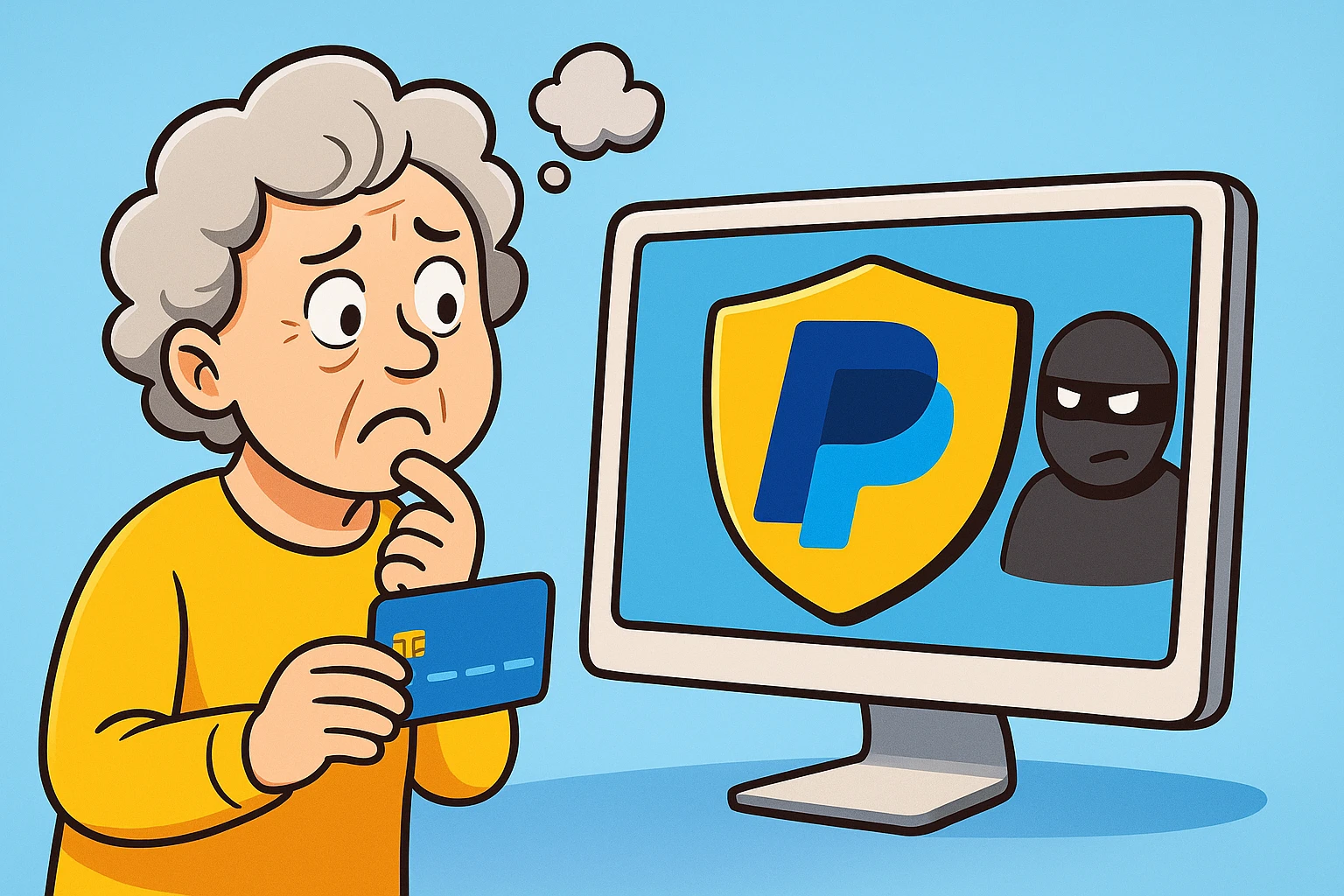
Picture this: You finally found the perfect ergonomic garden trowel online. You add it to your cart, click checkout, and then… the website asks for your credit card number. It’s a website you’ve never heard of, run by a company that might be located in Ohio, or possibly on the moon.
Typing your 16-digit credit card number into that little box feels a lot like handing your physical wallet to a stranger on the street and saying, “Just take out what you need, I trust you!” If that makes your stomach do a little flip, good. It should.
Handing over your credit card information directly to every website you buy from is the digital equivalent of leaving your front door wide open. But what’s the alternative? Mailing a personal check and waiting until the next Halley’s Comet for your trowel to arrive?
Enter the “digital wallet”—services like PayPal that act as a secure middleman. Now, before you roll your eyes and mutter about how perfectly fine cash used to be, let me explain why this modern wizardry is actually your best defense against internet shenanigans.
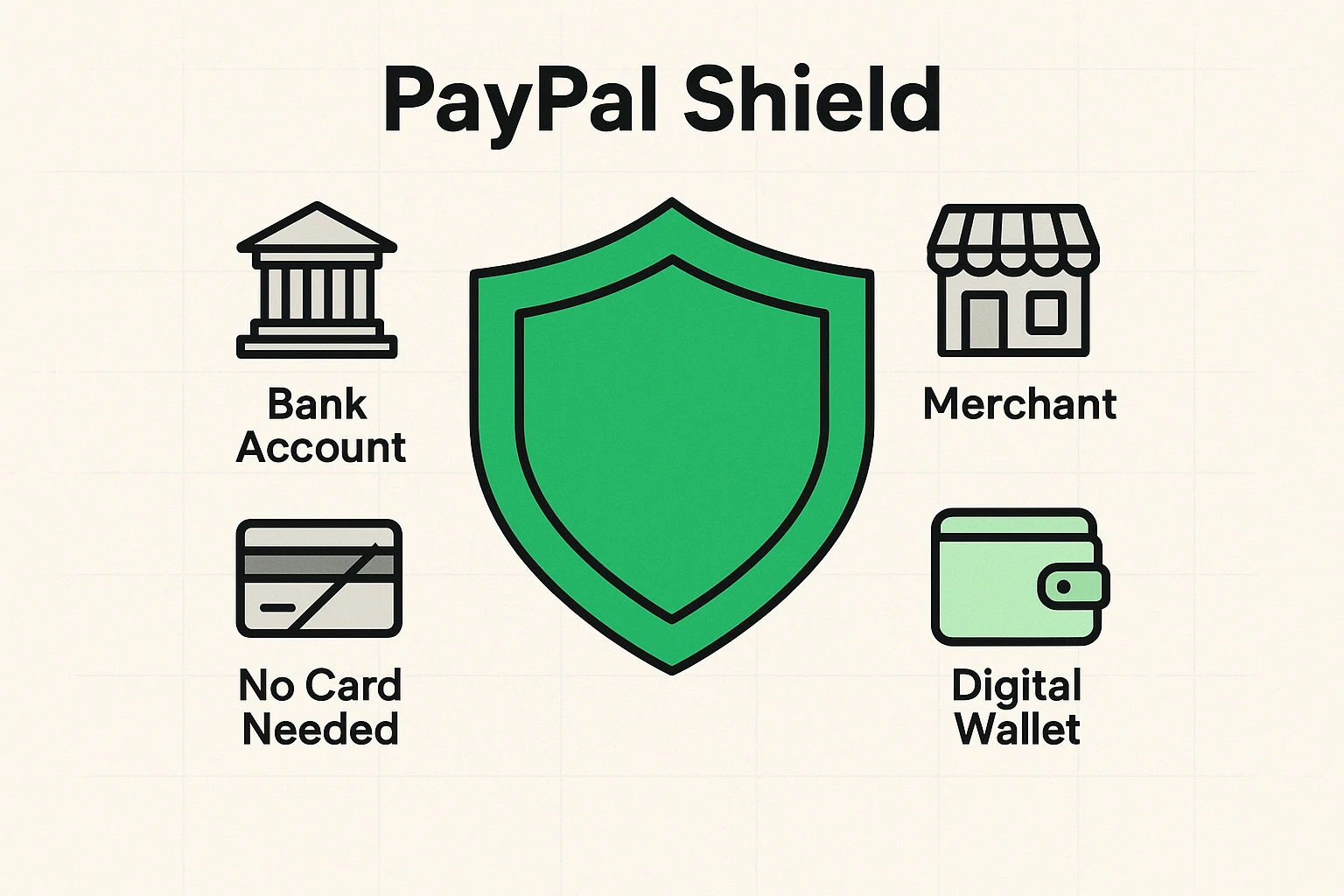
Think of your bank account or credit card as your car. When you go to a fancy restaurant, you don’t give the valet the keys to your house, your safe deposit box, and a map to your secret stash of hard candies. You give them a valet key—a key that only lets them park the car and nothing else.
PayPal works exactly the same way. When you buy something online using a digital wallet, the store never sees your credit card number or bank details. They just see PayPal saying, “Yep, they have the money. Here it is.”
These services act as a giant, heavily guarded concrete wall between your life savings and the merchant. You give your information to a secure service once, and then they handle the rest. This drastically reduces the chances of your data being stolen if that obscure gardening website ever gets hacked.
Many folks assume you must use a credit card online. But one of the beauties of services like PayPal is that you can completely bypass the plastic. You can link your standard checking or savings account directly to your digital wallet instead.
When you make a purchase, the money simply transfers over. It’s like writing a digital check, but without the hand cramps and the search for a working pen. This is a wonderful option for those who prefer to spend only the money they actually have in the bank.
Of course, banks are always coming up with new, confusing ways to pay. You might even find yourself trying to figure out how to opt out of paze or other automatic wallets your bank tries to sign you up for. Taking control by choosing a dedicated service like PayPal means you decide how you pay, rather than letting the bank decide for you.
Let’s say you ordered a beautiful wool sweater online. Three weeks later, a package arrives. You eagerly open it up, and instead of a sweater, you receive a plastic keychain shaped like a piece of toast. Suddenly, the seller stops returning your emails.
If you mailed a check, that money is gone. But with secure options like PayPal, you have something called “Buyer Protection.” If an item doesn’t arrive, or if it’s wildly different from what was described, PayPal can step in and reverse the charge.
It’s basically a financial referee. You tell PayPal, “Hey, they sent me toast instead of a sweater,” and PayPal forces the seller to refund you. This gives you 180 days to dispute a charge, making online shopping significantly less terrifying.
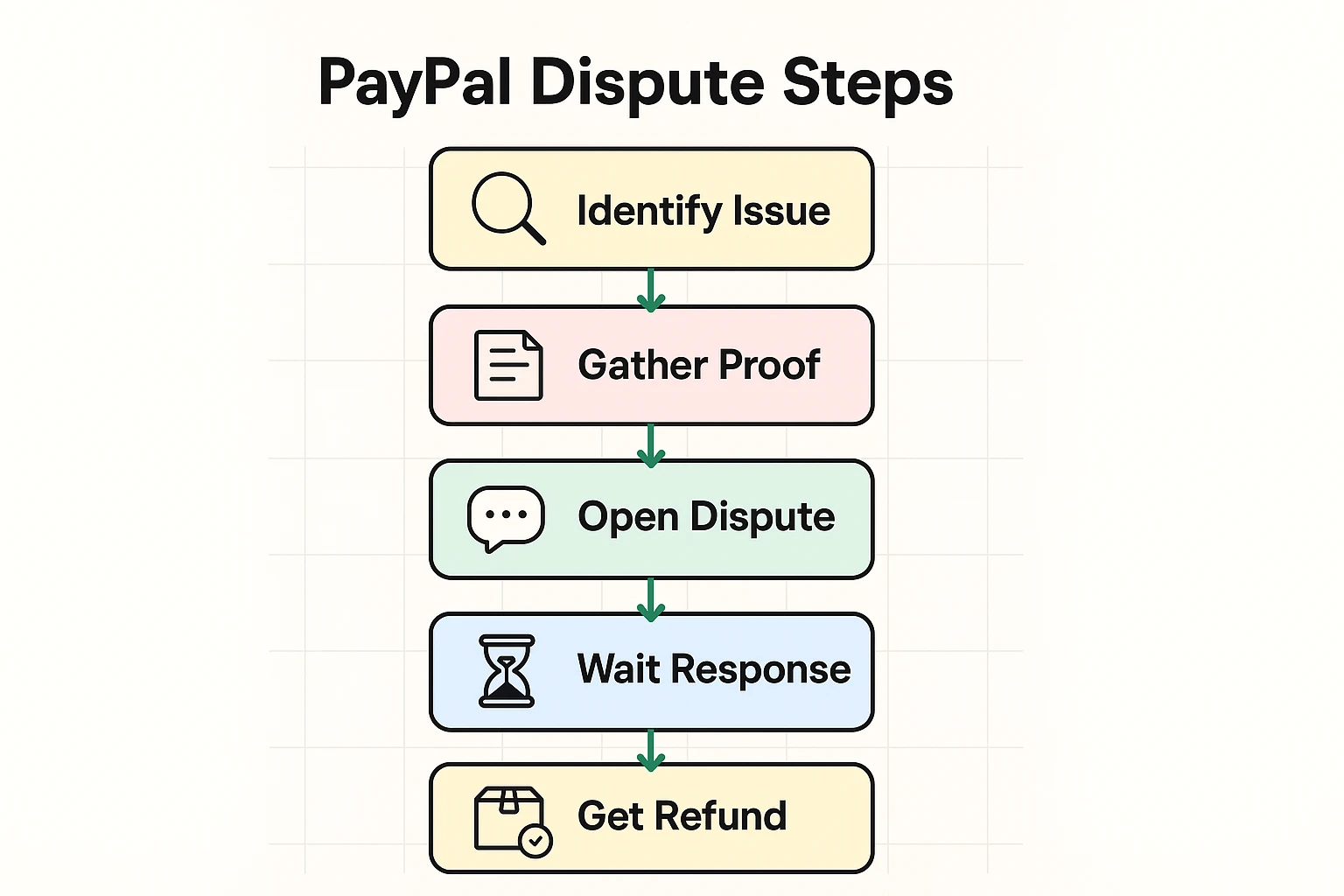
While digital wallets are safe, scammers are tricky. They love to try and bypass the security measures by tricking you. The number one rule of using these apps is knowing the difference between “Goods and Services” and “Friends and Family.”
When you send money to a business or someone you don’t know, always use “Goods and Services.” This activates that lovely Buyer Protection we just talked about. Scammers will often ask you to pay via “Friends and Family” because it supposedly “saves on fees.”
Don’t fall for it! If you use “Friends and Family,” PayPal assumes you are sending a birthday gift to your grandson, Timmy. If Timmy doesn’t send you a wool sweater in return, PayPal won’t help you get your money back. Treat “Friends and Family” exactly like handing a stranger a twenty-dollar bill.
And remember, no reputable company will ever ask for your password over the phone or email. If you ever click a weird link and suddenly worry you gave away the farm, you need to know what password to change when hacked? (Hint: Always start with your email and financial accounts).
Tech companies love to use words that sound like they belong in a sci-fi movie. Let’s translate some of this payment gibberish into plain English so you can navigate with confidence:
Yes. It’s generally much safer to give your bank info to one highly secure, multi-billion dollar company like PayPal than to give your debit card number to twenty different random online stores. They spend millions a year just to keep their digital walls thick.
For standard online shopping, no. The merchant (the store) pays the fee. You generally only pay fees for specific actions, like instantly transferring money to your bank or converting foreign currency.
No problem at all! You can use PayPal entirely through your computer’s web browser. A smartphone is handy for paying in physical stores, but certainly not required for online shopping.
Absolutely. That’s exactly what the “Friends and Family” feature is perfect for. They can send you funds directly to your account for your birthday, which you can then securely transfer right into your checking account.
You don’t have to dive into the deep end of the internet all at once. If you’re tired of typing your credit card number into the computer and crossing your fingers, just start small.
Head over to a trusted provider’s official website, create a free account, and link just one payment method. Try using it the next time you order something small online, like a book or that garden trowel. You might find that the peace of mind is well worth learning a new trick.
The internet doesn’t have to be the Wild West, as long as you have the right digital shield protecting your wagon. Take it one step at a time, and soon you’ll be shopping safer than ever.