

By Chris Clark, founder of Senior Tech Cafe
Silence unknown callers when the robocalls and sales calls are ruining your day. Just know what you’re trading.
The same setting can also quiet a doctor’s office, a pharmacy, a delivery driver, a repair technician, or anyone new trying to reach you for the first time.
The calls don’t vanish. They go to voicemail or get screened, and they still show up in your recent calls.
It’s a doorman taking messages, not a locked door.
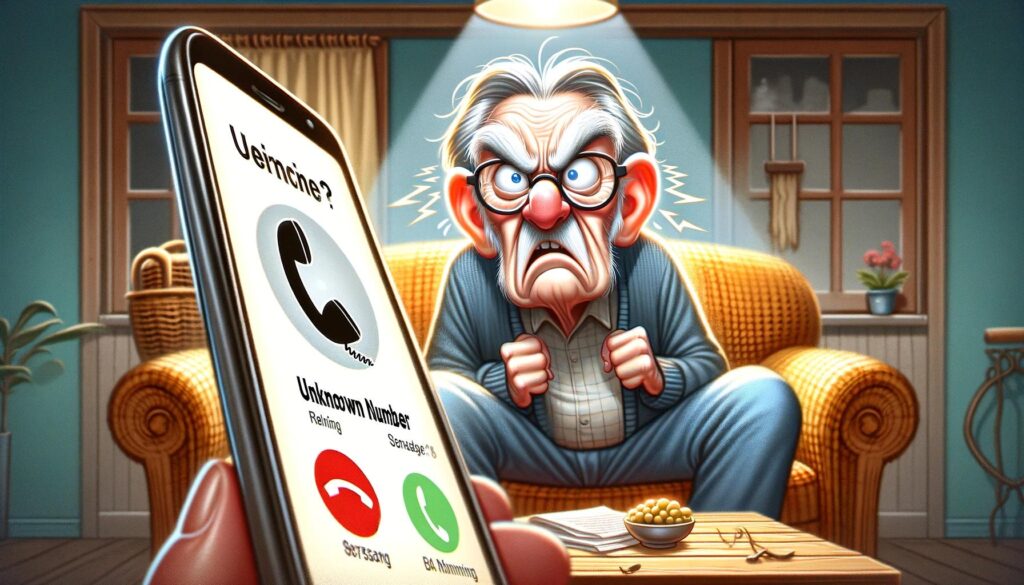
So turn it on when the unwanted calls outweigh the risk of a missed ring, keep voicemail working, and glance at your recent calls now and then.
Open Settings and search for Silence Unknown Callers. On newer iOS versions, look under Apps, then Phone, and pick the unknown-caller option your device shows.
Turn it on.
From then on, calls from numbers your phone doesn’t recognize may go straight to voicemail. Recognized means in your Contacts, in your recent outgoing calls, or suggested by the system.
Nothing disappears. It all still lands in Recents.
If you’re expecting an important call from somebody new, add them to Contacts beforehand, or switch the feature off for the day.
Open the Phone app, tap the menu icon, and open Settings. It’s a slightly different journey on every Android phone.
Look for Blocked numbers, Caller ID & spam, or Spam and Call Screen. The labels vary by manufacturer, which is why the Settings search box is your friend here.
Turn on the option to filter suspected spam, or to block private and unidentified callers.
One thing to watch. A setting labeled Unknown means different things on different phones. On some it blocks hidden caller IDs only. On others it blocks every number outside your Contacts.
That difference matters a great deal, so make a test call from an unsaved number and see what actually happens.
On iPhone, open Phone, then Recents, tap the information icon beside the number, and choose Block Caller. To undo it, open the blocked-contacts list in your Phone settings and remove the number.
On Android, open Phone, then Recents, select the number, and choose Block or Report spam. Phone settings, then Blocked numbers, is where you’d unblock it.
Menu names vary, so use the Settings search box if a label isn’t where you expected it.
Blocking is reversible, so you can’t break anything here.
Screening isn’t an all-or-nothing decision. Turn it on during a bad stretch of robocalls, and turn it off when you’re expecting something.
Medical offices, contractors, transportation services, anyone whose number you haven’t saved. Those are the times to switch it off for a day.
Add your trusted callers to Contacts, and ask the services you deal with whether their outgoing number changes.
If the unwanted calls seem unusually heavy, it’s worth checking whether your number has been picked up by list-sellers. Our guide on how to remove exposed phone information from data brokers covers that side of it.
The point isn’t to ignore every unfamiliar caller. It’s to put voicemail and screening between the ring and your response.
A pause is where good decisions live.
A silenced call can still leave a very convincing voicemail. Screening doesn’t screen the message.
So don’t call back a number left in a message that demands money, passwords, account codes, or immediate action. It’s worth learning to spot AI voice scams too, since a cloned voice can now show up in a voicemail as easily as a live call.
Look up the organization’s real number on a statement, a card, or their official website, and call that instead.
Delete the obvious robocalls, and report the repeat offenders through your phone’s or your carrier’s reporting feature.
And never treat caller ID as proof of who called. It’s the easiest thing in the whole system to fake.
Real companies will wait while you check.
For the wider picture, our online safety tips for seniors guide covers scams, privacy and security together in one place.
Qualifying unknown calls usually go to voicemail or into a screening feature, and they’re recorded in your recent-calls list. Exact behavior depends on the phone, the operating system and your settings. The calls aren’t deleted, so you can still see who tried to reach you and call them back.
Yes, you could. Save expected callers in Contacts, check your voicemail and recent calls, or switch the feature off temporarily when an important call might come from an unfamiliar number. Doctors’ offices, pharmacies and delivery drivers often call from numbers your phone has never seen.
Open the Phone app settings and look for Blocked numbers, Caller ID & spam, or Spam and Call Screen. Labels vary between manufacturers, so test the setting with an unsaved number before you rely on it. That’s also why the Settings search box is worth using here.