Newsletter Subscribe
Enter your email address below and subscribe to our newsletter

By Chris Clark, founder of Senior Tech Cafe
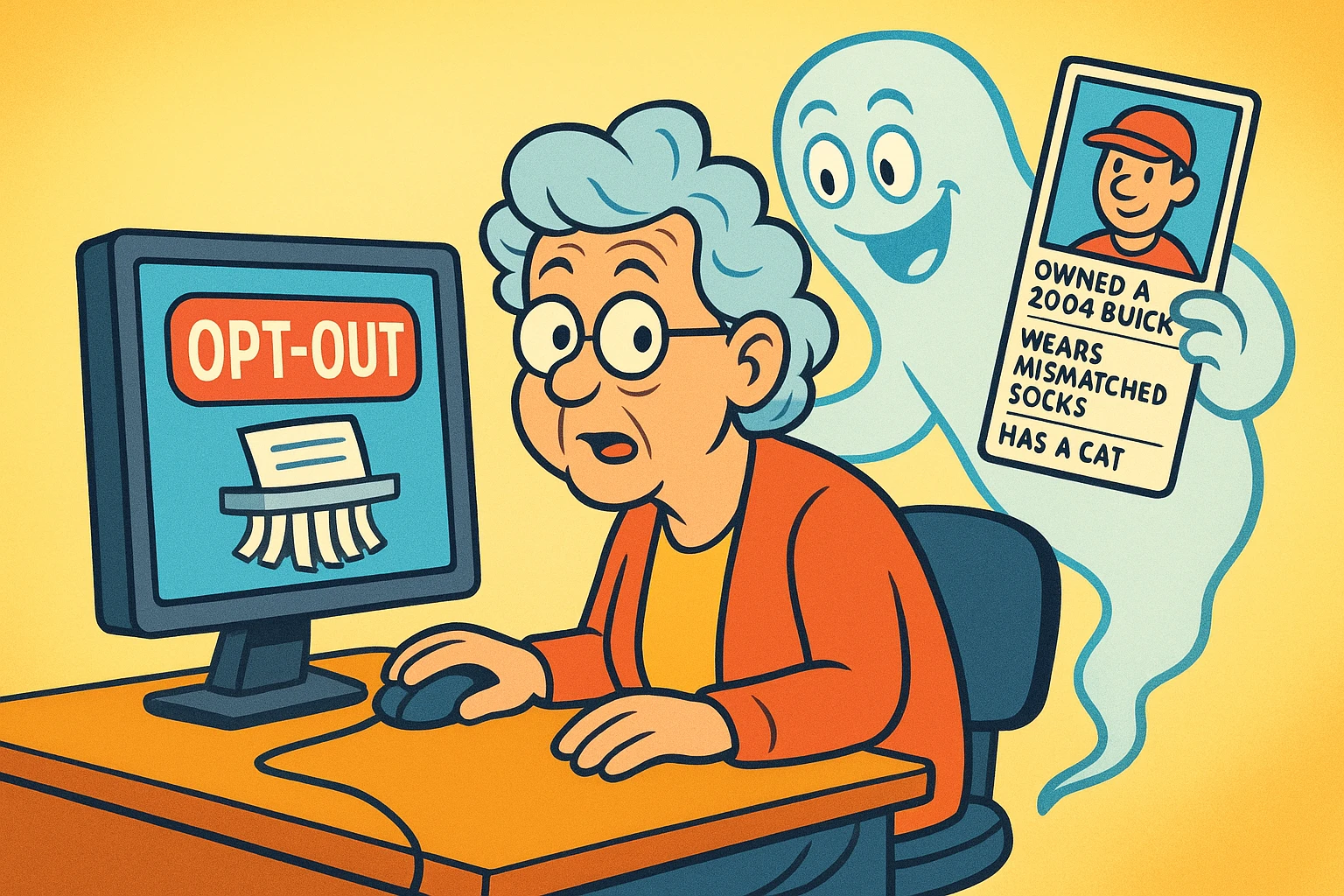
Remove info from data brokers by finding the people-search profiles that publish your name, age, address, phone number and relatives, then using each site’s free opt-out.
Start with whichever listings expose the most. Keep a record of every request you send. Then check again in a few months.
That last part isn’t optional, and here’s why. Removal reduces your exposure, but public records and fresh data feeds can put a listing back.
Think of it as weeding, not paving.
Search your full name in quotation marks along with your city, and any city you’ve lived in before.
Seeing your address and your relatives listed together is unsettling. That reaction is completely fair, and most people have it.
Write down each result. The site, the profile address, what it shows, and today’s date.
Start with the big visible ones such as Whitepages, Spokeo, MyLife and TruePeopleSearch. But reach their opt-out page through a link in the company’s own footer, not through an ad or a sponsored search result.
And take screenshots before you submit anything, so you can tell later what actually disappeared.
Paid removal services exist and they’re optional. They do the same clicking you’d do. Doing it yourself costs time, not money.
Some brokers ask you to upload identification, and that’s the moment to slow down.
Check you’re on the company’s official domain. Read exactly why they want it. And give no more than the documented process actually requires.
If a redacted copy is accepted, cover the unrelated fields and leave only what matches the listing.
If the request feels excessive, or the site can’t explain its own process, stop. Use the company’s privacy contact instead, or your state attorney general’s consumer-help route.
You’re allowed to walk away from a form. Handing your driver’s license to a company that publishes personal information for a living deserves a second thought.
Taking down a people-search listing removes one source of exposure. It won’t stop the calls, and it’s worth knowing that going in.
Your number is already in more places than one.
So do the other things too. Register eligible US numbers at DoNotCall.gov. Turn on your phone or carrier’s spam filtering. Silence and block unknown callers when that suits you. And never confirm personal details to somebody who called you.
Keep blocking and reporting the repeat offenders.
Opt-outs and call filtering work considerably better together than either does alone.
Keep a log, or you’ll be doing all of this from scratch in six months.
One line per broker. The name, the profile address, the date you requested removal, the confirmation number, and when to check again.
A notebook page is plenty. So is one spreadsheet.
Revisit the most revealing listings every three to six months, and repeat the opt-out if a profile has come back.
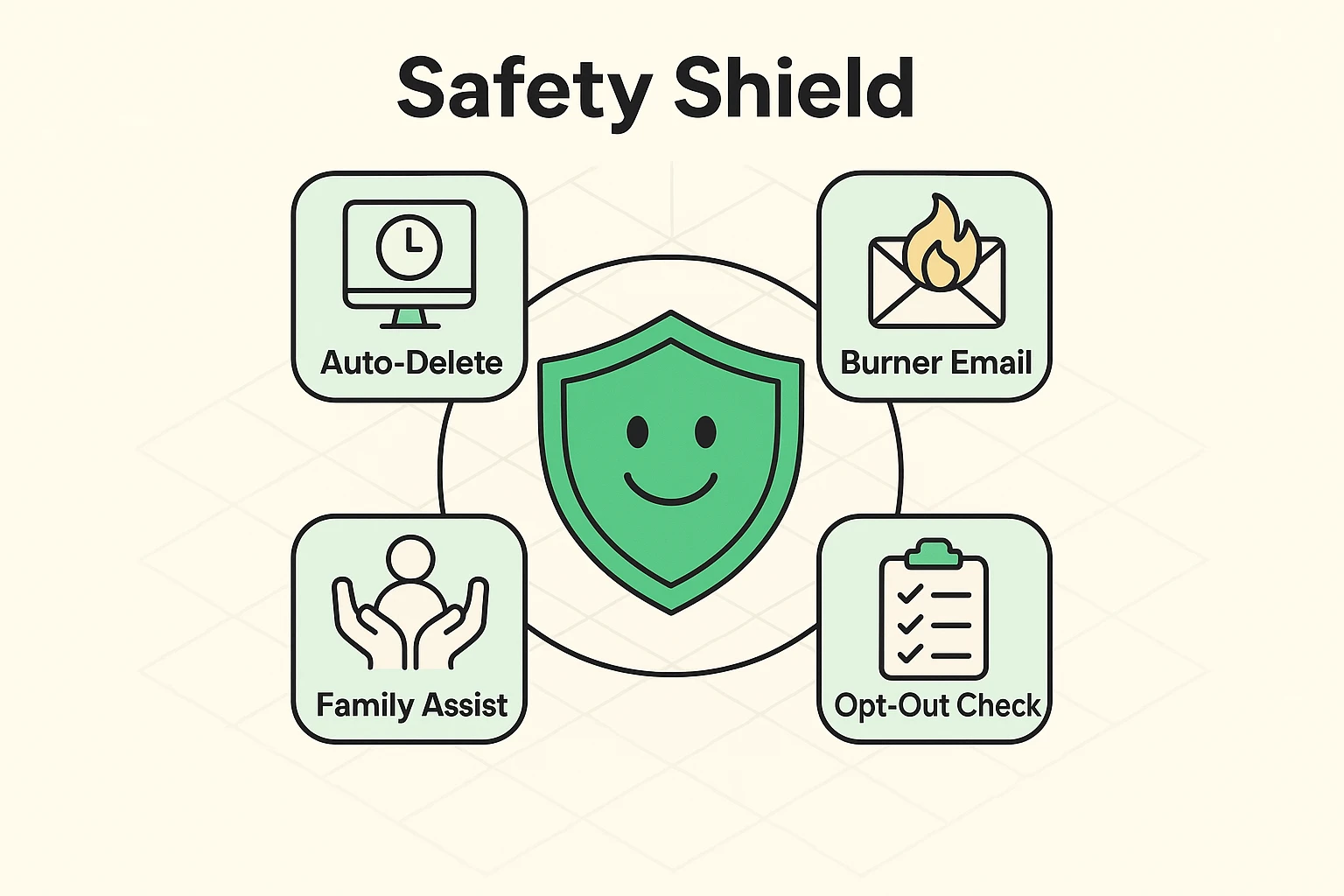
Meanwhile, slow the new stuff down. Review app permissions, use separate contact details for public listings where that’s practical, and decline the optional data-sharing boxes.
That reduces new collection. It can’t erase lawful public records, and nothing will.
For the wider picture, our online safety tips for seniors guide covers scams, privacy and security together in one place.
Yes. Most major people-search and data-broker sites offer a free opt-out. Use the official site’s privacy or opt-out page, save the confirmation, and go back to check the profile actually disappeared. Paid services do the same clicking on your behalf, so the only thing free removal costs you is time.
Not always. Public records and new commercial data feeds can rebuild a listing, so keep a removal log and recheck the most revealing sites every three to six months. A profile coming back isn’t a sign you did it wrong. It’s how these sites restock.
It removes one source of exposure, but it won’t stop every robocall. Combine opt-outs with carrier spam filtering, call blocking and the National Do Not Call Registry. Your number is already in more places than one, so expect fewer calls rather than silence.