Newsletter Subscribe
Enter your email address below and subscribe to our newsletter


Have you ever spent a Saturday afternoon wrestling with a traditional vacuum cleaner? It’s heavy, the cord is a trip hazard designed by a supervillain, and it screams like an angry banshee. You could probably burn more calories dragging that plastic beast upstairs than you would running a half-marathon.
So, you decide to join the future and buy a robot vacuum. You envision a quiet little disc gliding elegantly across the floor while you sit back and sip iced tea. But then, disaster strikes. You hear a terrifying crunch from the bedroom, and you realize your $2,000 hearing aid is now part of the robot’s digestive tract.
If this sounds like a nightmare you’d like to avoid, you are in the right place. A robot vacuum can be an incredible tool to help you maintain your independence and avoid the fall risks associated with heavy traditional vacuums. We are going to look at how to pick a robotic helper that cleans your floors effortlessly—without eating your valuables along the way.
Most modern robot vacuums use fancy technology to navigate your living room without bumping into walls. Some use LiDAR, which shoots invisible lasers around the room like a tiny, extremely boring nightclub. Others use built-in cameras acting as digital eyeballs to map out your furniture.
Big tech companies love to brag about their “Obstacle Avoidance” features. They train these robots to recognize and avoid common hazards like shoes, power cords, and, thankfully, pet accidents. But here is the catch: they are trained on specific classes of objects.
To a smart robot, a sneaker is a roadblock to be avoided. But a dropped hearing aid, a rogue blood pressure pill, or a delicate piece of jewelry? That just looks like a tasty crumb. The technology simply isn’t good enough yet to reliable detect objects smaller than a couple of centimeters. The safest approach is to never blindly trust the robot with small medical devices.
Not everyone wants to talk to their appliances or use a smartphone app just to clean the rug. The tech industry often forgets this, assuming we all want our vacuums connected to the internet. Let’s look at the three main ways you can interact with these floor-cleaning frisbees to find what fits your lifestyle.
Some of us just want to push a button and watch the magic happen. Believe it or not, there is a “Remote Control Renaissance” happening right now. Models like the Eufy 11S skip the complicated apps, software updates, and Wi-Fi headaches entirely. They come with a simple physical remote control, much like your television, so you just point, click, and it cleans.
Many seniors don’t realize that a robot vacuum can be a wonderful team effort. If your adult child or caregiver sets up the vacuum using their smartphone, they can completely manage it from their own house. They can schedule the cleanings, check if the bag is full, and monitor its “health” from miles away. It becomes a true “set it and forget it” machine for you.
If you love bossing around your smart speakers, this route is for you. Many modern vacuums connect seamlessly to Alexa, Siri, or Google Assistant. You simply announce, “Vacuum the kitchen,” and off the little robot goes to do your bidding. Just look for models that speak back to you in clear, understandable human words, rather than a series of confusing beeps that sound like R2-D2 having a panic attack.
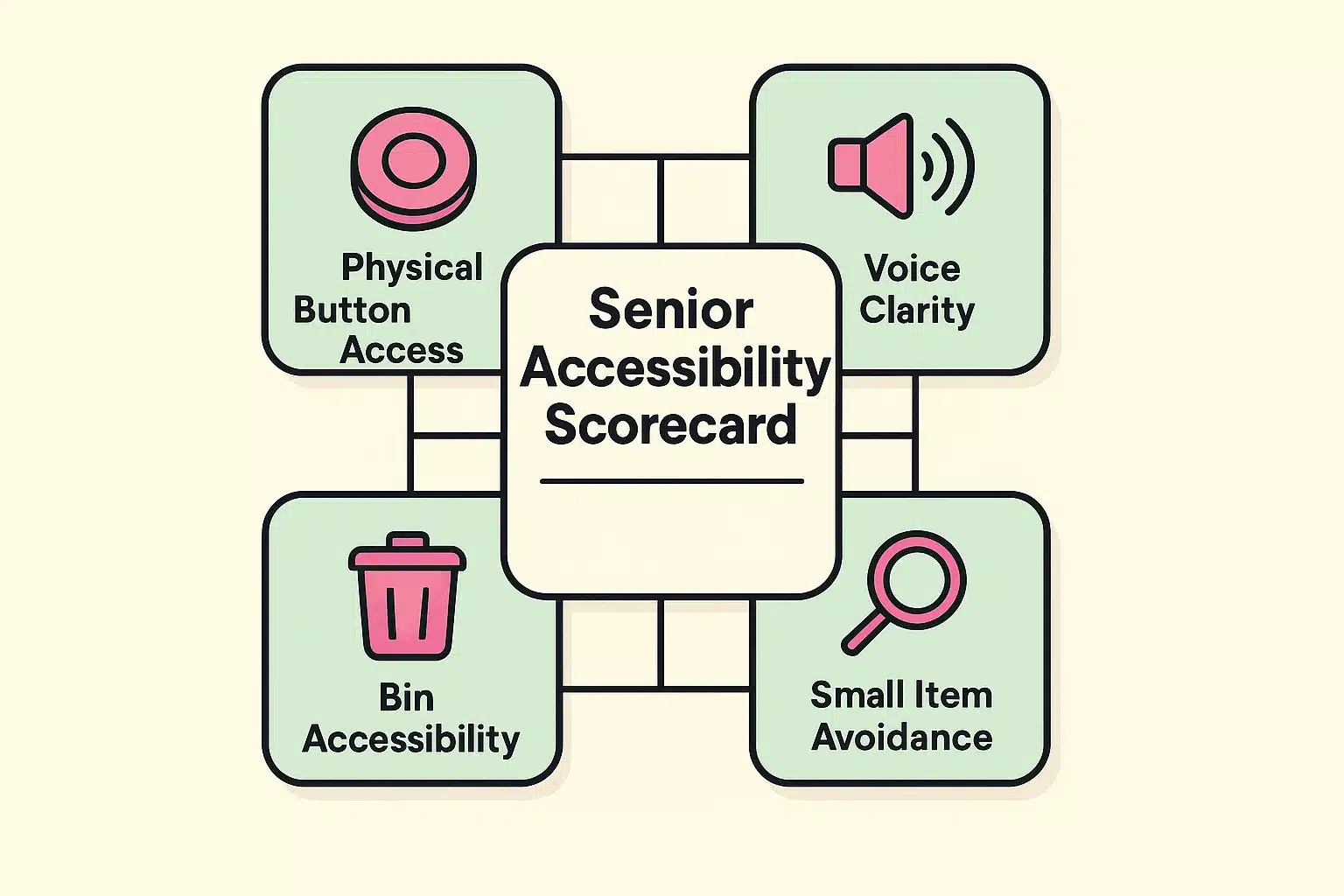
Here is a dirty little secret the vacuum commercials don’t like to highlight: robots get full. And when they get full, someone has to empty them. If you have arthritis or limited grip strength, wrestling with a tiny, dust-covered plastic bin every three days is a fast track to frustration.
This is where “Auto-Empty Docks” become worth their weight in gold. These are slightly larger base stations where the robot docks itself after cleaning. It revs up like a jet engine for about ten seconds and sucks all the dirt out of the robot and into a much larger, traditional vacuum bag hidden inside the base.
A good auto-empty bag can last anywhere from 60 to 90 days before it needs changing. When it’s finally full, you just slide the bag out and throw it in the trash. There are no complicated plastic latches, no sneezing fits from dust clouds, and no angry finger joints.
Before you let your new robotic friend loose in the house, you need to set some ground rules. Think of it like bringing home a new puppy, except this puppy is made of plastic and won’t chew on your slippers (hopefully).
First, if your vacuum uses a smartphone app, have someone help you draw digital “No-Go Zones.” You should immediately block off areas around your nightstand or the bathroom counter where you handle your pills and hearing aids. If you drop something small in a No-Go Zone, the robot will respectfully stay away until you find it.
Next, beware of the rug fringe. Robots love to try and eat the decorative fringe on expensive Persian rugs, which usually results in the robot getting hopelessly tangled and beeping sadly for help. You can either tuck the fringe under the rug or use the app to tell the robot to avoid that specific area entirely.
It shouldn’t, but it is a very valid concern. The best way to avoid a robotic collision in the hallway is to schedule the vacuum to run when you are asleep or safely out of the house. Out of sight, out of mind, and safely out from under your feet.
While they are cleaning, they are generally much quieter than traditional upright vacuums. However, the “auto-empty” bases we mentioned earlier can be quite loud for about 10 to 15 seconds while they suck the dirt out. If you have sensitive hearing, you might want to schedule it to run while you are in another room.
Nope! While the big tech companies push you to use their fancy apps, there are still plenty of great, simple robots available. Look for models that specifically advertise a “physical remote control” so you can clean without ever touching a touchscreen.
A robot vacuum can be a fantastic tool for keeping your home clean without straining your back or risking a fall. It is a genuine investment in your safety and independence, officially retiring that dreadful, heavy upright vacuum to the back of the hall closet. Just remember the golden rule: keep your hearing aids, pills, and small valuables safely off the floor.
Take a moment to decide what kind of user you want to be. Do you want the dead-simple remote control, or do you want the hands-off luxury of an auto-empty dock that a family member can manage for you? Once you know what features matter most to your daily comfort, picking the right robot becomes a breeze. Your floors, and your back, will thank you.