Newsletter Subscribe
Enter your email address below and subscribe to our newsletter

Discover how AI recommends shows and what it means for your privacy in entertainment platforms.
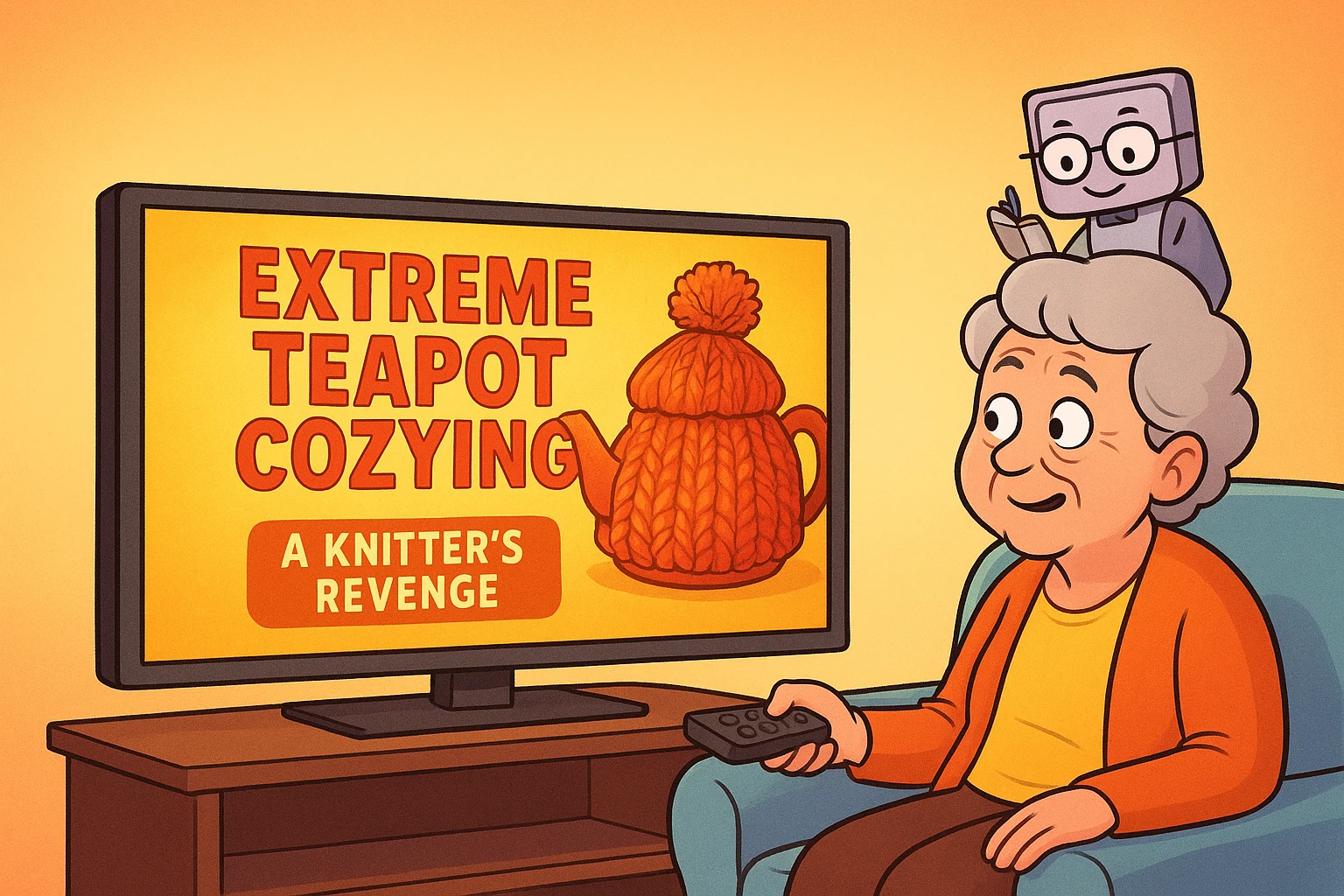
You just finished watching a classic Humphrey Bogart movie. You’re feeling suave, a bit mysterious. You pour yourself a cup of coffee and sit back down, ready for another cinematic adventure. But instead of suggesting another gritty film noir, your streaming service proudly presents its top recommendation for you: “Extreme Teapot Cozying: A Knitter’s Revenge.”
You stare at the screen. You haven’t knitted since that lopsided scarf you made in 1978. How on earth did it come up with that? Did it overhear you complaining about a chilly teapot last winter? Is your TV spying on your hobbies?
Don’t worry. Your television probably didn’t overhear you discussing the thermal needs of your teapot.
But that doesn’t mean nobody is keeping notes.
Streaming services pay close attention to what you watch, what you skip, what you rate, and other clues about how you use them. And some smart TVs have a separate feature called Automatic Content Recognition, or ACR, that can identify what’s playing on the screen.
That’s different from secretly recording conversations in your living room. But yes, your television may know quite a bit about your television watching.
The recommendations themselves usually come from algorithms powered by Artificial Intelligence, or AI. Think of them as a very enthusiastic, slightly nosy librarian who keeps a detailed file on the books you’ve checked out and then tries to guess what you’ll want next.

So, what is this “AI” thing, really? In the world of entertainment, think of it as a set of digital instructions—a recipe—that computers follow to learn about your tastes. This recipe is called an algorithm. It doesn’t have opinions or feelings; it just looks for patterns.
Every time you interact with a service like Netflix, YouTube, or Spotify, you’re giving this digital librarian another note to add to your file. These notes aren’t just about the big things, like watching all three seasons of a British baking show. It’s tracking everything.
Here’s a taste of the information these services may use:
Put enough of these clues together and the service can build a pretty good picture of your interests and preferences.
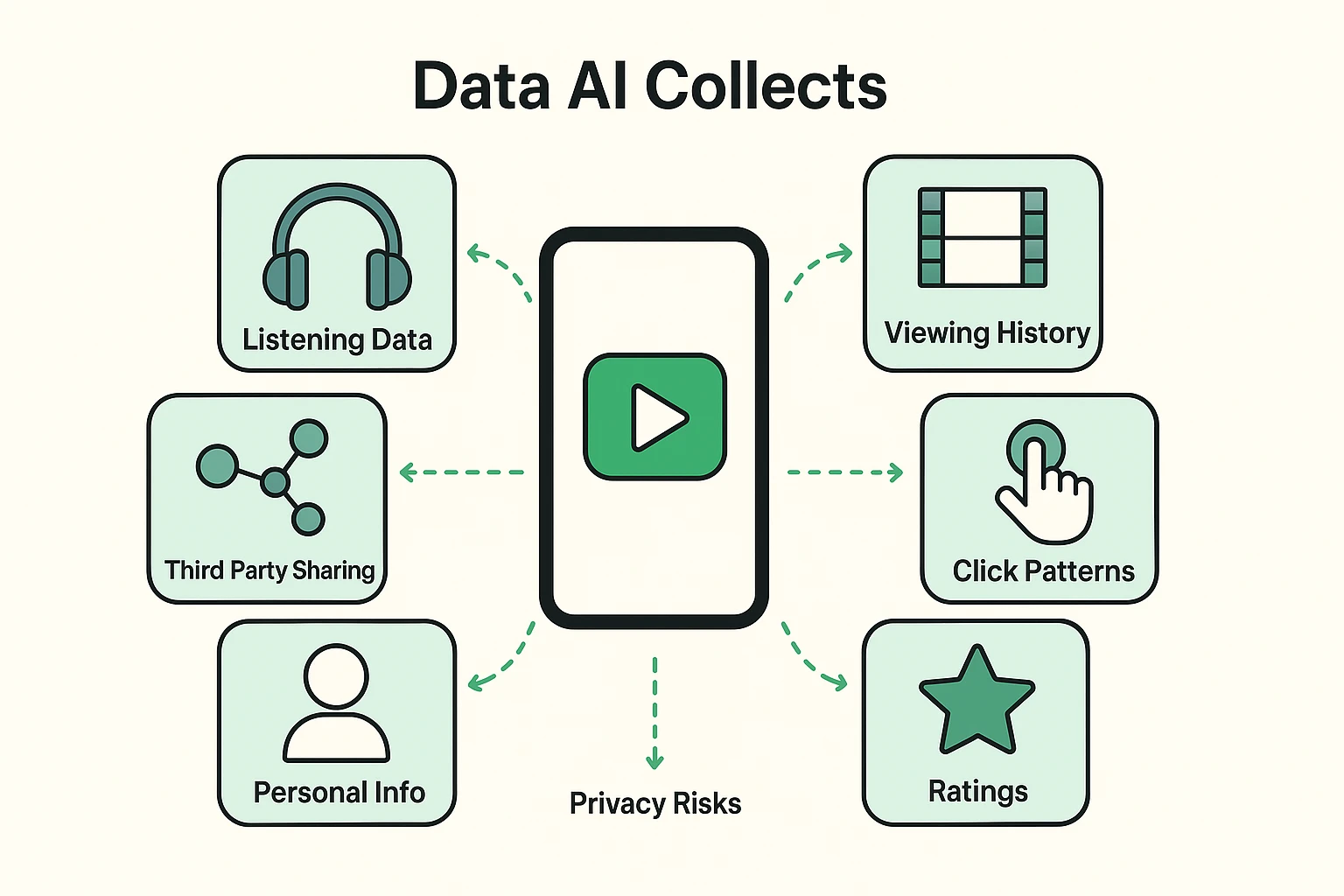
Having a service that knows you love old Westerns can be fantastic. But this constant data collection comes with a few things you should be aware of. The digital librarian isn’t just organizing books; it’s also sharing its notes, and sometimes those notes can reveal more than you intended.
The main concern is privacy. Those viewing and listening habits can sometimes be used to make other guesses about you—your interests, your approximate age, and other preferences you never typed into a form. This kind of information is often called “inferred data.”
And depending on the service, some information may also be disclosed to advertising or marketing partners. That doesn’t necessarily mean Netflix is selling a spreadsheet titled “Everything Bob Watched Since 2017.” The advertising world is considerably more complicated—and, somehow, less charming—than that.
It’s the same broad system that can help explain why you look at gardening gloves on one website and spend the next week being followed around the Internet by advertisements for fertilizer, garden hoses, and a sunhat apparently designed for Queen Elizabeth.
You do have some control over this. Depending on where you live, privacy laws such as the GDPR in Europe, the CCPA in California, and laws in other states and countries may give you rights to see, delete, or limit certain uses of your personal information.
Feeling a little weirded out? Don’t be. You have more control than you think. You don’t have to Fortunately, you don’t need to understand a recommendation algorithm to boss it around a little.
First, make sure everyone in your household is using their own profile when the service supports them. If your spouse watches murder mysteries and you watch baseball, sharing one profile teaches the system that your ideal evening involves the Cardinals solving a homicide.
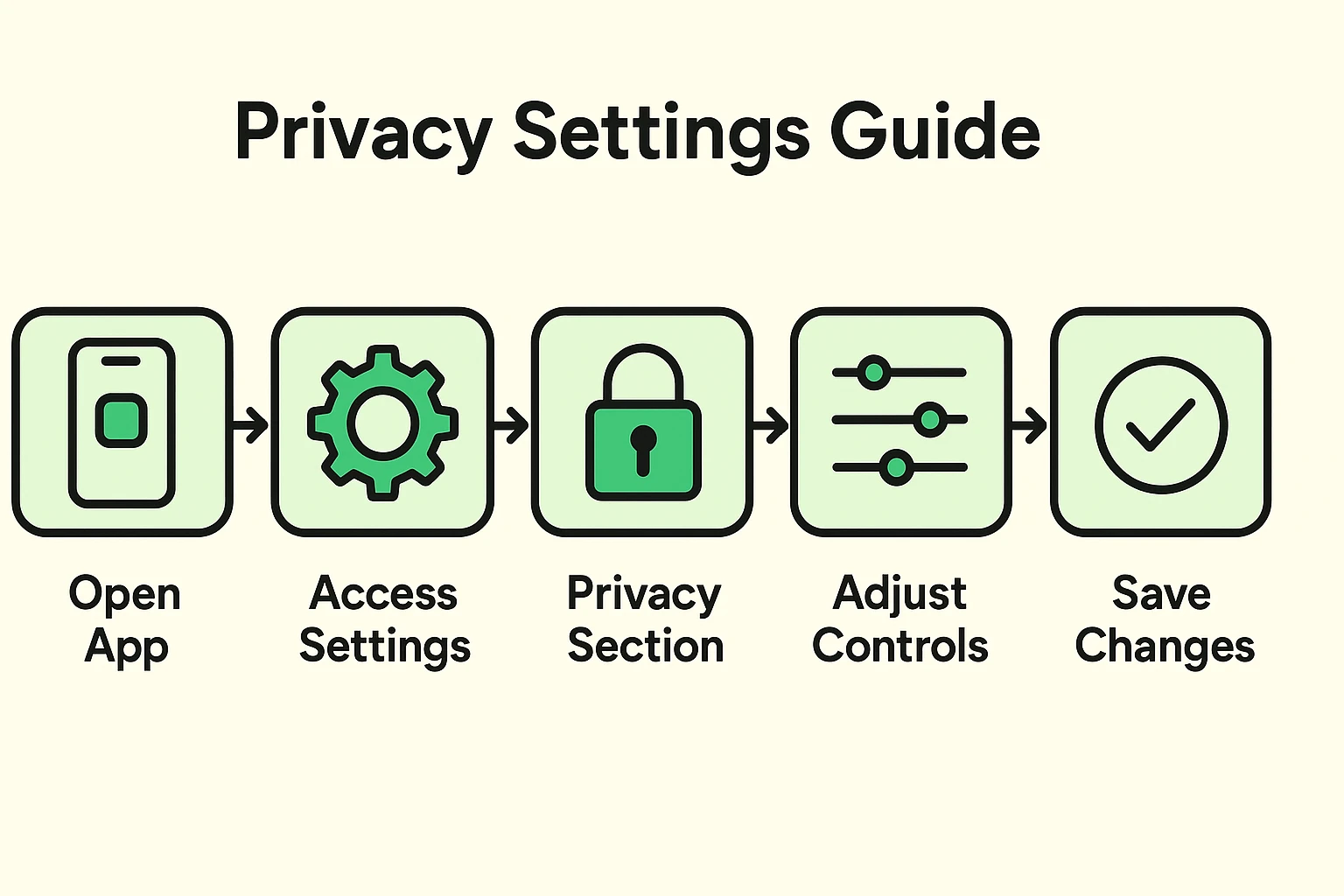
After that, the controls depend on the service.
On Netflix: Go to your account, choose your profile, and look for Viewing activity. You can hide individual movies and shows—or hide everything. Netflix says hidden titles will no longer be used to make recommendations unless you watch them again.
Netflix also has Privacy and data settings, where eligible users can manage things such as behavioral advertising.
On YouTube: You have considerably more control. You can delete individual videos from your watch history, clear your history, or turn watch history off altogether. You can also use Not interested and Don’t recommend channel to teach YouTube what you’d prefer not to see.
On Spotify: Instead of clearing your entire listening history, you can tell Spotify not to let certain music affect its opinion of you. Open a song or playlist, tap the three-dot menu, and choose Exclude from your taste profile.
There’s also Private Session, which is handy when you’re temporarily listening to something you don’t want influencing future recommendations. Perhaps your grandchildren have commandeered the speakers for three hours of music involving cartoon sharks. Some things should stay off your permanent record.
And don’t forget the television itself.
Many smart TVs have a feature called Automatic Content Recognition (ACR) that can collect information about what’s being watched. The exact setting varies by manufacturer, so look through your TV’s Privacy settings for terms such as Viewing Information, Smart TV Experience, Viewing Data, or ACR. If you don’t want that tracking, it can generally be turned off.
Usually, no. A smart TV with a microphone may listen for a voice command or wake word, but that’s different from secretly recording every conversation in your living room. There is another kind of tracking worth knowing about, though. Some smart TVs use Automatic Content Recognition (ACR) to identify what you’re watching on the screen. That’s why checking your TV’s privacy settings is worthwhile even if you never use voice commands.
Usually not. Recommendations are built into most streaming services.
But you can influence them. Netflix lets you hide titles from your viewing history so they stop affecting recommendations. YouTube lets you delete or turn off watch history. Spotify lets you exclude certain songs and playlists from your taste profile. And sometimes the easiest solution is embarrassingly simple: make sure everyone in the house is using their own profile. Otherwise, your husband’s World War II documentaries, your granddaughter’s Taylor Swift videos, and your three-week obsession with The Great British Baking Show all get tossed into the same digital stew. No algorithm deserves that assignment.
No. Private browsing stops your web browser from saving your history on your computer, but as soon as you log into your Netflix account, Netflix itself is still tracking what you watch. The private window doesn’t hide you from the websites you log into.
The biggest risk is the slow, quiet collection of thousands of data points that, when combined, create an incredibly detailed profile of you. While a single movie choice is harmless, a pattern of choices over years can be used to make assumptions about your life, habits, and beliefs that you may not want to be shared.
At the end of the day, that AI-powered recommendation engine is just a tool. It’s not magic, and it’s certainly not a mind reader. It’s a pattern-matching machine that works with the information you give it.
By understanding what it’s tracking and knowing where to find your privacy settings, you can make sure this tool works for you—helping you discover your next favorite movie without making you feel like you’re living with a nosy roommate. Now that you have a better grasp of how AI works, you might even find fun ways to use it. Many people are discovering new ways to explore creative hobbies powered by AI to express themselves in amazing new ways. Go ahead and take control—after all, you’re the one holding the remote.