Newsletter Subscribe
Enter your email address below and subscribe to our newsletter


Have you ever opened your email and felt like you were standing at the bottom of a digital Mount Everest? There are 50% off coupons from a store you visited once, urgent notifications that your long-lost cousin in a foreign land has left you a fortune, and somewhere, buried under an avalanche of newsletters, is an email from your actual cousin asking about Thanksgiving.
Your inbox has become the digital equivalent of that one junk drawer everyone has. You know, the one with old batteries, takeout menus from 2008, and a single, mysterious key. Trying to find anything important in there is a full-blown archaeological dig. It’s stressful, it’s cluttered, and frankly, it’s a chore.
But what if you had a personal assistant? A tireless, lightning-fast helper who, before you even pour your morning coffee, has already sorted your mail into neat, logical piles: important letters on top, magazines and flyers in another stack, and all the obvious junk mail straight into the recycling bin. That’s exactly what an AI email helper can do for your inbox.
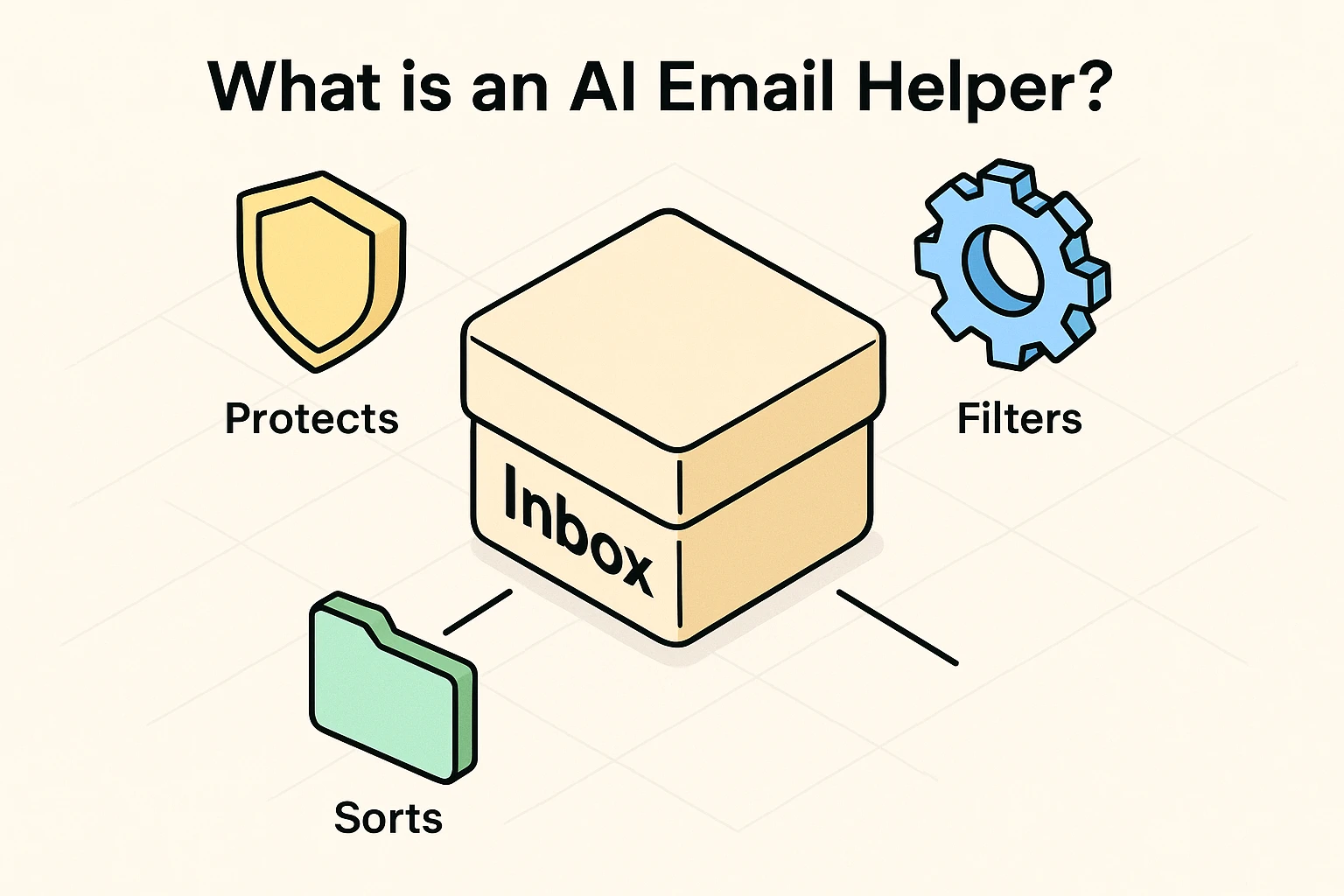
Before your brain conjures up images of a robot overlord reading your private letters, let’s clear the air. “Artificial Intelligence” is just a fancy term for a computer program that’s really good at learning patterns.
Think of it like a highly-trained mailroom clerk. This clerk doesn’t open and read your letters. They don’t care about the family gossip from Aunt Carol. They simply look at the outside of the envelope: who sent it (the sender), what it’s about (the subject line), and whether it looks like a bill, a personal letter, or a pizza coupon.
Based on these patterns, which it learns from your behavior, it sorts the mail. It notices you always read emails from your grandkids right away, but you let the ones from “Big Bob’s Discount Furniture” sit for weeks. So, it starts putting the grandkids’ emails in the “Important” pile and the furniture ads in the “Promotions” pile. It’s a pattern-matcher, not a nosy neighbor.
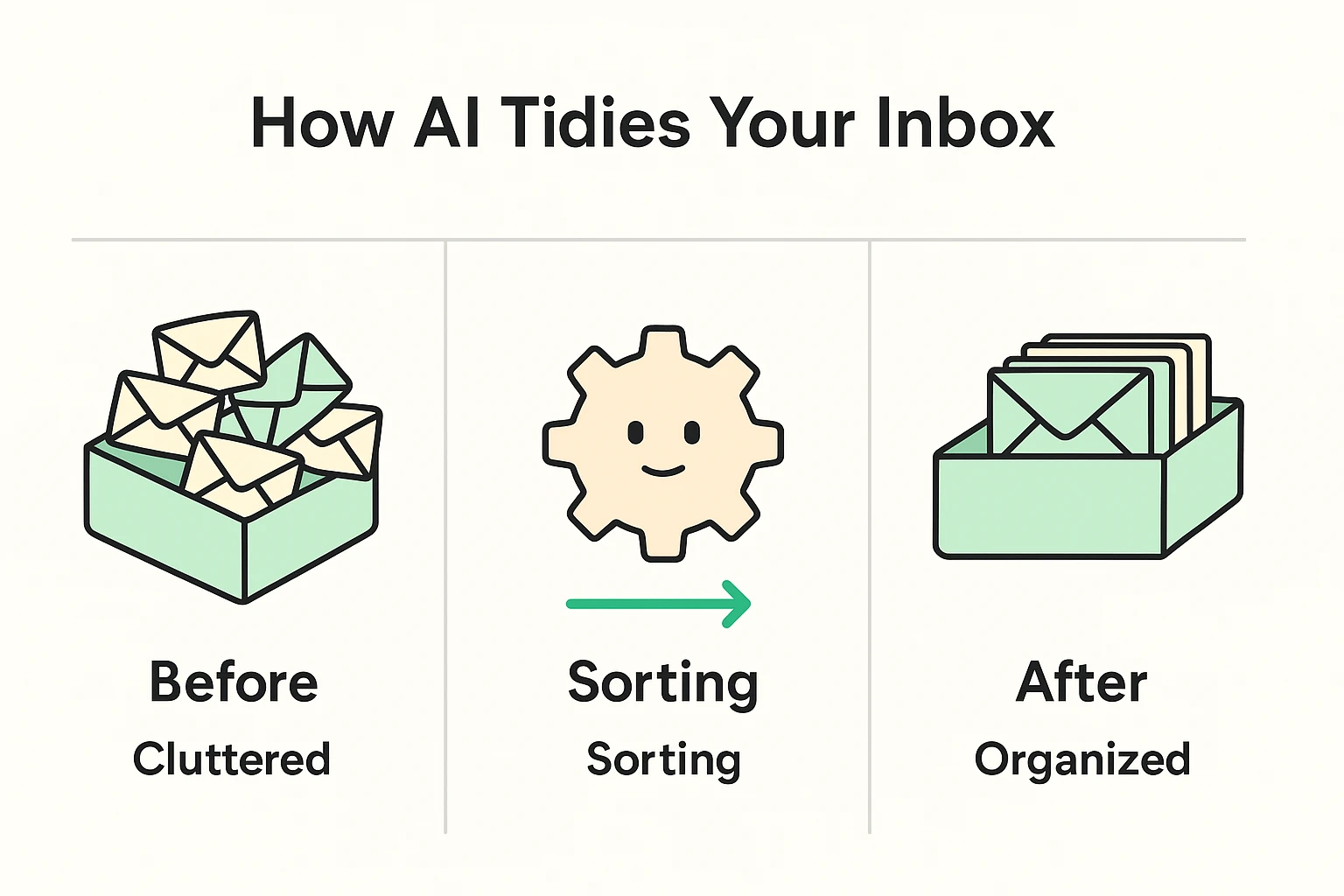
The real magic happens behind the scenes. An AI helper scans your incoming mail and, in less than a second, makes a decision based on what it’s learned about you.
Here’s how that messy inbox transforms into a sanctuary of calm:
The end result? Instead of facing 2,478 unread emails, you might only see five. The rest are neatly filed away, waiting for you if you ever need them. It’s the difference between a desk buried in paper and one with a few neat, labeled folders.
This is the most important question, and you’re right to ask it. Handing over your email to a program sounds scary. A cluttered inbox is a prime hunting ground for scammers, making it much harder to spot fake news or phishing attempts. So, any tool you use must be trustworthy.
The good news is that reputable AI email tools are built with security as their top priority. They aren’t interested in your data; they’re interested in providing a service. Think of it like hiring a bonded and insured cleaning service. Their business depends entirely on your trust.
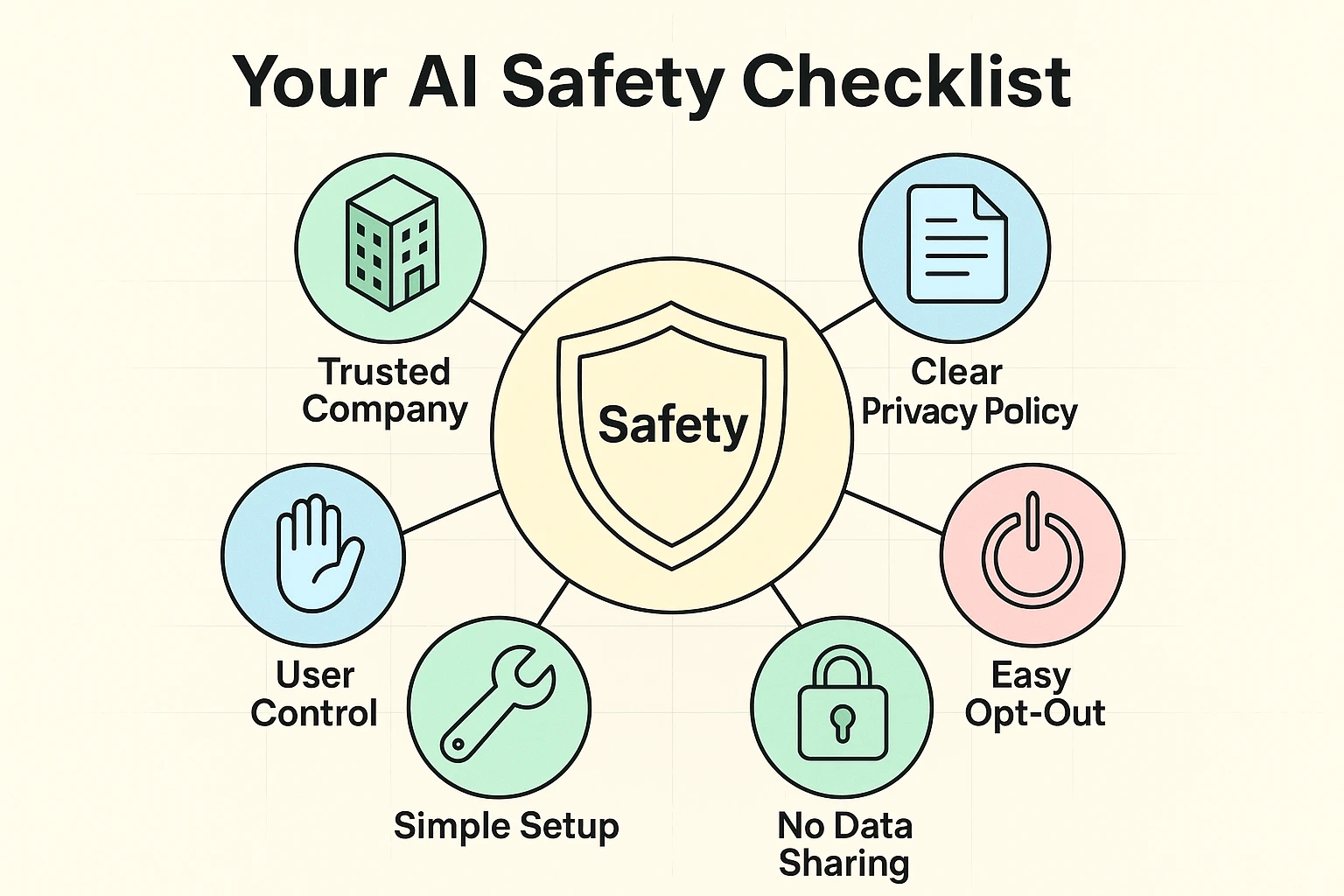
Here’s a simple checklist to use before you let any digital assistant tidy up your inbox.
Before trying any tool, ask these three simple questions. If the answer to any of them is “no” or “I can’t tell,” it’s best to steer clear.
You don’t need to download ten different apps to get started. In fact, you might already have the tools you need.
Reputable tools almost never delete anything without your permission. Instead, they move emails to other folders. If you think something is missing, you can always check the “Promotions” or “Newsletters” folder. You are still in complete control.
The basic sorting features in Gmail and Outlook are completely free. More advanced services like SaneBox typically charge a small monthly fee, similar to a magazine subscription. Most offer a free trial so you can see if you like it first.
Any good service will have a clear “off” switch. With one click, you can disable the sorting, and all your emails will flow back into your main inbox just like they did before. No harm, no foul.
That’s a great question! They are related in the same way a car and a tractor are related—they both have engines, but they do very different jobs. They both use “AI,” but an email helper is a specialist designed only for sorting mail. It can’t write a poem or tell you a joke.
Reclaiming your inbox from chaos isn’t about becoming a tech wizard. It’s about using a smart tool to reduce daily stress and make your digital life a little more peaceful. By letting an AI assistant handle the sorting, you can spend less time deleting junk and more time reading what actually matters.
Making technology work for you is a big part of staying safe and connected. To learn more about simple steps you can take, you can read our guide on why you need 2-Factor Authentication (2FA) in your life. At Senior Tech Cafe, we believe technology should be a helper, not a headache.