

By Chris Clark, founder of Senior Tech Cafe
An AI shopping assistant is a free tool that takes over the tedious parts of online shopping: it answers questions about products, compares prices, tries coupon codes and tells you when something you want goes on sale. If you use Amazon or Google, you already have one, and a coupon finder adds another to your web browser.
Have you ever felt like online shopping requires the strategic mind of a four-star general and the reflexes of a hummingbird on its third espresso?
You find the perfect garden gnome, but wait, is it cheaper on another site? So you spend the next hour with 17 tabs open, your screen looking like a digital mosaic of gnomes, shipping costs and forgotten passwords.
Just when you’re ready to buy, a little box pops up: “Enter Coupon Code.” This sends you on another frantic quest through the internet’s back alleys, searching for a code that isn’t from 2014. By the time you’re done, the gnome is sold out, and you need a nap.
A good AI shopping assistant does that bargain-hunting for you. Here’s what each kind does well, where each falls short, and how to pick the one that fits you like a comfortable pair of slippers.
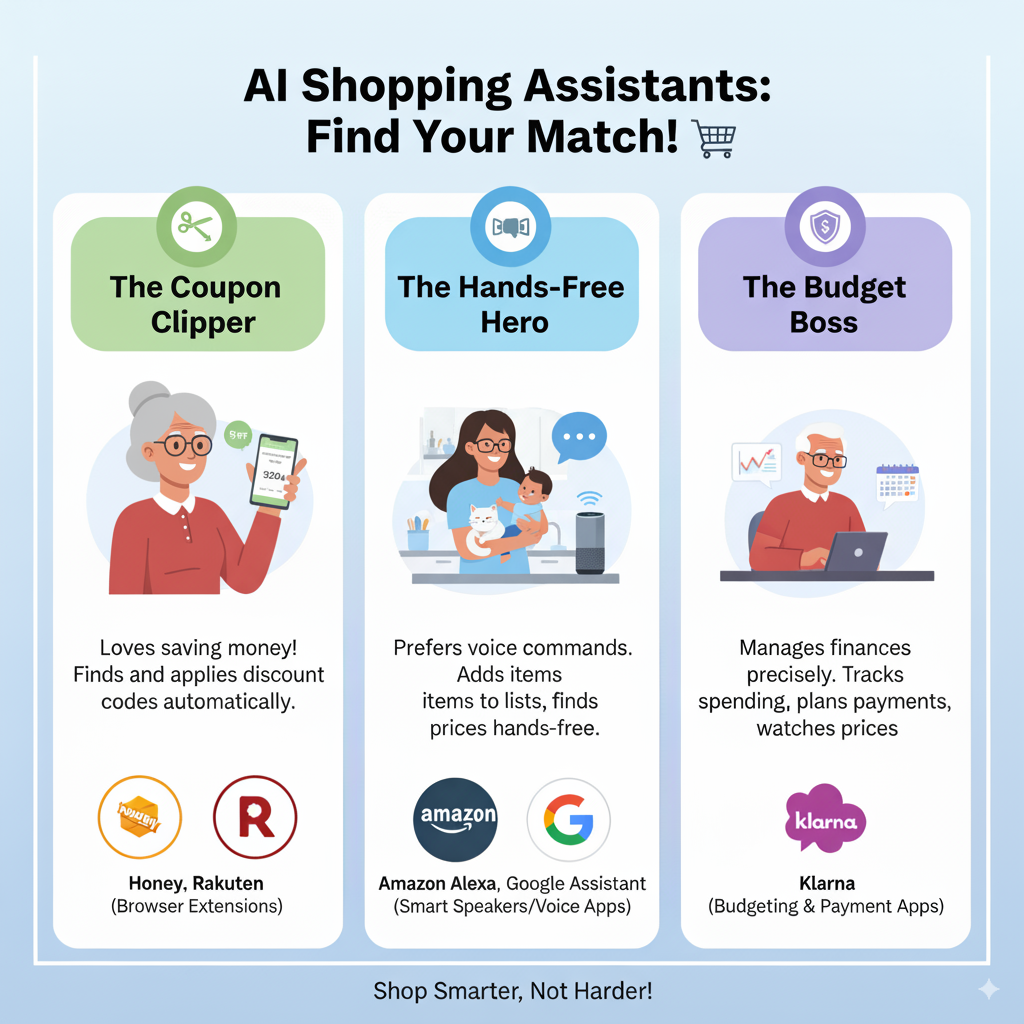
Before your eyes glaze over at the term “AI,” here’s the plain version. An AI shopping assistant is a very fast personal shopper who lives inside your phone or computer. It doesn’t get tired, it doesn’t need a lunch break, and it’s never too embarrassed to ask whether there’s a coupon.
It’s the digital equivalent of a friend who leans over and whispers, “Psst, you can get that 20% cheaper at the store down the street.”
You’ll mostly meet three kinds:
Choosing between them is less about which is “better” and more about which suits your style. Do you want a helper that chimes in when needed, or one you go and ask?
The best AI shopping assistant is the one that matches how you shop: if most of your buying happens on Amazon, start with the assistant inside the Amazon app; if you shop around, Google’s price tracking covers more stores; and if you want coupon codes tried for you at checkout, add a free browser extension like Capital One Shopping.
Not all of them are created equal. Some are masters of couponing, while others are watchdogs for price drops. Are you a meticulous planner or a spontaneous bargain hunter? Here’s a breakdown to help you decide.
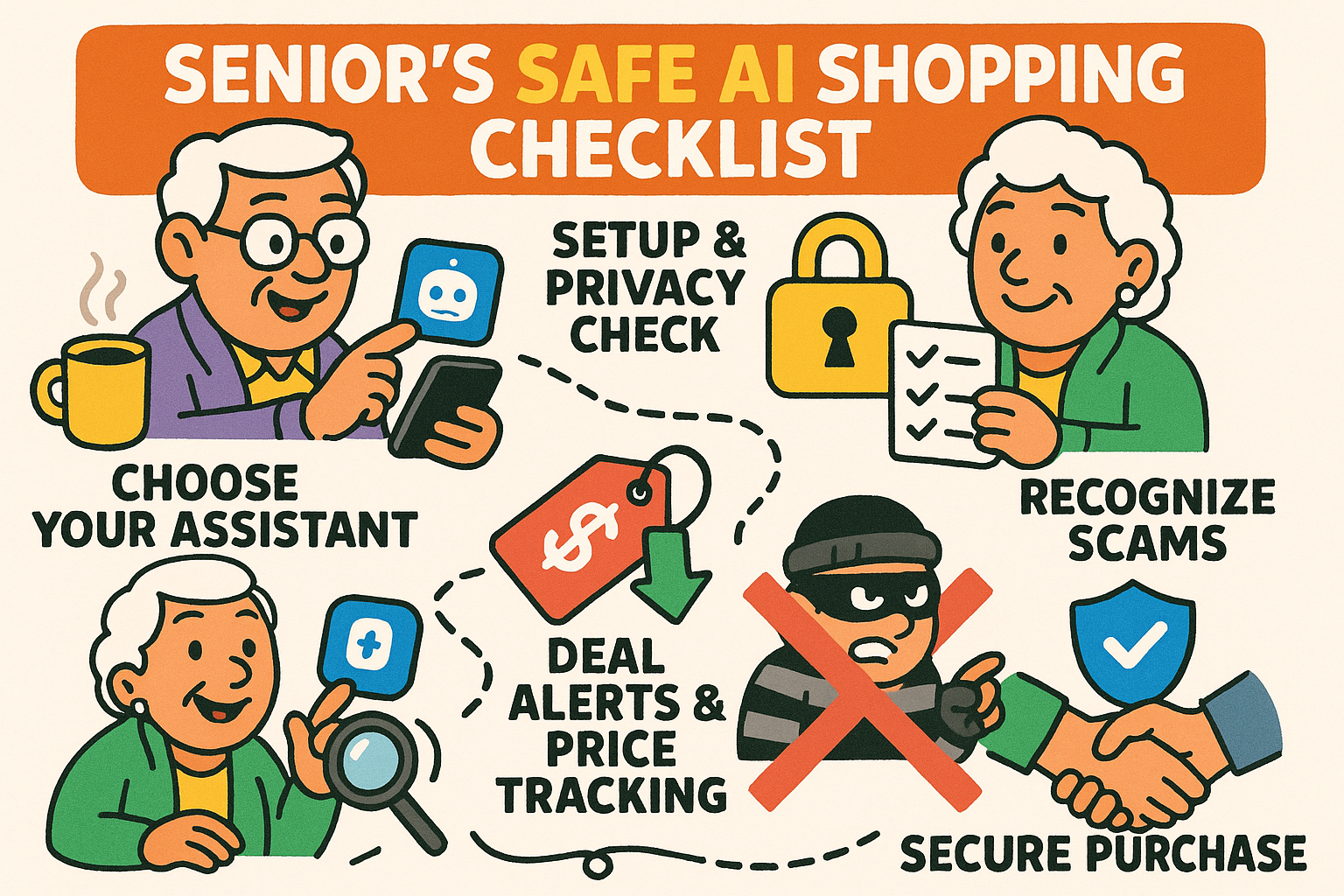
These “shopping personas” make it easier to see which features might tickle your fancy:
An AI coupon finder is a free browser extension that wakes up at the checkout page, tries every coupon code it knows for that store, and applies the one that saves you the most. No more typing “BIRDSAVE20,” “FEEDERFUN” and your dog’s name backwards into that little empty box.
Setting one up is easier than programming a VCR was in 1988. You do it once, on a desktop or laptop computer:
These tools are free because stores pay them a commission when you buy. That’s fair enough, but it has two side effects worth knowing:
Cash-back sites like Rakuten work differently. You start your shopping at Rakuten, and it pays you back a percentage of what you spend, by check or PayPal, four times a year once you’ve earned more than $5. It’s a nice little bonus that adds up.
A price tracking app watches an item for you and sends an alert when the price drops, so you don’t have to check on the recliner you’ve had your eye on every morning like it’s a stock ticker. Several free options do this well:
One setting deserves a careful look before you say yes. Google and Amazon can both buy the item for you when it hits your price. Google asks your permission first; Amazon’s Auto Buy uses your default payment method. It’s handy for the patient shopper. It’s also how people end up owning two recliners, so if you turn it on, use it for one item at a time.
For prescriptions, GoodRx compares cash prices at local pharmacies and offers free discount coupons. A GoodRx coupon can’t be combined with your insurance or Medicare Part D on the same fill, so ask the pharmacist to ring it up both ways and take the lower price.
Virtual try on uses a photo of you, or your phone’s camera, to show how clothes or glasses would look on your own body before you order them. It’s the closest thing yet to a dressing room in your living room, minus the lighting that makes everyone look sickly.
Have you ever ordered a shirt that looked dashing on the 20-something model, only to have it arrive and fit you like a Hefty bag with sleeves? Then comes the trek to the post office, where you wait in line behind someone mailing a live ferret to their cousin. Try-on tools won’t end returns, but they catch the obvious mistakes.
Two good places to start:
Two things to keep in mind. It’s a good guide to color, pattern and style, not a promise of fit, so check the size chart too. And when you upload a photo, it goes to the company, so stick to stores you already know and read what they keep.
A couple of tricks make the picture better. Face a window so the light is in front of you, not behind you (unless you’re going for “mysterious witness in a documentary”), and prop your phone against a stack of books so it holds still.
Using an AI shopping assistant isn’t just about saving money; it’s also about shopping with more confidence. These tools are safe enough when they come from companies you know. The trouble usually starts with copycats, fake stores and a few settings worth a second look.
A few habits keep the bargain hunting from turning into a headache:
For the rest of the checklist, see our guide to safe online shopping for seniors.
The main ones are. Amazon’s Alexa for Shopping, Google’s price tracking and coupon extensions like Capital One Shopping cost nothing to use. They earn money from store commissions or by keeping you shopping with them. What you trade is data: they see what you look at and buy, so read the privacy policy if that matters to you.
Coupon-finding browser extensions do it automatically. Capital One Shopping and PayPal’s Honey both try known codes at checkout and apply the best one they find. Capital One Shopping is free to everyone, and you don’t need a Capital One card or account. Install either one from your browser’s official extension store, never from a pop-up or email link.
Only if you turn that on. Amazon’s Auto Buy will purchase an item with your default payment method when it reaches a price you set, and Google can offer to buy a tracked item at your target price, asking permission first. Leave these features off unless you really want them, and check your orders after setting one up.
A browser extension adds itself to the web browser on your computer and pops up when you’re on a shopping site. An app is a separate program you open on your phone or tablet and start your shopping inside. Extensions are more automatic at checkout, while apps keep your lists, alerts and rewards in one place.
No. Coupon-finding extensions work best on a regular desktop or laptop computer, and both Google’s price tracking and Amazon’s assistant work in a web browser. A smartphone adds a few handy extras, like price-drop notifications and trying on clothes or glasses with your camera, but you can save money without one.
You don’t need every tool on this page. Pick the one that matches how you shop, maybe a coupon finder on your computer or a price alert on the thing you’ve been eyeing, and give it a month. You might find that the frantic, 17-tab search for the perfect garden gnome is officially a thing of the past.
One word of warning: the same AI that finds you deals also works for the stores. Here’s how AI nudges you into spending more. And for more ways AI can lend a hand, browse our AI for seniors guides.
Happy (and smarter) shopping.