Newsletter Subscribe
Enter your email address below and subscribe to our newsletter

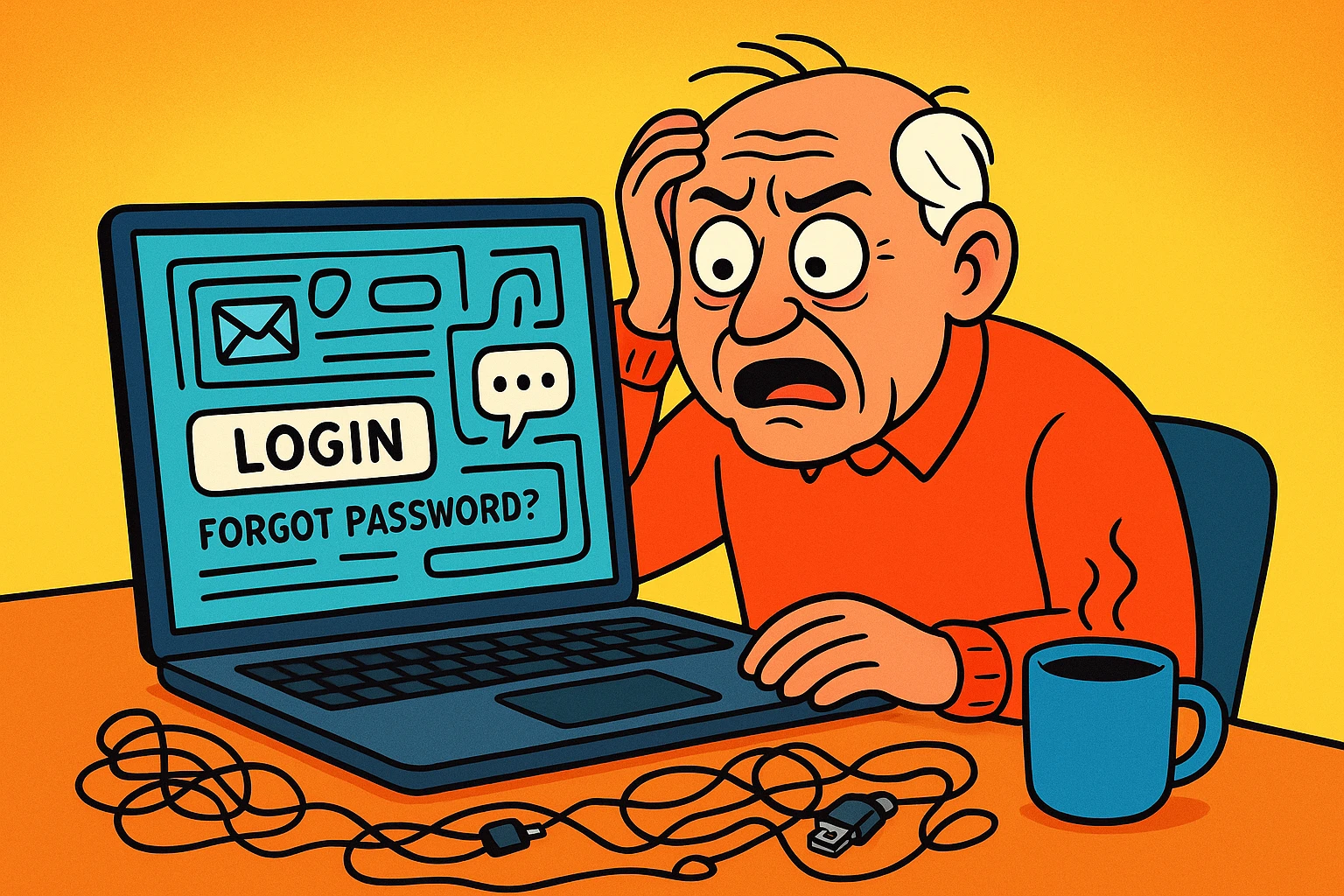
Imagine you’ve just been named the executor of Uncle Bob’s estate. You’ve wrangled the physical stuff: you sold his 1998 Buick, you rehomed his overly aggressive parrot, and you even figured out what to do with his bizarre collection of ceramic frogs. You sit down with a cup of coffee, ready to close out his Facebook and email accounts. You figure it’ll take, what, twenty minutes tops?
Wait. You realize you don’t have his passwords. You try guessing “CeramicFrog1955.” Nothing. You click “forgot password,” and the website cheerily informs you it just texted a security code to a phone that was buried with him last Tuesday. Suddenly, dealing with the angry parrot seems like a walk in the park.
If this sounds terrifyingly plausible, you are not alone. For many families, managing the digital footprint of a deceased loved one feels like trying to cancel a gym membership with a bouncer who only speaks in binary code. But don’t worry, you don’t need a degree in computer science to figure this out. We are going to help you navigate this digital maze step by step.
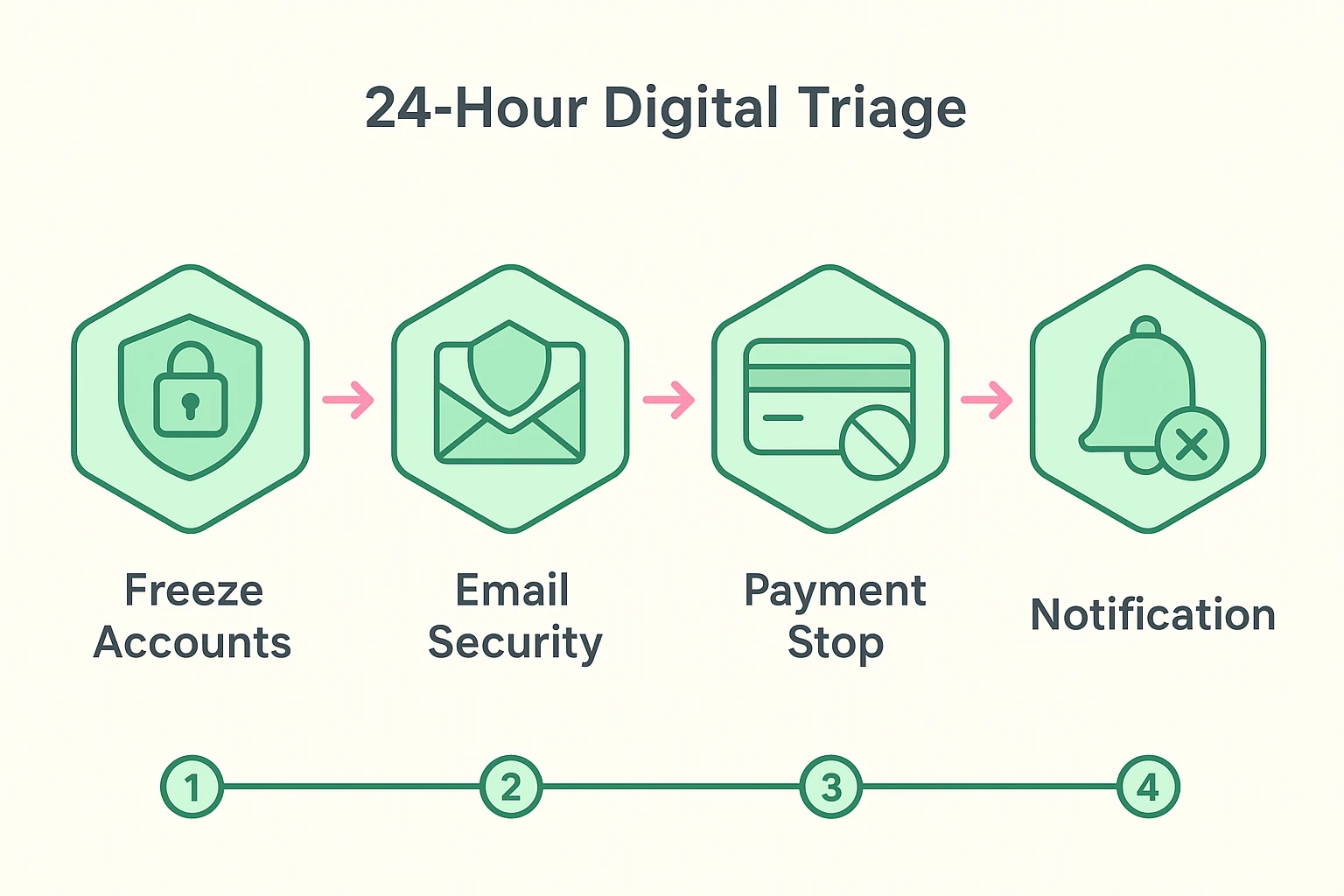
When a loved one passes, most people think they need to immediately close every single account from Spotify to their online electric bill. Take a deep breath. You do not need to tackle a list of 200 websites right now. Your very first goal is simply to stop the bleeding of auto-pay subscriptions and protect their identity from fraudsters.
An unattended digital footprint is an absolute goldmine for identity thieves. If bad actors realize an account is “orphaned,” they will gladly take over Uncle Bob’s social media to peddle shady cryptocurrency to his friends. To stop this, you need to understand one crucial rule: the email inbox is the new physical mailbox.
If you can gain access to their primary email account, you hold the master key to their digital kingdom. Almost every password reset link, banking notification, and subscription receipt will flow through that inbox. Secure the email account first, and the rest of the puzzle pieces will start falling into place.
Here is a massive mistake people make: they inherit their loved one’s smartphone and immediately decide to perform a “factory reset” so they can give it to a grandchild. Stop right there! Put down the phone and step away.
Most modern accounts are protected by Two-Factor Authentication (2FA), meaning they require both a password and a special code texted to a phone to log in. If you wipe that phone, you are effectively throwing away the only set of keys you have to their digital house. If you’ve ever found yourself staring at a screen in a panic over a two factor authentication lost phone scenario, you know exactly how maddening it is to be locked out by a robot.
Keep their phone active and charged, and keep their phone plan running for at least a few months. You are going to need it to receive those annoying little six-digit text codes while you close out their affairs.
Eventually, you will hit a brick wall where a tech company refuses to give you access to an account. They will cite privacy policies, read from robotic scripts, and generally make you want to pull your hair out. This is where you get to use your legal shield: RUFADAA.
RUFADAA stands for the “Revised Uniform Fiduciary Access to Digital Assets Act.” Yes, it sounds like a noise a dog makes when it sneezes, but it is actually your best friend. This law gives executors the legal right to manage digital assets just like physical ones.
When you write an email or letter to a stubbornly unhelpful tech company, don’t just ask nicely. Include a “Letter of Authority” that explicitly mentions RUFADAA, along with a copy of the death certificate and court documents naming you as the executor. Suddenly, you’ll find that tech support becomes much more accommodating when they realize you actually know your legal rights.
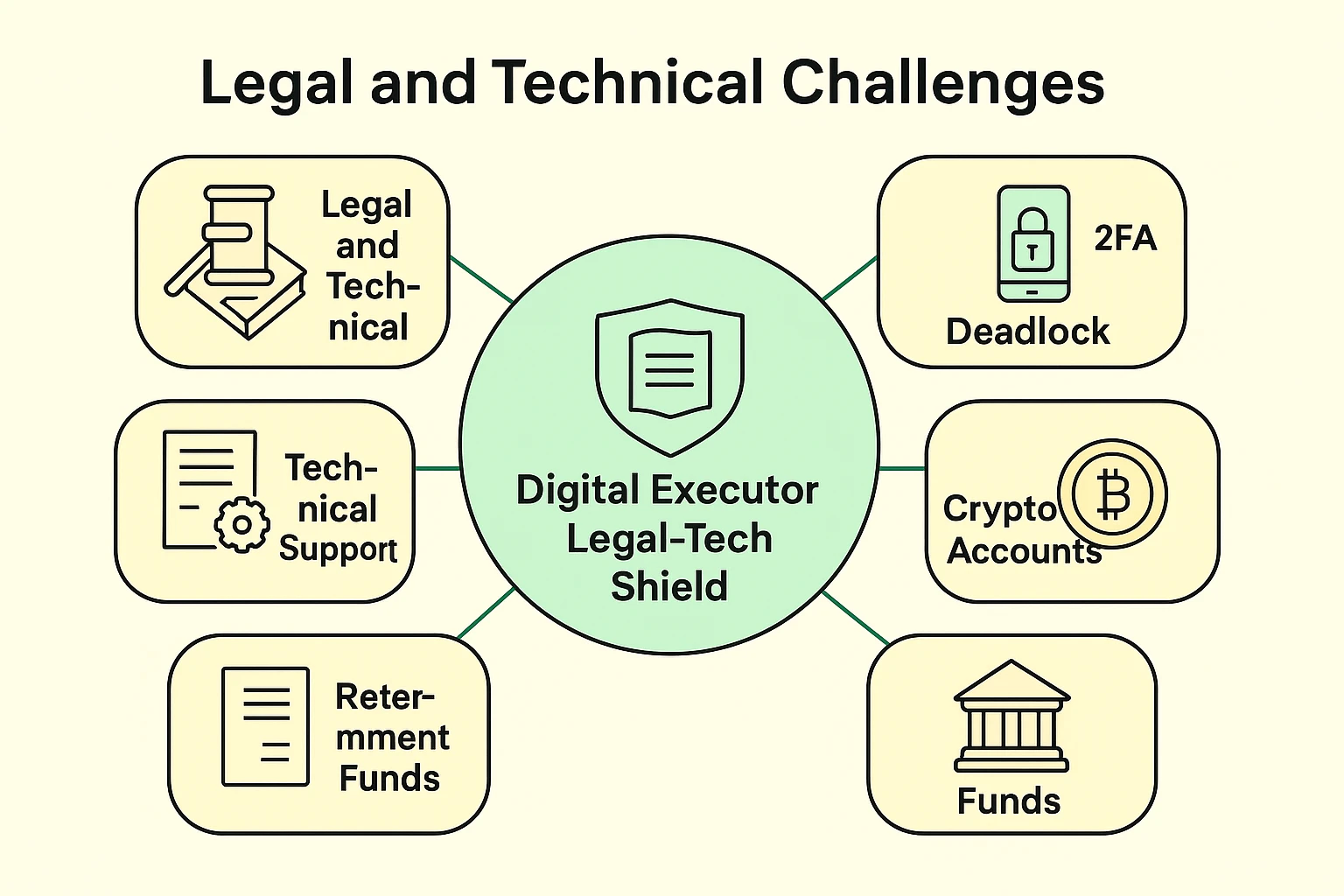
Not all accounts are created equal. Deleting a Pinterest board is a minor chore, but dealing with high-friction accounts like TIAA, CalPERS, or major life insurance portals is a completely different beast. These financial fortresses require you to jump through a few more hoops.
For these major financial accounts, you cannot simply log in and transfer funds, even if you know the password. Doing so can trigger massive fraud alerts and freeze the assets entirely. You must go through their official bereavement or estate channels, providing physical copies of the death certificate.
And then there is cryptocurrency, like Bitcoin stored in a MetaMask or Coinbase account. If your loved one dabbled in crypto but didn’t leave behind their unique recovery phrase (often a string of random words written on a piece of paper), that money is virtually gone. It is stranded on a digital island, and there is no customer service hotline to call to get it back.
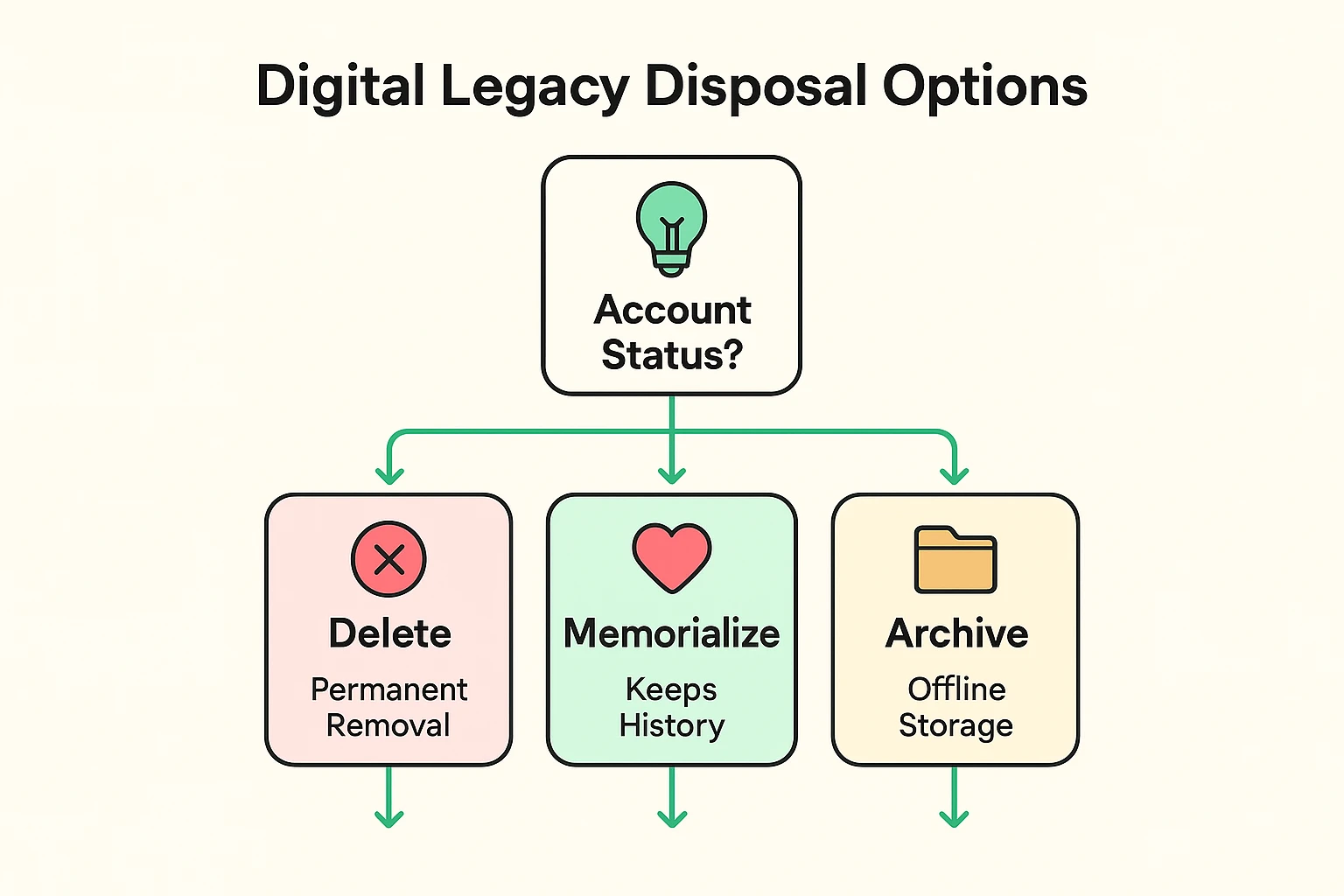
As you work your way down the list of accounts, you will face some surprisingly emotional choices. When you finally gain control of a Facebook or Google account, your first instinct might be to just hit “delete” and be done with it. But remember, deletion is permanent.
Once an account is wiped, all those precious family photos, funny comments, and shared memories vanish into the digital ether forever. Instead of deleting, look into archiving or memorializing. Companies like Apple, Google, and Meta (Facebook) allow you to download a complete archive of their data before shutting the lights off.
Facebook even allows you to turn a standard profile into a “Memorial Account.” This freezes the account in time, prevents anyone from logging in, stops those awkward “wish Uncle Bob a happy birthday!” reminders, but leaves the page up so friends can share memories. It is a wonderful way to honor their digital life without leaving the door unlocked for hackers.
Technically, yes. Under laws like the Computer Fraud and Abuse Act, logging into someone else’s account violates the terms of service, even if they are deceased and you are the executor. It’s always safer to use official “Legacy Contact” or executor channels to request access legally.
Don’t panic. Use the “Follow the Email” technique. Gain access to their primary email account or check their physical mail for bank statements. If you control their email, you can usually identify where they had accounts based on the newsletters and receipts they receive.
Do not cancel their cell phone service immediately! Keep it active for at least a few months. You will likely need their phone to receive Two-Factor Authentication text messages when trying to access their email and banking portals.
The best gift you can give your family is a digital estate plan. Use a password manager, set up “Legacy Contacts” on your Apple, Google, and Facebook accounts, and leave clear instructions on how to access your main email account.
Dealing with a loved one’s digital legacy can feel overwhelming, but taking it one step at a time keeps the process manageable. Start by securing their main email account, keeping their phone active, and gathering the necessary legal documents like the death certificate.
If you want to save your own family from this headache in the future, today is a great day to start organizing your own digital footprint. Explore our guides on setting up a password manager or designating legacy contacts on your favorite devices. A little bit of digital housekeeping today will be a massive blessing to your loved ones tomorrow.