Newsletter Subscribe
Enter your email address below and subscribe to our newsletter

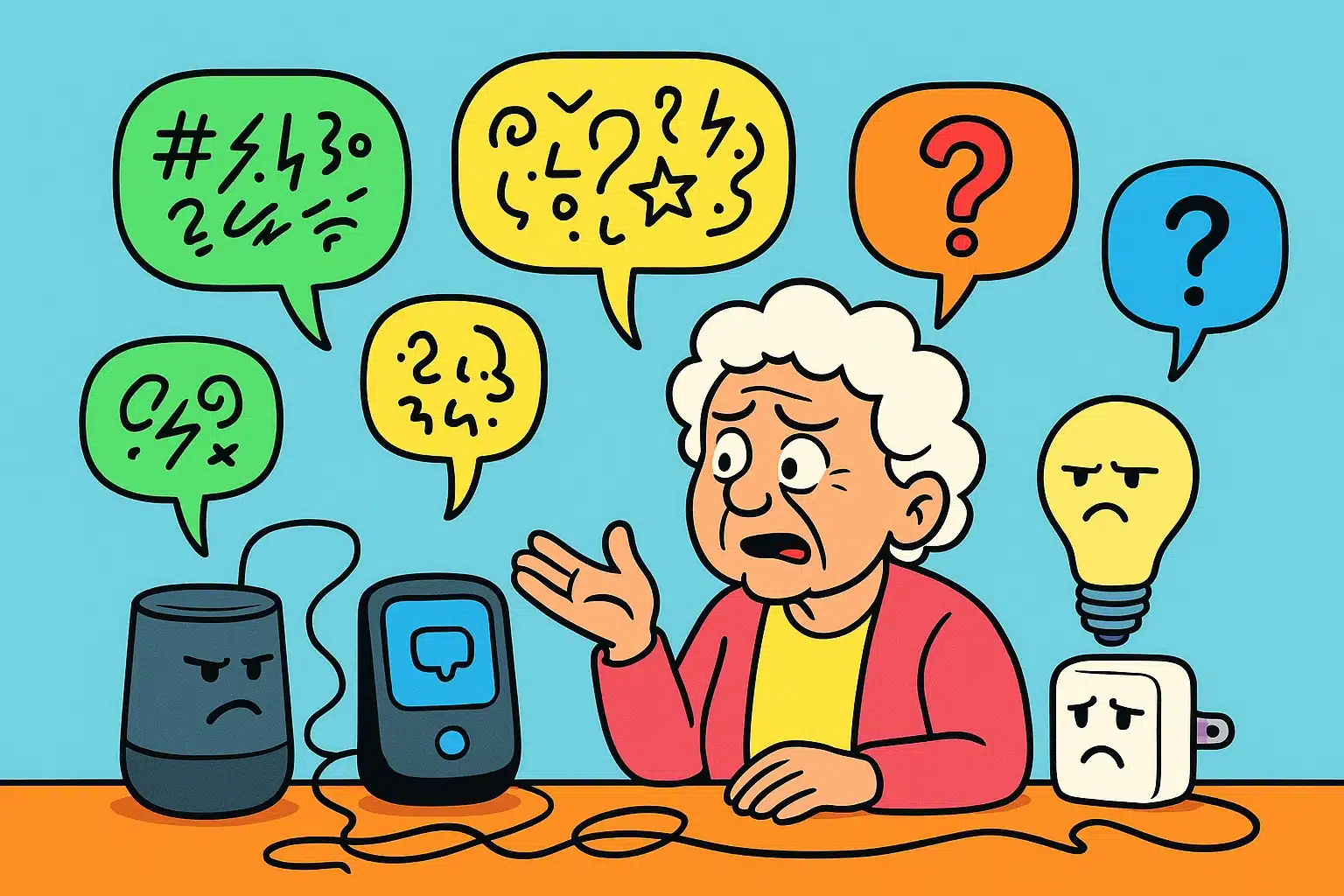
Imagine this: You’re settling in for the evening. You have your tea, your favorite slippers are deployed, and you politely ask your smart speaker to turn on the reading lamp. Instead of light, you get a menacing red ring, a confusing beep, or worst of all—dead silence. It’s like throwing a dinner party where half the guests refuse to speak to the other half.
You start to wonder if the toaster offended the thermostat, or if your living room lightbulb is going through a midlife crisis. You press buttons, you repeat your command slower and louder, and eventually, you find yourself arguing with a plastic cylinder on your kitchen counter.
If this sounds familiar, take a deep breath. You are not losing your mind, and you haven’t broken anything. For many older adults exploring tools like alexa for seniors, these hiccups feel like a personal tech failure. But they aren’t! Smart home devices are just temperamental little gadgets that occasionally forget how to communicate.
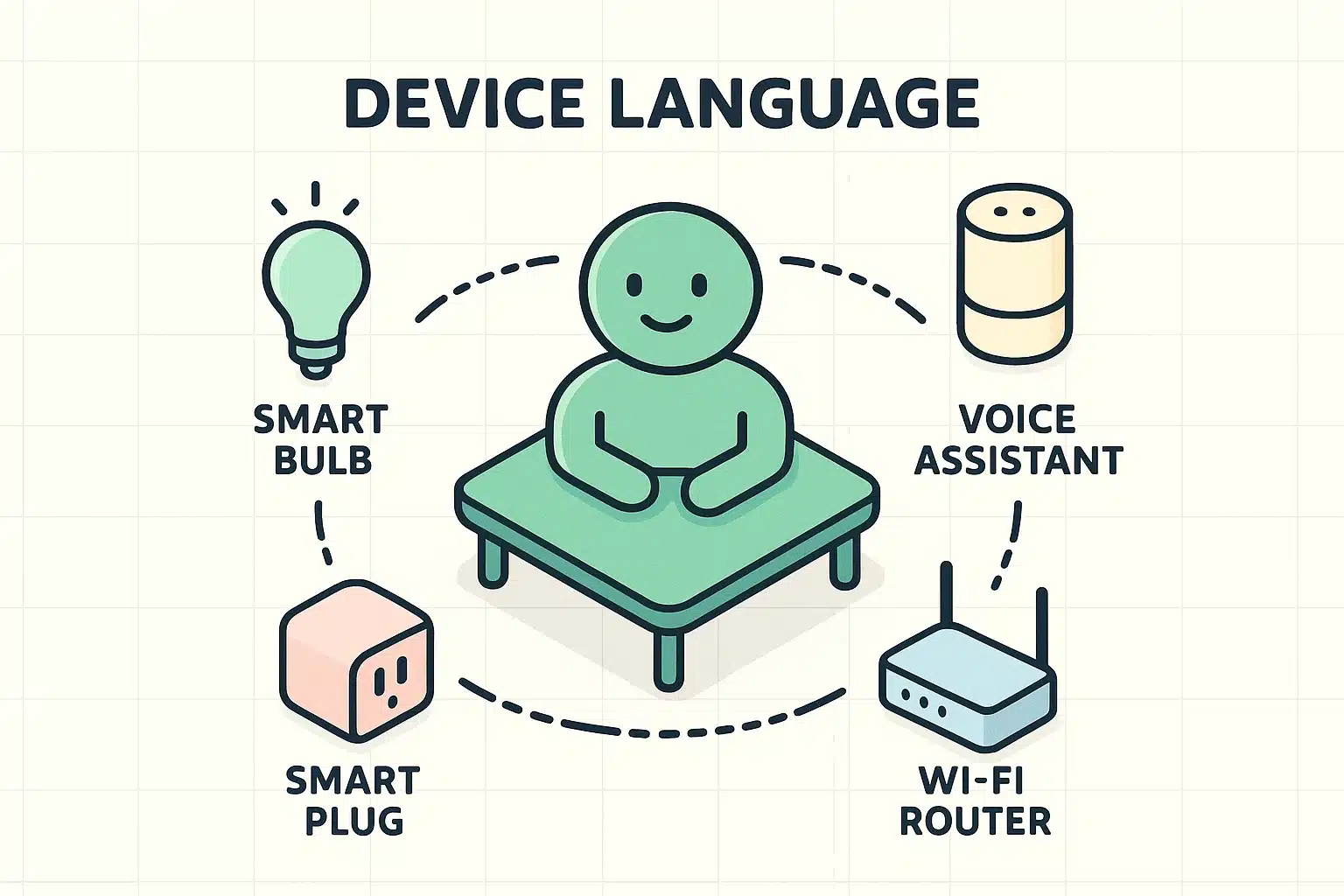
Before we start poking at buttons, let’s talk about why your devices are giving you the silent treatment. It usually comes down to a simple language barrier. Imagine a room where your smart plug only speaks French, your lightbulb only speaks Japanese, and your Wi-Fi router is yelling in pig Latin.
These “languages” are actually wireless tech standards with intimidating names like Zigbee or Z-Wave. Your central “hub” (like an Amazon Echo or Google Nest) acts as the United Nations interpreter. Its job is to listen to your voice, translate it into the lightbulb’s specific language, and make the magic happen.
When the interpreter takes a coffee break or the internet blinks, communication breaks down. You don’t need an engineering degree to fix this. You just need to know how to get the conversation started again. Let’s play marriage counselor for your gadgets.
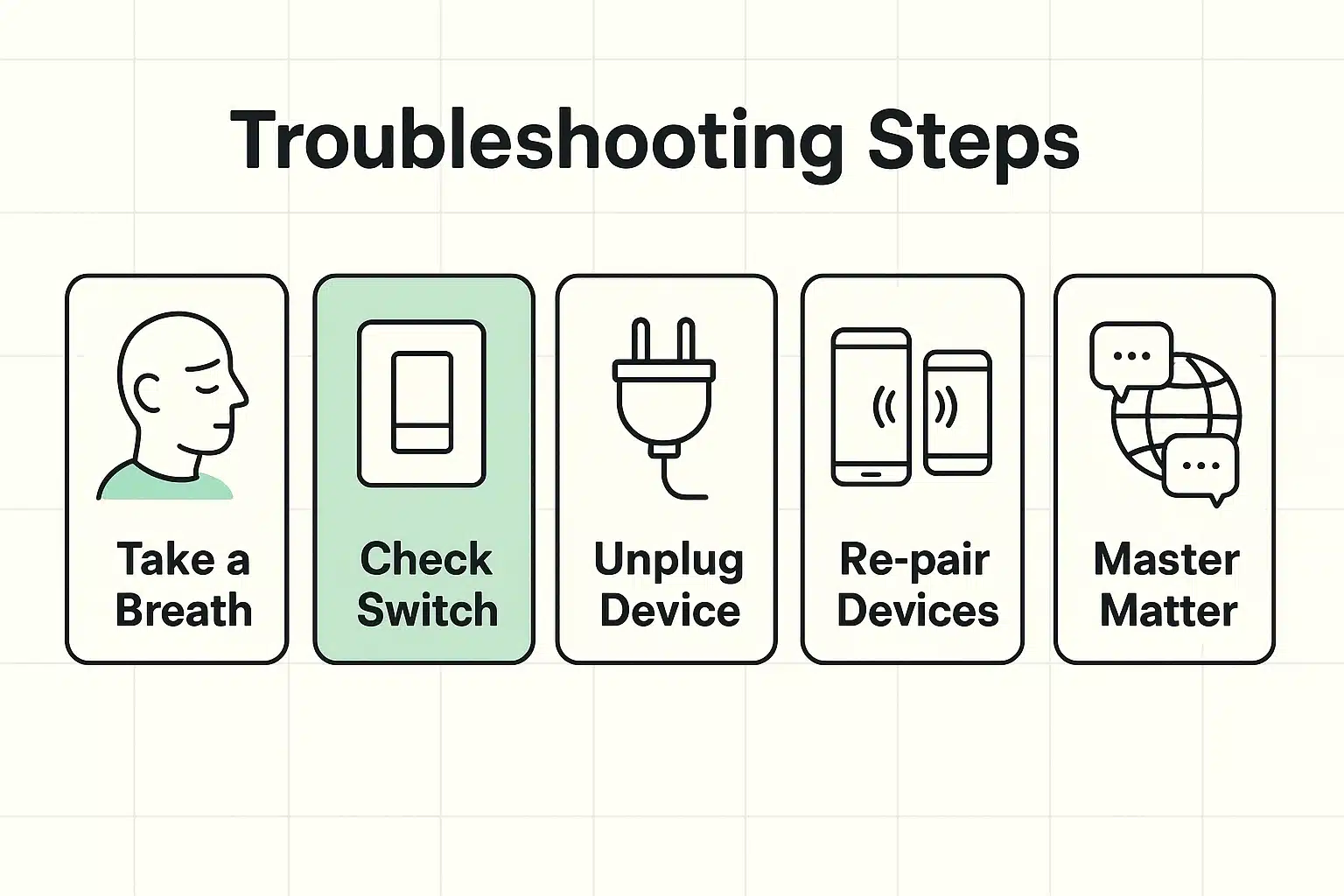
If I had a nickel for every time a piece of technology just needed a nap, I could buy my own private island. Tech experts call this “power cycling,” which is just a fancy way of saying “unplug it, count to 30, and plug it back in.”
This forces the confused device to wake up, stretch, and reconnect to your Wi-Fi. Speaking of your network, if your entire home is acting sluggish or you’re constantly asking why does my tv keep buffering, your main internet box might be the culprit. Giving your Wi-Fi router a 30-second nap often fixes a multitude of digital sins.
Research shows that a huge chunk of “broken” smart home calls are completely harmless. The gadgets aren’t broken at all; they’ve just had their power cut off the old-fashioned way.
Here’s the secret: a smart bulb needs continuous, 24/7 power to stay “smart.” If someone walks by and physically flips the wall switch down, you’ve essentially removed the bulb’s brain. Your voice assistant can’t turn it on because the bulb is completely dead to the world. Always make sure the actual lamps and wall switches are left in the “On” position!
Stop! Don’t hit the “Factory Reset” button just yet! Factory resetting is the nuclear option that wipes out all your settings. Instead, let’s try a gentle re-introduction.
Sometimes your smart device just loses its connection to the hub, much like dropping a cell phone call while driving through a tunnel. Open your smart home app on your phone. Usually, it will clearly tell you if a device is “Offline.” Simply following the app’s prompt to “reconnect” is like reminding the device and the hub that they are, in fact, still friends.
Okay, you’ve successfully restored peace to your digital kingdom. But how do we prevent these headaches from happening when you buy new gadgets in the future? Well, the tech industry finally realized that making devices speak a dozen different languages was a terrible idea.
Their solution is a brand-new, universal tech language called “Matter.” When you are shopping for new smart plugs, lights, or locks, look for the little “Matter” logo on the box.
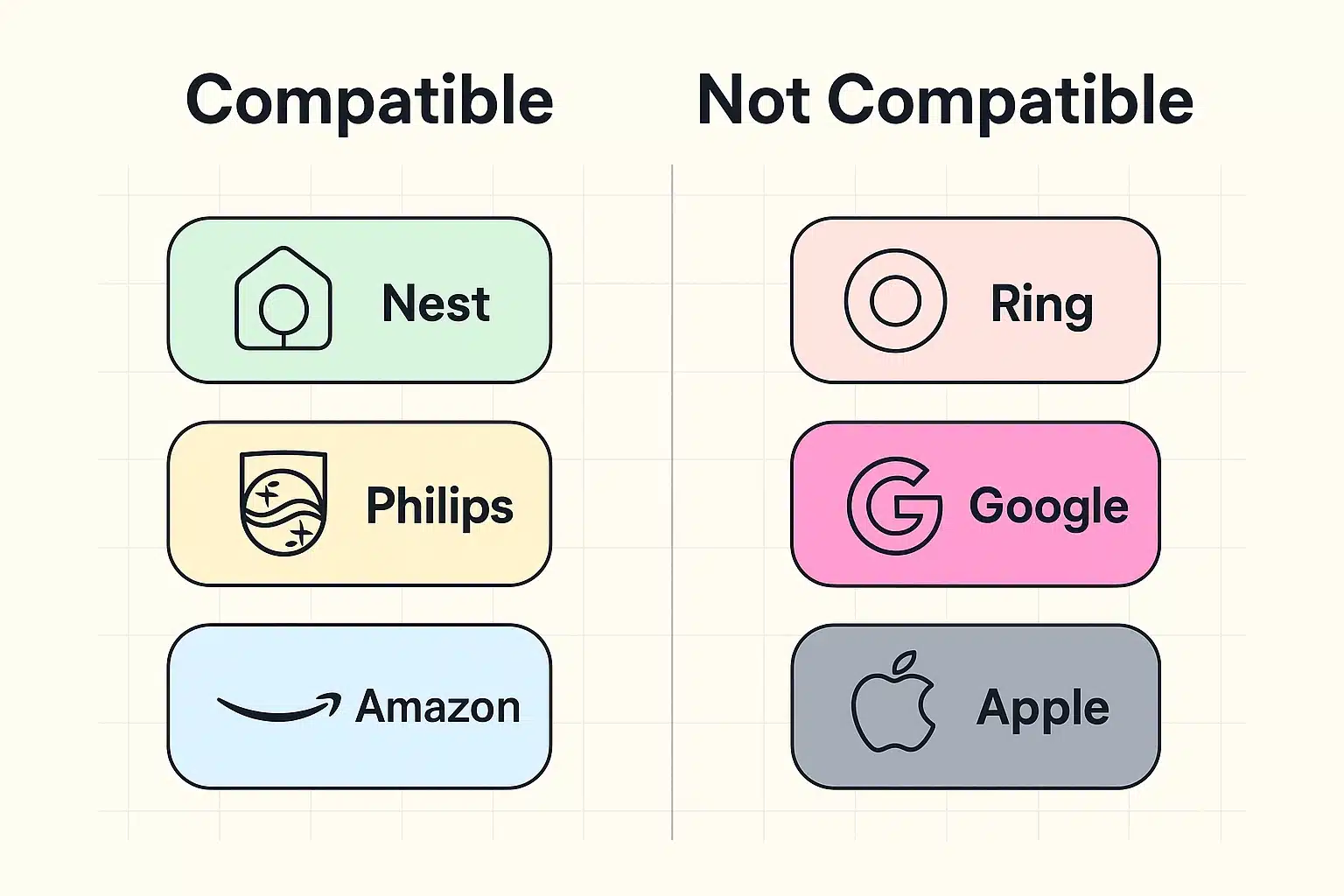
Matter is basically the universal translator from Star Trek. If a device is Matter-certified, it doesn’t care if your home uses Apple, Google, or Amazon. It will just work seamlessly. Also, remember that your smart home is only as good as its internet connection. Knowing whether to rent or buy a wireless router can ensure your gadgets always have a strong, reliable signal to talk to each other.
Think of the red ring as your speaker politely covering its ears. It simply means the microphone is muted and it cannot hear you. Press the physical button on top of the device that looks like a circle with a slash through it, and the red ring should vanish. (For context: Blue means it’s listening, and yellow just means you have a message, like an Amazon delivery update).
It depends! If you only have one or two smart bulbs, they can usually connect directly to your Wi-Fi without any extra equipment. But once you start adding smart locks, thermostats, and sensors, a dedicated hub acts as a central traffic cop, keeping everything organized so your router doesn’t get overwhelmed.
Yes, absolutely. Smart devices use an incredibly tiny amount of electricity when they aren’t actively doing something. Leaving them plugged in and powered on is actually necessary so they can automatically receive important security updates while you sleep.
The next time your smart home acts more like a stubborn teenager than a helpful assistant, remember: you are in control. Don’t panic, don’t blame yourself, and don’t assume the gadget is permanently broken.
Start by checking the physical wall switches, and if that doesn’t work, give the offending device a quick 30-second nap. Technology is supposed to make our lives easier, not raise our blood pressure. If a gadget continues to cause you grief after trying these simple steps, it might just be time to replace it with a newer, Matter-certified model that actually knows how to play nicely with others!