
By Chris Clark, founder of Senior Tech Cafe
Airport WiFi is safe enough for everyday browsing if you connect to the airport’s official network, but it’s smart to skip banking on it and to watch for fake networks with look-alike names.
Have you ever survived the chaos of an airport security line, emptying your pockets and most of your dignity into gray plastic bins, only to face a much more terrifying adversary at Gate B12? Your phone battery is at 4%, your boarding pass is trapped inside that phone, and the only charger in sight looks like it survived three world wars. You open your WiFi settings and find 37 networks, half of them named things like “Free WiFi Definitely Not A_Scam.”
For many of us, combining travel stress with modern technology feels like trying to defuse a bomb while riding a unicycle. And most airport tech advice is written for road warriors who practically live in the Delta Sky Club and speak entirely in acronyms.
Here’s the plain-English version: how to connect safely, where to charge, and how to keep your gear away from pickpockets, digital and otherwise.
Is airport WiFi safe? For most things, yes. Nearly every website you use for banking, email and shopping encrypts your connection (look for the padlock or “https” next to the address), and the Federal Trade Commission says that because of that encryption, connecting through public WiFi is usually safe.
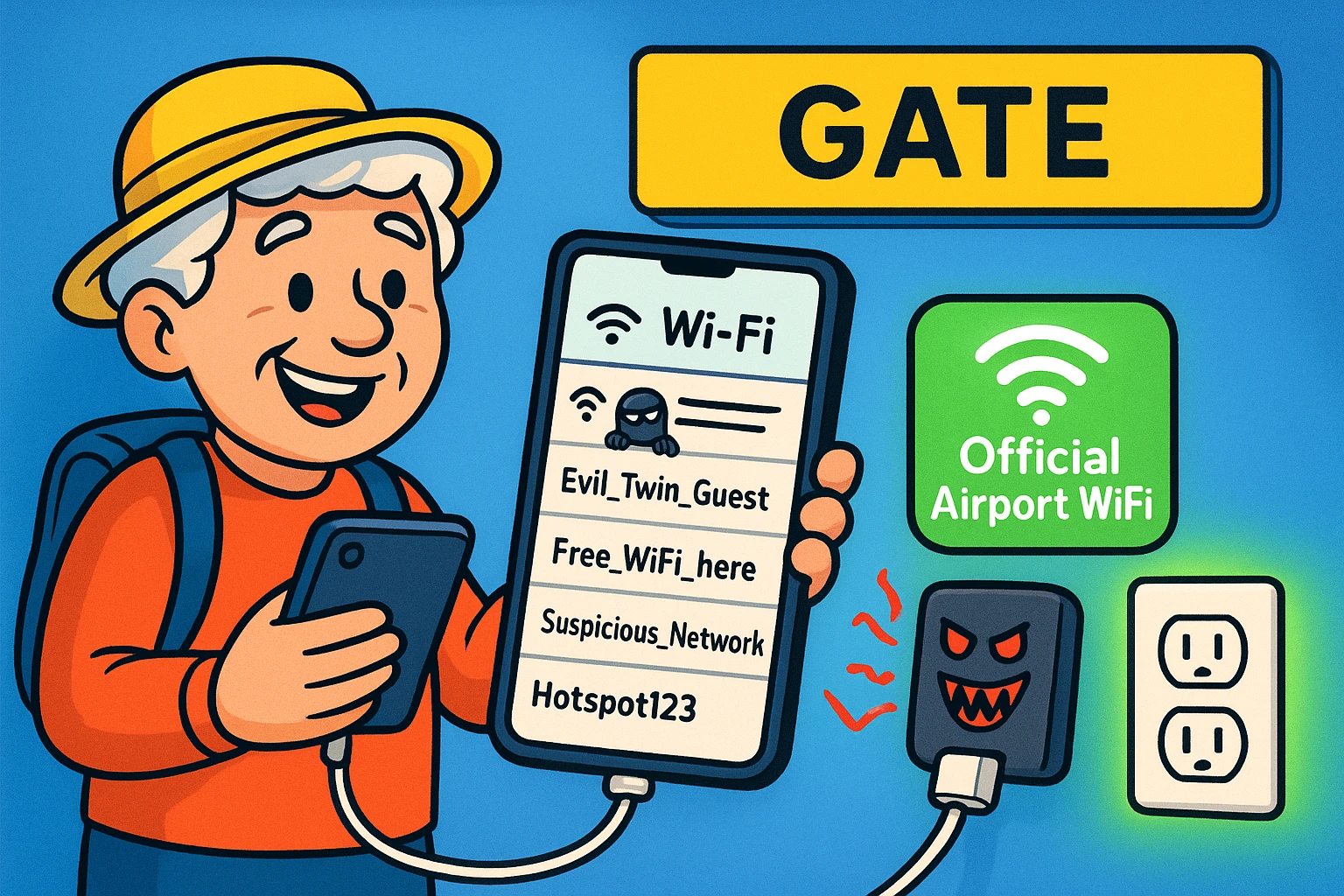
The real risk is the fake network. When you sit down at the gate, you’ll see dozens of networks fighting for your attention, and crooks sometimes set up what security experts dramatically call “evil twin” networks: fake hotspots with inviting names, built to look like the airport’s own.
It happens. In 2024, Australian police charged a man with running fake free WiFi networks at airports and on domestic flights. People who connected were shown a page asking them to sign in with their email or social media accounts. He was later sentenced to more than seven years in prison.
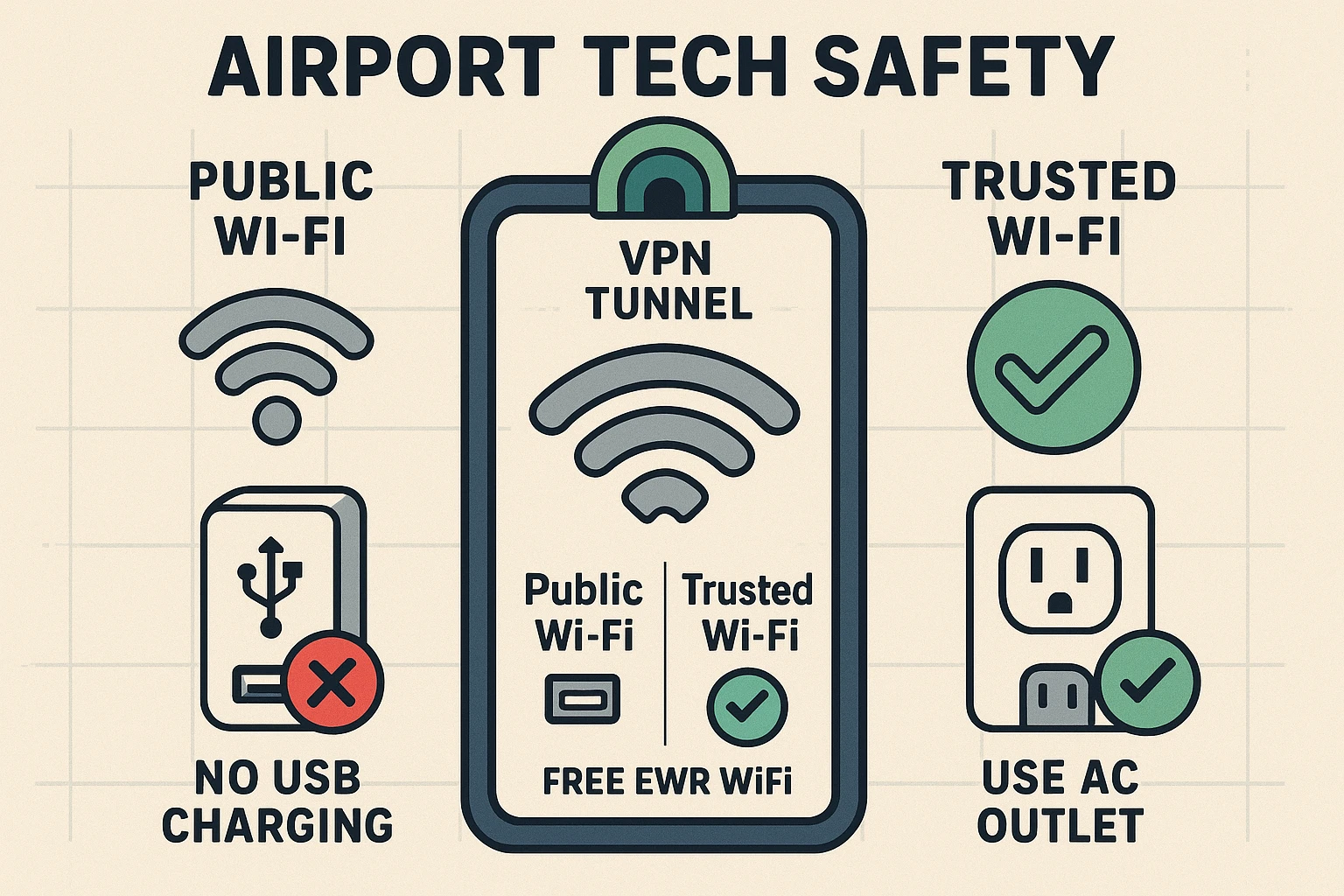
To beat them at their own game, know the airport’s official WiFi name before you arrive. It’s on the airport’s website. Charlotte Douglas, for example, calls its network CLT Free WiFi. Once you’re connected, three habits cover the rest:
It’s safe to charge your phone at the airport if you plug your own charger into a regular wall outlet. The public USB ports built into kiosks and seats are the ones security agencies tell travelers to skip.
We’ve all had that moment of panic when the battery icon turns a threatening shade of red right before boarding. You spot a charging kiosk with USB slots built right into the metal, plug in your cable, and sigh with relief. That’s the moment the warnings are about.
The wall plug really is your best friend. Here are the safest ways to charge on the go:
Juice jacking is a trick where a tampered public USB charging port tries to copy data from your phone, or slip malware onto it, while it charges. It sounds like a terrible, overly sweet breakfast beverage. It’s a real technique, but so far it has mostly stayed in the lab.
Here’s where things stand:
So the risk is low, and it’s lower still if your phone is up to date. The habit worth keeping is cheap anyway: a wall outlet and your own charger. It costs nothing, and it keeps you out of the scrum at the USB ports.
Digital safety matters, but physical safety is where most travelers actually slip up. At an airport, luggage safety and tech safety are identical twins. Never leave your tablet on a chair while you wander ten feet away to squint at the departures board.
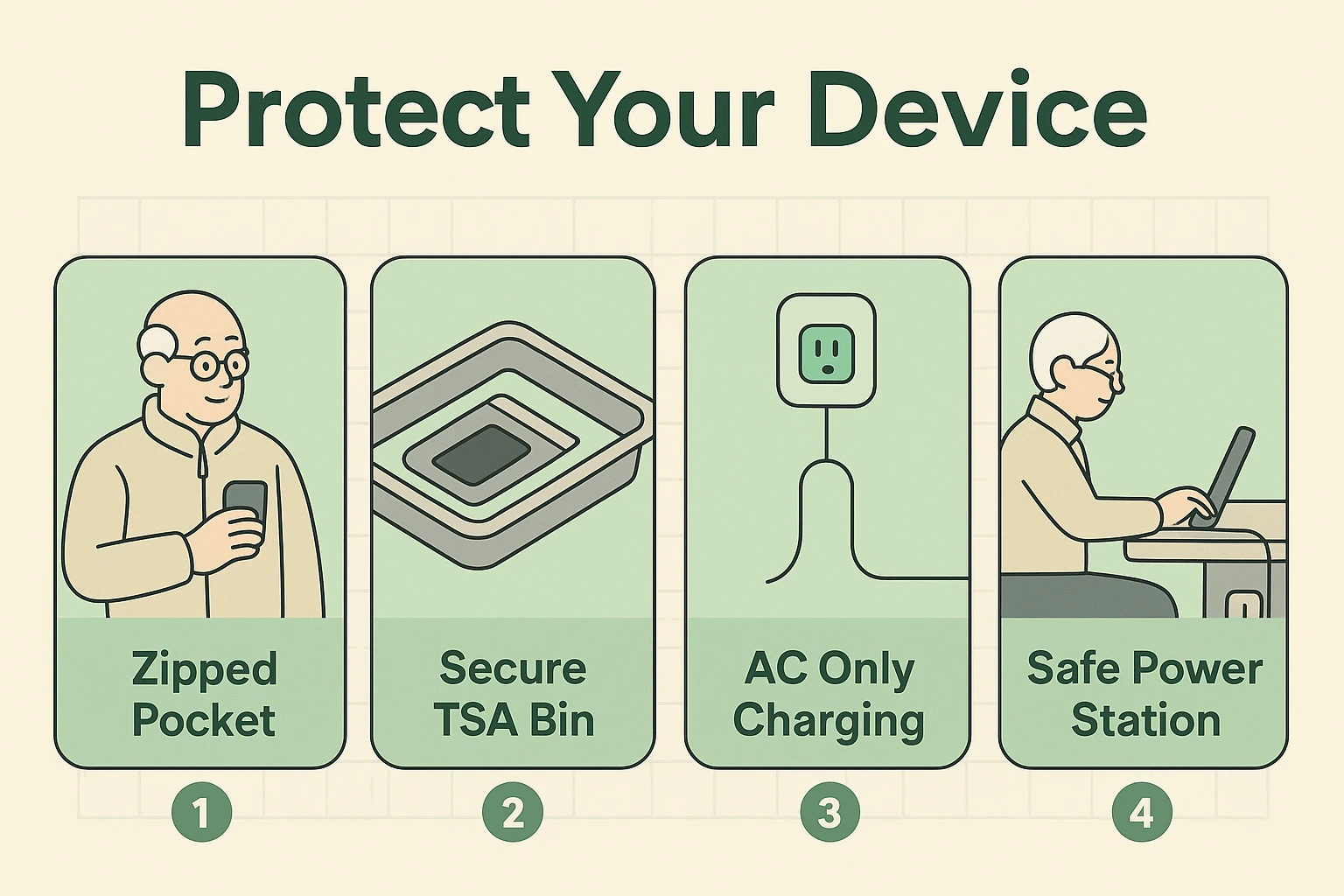
The most dangerous place for your electronics isn’t a hacker’s dark lair; it’s the security checkpoint. While you’re emptying your pockets and wrangling your bag onto the belt, it’s easy to leave a phone sitting loose in one of those gray plastic bins. Follow the “zipped-in” rule: before you reach the conveyor belt, put your phone, watch and other small electronics in a zippered pocket of your carry-on.
Once you’re through, look for a seat with an outlet where you can sit with your back to a wall and keep an eye on your gear. Many airports list their charging spots online. Charlotte Douglas, for instance, has seats with built-in power at gates across its A, B and C concourses.
If your phone does go missing, you’ll be glad you set it up for that day in advance, with a screen lock and Apple’s or Google’s find-my-phone feature turned on. Our guide to securing your phone, tablet and computer walks through it.
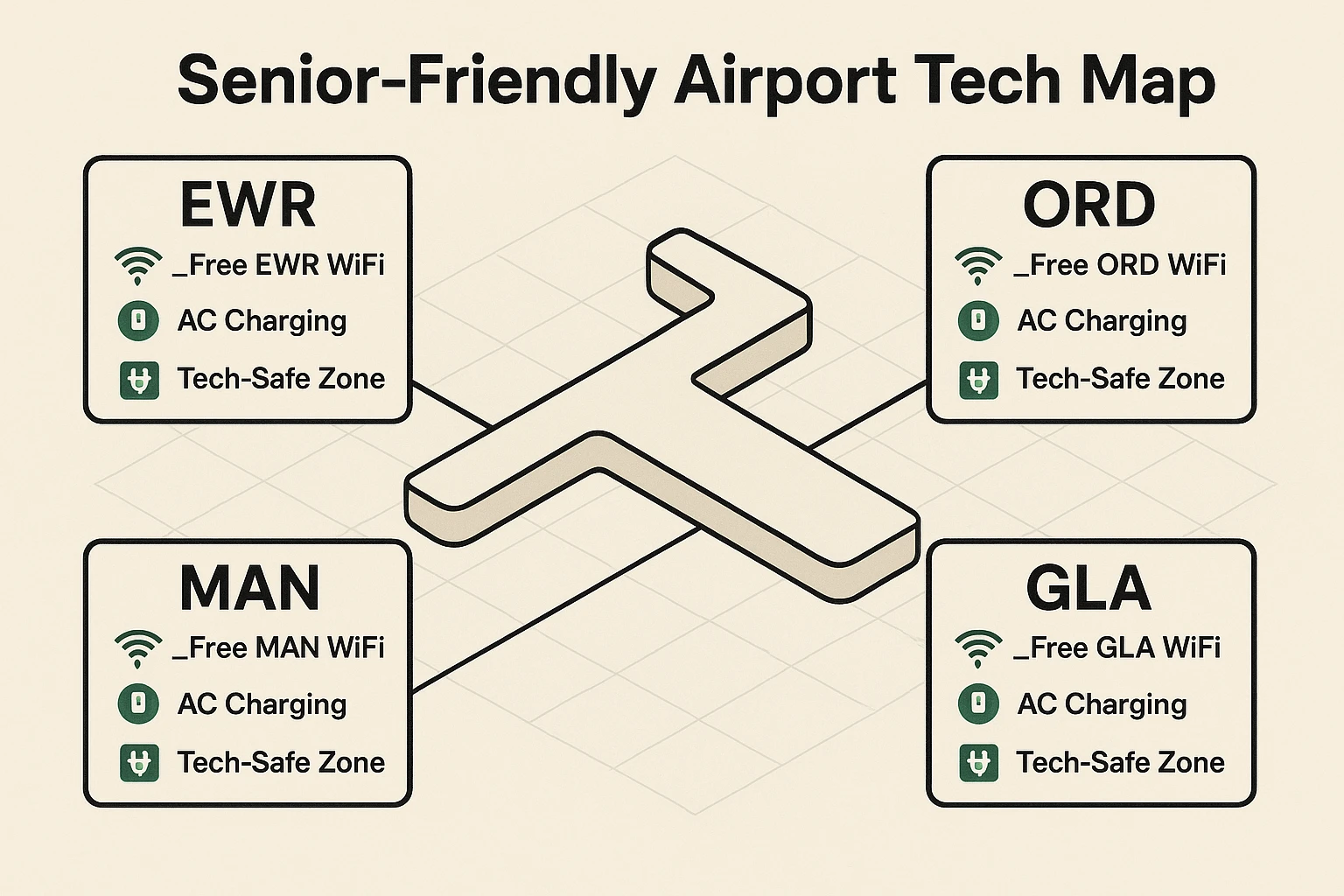
Most airport tech trouble can be headed off at home. Run through this the night before you fly, or write it on a sticky note for your travel bag:
And if you forget your cable, resist the $5 bargain at the newsstand. No-name cables and chargers are often poorly made and hard on your phone’s battery. Pay a little more for a brand you recognize.
Airport WiFi is usually safe for online banking if you’re on the airport’s real network and your bank’s site or app is encrypted, but waiting is smarter. Your phone’s cellular data is more private than any free WiFi. If you must bank over airport WiFi, turn on a VPN first, and never enter a password on a WiFi sign-in page.
Juice jacking is real as a technique but rare in practice. Researchers have shown that a tampered USB charging port can copy data or install malware, and the FCC and TSA warn travelers about it, but the FCC says it isn’t aware of any confirmed cases. Using a wall outlet with your own charger avoids the risk entirely.
A USB data blocker is a small, inexpensive adapter that goes between your charging cable and a USB port. It lets power through but physically blocks the data connection, so a tampered port can’t talk to your phone. It’s handy when a public USB port is your only option. Buy one from a store or brand you trust.
Your phone asks you to trust a computer when it’s plugged into something that wants to exchange data, not just supply power. At home, that’s your own computer. At a public charging station, it’s a red flag. Tap Don’t Trust, or pick the charge-only option on Android, then unplug and find a regular wall outlet instead.
Paying for airport WiFi is generally safe when you buy through the airport’s official network and a payment page you can verify. Be suspicious if a network asks for your card number right away with no clear airport or provider branding. When in doubt, check the airport’s website using your phone’s cellular data before you pay anything.
Getting through an airport is stressful enough without worrying about digital pickpockets and dying batteries. Stick to wall outlets, skip the mystery USB ports, and confirm the official WiFi name, and you’ve taken most of the anxiety out of travel tech.
Technology should make your trip easier, not give you a headache before your vacation even starts. Next time you’re at the gate, sit back, connect safely, and enjoy watching everyone else fight over the USB ports while you browse in peace.
For more, see our guide to staying safe on public WiFi and our online safety guide for seniors.