Newsletter Subscribe
Enter your email address below and subscribe to our newsletter

By Chris Clark, founder of Senior Tech Cafe
Biometric security means unlocking your phone, and many of the apps on it, with your fingerprint or your face instead of a typed code. For most people, it’s both easier and safer than punching in a PIN where everyone in line can watch.
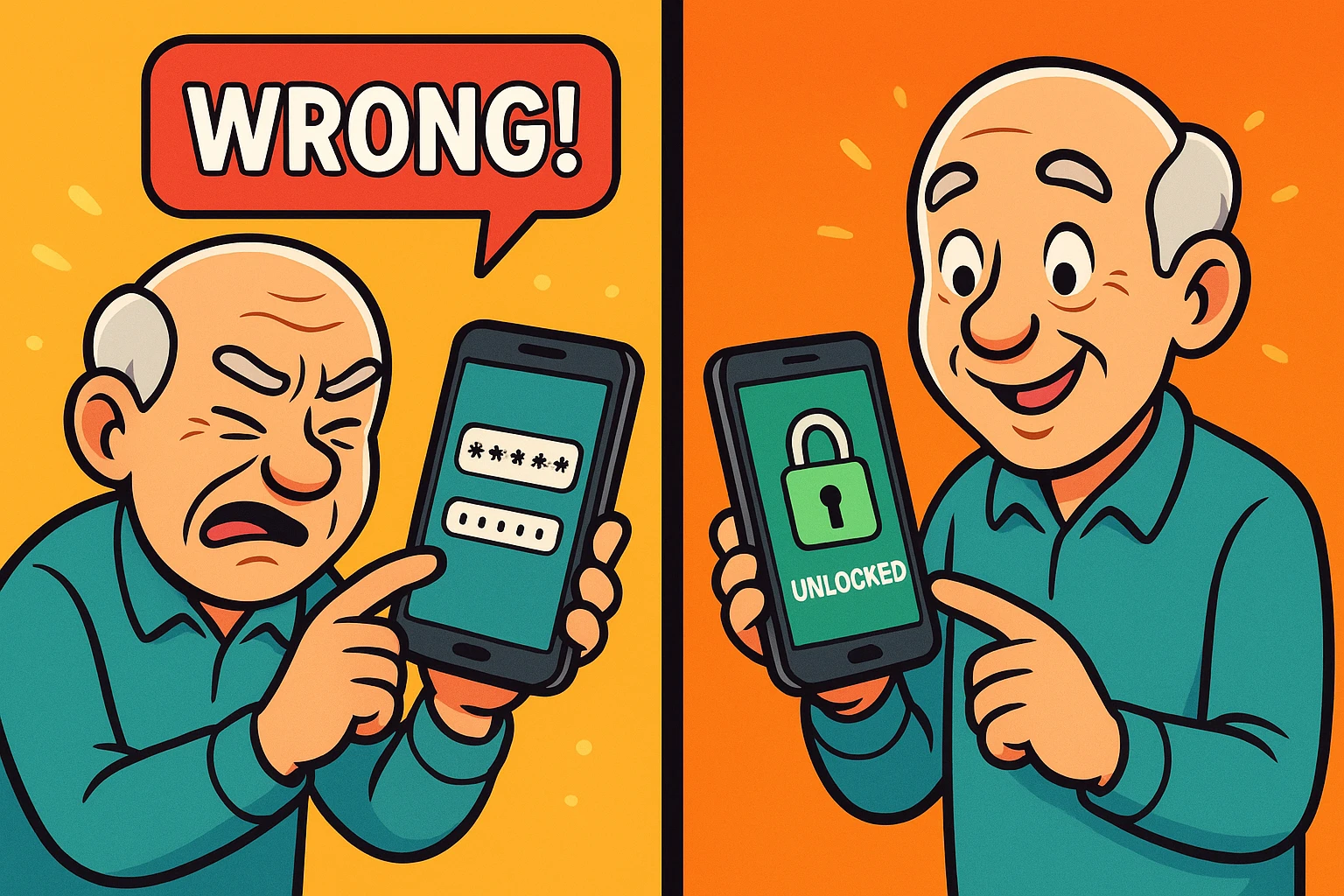
You know the alternative. You’re at the grocery store checkout, trying to pull up a digital coupon for half-priced decaf, and your phone abruptly demands a six-digit PIN.
You type it in. Wrong. You type it again, slower this time, as the line of impatient shoppers behind you begins to emit heavy, synchronized sighs. You briefly consider abandoning your cart right there and moving to an off-grid cabin in the woods.
Typing codes on a tiny glass screen is like threading a needle on a rollercoaster. Biometric security sounds like a classified program from a James Bond movie, but it’s one of the most practical things your phone can do. Here’s how it works, how safe it is, and how to make your phone recognize you every time.
Biometrics is just a tech-industry word for using your unique physical features to prove you are, in fact, you. Nobody else on the planet has your exact fingerprints or your exact face, so your body makes a pretty fantastic key.
Instead of typing a password that you might forget (or that a scammer might guess), you touch a sensor or look at the screen. The phone recognizes you, and presto, the digital doors swing open.
Most phones offer two flavors: fingerprint scanning, which Apple calls Touch ID, and facial recognition, which Apple calls Face ID. Android phones have both too, under names like Fingerprint Unlock and Face Unlock that change a little from one phone maker to the next.
Your fingerprint or face doesn’t just unlock the phone. It can open your password manager, approve an app purchase, sign you in to your banking app and confirm a passkey, the newer kind of login that replaces the password altogether.
This is the elephant in the room. When you first set up facial recognition or a fingerprint scanner, it feels a bit like you’re handing over your personal mugshot to Silicon Valley.
But here is the good news: your phone does not store an actual photograph of your face, nor does it keep a literal ink-pad print of your thumb. Instead, it creates a complex mathematical map.
It measures the distance between your eyes or maps the tiny ridges on your thumb, and turns that physical map into a long string of gibberish numbers. It’s like turning a beautiful portrait into a scrambled, unsolvable crossword puzzle. If a hacker somehow broke in, they wouldn’t find a photo of you looking slightly confused at your phone; they’d just find useless math.
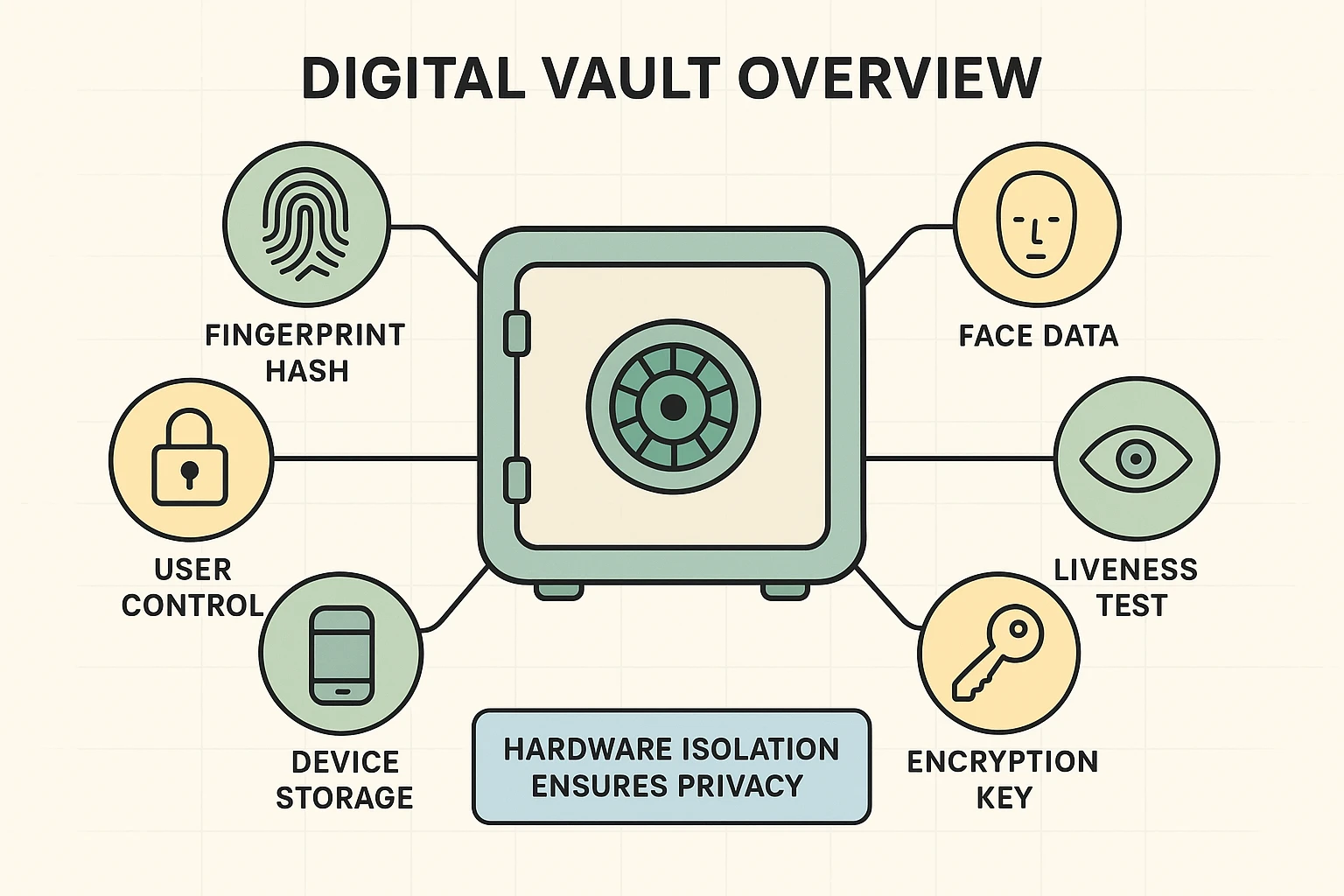
So where does that scrambled math go? On an iPhone, it goes into a walled-off part of the phone’s chip called the Secure Enclave. Android phones use their own secure hardware to do the same job. Think of it as a tiny digital Fort Knox.
That data stays on your phone. Apple says your face data is never backed up to iCloud or anywhere else, and Google says the face model on its Pixel phones never leaves the device. It doesn’t get beamed to headquarters, and it doesn’t get sold to advertisers.
Even when you use your face to log in to your banking app, the bank never sees your face or your fingerprint. Your phone acts as a bouncer, whispering to the app, “Yep, I checked their ID. It’s really them.” (If you’re curious what else apps can see on your phone, our guide to decoding app permissions is a good place to start.)
Yes, Face ID is safe, and for most people it’s safer than a passcode alone. Apple puts the odds that a random stranger could unlock your iPhone with their face at less than one in a million. The odds are higher for identical twins, close siblings and children under 13, whose faces are still changing.
It’s also hard to fool. Face ID reads the shape of your face with invisible dots of light, so a photo won’t work, and by default it checks that your eyes are open and looking at the screen before it unlocks.
Is biometric authentication safe on every phone? Not equally. Face unlock on many Android phones uses only the regular front camera, and those phones warn that it’s less secure than a fingerprint or PIN. Some banking apps won’t accept it at all. On those phones, use the fingerprint reader for anything important.
The real weak spot is the passcode behind it. Anyone who knows your passcode can get into your phone and change your Face ID or fingerprint settings. So pick one that’s hard to guess, and don’t type it where others can see.
One more trick worth knowing: on an iPhone with Face ID, press and hold the side button and either volume button for two seconds, then press the side button to lock the phone. Face ID stays off until you next enter your passcode, which is handy if someone might hold the phone up to your face.
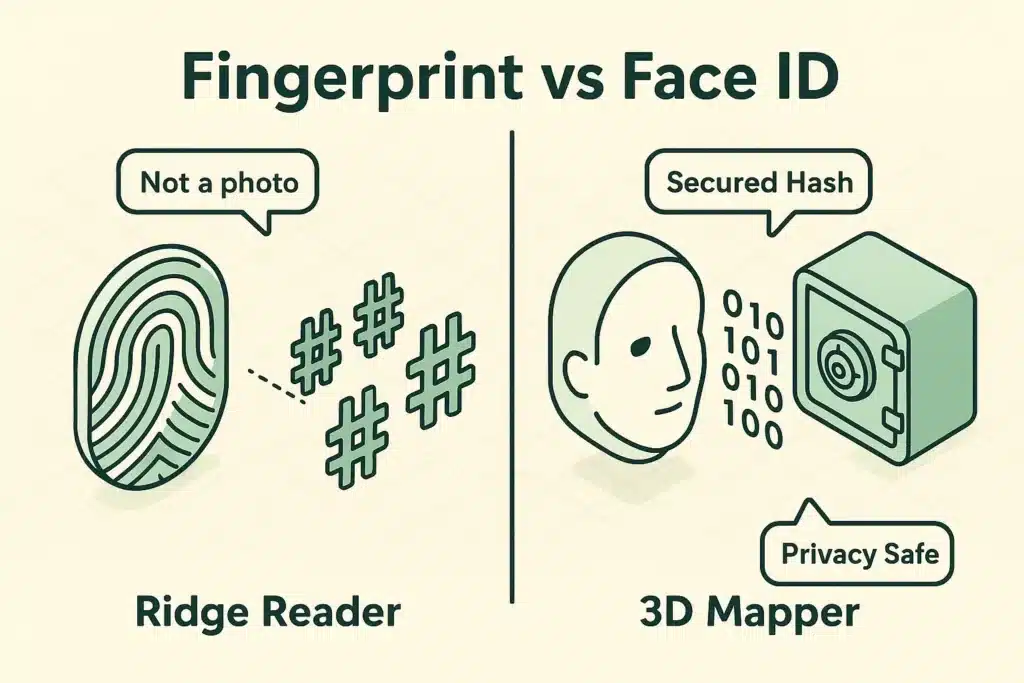
On an iPhone, Face ID is the more secure of the two. Apple puts the odds of a stranger’s fingerprint unlocking Touch ID at one in 50,000 for each finger you’ve saved, compared with less than one in a million for Face ID.
Day to day, the better one is whichever works for you. A fingerprint reader works without you looking at the phone, which helps when it’s lying on the table or sitting in a car mount, but it struggles with dry, cracked or wet fingers. Face ID doesn’t care about your fingertips, gloves included, but it does want to see your face.
On Android, the fingerprint reader is usually the stronger choice, unless your phone’s settings say its face unlock can also be used for payments and banking apps.
Phone thieves have a nasty trick: watch someone type their passcode in a crowded place, then steal the phone. With the passcode, they can change the owner’s Apple Account password and lock them out of everything.
Stolen Device Protection closes that door. When your iPhone is away from familiar places like home or work, it requires Face ID or Touch ID, with no passcode fallback, to open saved passwords and credit cards. Changing your Apple Account password also means waiting an hour and scanning your face again.
To turn it on, open Settings, tap Face ID & Passcode, then turn on Stolen Device Protection.
Face it: tiny smartphone keyboards were clearly designed by 22-year-olds with microscopic fingers and perfect vision. Typing a password like “Turtl3$RGr8!” on a slick piece of glass is a recipe for typos, locked accounts and colorful language.
Biometrics solve that daily annoyance. A glance or a quick tap, and you’re in. For anyone dealing with arthritis, tremors or just stiff fingers, skipping the tiny keyboard is a real relief.
What biometrics don’t do is replace your passwords. Your phone still has a passcode, and your accounts still have passwords behind the fingerprint; you just type them far less often. For keeping those straight, here’s how to remember passwords without a notebook in the sock drawer.
Of course, technology is never flawless. Sometimes your phone will look right at your face and stubbornly refuse to unlock, acting like you’re a complete stranger who just broke into your own living room.
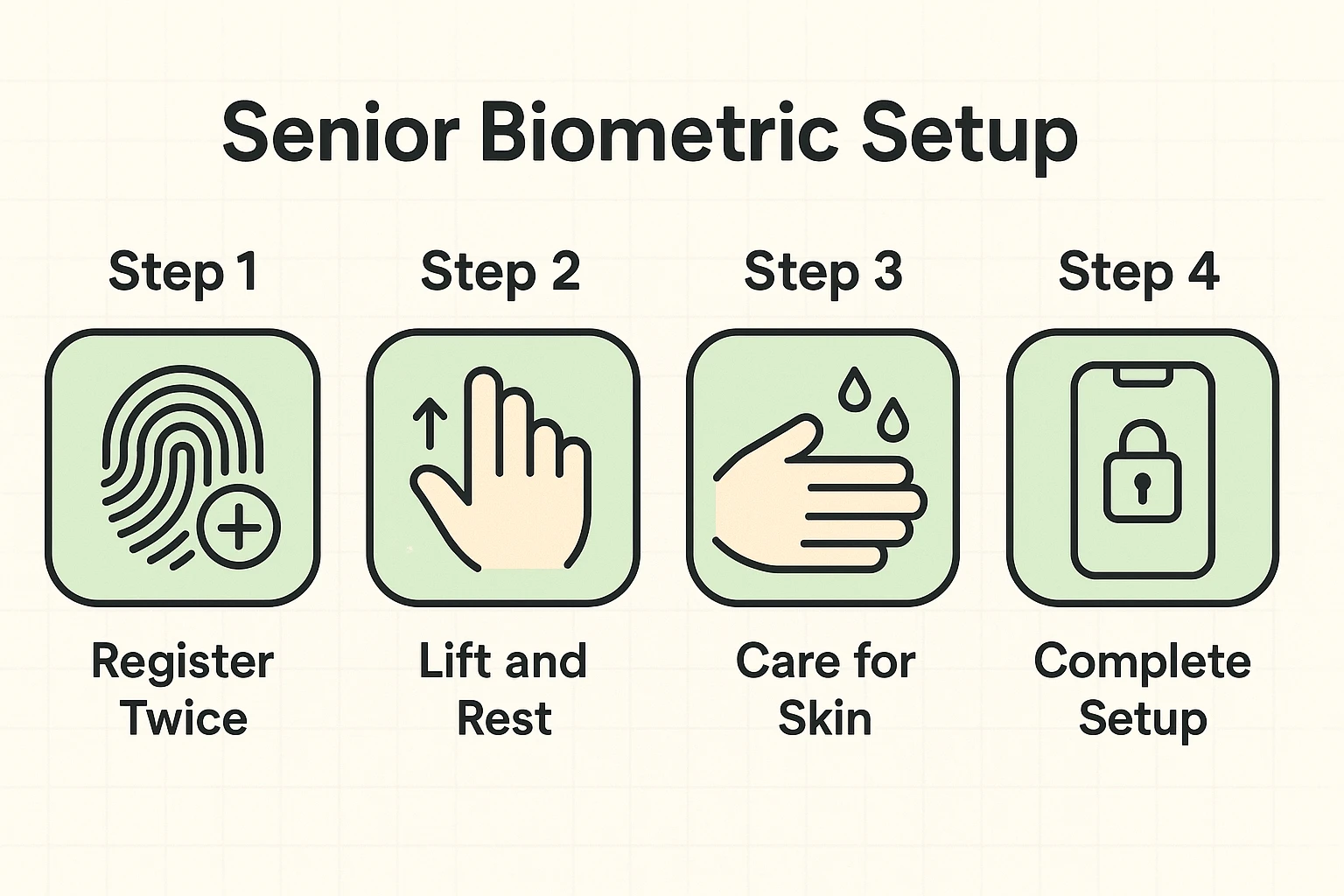
Fingerprint readers are the fussier of the two. Skin tends to get drier and thinner over the years, and fingerprint ridges can wear down after decades of gardening, cooking or working with your hands, so the scanner has less to read. A dirty sensor, a thick screen protector or pressing with just the tip of your finger can cause the same trouble.
Face recognition gets confused by the usual suspects: new sunglasses, a giant sun hat, or holding the phone at a strange angle. The phone is just being overly protective. Annoying, but better than being too careless.
If your phone is giving you the cold shoulder, try these fixes.
For fingerprints:
For Face ID and face unlock:
A photo can’t unlock an iPhone with Face ID, because Face ID maps the shape of your face with invisible dots of light, and a flat picture has no shape. Some Android phones are just as strong, but many use only the front camera and are easier to fool. On those phones, the fingerprint reader is the safer choice.
Face ID on an iPhone normally won’t unlock while you’re asleep, because it checks that your eyes are open and looking at the screen. That check can be switched off in the accessibility settings, so make sure it’s on. Some Android phones offer a similar option. A fingerprint reader has no such check, awake or asleep.
Yes, you still need a passcode with Face ID or a fingerprint. On an iPhone, it’s required after a restart, after five failed attempts, or when the phone hasn’t been unlocked for 48 hours. Anyone who knows your passcode can get in, so choose one that’s hard to guess and don’t type it where people can watch.
Adding a family member’s fingerprint gives that person the same access you have, including your apps, saved passwords, purchases and often your banking apps. It’s usually safer to unlock the phone yourself while they’re helping. On an iPhone, Face ID’s alternate appearance setting is meant for a second look of yours, not for a second person.
Face ID works with most glasses and adjusts on its own as you grow a beard, change your hair or wear makeup. After a big change, it may ask for your passcode once and then update itself. Some sunglasses can get in the way. If it keeps failing, set up an alternate appearance in Face ID settings.
Technology should work for you, not the other way around, and biometric security is one of the easiest ways to make your phone do exactly that.
If you haven’t set it up yet, open the Settings app. On an iPhone, look for Face ID & Passcode or Touch ID & Passcode. On an Android phone, look under Security, Security & privacy or Biometrics; the exact wording varies by phone maker. Take five minutes. The next time you’re holding up the grocery store line, your thumb (and the impatient shoppers behind you) will thank you.
For the rest of your phone’s defenses, see our guide to device security for seniors, or start with our online safety guide for seniors.