Newsletter Subscribe
Enter your email address below and subscribe to our newsletter

By Chris Clark, founder of Senior Tech Cafe
Hacked account recovery starts with containment, not investigation. You can work out how it happened later.
If you can still sign in, do it from a device you trust. Change the password, sign out every other session, and delete any recovery phone number or email address you don’t recognize.
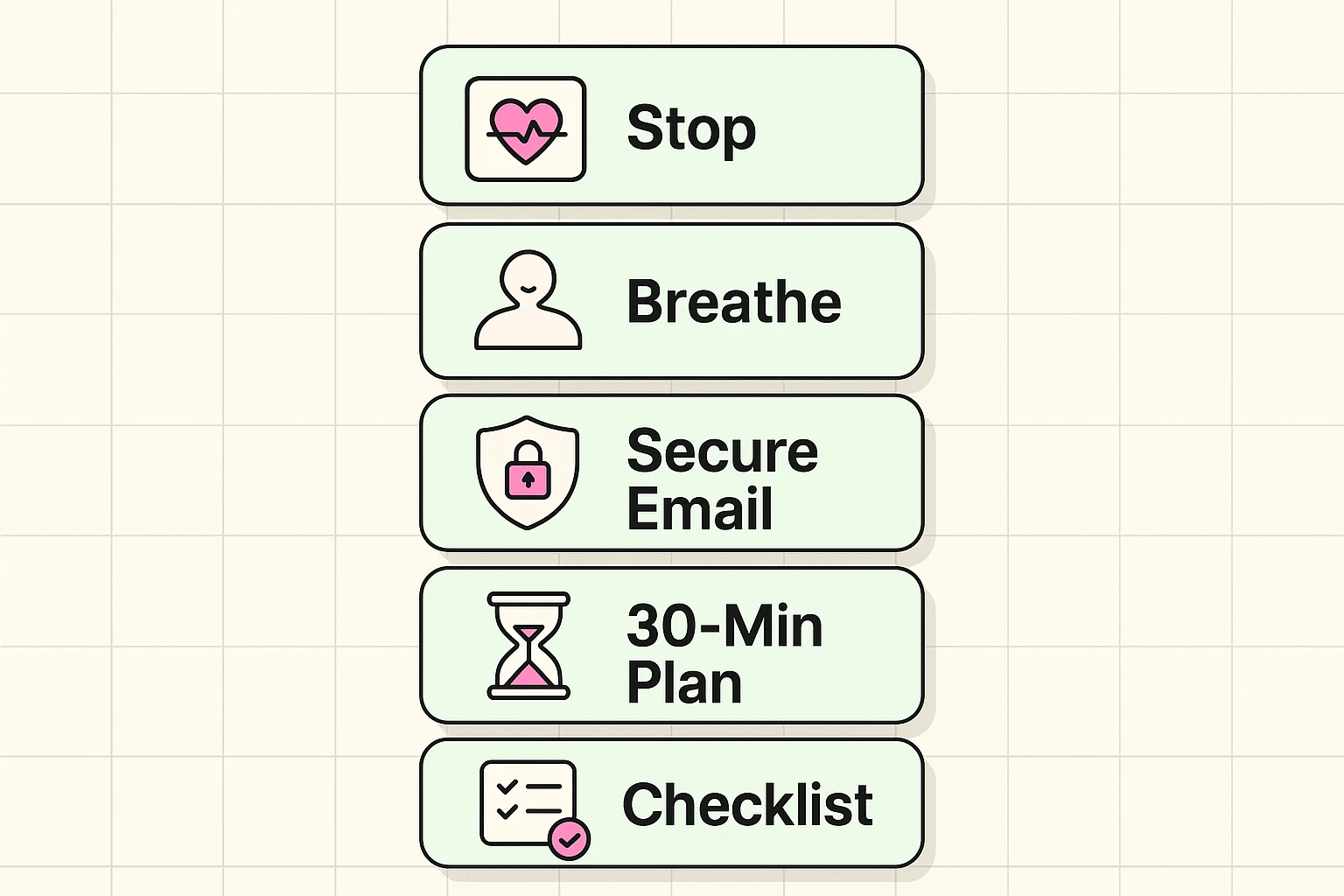
If you’re already locked out, go to the provider’s official compromised-account page. Not the ordinary password reset. The one meant for accounts somebody else is holding. If you don’t have a working recovery phone or email either, see our guide to account recovery without a recovery email or phone.
Secure the email account first, because it’s the one that can reset everything else. Then banking and payments.
Don’t click a recovery link sent by whoever you think did this. And never share a one-time code, whatever reason they offer.
You don’t have to fix everything at once. You do have to start with the email.
Use a device you trust. If the trouble came through your phone, borrow a laptop.
Change the password to one you’ve never used anywhere else. Then sign out all other sessions, which most services put under Security.
Remove phone numbers, email addresses and connected apps you didn’t add, and turn on two-factor authentication.
If money or identity details might be involved, call the bank or card issuer on the number printed on the card.
Then tell your close contacts not to trust unexpected messages from you, because the account has very likely already messaged them.
Take screenshots of alerts and transactions as you go, but don’t slow down containment to collect evidence. Locking them out comes first. The FTC’s guide to recovering a hacked email or social media account covers these same first steps in more detail.
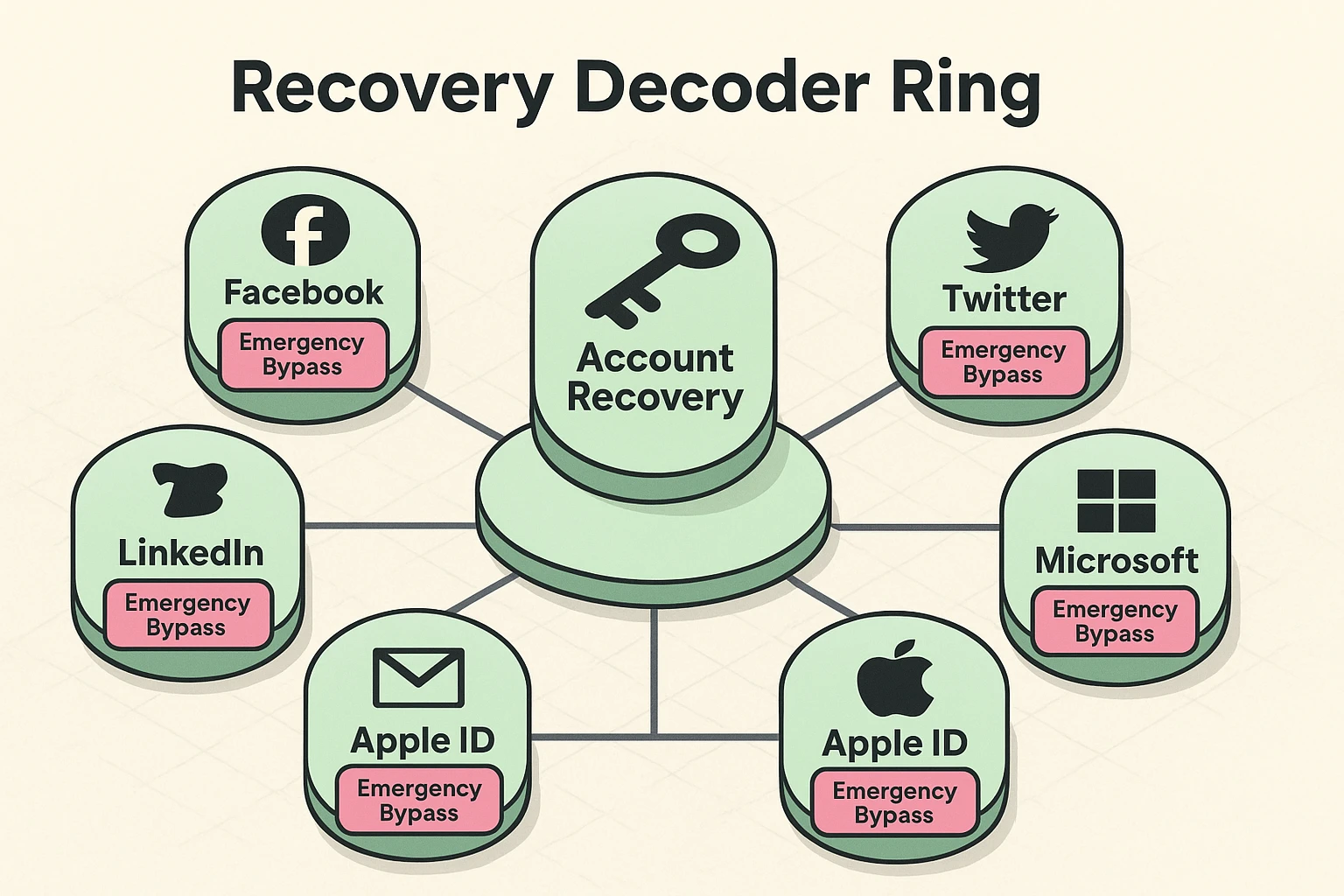
If your Facebook account was hacked and both the password and recovery email were changed, visit facebook.com/hacked and select “My account is compromised.” From there, you can recover access using Trusted Contacts, friends Facebook will send recovery codes to, or by submitting a government-issued ID for manual review, which typically takes 1 to 3 business days.
Now, let’s slow that down and walk through it together, one step at a time.
1. Go to facebook.com/hacked. This is Facebook’s official page for compromised accounts, and it’s the only door you should be knocking on. Type it into your browser yourself… don’t click a link some stranger sent you promising to “fix” things.
2. Choose “My account is compromised.” Facebook then starts a little question-and-answer wizard to prove you’re you. It might ask for an old password, or it might lean on your Trusted Contacts.
3. Set up or use Trusted Contacts if you’re locked out. These are 3 to 5 friends you’ve picked ahead of time who can receive recovery codes on your behalf. If your recovery email and phone were both changed, choose “I don’t have access to these” to reach this option.
4. Submit a government ID if all else fails. When you’re completely shut out, Facebook’s recovery team will accept a photo of your driver’s license or passport to confirm you’re the real account holder. Expect 1 to 3 business days for a human to review it.
5. Turn on two-factor authentication the moment you’re back in. Head to Settings, then Security and Login, and switch it on.
Not every incident is the same size, and the response differs.
A password of yours turning up in a breach is serious even if nobody has signed in yet. Change it everywhere you reused it, turn on two-factor authentication, and then stop worrying about it.
A login you don’t recognize, a changed recovery address, messages you didn’t send, a new forwarding rule, or a purchase you didn’t make means somebody may be inside the account right now. That’s the version where minutes matter.
A stolen Social Security number, medical record or account number is a different problem again. That supports identity theft, which outlives any password change and needs monitoring and reporting rather than a reset.
Go to the email provider’s official recovery page by typing the address yourself.
Once you’re back in, change the password and sign out every other session.
Then check the settings people forget, because that’s where the real damage hides.
Look at forwarding rules and filters first. Somebody who sets up forwarding keeps reading your mail long after you’ve changed the password, and it’s completely silent.
Remove recovery methods you don’t recognize. Check delegated access if your provider offers it. Read through Sent and Trash for messages you didn’t write.
Then update anything using that email address or that password, which usually means banking, social, shopping and government accounts.
Your email is the master key to everything else. Secure it first, and secure it properly.
Google keeps its recovery page at accounts.google.com/signin/recovery. Start by verifying your phone number or backup email. But if the hacker got greedy and changed those too, look for the little “Try another way” link… it’s easy to miss, tucked away like the fire exit in a movie theater you never notice until you need it.
Microsoft’s recovery form lives at account.live.com/acsr. The nice part is you can enter any email address you currently have access to, and Microsoft sends recovery instructions there.
Yahoo’s starting line is login.yahoo.com/forgot, and it follows the same rhythm as the others. One handy thing… Yahoo can sometimes verify you by phone number even if the hacker changed the number listed on the account, since the code goes through your actual carrier.
If what was stolen includes a Social Security number, bank details or a government ID, this stops being an account problem.
Start at IdentityTheft.gov, which builds you a recovery plan based on exactly what was taken.
Then consider a credit freeze with all three nationwide credit bureaus. A freeze is free, and it stops new accounts being opened in your name.
Contact your financial institutions on verified numbers, keep every confirmation number you’re given, and read your statements properly for a while.
If the breach notice offers free monitoring, confirm that offer on the organization’s own website before enrolling. Fake breach notices are their own industry now.
A breach doesn’t automatically mean identity theft happened. It changes what you should be watching. Work through it one phone call at a time.
Health data breaches need slightly different handling, because the damage turns up somewhere unusual.
Change the password on the patient portal and on the email account connected to it.
Then read your portal messages and your insurance explanations of benefits. That’s where medical identity theft shows up: services you never received, billed to your name.
Contact the provider or insurer on a verified number if records or claims look unfamiliar. Keep the breach notice, and ask them directly what information was exposed.
Medical identity theft can also put wrong information into your actual medical record, which matters more than the billing does. Request copies of the affected records before you dispute anything.
And keep asking questions until the answers make sense. It’s your record.
Once the fire’s out, spend an afternoon making the next one less likely.
Give every important account its own password. Turn on two-factor authentication. (See our two-factor authentication for seniors guide if you want the full walkthrough.) Update your recovery details, remove old devices and apps you don’t use, and switch on sign-in alerts so you hear about the next attempt early.
Wait before telling contacts the account is safe again. Ending other sessions and checking forwarding rules comes first, or you’ll end up telling them twice.
Then watch your email, bank and credit activity for a few weeks. Things connected to an incident often surface later, once everybody has stopped looking. For the full set of everyday habits, see our online safety for seniors guide.
From a device you trust, change the password, sign out all other sessions, and remove recovery details or apps you didn’t add. Secure the connected email account next. Call your bank on a verified number if money might be at risk. Work in that order, and never share a one-time code.
Yes. Tell close contacts not to trust unexpected messages, payment requests or links from that account, and send the warning through a different channel. A phone call or a text works fine. Nobody thinks less of you for sending it, and one warning can stop a friend replying to a scam.
Check forwarding rules, filters, delegated access, recovery addresses, connected apps, recent sessions, and both the Sent and Trash folders. Remove anything you didn’t create, then update accounts reusing that email or password. A forwarding rule keeps sending your mail elsewhere long after the password changes, so read that list carefully.
Review your patient-portal activity and your insurance explanations of benefits, then contact the provider or insurer on a verified number about anything unfamiliar. Keep the breach notice and ask exactly what was exposed. Request copies of affected records before disputing them, and keep every confirmation number you’re given.