Newsletter Subscribe
Enter your email address below and subscribe to our newsletter

Picture this: You reach into your pocket or purse, expecting to feel the familiar, comforting rectangle of glass that essentially runs your life. Instead, your fingers grasp a crumpled tissue, a stray peppermint, and a terrifying amount of lint.
Your phone is gone. After doing the frantic pocket-patting dance—a move that makes you look like you’re fighting off an invisible swarm of bees—the real panic sets in. It’s not just about losing your photos or your favorite Solitaire app. It’s the sudden, dreadful realization that your phone is the digital key to your entire life. It holds those constantly changing six-digit codes you need to log into your bank, your email, and your health portal.
Without those multi-factor authentication (MFA) codes, you are officially locked out of your own business. It feels a bit like locking your keys inside your house, except the house is invisible, and the locksmith is a robot in Silicon Valley who refuses to believe you actually live there.
Take a deep breath. You are not the first person to face a two factor authentication lost phone crisis, and you certainly won’t be the last. Even if you didn’t proactively print out backup codes—because who actually does that?—there is a clear path forward. Welcome to the digital emergency room.
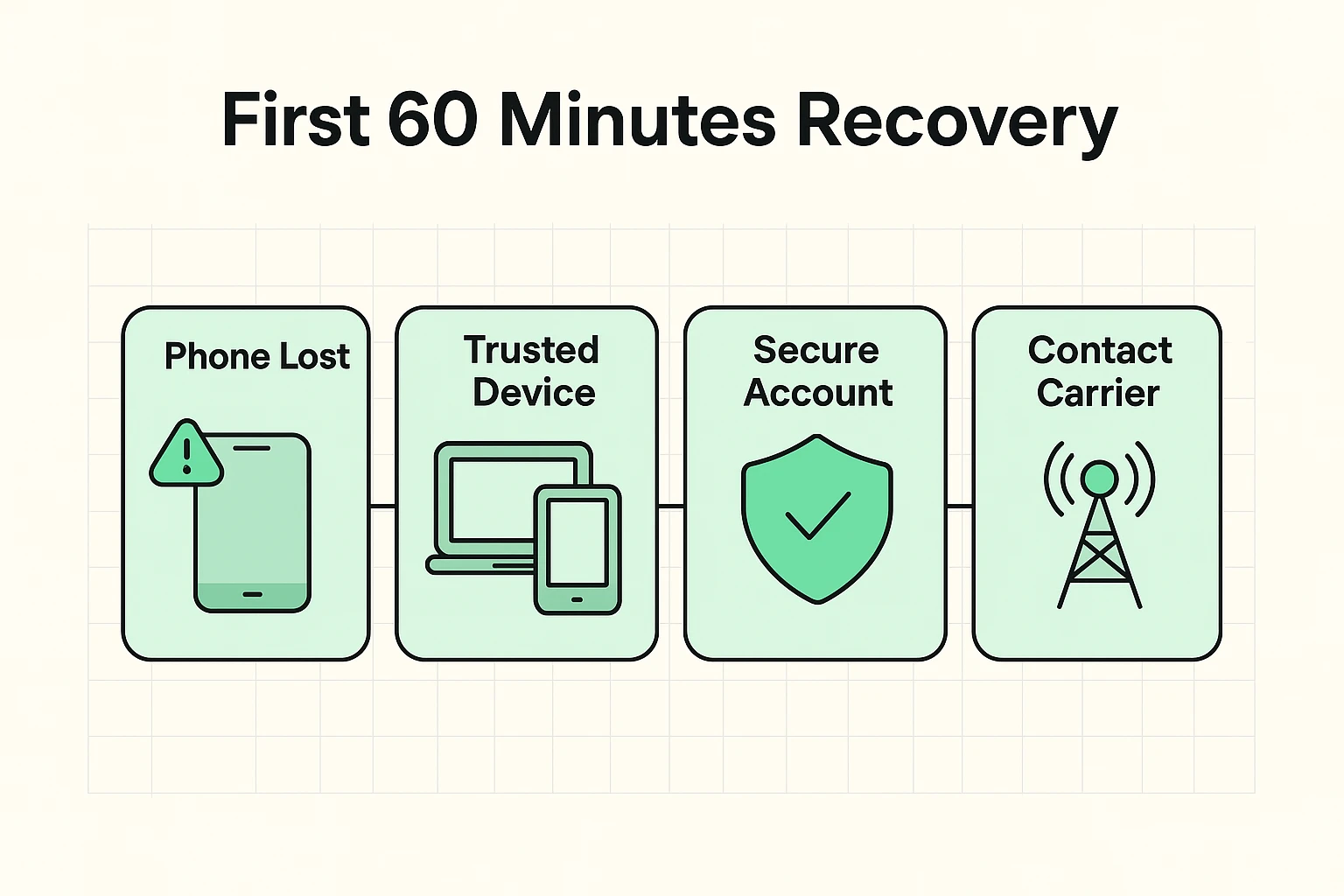
When your phone goes missing, your first instinct might be to scream into a pillow. After you’ve done that, it’s time to look for a “lifeboat.” Many seniors don’t realize they already have secondary devices that tech companies trust just as much as their phone.
We call these “Secret Doors.” Do you have an iPad in the living room? An old laptop gathering dust in the den? If you are already logged into your Google or Apple account on those devices, you have a massive advantage. You can use these trusted devices to access “Find My Device” (to lock or erase your lost phone) or change your security settings without needing a new text message code.
If you don’t have a backup device logged in, don’t worry. The next step is simply securing your phone number. Call your mobile carrier from a landline or a friend’s phone to report the device lost. This prevents anyone who finds your phone from receiving your personal text messages.
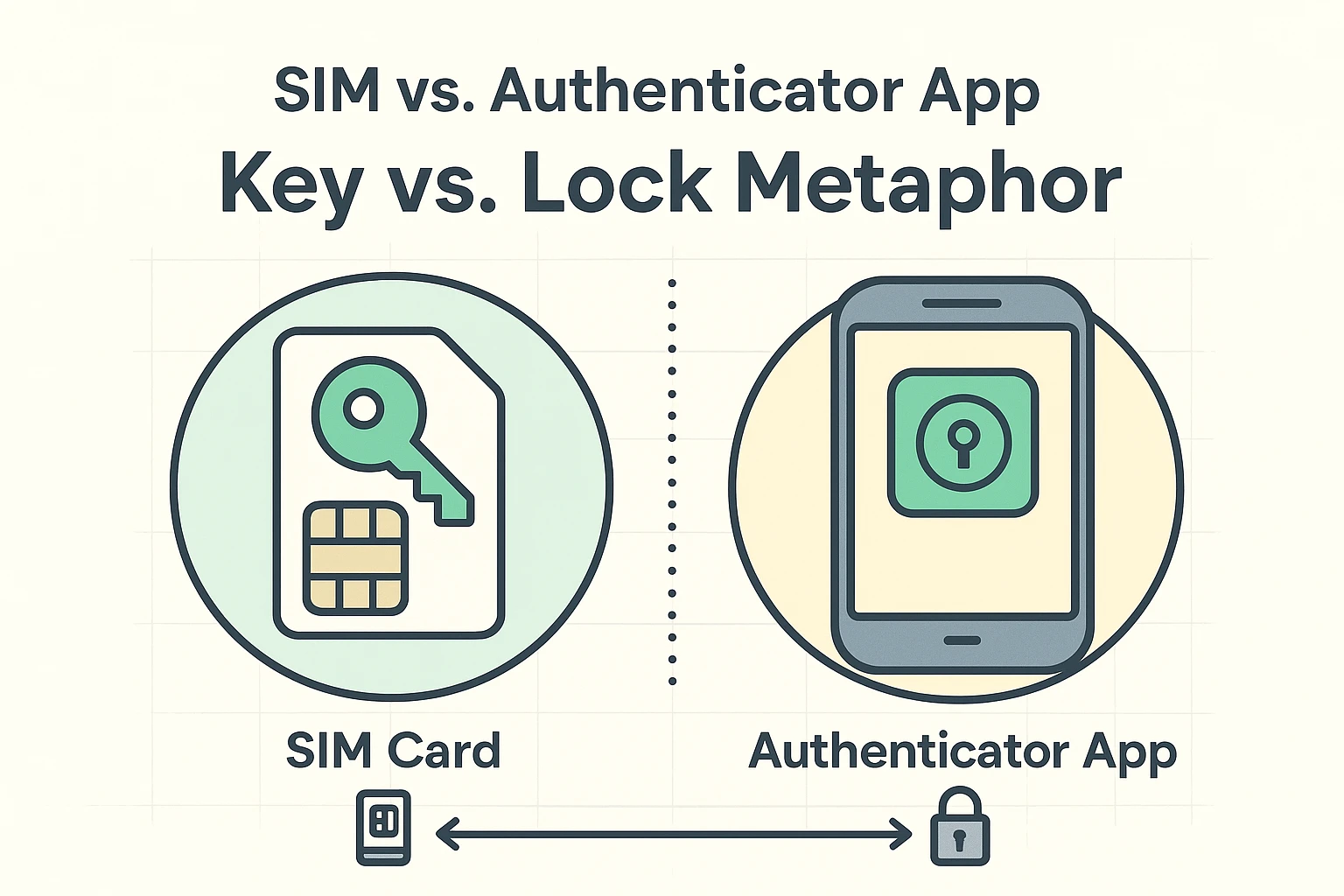
Here is where the biggest misunderstanding in the tech world happens. Many people think, “I’ll just get a replacement phone and a new SIM card with my old number, and all my authenticator codes will magically reappear!” Sadly, this is a myth.
Think of multi-factor authentication like a double-locked door. Getting a new SIM card with your old phone number is like getting a replacement for the front door key. It will absolutely help you get text-message codes again. However, if you used an authenticator app (like Google Authenticator or Authy), that’s a separate safe inside the house.
A new SIM card does not open the app’s safe. The authenticator app is tied to the physical hardware of your lost phone, not your phone number. Understanding this difference will save you hours of frustrated yelling at the poor clerk at the mobile phone store.
Different companies have different ways of handling a missing phone. Here is how you navigate the big three without losing your mind.
When you try to log into Google and it asks for a code from your missing phone, look for the tiny text that says “Try another way.” Google will offer a few alternatives, like sending a prompt to an old tablet, emailing a backup email address, or asking you to verify a credit card on file. Keep clicking “Try another way” until you find an option you can actually complete.
Apple relies heavily on “Trusted Devices.” If you have a Mac or an iPad, you can easily bypass the phone requirement. If you only had an iPhone, you’ll have to enter “Account Recovery.” Be warned: Apple’s Account Recovery process involves a mandatory waiting period. It might take a few days, which feels like waiting at the DMV in slow motion, but it’s designed to keep hackers out.
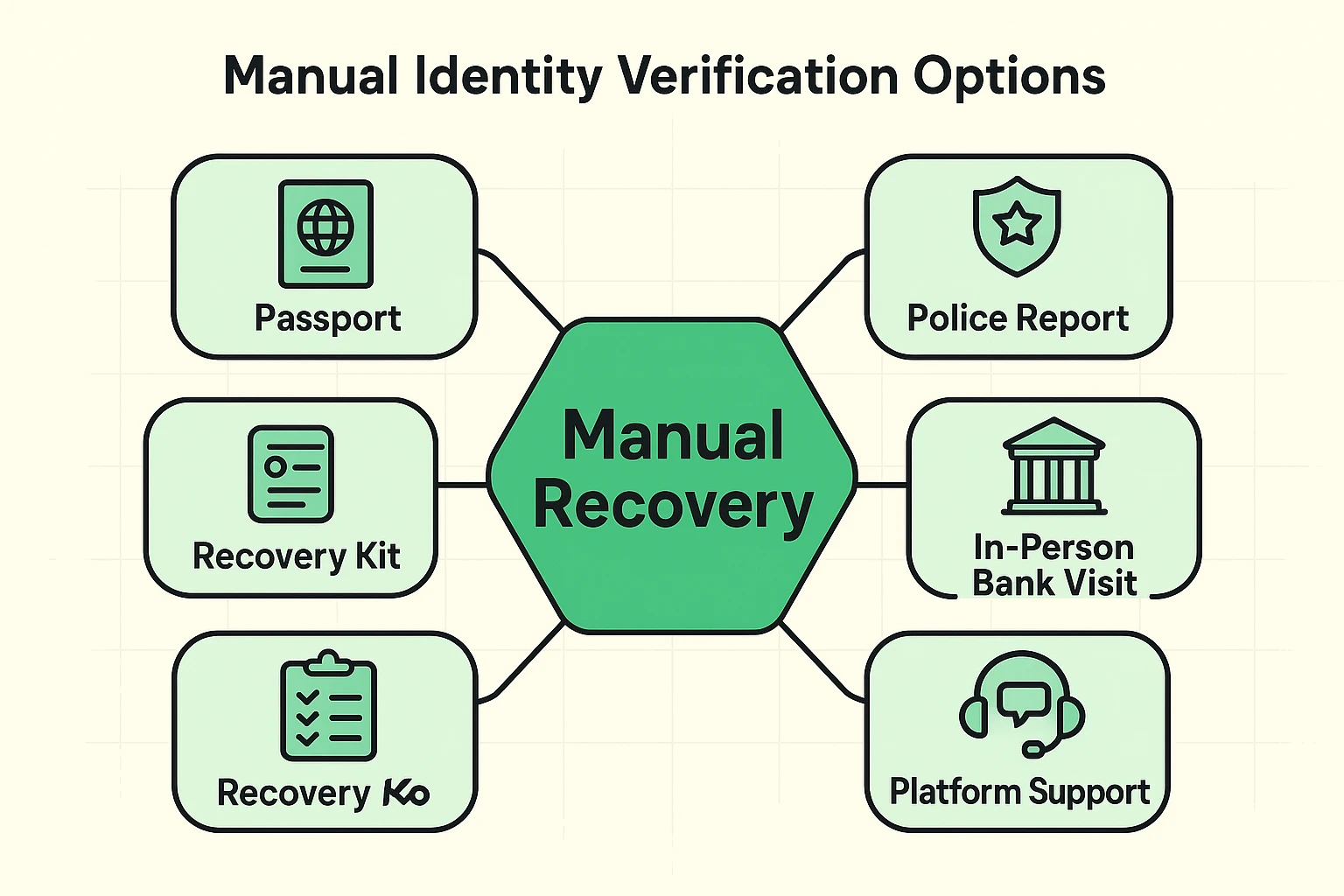
Banks are surprisingly the easiest to deal with because they still believe in human beings. If you can’t log in online, you can physically walk into a local branch. Handing your driver’s license to a human teller acts as an instant bypass for your missing digital codes.
What happens if the automated systems fail, you don’t have a backup device, and you use a service that doesn’t have a physical branch? It’s time to rely on the “Identity Anchors” of the real world.
Tech companies ultimately just want proof that you are who you say you are. If you need to force a human review at a company, be prepared to upload official documents. A passport or a state-issued ID is often required.
Interestingly, filing a police report for your lost phone is a massive help here. A police report is a legal document. When you submit a police report alongside your ID, it proves to a tech company (or a carrier like Safelink) that you aren’t a hacker trying to steal an account, but a real person facing a genuine loss.
Once you’ve finally sweet-talked the tech robots into giving you your accounts back, you need to ensure this never happens again. Setting up strong auth is important, but having a backup plan is mandatory.
The easiest method? Go analog. When you set up multi-factor authentication, the website will offer you a list of “Backup Codes” or “Recovery Codes.” Print these out on actual, physical paper. Put them in the same file cabinet where you keep your birth certificate or the deed to your house.
If you use a digital vault, learning how a master password reset works before you need it is a lifesaver. Taking twenty minutes to prepare today will save you days of anxiety tomorrow.
If your phone was provided through a government assistance program like Safelink, or if you are locked into a major carrier contract, you must contact them immediately to suspend the service. Safelink and other carriers have specific protocols for sending replacement SIM cards. Remember, this new SIM will restore your phone number (and your text messages), but it won’t automatically log you back into your security apps.
You don’t have to, but if someone picked it up and didn’t turn it in, it’s technically stolen. Having a police report on file creates an official paper trail. If a hacker tries to drain your bank account using your lost device, that police report is your best defense to prove you were no longer in possession of the phone.
Once you regain access to your accounts, you can temporarily turn off the authenticator app requirement in your security settings. We don’t recommend leaving it off permanently, as it’s the best defense against scammers. Instead, set it up on your new phone, and this time, print out those backup codes!