Newsletter Subscribe
Enter your email address below and subscribe to our newsletter

Picture this: You finally manage to remember your bank password. It’s a magnificent creation involving your first pet’s name, the year you bought your house, and a random exclamation point just to keep the hackers guessing. You type it in, feeling like an absolute genius, and confidently hit enter. But instead of showing your checking balance, the screen demands a mysterious six-digit code that it supposedly just texted to your phone.
Now the real panic sets in. Where is your phone? Did you leave it on the kitchen counter? Is it wedged deep in the sofa cushions? By the time you finally locate it, the code has expired, and you’re forced to start the whole maddening process over again.
If this technological obstacle course sounds familiar, take a deep breath. You are experiencing the joys of multi-factor authentication (MFA). While it might feel like your devices are actively plotting against you, this extra step is actually your best defense against modern cyber villains. Let’s break down exactly what this is, why text messages aren’t as safe as you think, and how you can lock down your digital life without pulling your hair out.
Think of your online accounts like a safety deposit box at the bank. To get inside, your signature (your password) just isn’t enough anymore. The bank teller also wants to see your physical photo ID (the second factor). This “double-lock” strategy ensures that even if a clever crook successfully forges your signature, they still can’t get into your box without your wallet.
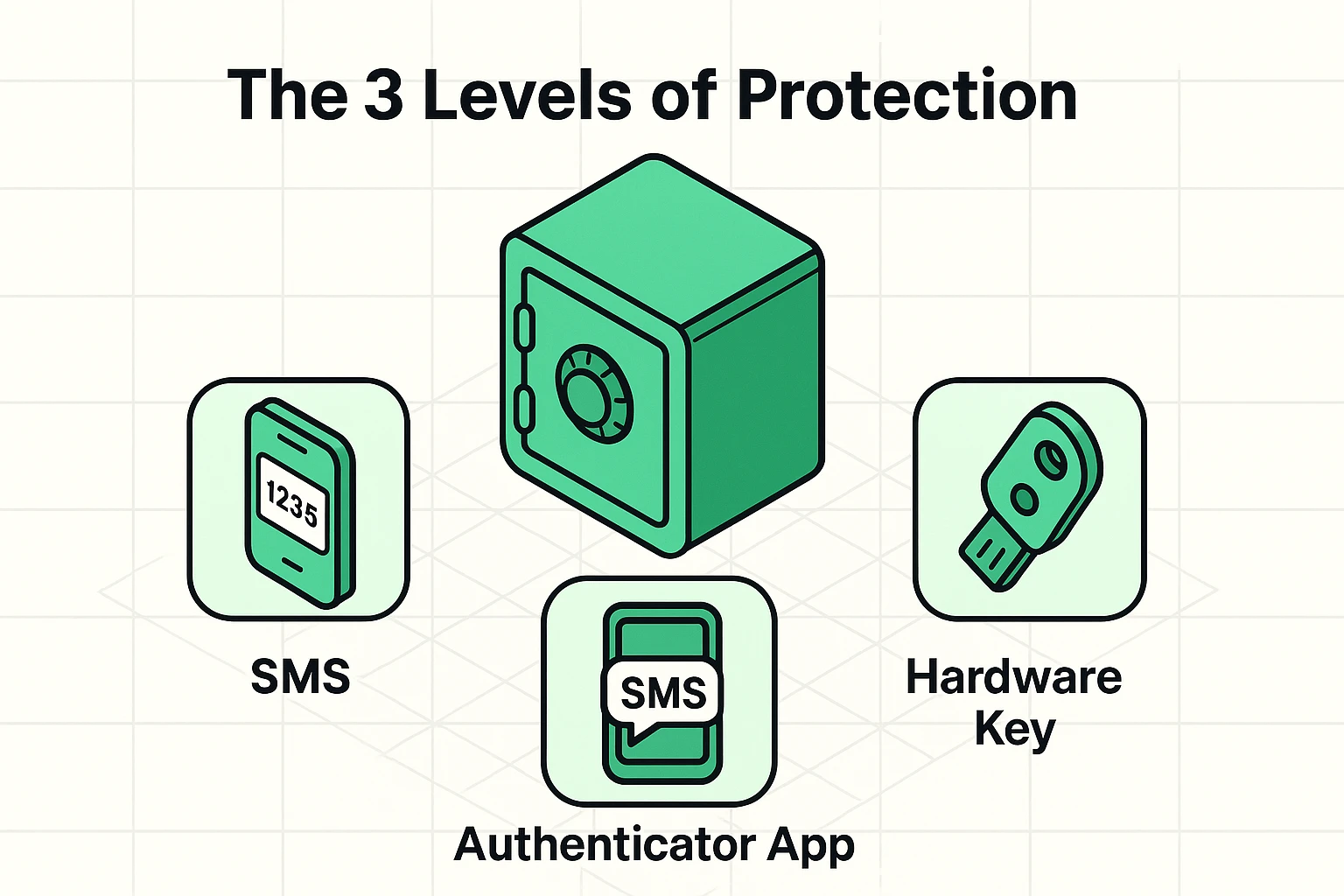
Setting up strong auth means combining something you know (your password) with something you have (your phone or a physical security key). It turns a flimsy screen door into a heavy steel gate. But here’s the kicker: not all secondary locks are created equal. Let’s look at the three levels of protection, ranging from “okay” to “Fort Knox.”
Most of us are highly familiar with the text message method, officially known as SMS authentication. The bank texts you a code, you type it in, and you’re granted access to your money. It’s certainly better than having no second lock at all. However, relying on text messages is a bit like hiding your spare house key under the doormat; it works, but the bad guys know exactly where to look.
Here is a terrifying little magic trick scammers use called “SIM swapping.” A hacker calls your phone company, pretends to be you, and convinces them to transfer your phone number to their phone. Just like that, they can steal your phone number without ever touching your actual phone! Suddenly, all those supposedly secure six-digit text codes are going straight to the hacker.
If text messages are the doormat key, authenticator apps are like a digital keypad lock that changes its combination every thirty seconds. These are free apps you can download directly to your smartphone, like Google Authenticator or Microsoft Authenticator. Instead of waiting around for a text to arrive, you simply open the app to see your current, temporary code.
Because the codes are generated right there inside your physical phone, they are completely immune to the sneaky SIM swapping trick we just talked about. Even if a hacker successfully steals your phone number, they cannot get their hands on these app codes. The only downside? You still have to type in a bunch of fast-expiring numbers, which can sometimes feel like a stressful race against the clock.
Now we arrive at the absolute gold standard of online safety: the hardware security key. These look like little USB thumb drives (brands like YubiKey are very popular) that you attach right to your everyday keychain. To log in, you type your password, and then you physically plug this little key into your computer or tap it against your phone.
No typing tiny numbers. No racing against a thirty-second timer. It’s a literal, physical key to your digital house. If a hacker sitting halfway across the world doesn’t have your physical plastic key in their hot little hands, they absolutely cannot get into your account.
If you have arthritis or hand tremors, you might be thinking, “Great, another tiny, frustrating object to fumble with.” The good news is that many modern keys use NFC (Near Field Communication). You don’t even have to plug them in; you just tap the key gently against the back of your smartphone, much like tapping a credit card at the grocery store checkout line.
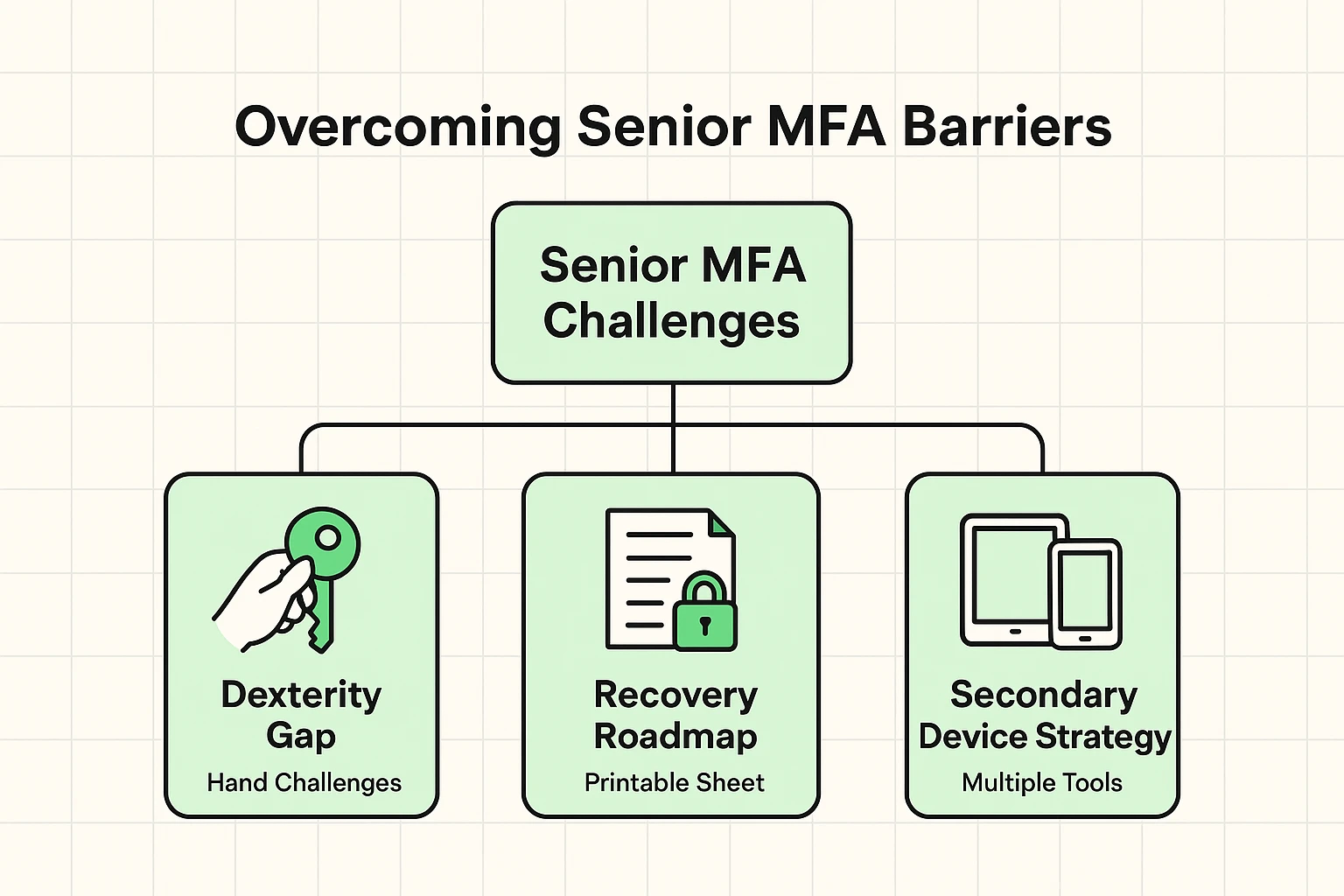
Let’s address the elephant in the room right now. The number one reason folks avoid setting up these stronger security locks is the absolute dread of locking themselves out of their own accounts. What if your phone falls into a lake? What if you accidentally drop your security key down a storm drain while walking the dog?
If you ever find yourself stuck at a login screen for two factor authentication but i lost my phone, don’t panic. Every single service that offers multi-factor authentication also provides a built-in “safety net” called backup codes.
When you first set up your app or security key, the website will generate a list of permanent, one-time-use backup codes. Your job is to print these out on a physical piece of paper and lock them safely in a fireproof box or a secure filing cabinet. If disaster ever strikes, you just pull out your paper, type in a backup code, and you are instantly back in control of your account.
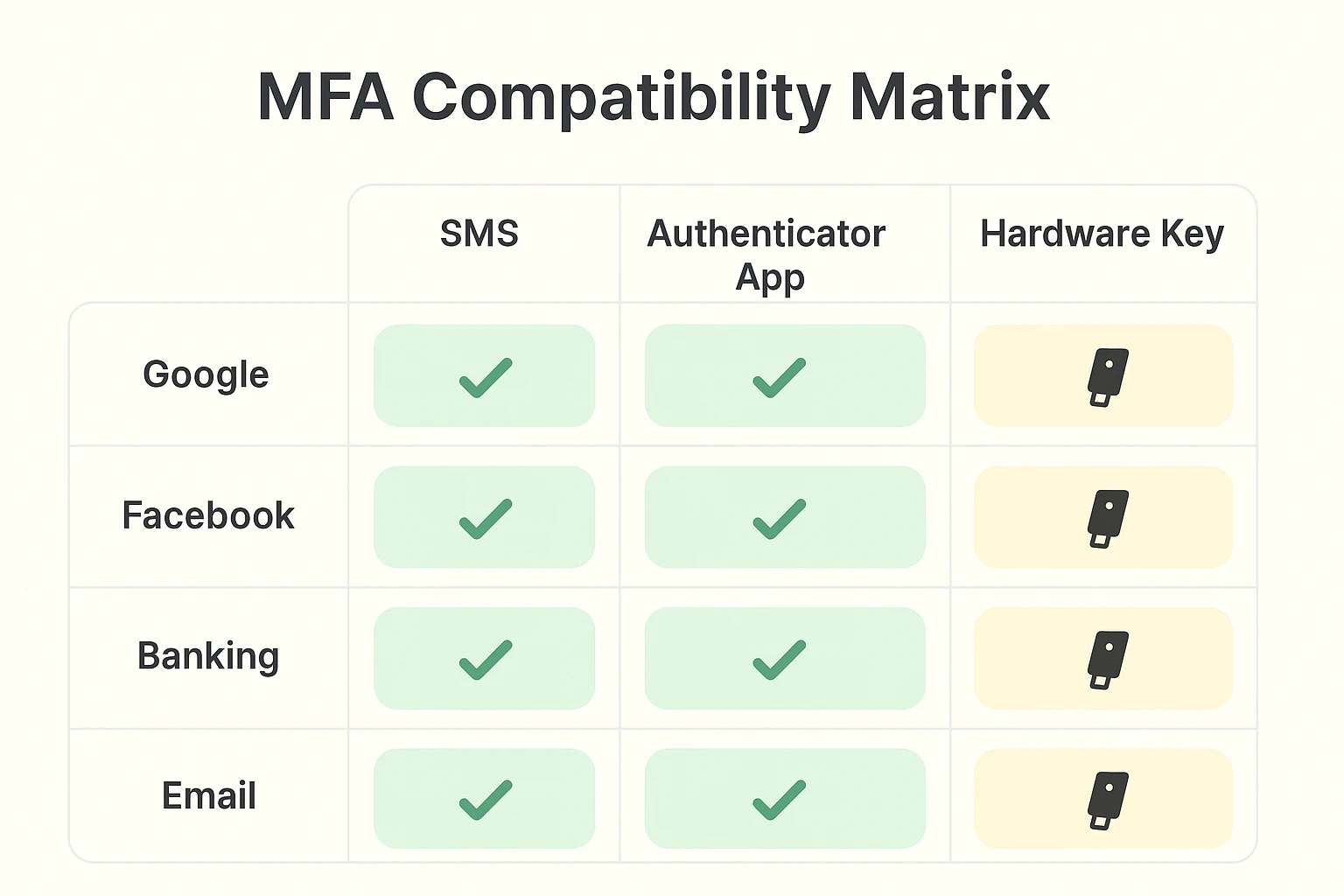
Not at all! One single hardware key can be safely linked to your email, your social media, and your banking apps all at the same time. It acts as a universal master key for all your compatible accounts.
Sometimes our phone cameras just refuse to cooperate, usually right when we need them most. If your camera won’t scan the square barcode during setup, look for a tiny link that says “Enter Setup Key Manually.” The website will give you a long string of letters to type in instead, which accomplishes the exact same thing without the camera hassle.
Absolutely, and we highly recommend it! You can easily install your authenticator app on a secondary iPad, or register a second hardware key to give to a trusted spouse or adult child. Think of it exactly like giving a spare house key to a trusted neighbor for emergencies.
Upgrading your digital locks doesn’t have to require a degree in advanced computer science. Moving away from text-message codes to an authenticator app or a physical key is one of the most powerful things you can do to protect your online life. It puts you firmly in control and leaves the cybercriminals helplessly knocking on a locked steel door.
Start small so you don’t get overwhelmed. Pick just one important account—like your primary email—and try setting up an authenticator app this week. Once you get the hang of it, you’ll quickly realize it’s actually faster and much safer than waiting around for a text message that might never arrive.