Newsletter Subscribe
Enter your email address below and subscribe to our newsletter


You’re sitting in your favorite chair, armed with a cup of coffee and a simple mission: logging into your bank account. You carefully type in your password, squinting at the tiny keyboard on your screen. The screen shakes its digital head. You try adding an exclamation point. Still no.
You click “Forgot Password” and are greeted by a cheery article from a tech giant telling you that passwords are dead anyway. “Just use a passkey!” they announce, making it sound as easy as buttering toast. You follow their instructions, only for your perfectly good, five-year-old smartphone to look at you blankly. It’s like asking a rotary phone to send a text message.
If this sounds familiar, take a deep breath. You are not losing your mind, and your phone isn’t broken. The tech world is rushing toward a new password-free future, but they forgot to mention that this magical new tech requires specific, modern hardware. If your phone is a few years old, you might feel like you’ve been left behind on the digital highway.
But here’s the good news: you don’t need to rush out and buy a $1,000 phone just to stay safe online. Today, we’re going to build you a “bridge strategy” to keep your older device secure, without the frustration.
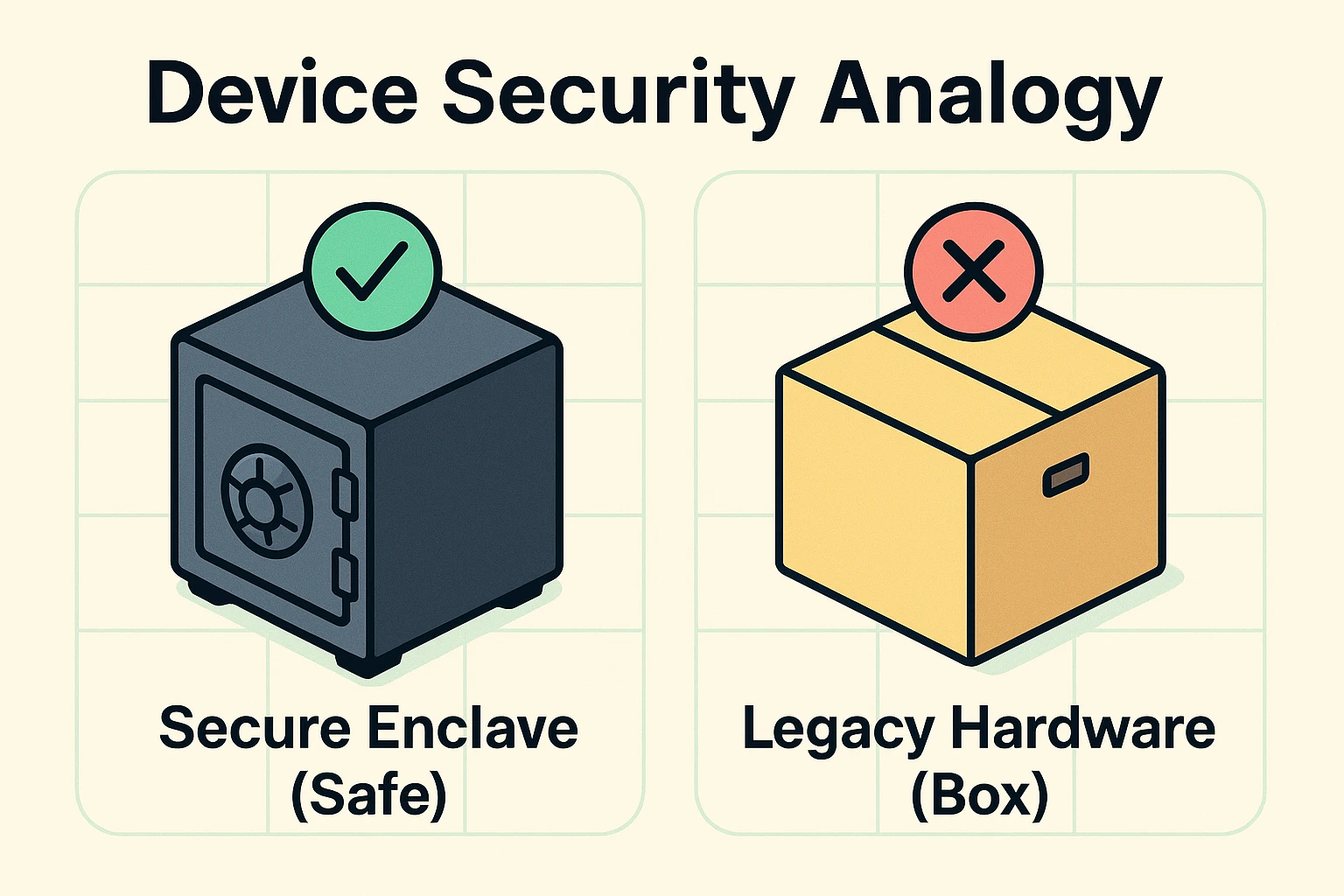
To understand why your older phone is giving you the cold shoulder regarding passkeys, we need to look inside it. Most people think passkeys are just a new software update, like downloading a new app or getting a new background picture of a sunset. But passkeys actually rely on physical hardware.
Modern smartphones are built with a tiny, physical computer chip inside them called a “Secure Enclave.” Think of this chip as a heavy-duty, fireproof steel safe bolted to the floor of your house. When you create a passkey, it gets locked inside this physical safe, making it incredibly secure against hackers.
Older phones, however, don’t have this steel safe. They just have regular software storage, which is more like keeping your valuables in a sturdy cardboard box. It’s perfectly fine for everyday items, but it’s not where you want to keep your digital gold. Because your older phone is missing that physical safe, it simply can’t hold a passkey.
This isn’t a ploy to make you feel bad about your gadget. It’s just a matter of hardware catching up to new security ideas. The good news is that you can still use strong auth strategies to protect your accounts—even with your trusty cardboard box.
Just because you can’t use the newest bells and whistles doesn’t mean you have to leave your front door wide open. If you have an older phone, you just need a different toolkit.
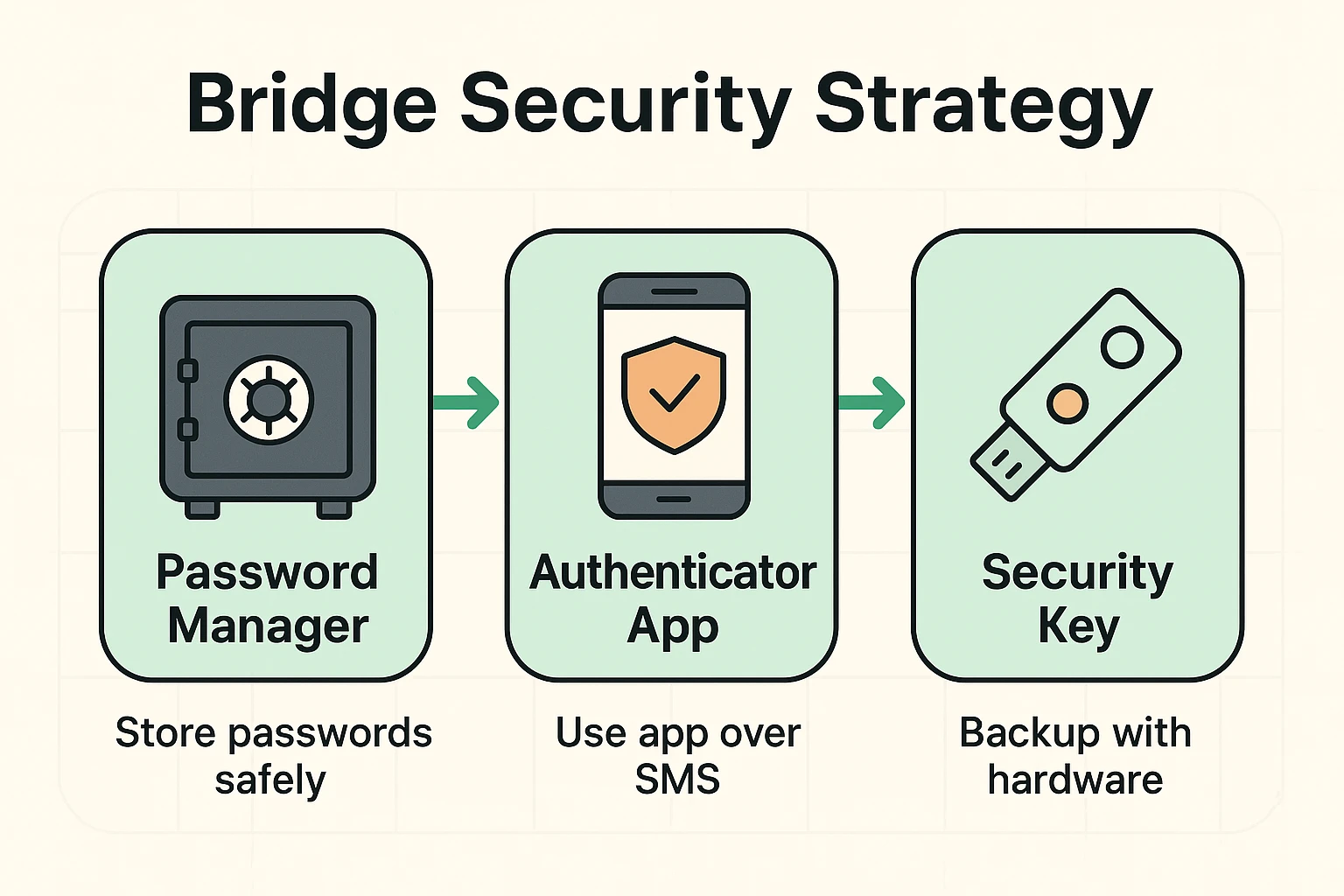
Here is a three-step bridge strategy to keep your legacy device incredibly secure, without having to type complex passwords until your thumbs ache.
For many of us, the biggest pain point isn’t the security itself—it’s the physical act of typing a 14-character password on a keyboard designed for ants. If you can’t use a passkey, your best friend is a third-party password manager.
Think of a password manager as your own personal digital assistant whose only job is to remember and type your passwords for you. You only have to remember one “Master Password” to unlock the manager. Once it’s open, it fills in all the blanks for you across the web. It completely removes the frustration of typos and locked accounts.
You’ve probably experienced the joy of trying to log in somewhere, only for the website to text a six-digit code to your phone. While getting a text message is better than having no protection, it’s actually not the safest method out there.
Scammers have gotten very good at intercepting those text messages or tricking you into reading them out loud over the phone. A much safer alternative for your old device is an Authenticator App. It generates those six-digit codes right on your screen, and they change every 30 seconds.
Plus, if an urgent email ever tells you that your account is locked and demands a code, don’t panic. Ignore the email entirely, and always check their website directly to see if there’s actually a problem.
If you really want top-tier security but absolutely refuse to give up your older phone, you can buy a physical security key, like a YubiKey. This is literally a small piece of plastic that goes on your physical keychain.
When you want to log into an important account, you just plug this key into your phone or tap it against the back. It serves the exact same purpose as that missing “digital safe” inside your phone. It’s incredibly secure, surprisingly affordable, and you never have to remember to charge it.
So, where exactly is the cutoff line? How do you know for sure if your device is officially in the “too old for passkeys” club? The tech world moves fast, but there are some general rules of thumb.
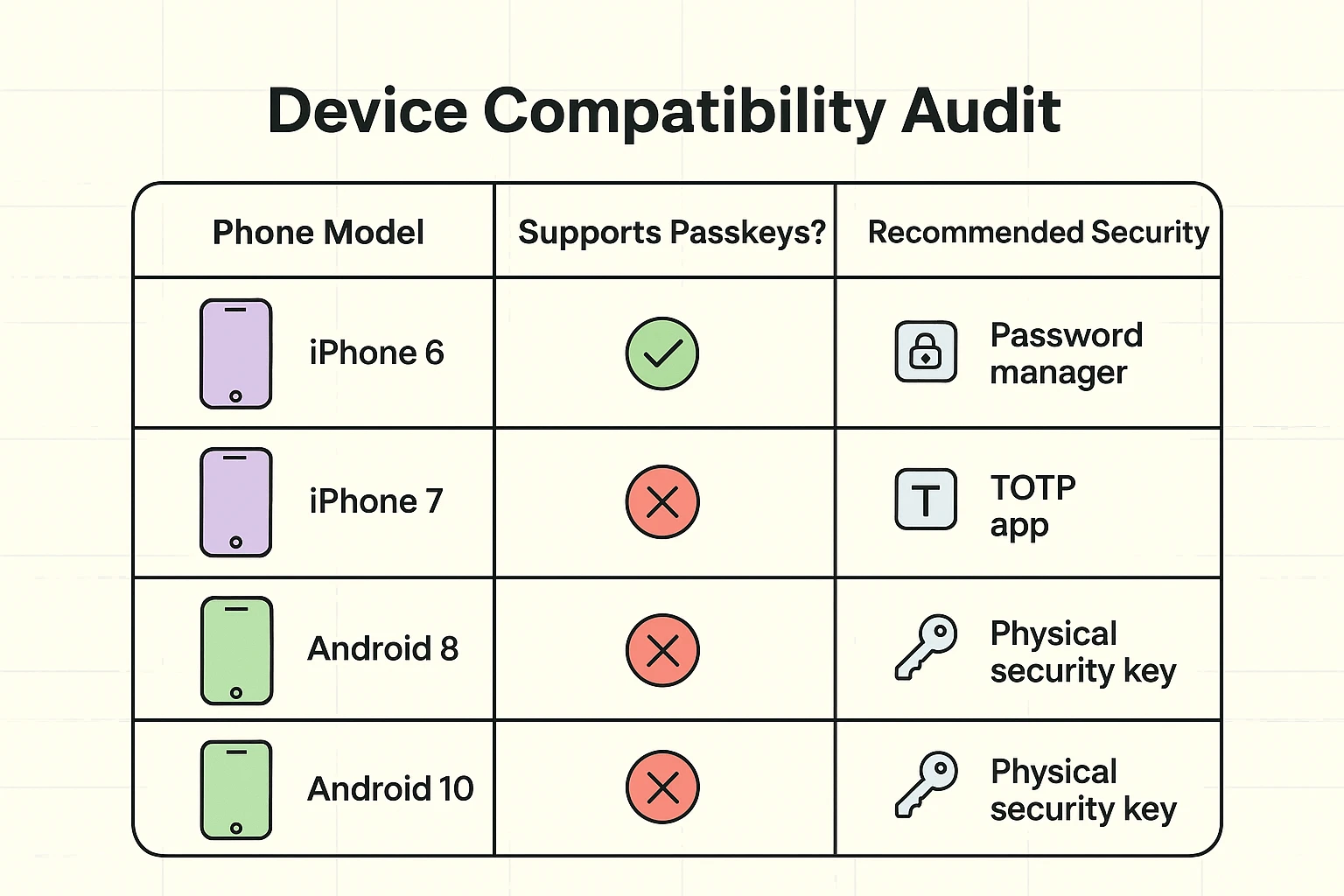
For Apple users, the magic number is iOS 16. If you have an iPhone 7, an iPhone 6, or older, your device cannot be updated to iOS 16. That means those phones do not have the necessary hardware to support passkeys natively.
For Android users, the cutoff is usually Android 9. If your phone is running Android 8 or older—which includes many devices made before 2018—you will likely be locked out of the passkey party.
To check your phone, simply go to your settings and look for “Software Update” or “About Phone.” If your phone tells you it’s fully up to date, but you’re still stuck on iOS 15 or Android 8, it’s time to fully embrace the bridge strategy we outlined above.
This is the number one fear we hear from seniors: “What if I put all my security codes on my phone, and then I accidentally drop it in a lake?” It’s a terrifying thought, especially when you feel like your entire digital life is tied to one fragile piece of glass.
Finding yourself dealing with a two factor authentication lost phone scenario doesn’t have to be a disaster if you plan ahead. The secret is having a “Master Key” physical backup.
When you set up an authenticator app or a password manager, the service will usually give you a list of “backup codes.” They look like a random jumble of letters and numbers. Do not ignore these! Write them down on a physical piece of paper and file them with your important documents. If your phone ever goes for a swim, those printed codes are your golden ticket back into your accounts.
Not at all! Having an older phone just means you are missing out on the newest convenience features. If you use a password manager, avoid reusing passwords, and keep an eye out for scams, you can remain incredibly safe on an older device.
Yes! This is the new version of the old “Microsoft Support” scam. If someone calls you out of the blue offering to “upgrade your phone to passkeys” for a fee, or asks for remote access to your computer, hang up immediately. Real tech companies will never call you to do this.
No. While tech companies would love for you to buy a new device every year, your current phone is fine as long as it still receives basic updates. Use our bridge strategy above to make logging in easier and safer until you are truly ready to buy a new phone.