Newsletter Subscribe
Enter your email address below and subscribe to our newsletter

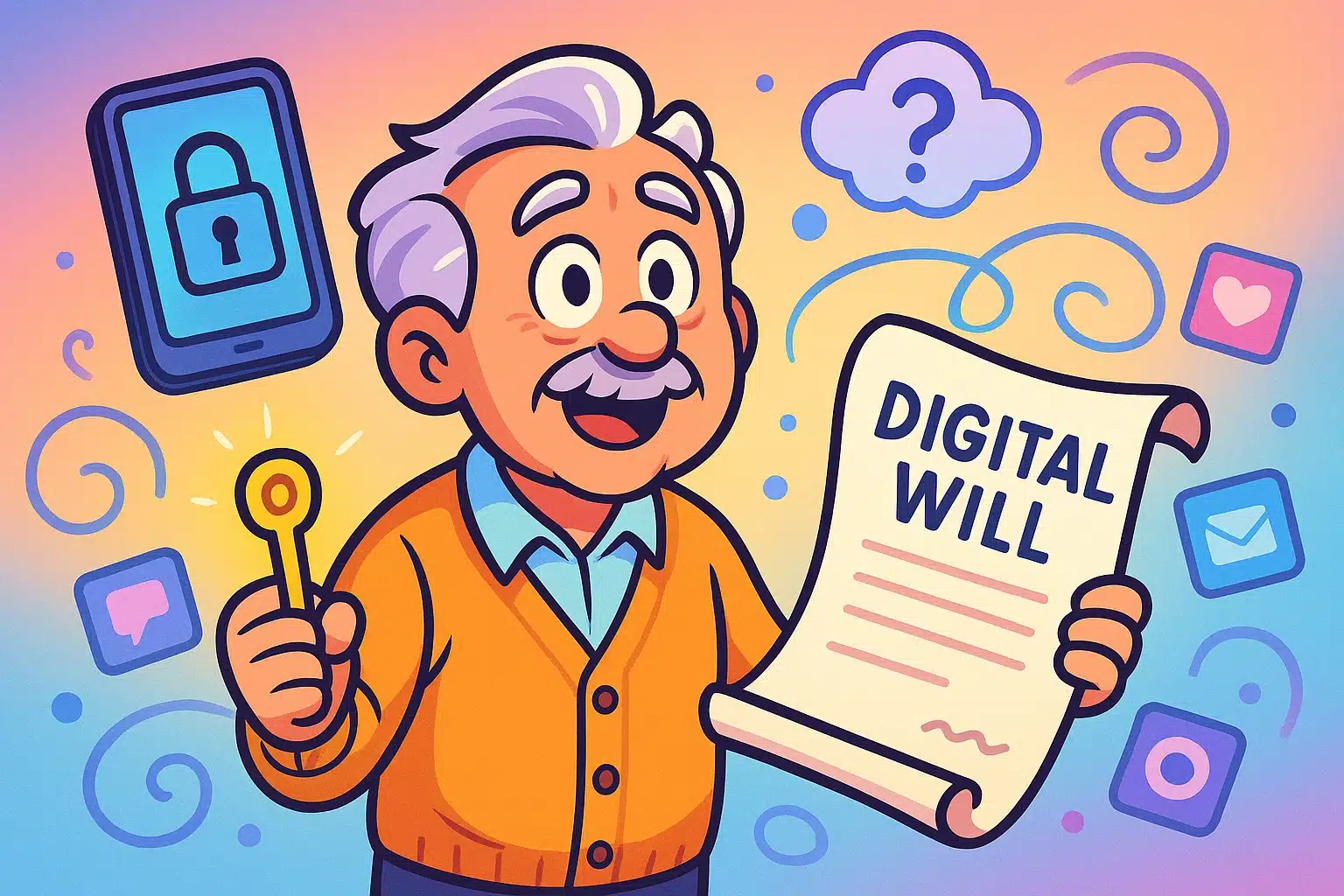
Picture this: The time has finally come, and your loving family gathers in a mahogany-paneled lawyer’s office to hear the reading of your will. They solemnly nod as the lawyer announces who gets the antique credenza, the fine china, and your beloved collection of slightly used Tupperware.
But then, your daughter asks the real million-dollar question: “Wait, who gets mom’s iPad password? And how do we access her 14,000 digital photos?” The lawyer stares blankly. The room falls silent.
We spend so much time making sure our physical houses are in order before we go, but we often completely ignore our digital houses. Leaving your physical phone to your kids is useless if they can’t actually unlock it. It’s like leaving them a beautiful, fully-furnished mansion, but changing all the locks on your way out and swallowing the only key.
Welcome to the weird, wild world of estate planning for your “Digital Afterlife.” It might sound like a sci-fi movie, but it’s one of the most important things you can organize today. Let’s look at how to protect your digital legacy, save your family a massive headache, and keep your most private secrets, well, private.
Research shows that the average person has roughly 160 digital accounts. That includes everything from your bank and email to your social media, streaming services, and that obscure knitting forum you joined in 2014.
When we pass away, those accounts don’t just magically float up to the digital heavens. They sit there in limbo. Many seniors assume, “I’ll just write my passwords down on a sticky note and leave it in my desk.” That used to work beautifully, right up until Two-Factor Authentication (2FA) came along and ruined the sticky note party.
Here is the “2FA Trap”: Even if your son has your exact email password, the website might send a six-digit security code to your smartphone to verify it’s really him. If he can’t unlock your physical phone to see that text message, that sticky note is utterly useless. He is permanently locked out.
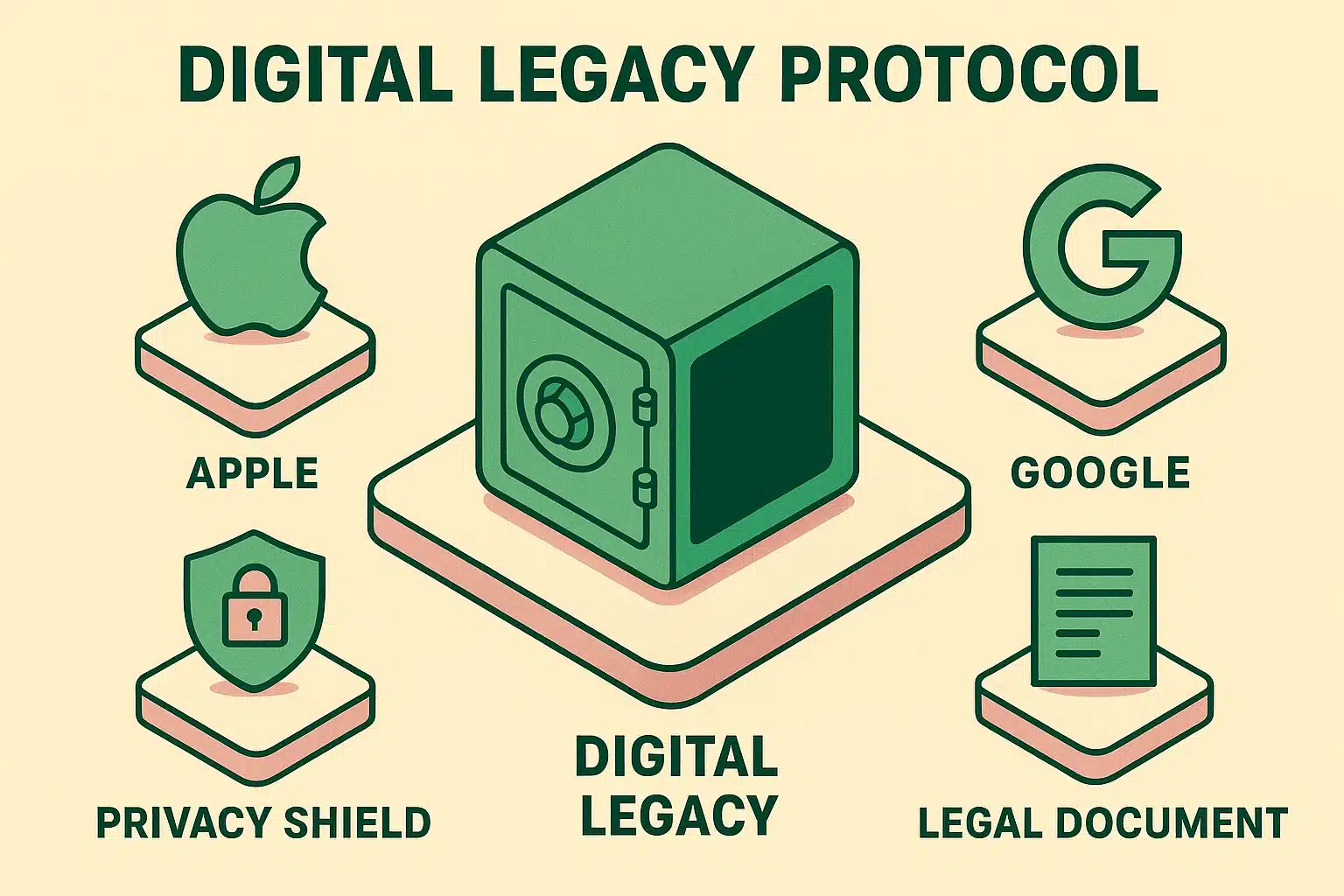
Thankfully, major tech companies have realized that keeping dead people’s accounts locked forever is bad for business. They’ve created tools to let you name a “Digital Executor,” but you have to set them up before you go.
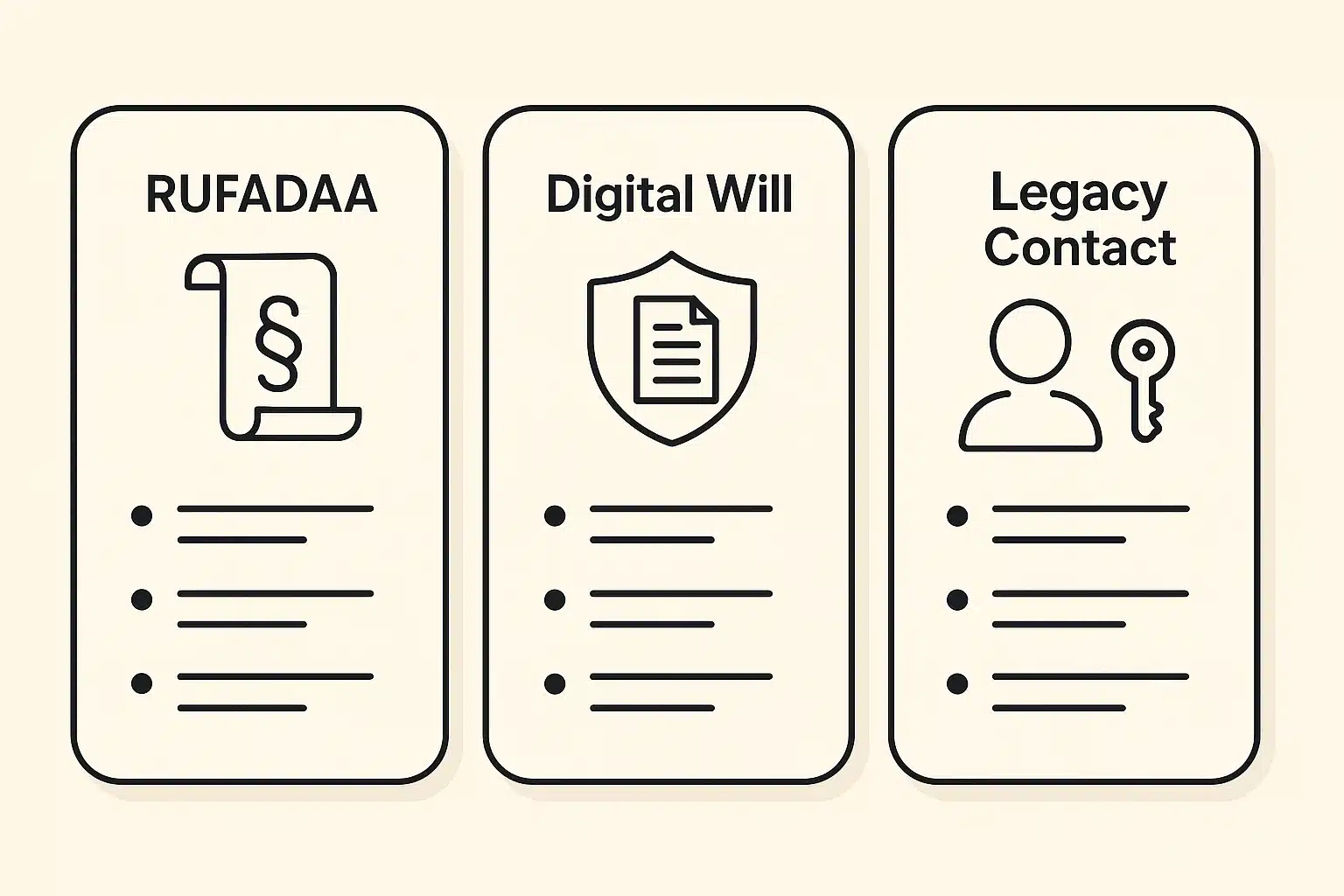
1. Apple Legacy Contact: Apple is famously strict about security. If you don’t name a Legacy Contact, your family might literally need a court order to get your photos. By going into your iPhone settings, you can generate an access key for a trusted person. When you pass, they show Apple your death certificate and this key, and Apple unlocks your digital life for them.
2. Google Inactive Account Manager: Google takes a slightly different approach. You can tell Google, “If I don’t log in for 3, 6, or 12 months, assume I’ve kicked the bucket.” Once that timer runs out, Google will automatically notify the trusted contacts you’ve chosen and let them download your Gmail, Google Photos, and documents.
3. Facebook Memorialization: You have two choices here. You can tell Facebook to permanently delete your account when you die, or you can appoint a “Legacy Contact.” This person can’t read your private messages, but they can turn your page into a memorial where friends can share memories.
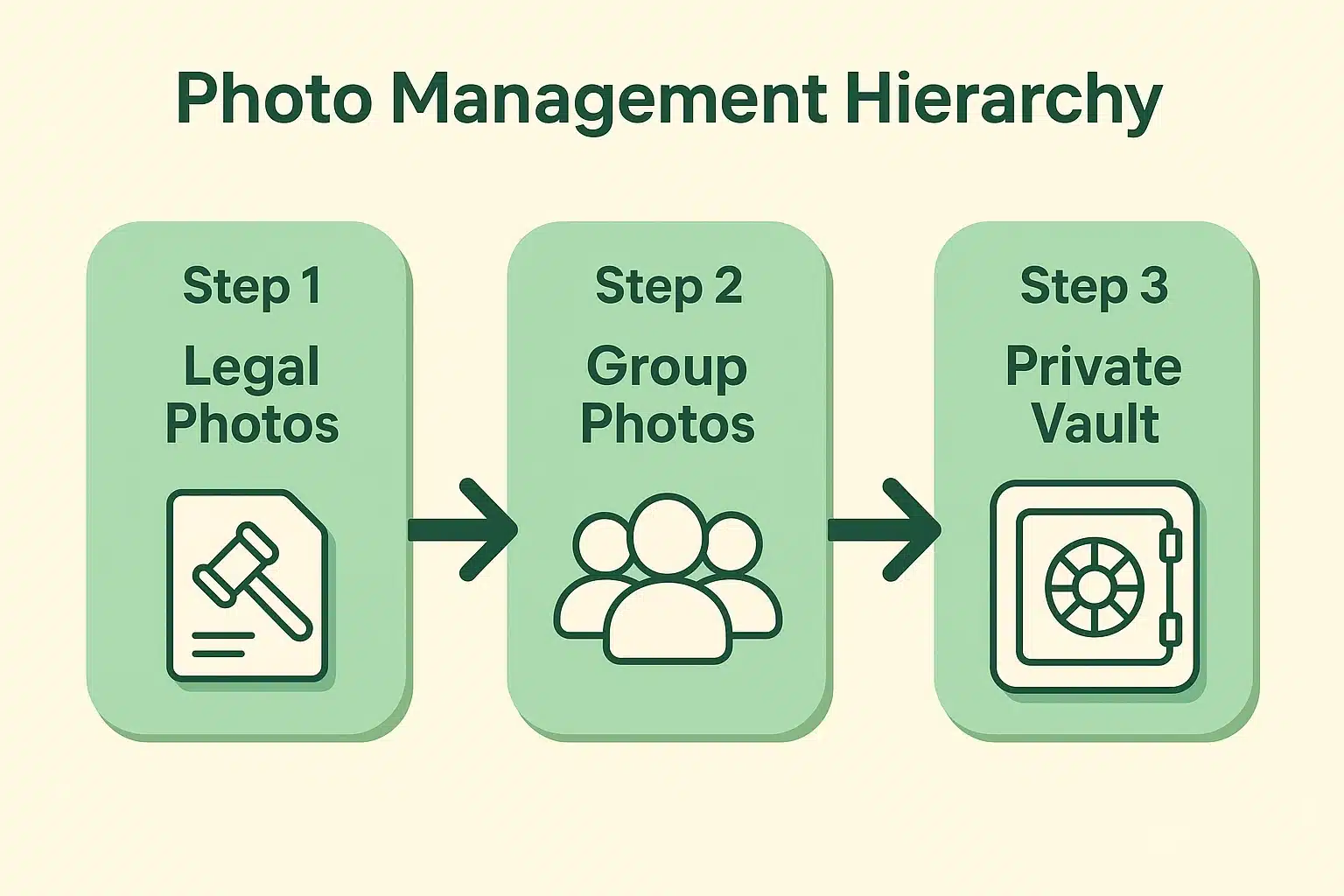
For most of us, our digital photos are our most treasured assets. But not all photos are created equal. Handling them requires what we call the Photo Hierarchy.
First, there are Legal and Legacy Photos. These are pictures of physical documents, tax returns, or your home’s inventory. Your heirs absolutely need access to these to settle your estate.
Next, we have Group Photos and Shared Memories. Be aware of the “Group Photo Ownership Trap.” If you created a shared family album on your phone, and your account gets deleted when you die, that entire album might vanish from everyone else’s phones too. Make sure your family members actually download their favorite pictures to their own devices.
Finally, we arrive at the Sensitive Collection. Let’s be brutally honest: you might have a digital diary, highly opinionated drafts of emails you never sent, or perhaps some private “boudoir” photos you took for your spouse. You love your kids, but you definitely don’t want them seeing that.
This is where the “Delete on Death” protocol comes in. You can use private, locked folders (like Apple’s Hidden album or Google’s Locked Folder) to sequester things you don’t want your heirs to stumble upon. You are completely within your rights to curate your legacy!
Pro-Tip: If you decide to move photos to a hard drive for your kids, always verify they transferred correctly before deleting the originals from your phone. “Import Failure” anxiety is real, and losing photos to a glitch is heartbreaking.
You might be thinking, “I’ll just have my lawyer write a sentence in my will that says my son gets all my digital stuff.” Unfortunately, the law hasn’t entirely caught up with technology.
Without specific legal language, Big Tech companies will look at your traditional will and say, “That’s nice, but our strict Privacy Policy says no.” The privacy policy you blindly agreed to when you bought the phone usually trumps your physical will.
Enter the hero with the terrible acronym: RUFADAA (the Revised Uniform Fiduciary Access to Digital Assets Act). Almost every state has adopted some version of this law. It allows you to legally grant a “Digital Fiduciary” the right to manage your online life. When you update your will, make sure your lawyer includes a specific “Digital Power of Attorney” clause under this act.
You don’t need to do everything today, but you can take a few massive steps toward peace of mind before you finish your morning coffee.
Your digital legacy is everything you leave behind online. It includes your social media accounts, digital photos, emails, cloud storage, online bank accounts, and even rewards points.
You can, but wills become public record once they enter probate. You probably don’t want your passwords sitting in a public document for anyone to read. It’s better to keep passwords in a secure password manager or a sealed envelope stored with your lawyer.
Financial platforms require formal legal documentation. You will need a legal representative (executor) to provide a death certificate to close a PayPal account. Cryptocurrency is much harsher; if you don’t leave your family the exact digital “key” or password to your crypto wallet, those funds are lost forever.
Usually, no. Even if you name someone as a Legacy Contact for Apple or Facebook, the platforms intentionally restrict access to private messages to protect the privacy of the other people you were messaging.
Organizing your digital afterlife might feel a little morbid, but think of it as the ultimate parting gift to your loved ones. You are saving them from hours of arguing with automated customer service bots while they are trying to grieve.
By taking a few simple steps today, you ensure that your treasured memories live on, your private thoughts stay private, and your family can focus on celebrating your life—instead of trying to guess if your password was “Fluffy2009” or “GrandkidsBday!”.
Ready to start taking control of your digital world? Grab a cup of coffee, open your phone’s settings, and give yourself the ultimate peace of mind today.