Newsletter Subscribe
Enter your email address below and subscribe to our newsletter

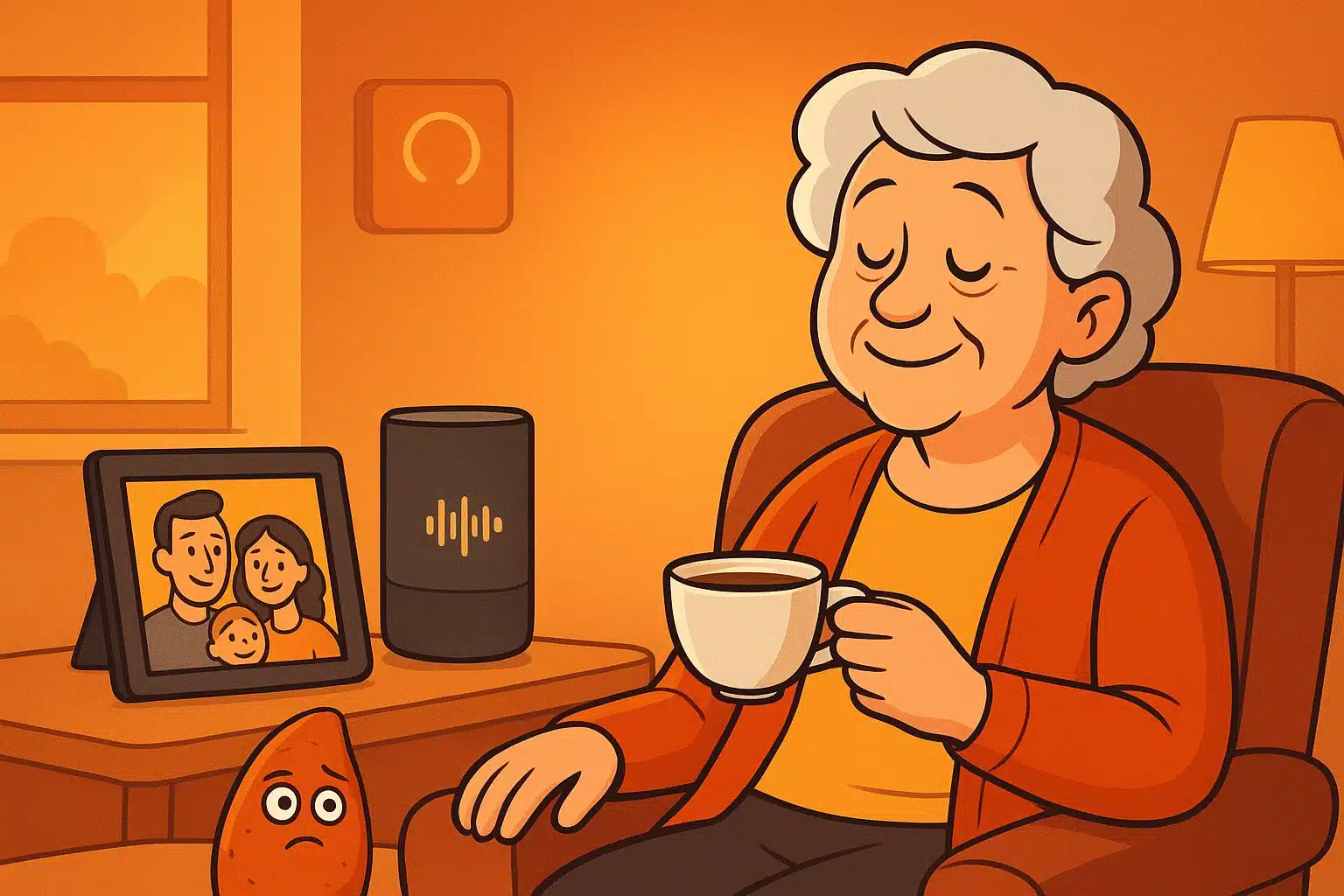
Imagine this: It’s 5:30 PM. The sun is going down, the hallway is getting shadowy, and suddenly your own house feels like a labyrinth designed by someone with a cruel sense of humor. You walk into the kitchen for a glass of water, forget why you’re there, and end up staring at a rogue sweet potato on the counter as if it holds the secrets of the universe.
We’ve all had those moments of minor brain-fog. But for a senior experiencing cognitive decline, that feeling of mild disorientation can quickly snowball into genuine anxiety. The traditional tech-industry solution for this? Cover the house in cameras, motion trackers, and sensors until it feels less like a home and more like a maximum-security prison with nicer throw pillows.
But what if our homes could actually help us remember? What if, instead of just spying on us to make sure we didn’t leave the stove on, technology could gently guide us through the day? Welcome to the “Memory Lane” smart home—a place where technology serves as a supportive friend, not a judgmental security guard.
When caregivers look into smart home tech, their first instinct is usually driven by fear. They want to know if Mom left the house at 2 AM. But nobody—regardless of their age or cognitive ability—wants to live in a house that feels like it’s constantly watching them. It strips away privacy and chips away at dignity.
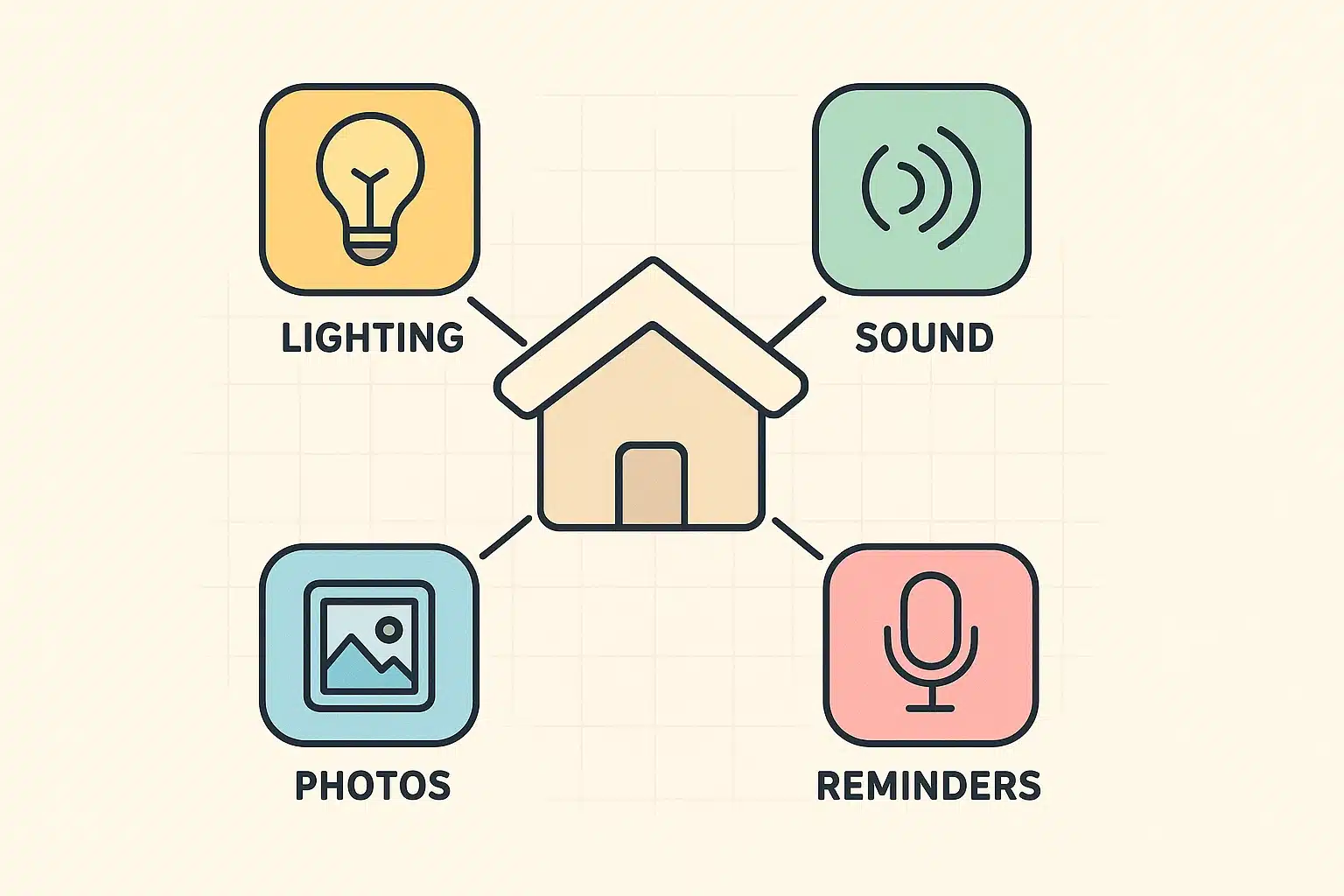
A “Memory Lane” smart home shifts the focus from reactive monitoring to proactive environmental support. It uses lights, sounds, and visual cues to create a sensory ecosystem that anchors a senior in time and place. Think of it as a digital butler that gently nudges you in the right direction, minus the tuxedo and the snooty British accent.
Before you buy a single gadget, we recommend conducting a simple “Confusion Audit.” Walk through the home and identify the friction points. Which hallways get confusingly dark at 4 PM? When does the television noise become overwhelming instead of entertaining? By mapping the symptoms first, we can use technology to solve the actual problem.
The foundation of any smart home for an older adult is safety, but it should be invisible. We want to prevent disasters without making the resident feel like a toddler in a baby-proofed living room.
Simple contact sensors on the front door can send a text message to a caregiver if the door opens at odd hours, completely eliminating the need for invasive indoor cameras. Automatic stove shut-off devices can step in if a pot of soup is left boiling for too long. These tools work quietly in the background, intervening only when absolutely necessary.
This allows seniors to maintain their independence without the constant, hovering presence of a worried family member asking, “Are you sure you turned off the burner?”

Short-term memory might get a bit fuzzy, but long-term memory is often remarkably sharp. We can use smart digital frames to turn an ordinary living room into an “identity anchor.”
Instead of treating a digital photo frame as just another screen, place it strategically near areas where confusion often hits, like the kitchen or hallway. Caregivers can remotely upload photos of familiar faces, beloved pets, or old family vacations.
When a senior feels untethered or anxious, glancing at a scrolling loop of their own life story provides immediate, comforting context. It’s a gentle reminder of exactly who they are and who loves them, without anyone having to say a word.
If you’ve spent time with someone experiencing cognitive decline, you might be familiar with “sundowning.” It’s a spike in confusion and agitation that happens as the sun sets. The fading light throws off their internal clock, making the brain think it’s time to panic rather than wind down.
This is where smart lighting becomes pure magic. You can easily program smart bulbs to follow the sun’s natural rhythm. During the day, the lights can be bright and cool-toned to promote alertness. As 5 PM approaches, the lights can automatically shift to a warm, cozy amber.
Harsh blue light at night is the enemy of a peaceful brain, especially for dementia patients. By automating these lighting transitions, you eliminate the need for the senior to remember to flip switches, and you naturally soothe their nervous system.
Voice assistants can be incredibly helpful, but they require a little tweaking to be truly dementia-friendly. Medical professionals often talk about the “90-Second Rule.” People with cognitive decline may take up to 90 seconds to process a spoken statement and respond.
When setting up alexa for seniors, you have to account for this cognitive lag. Don’t rely on complex commands. Instead, create automated routines that play gentle, repetitive audio cues. You can program the speaker to play familiar 1950s radio tunes in the morning to signal that it’s time to start the day.
Voice tech is also brilliant for routine tasks. Rather than a harsh, beeping alarm clock that induces panic, a smart speaker can softly announce, “Good morning, it is 9 AM. Time for breakfast.” You can easily integrate a smart medication reminder into this audio ecosystem, ensuring pills are taken without the nagging tone of a frustrated caregiver.
To show you how this all comes together, let’s look at a practical, copy-and-paste routine you can set up on almost any smart home platform. We call it the 5 PM Sundowning Blueprint.
At exactly 4:45 PM, the smart home quietly springs into action. The living room lamps automatically turn on, glowing in a warm, soft yellow to combat the shadows creeping down the hallway.
Simultaneously, the smart speaker begins playing a quiet playlist of familiar, soothing jazz or classical music. The digital frame on the mantle switches to a curated loop of smiling family photos. The environment instantly transforms from potentially scary and dark to warm, familiar, and safely anchored in positive memories.
Not at all. If you can order a pair of socks online or send a text message, you can set up a basic smart home routine. Modern systems from Google, Amazon, and Apple walk you through the process step-by-step on your smartphone.
Always opt for systems that don’t rely on indoor cameras if you don’t absolutely need them. Use motion and door sensors instead. Make sure to review the privacy settings on any voice assistant, opting out of “voice recording reviews” by the tech companies.
Most smart devices will default to their standard, “dumb” state. A smart light bulb will just act like a regular light bulb that you can turn on and off with a wall switch. It’s always best to keep traditional fail-safes (like written emergency numbers) handy.
This is a very common scenario! To prevent this, you can buy inexpensive, clear plastic outlet covers that go over the plugs. It keeps the devices powered on while gently deterring accidental (or intentional) unplugging.
By shifting our mindset from “spying and monitoring” to “sensory support,” we can use modern technology to give seniors the gift of independence. It’s about making their home feel like a sanctuary again—one where the lights are always warm, the music is always familiar, and the sweet potatoes stay safely in the pantry where they belong.